Category Archives: Tucker Trimmer 1

I Love New York OBW #62

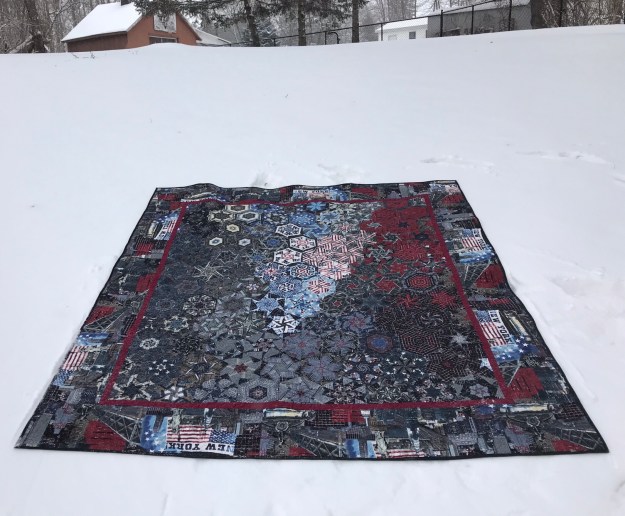
I had a really busy Fall teaching schedule this year.  I am so looking forward to 2018.  I got a jump start by making a quilt for Granddaughter Bailey’s 19th birthday.  She absolutely loves New York City.  We have visited there several times and walked from one end of the city to the other.  I had this fabric from Timeless Treasures for several years.  It just occurred to me that I must have been saving it for Bailey.
img_0983

It is about 9 degrees in Central NY today.  This is my 62nd One Block Wonder.

img_5491

The back also has a New York City themed fabric.  Happy Birthday Bailey!

I Love NY

Deb Tucker had a busy year also, Studio 180 has many new patterns out.  I’m working on one now called Whirling Dervish that is so fun.  I will be posting about it soon.  There are also new Studio 180 Design Technique Sheets to expand our skills.
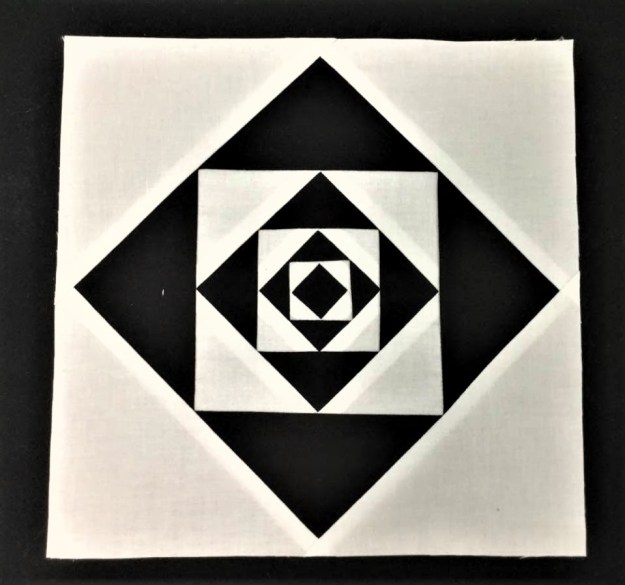
Stacked Squares

“Stacked Squares” is a technique that will allow you to make the “Economy” block perfectly every time without using paper foundation piecing. Like all Studio 180 Design processes, you’ll be constructing oversized units and then trimming them down.  Above I made a block using the “Stacked Squares” technique sheet and the required Large Square/Squared Tool to make a square in a square, in a square in a square, in a square in a square, in a square in a square, in a square in a square, in a square in a square, in a square! Whew!
img_5349

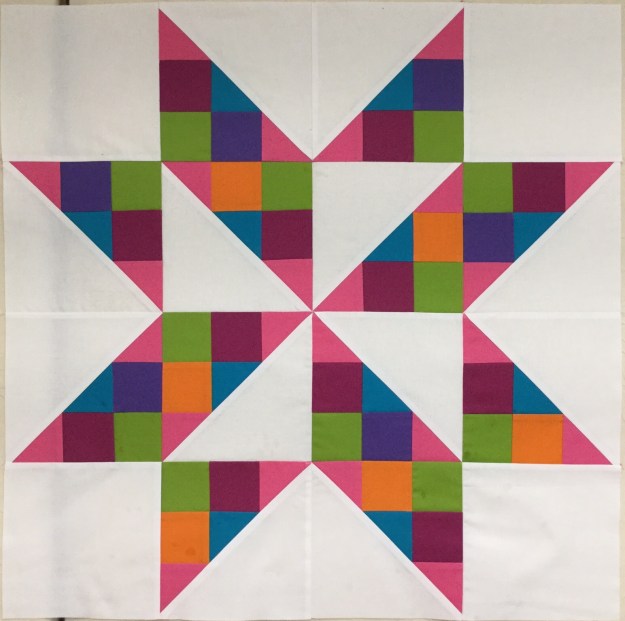
You have heard of the “Shaded Four Patch”, well here is a sample of what you can do with the “Shaded Nine Patch” units.  The Shaded Nine Patch is an amazing unit that has endless possibilities all by itself or it can be combined with other fundamental units to create even more designs. With the Shaded Nine Patch Technique Sheet you can make this unit in 7 sizes.
img_5352

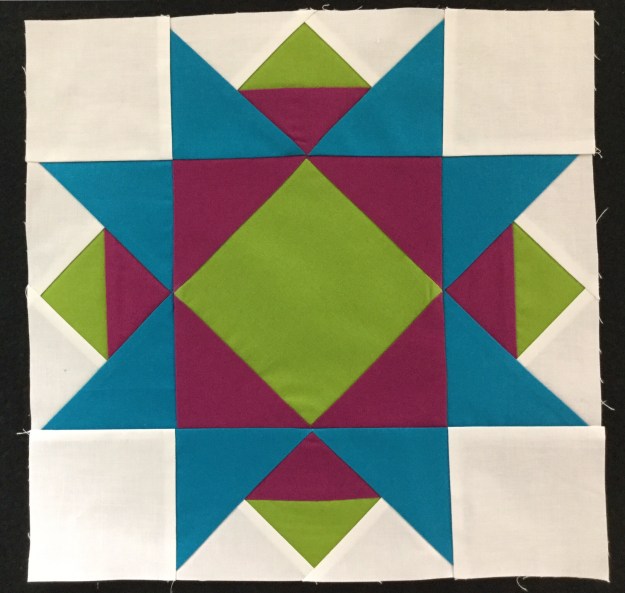
I made this block using  the Bird of Paradise Technique Sheet.  This techniques requires the Large Square/Squared tool, it is so very cool.  You can make this unit in 6 sizes from 1″x 2″ to 6″ x 12″.

img_5353

I love this new “Eight at Once” technique sheet!  With the Tucker Trimmer I you can make Half Square Triangles (HST) 2 at a time.  With this technique you can make 8 HST’s at a time in 11 different sizes! Wowza!

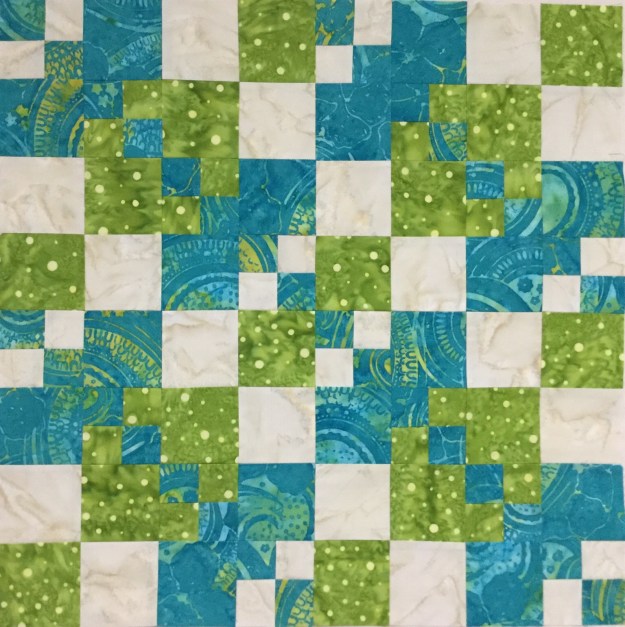
Deb also gave us a new tool, the Four Patch Square Up.  Four Patches are basic units that seem so simple to make. Just stitch 4 squares together and you’re good to go.  But anyone who attempted these units knows they are notoriously difficult to make.  The Four Patch Square Up tool is the solution.  The tool’s perfectly engineered lines are designed to quickly locate and align with the unit center and sewn seams, allowing for easy trimming on all four sides.  You will be able to make Four Patch Units in 12 sizes!
img_5384

I played with the Four Patch Square up using Deb Tucker’s BlockBuster #24 Compounding Four block pattern. I love the design it makes when you put 4 blocks together.

I wish you all a Happy & Healthy New Year!  Let’s go quilt something!
BlockBuster 5 – Whirligig

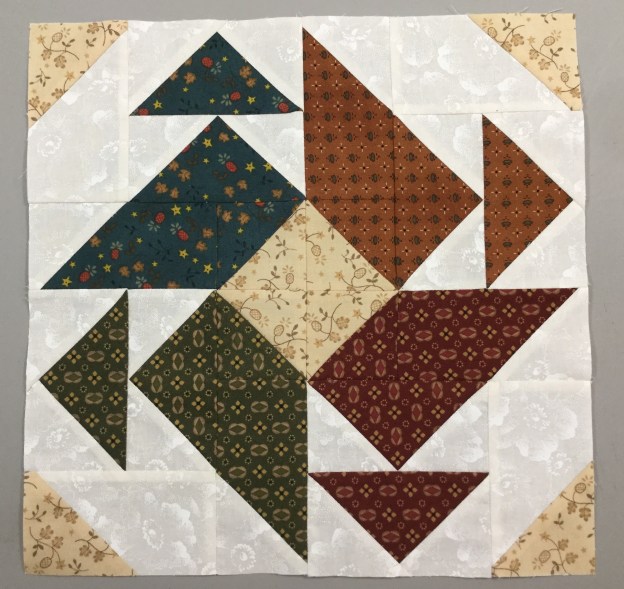
This is a very cool block, but be sure to use your best pressing, measuring and cutting skills as this is a 3 out of 4 stars for difficulty.  All the instructions to make this block can be found in the instructions that came with your Wing Clipper I, Tucker Trimmer I and on the Pickets & Quickets technique sheet.

This is a tricky block; you will need to pay attention to your fabric placement and the orientation of your quicket and picket units.  To help you out here is link to the Whirligig Black Line Layout you can print this sheet and use your colored pencils to help choose your fabrics and placement.

01 Fabric Choices

I chose five colors and a background fabric to make 4 different color units, each containing 2 flying geese, a Picket, a Quicket and a half square triangle.

The 05 Whirligig block can be made in 3 sizes:  6″, 9″ and 12″.   I chose the 12″ block.  Check the Cutting Chart, and choose the size block you want to make.  We will start with the Flying Geese Unit.  The cutting chart gives you the finished and the cut sizes of the units.  Check your Wing Clipper instructions to see what size starter squares you need to cut.  As you know when using the Wing Clipper you start with one large square and 4 small squares.

02 Mark for FG

Following the instructions use your Magic Wand and draw two diagonal lines on the back of your small squares.

03 Position

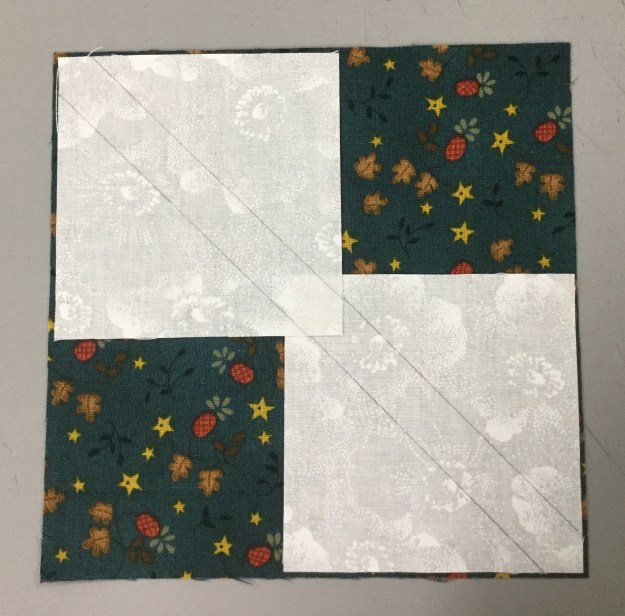
Position 2 of the small squares right sides together in diagonally opposite corners of the large square, nudging them in toward the center by just a few threads

Stitch on both drawn lines, them trim between the lines on the center diagonal.

06 Press

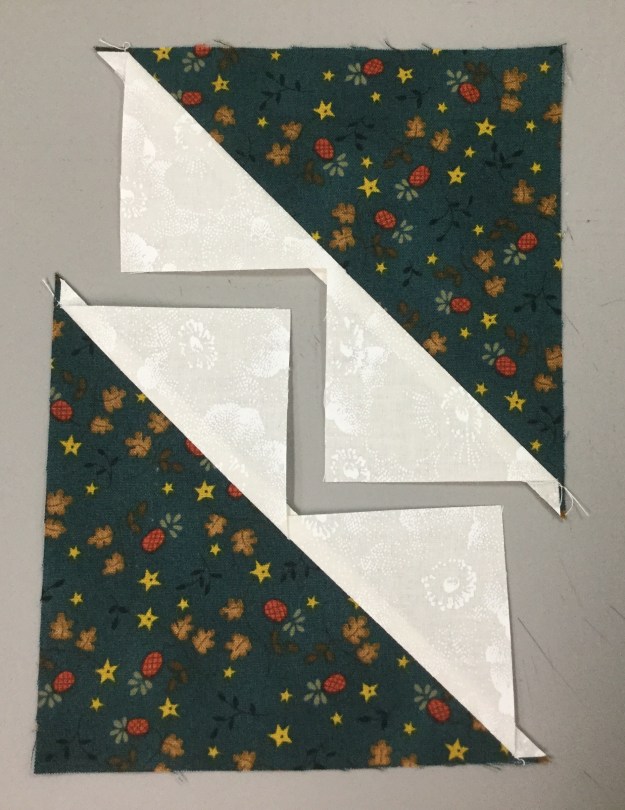
Press the seams toward the smaller triangles.  One of these units will make 2 flying geese, the other will be saved to make a left slanted Quicket.

Position one of the smaller squares in the corner of the previously pieced unit.  Nudge the square in like you did before.  Stitch on the drawn lines and trim between the lines as before.

09 Press

Press the seams toward the smaller triangles.

10 Trim 1

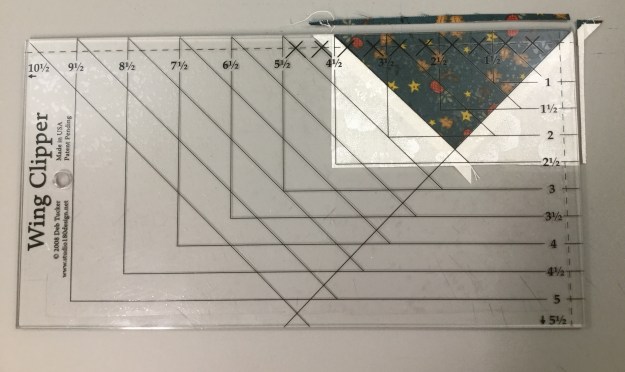
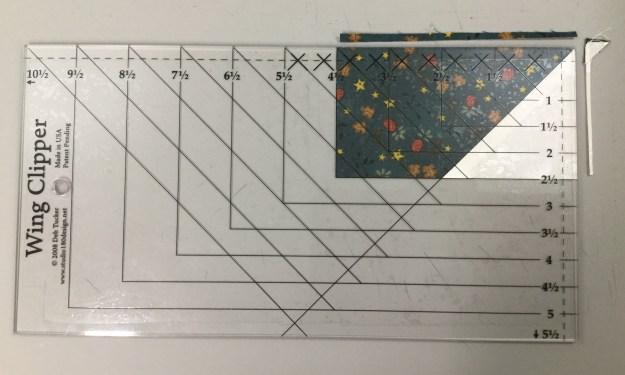
Position your oversized unit horizontally on your cutting mat with the goose pointing toward you.  Align the diagonal guide lines of the Wing Clipper with the sewn seams of the flying geese unit. Trim up the right side and across the top.  (See the Wing Clipper Instructions for left hand cutting.)

11 Trim 2

Lift your Wing Clipper and rotate your flying geese unit 180 degrees.  Reposition your Wing Clipper to align cleanup guidelines with the previously trimmed raw edges and the “X” at the top with the intersection of the seams.  Trim up the right side and across the top.

12 Picket Position

Remember we only used one of the heart shaped units for the flying geese.  We will use the other to make our left slanted Quicket.  Lay the unit on your cutting mat as shown above.  Position your Wing Clipper tool over the unit, the “X” on the tool should align with diagonal seam.  I am making a Quicket with a cut size of 4 1/2″ by 2 1/2″, so I positioned my tool to ensure I can trim all four sides.

13 Picket Trim1

Trim up the right side then across the top.

14 Picket Trim 2

Lift your Wing Clipper tool and rotate your unit 180 degrees.  Align the trim down lines with the just trimmed raw edges and aligning the long diagonal line on the tool with the single diagonal seam.  Trim up the right side and across the top.

15 Quicket

The cut size of my right slanted Picket is 2 1/2″ by 4 1/2″.  Following the instructions on my Pickets & Quickets Technique Sheet, I bump up the size by  1/4″.  My rectangle is 4 3/4″ by 2 3/4″.  My small square is 2 3/4″.  Draw a diagonal line from corner to corner on the small square.

Position the small square right sides together with the rectangle and align the raw edges.  Stitch on the line and trim the excess.  Press toward the small triangle.

17 Quicket

Position your Wing Clipper tool over the unit, the “X” on the tool should align with diagonal seam.  Trim up the right side  and across the top.

18 Quicket

Lift your Wing Clipper tool and rotate your unit 180 degrees.  Align the trim down lines with the just trimmed raw edges and aligning the long diagonal line on the tool with the single diagonal seam.  Trim up the right side and across the top.

Follow the instructions that came with your Tucker Trimmer I for making Half Square Triangles (HST) in the size you chose.  Using your Magic Wand draw two diagonal lines on the back of one of your starter squares.  Place your starter squares right sides together. Stitch on lines and trim down the center.  I pressed toward the dark fabric.

21 HST Trim 1

Trim the oversized HST to the desired cut size.  Mine are 2 1/2″.  (See the Tucker Trimmer Instructions for left hand cutting.)

22 HST Trim 2

Lift your Tucker Trimmer and rotate the HST 180 degrees position the diagonal line and the outline of the square to the measurement desired and trim up the right side and across the top.

23 Unir Layout

We are now ready to sew this unit together.  Layout the  2 flying geese, 1 left slanted Quicket, 1 right slanted Picket and 1 half square triangle as shown above..

First stitch the 2 flying geese together, press in the direct the geese are flying. Then stitch the geese to the right slanted Picket.  Press toward the Picket.

Stitch the HST to the left slanted Quicket, pressing toward the Quicket.

25 Stitch 2 together

Stitch the two sections together.

26 Block Layout

Repeat the process for each of the other 3 sections.  If all of your geese are the same color you can make all your flying geese in sets of four, then make the Pickets & Quickets using the method in the technique sheet.  When I stitched the four sections togehter I pressed the seams open to avoid bulk.

27 Block

As I said in the beginning, “very cool block”!

BlockBuster 4 – Capital T Variation

This is a great block.  04 Capital T Variation requires the use of your Wing Clipper I, & Tucker Trimmer I.  You’ll be making flying geese, combination units and quarter square triangles.  The supply list shows 3 block options. I chose the first 3 color combination because I’m using some Kim Diehl fabric with a cream background for all my BlockBuster’s so I can make them into a cohesive quilt when I’m done.  You have 3 size choices.  I chose to make mine 12″ blocks with 4″ finished units.

img_4817

All the instructions you need to make the units required for this block are with your Wing Clipper & Tucker Trimmer.  In both there are size charts that tell you what size to cut your starter squares depending on the finished or cut size of your units.  When making your block you will want to pay close attention to your color placement.

img_4818

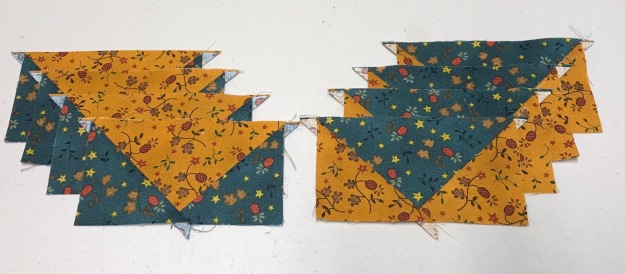
Remember when making your flying geese, your large square  becomes the body and small squares become the small triangles in your geese.  I have cut my starter squares to make 4 geese with a blue body and gold wings, and 4 geese with a gold body and blue wings.

img_4819

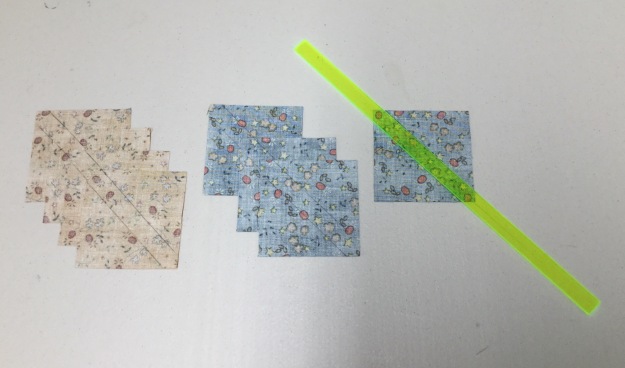
On the backs of my small squares draw 2 diagonal lines using your Magic Wand.

img_0673

Position two small squares on your large squares right sides together as shown above paying attention to your fabric choices.  Nudge your small squares in toward the center just a thread or two (about a 1/16″).  This will give more to trim off later.

img_0674

Stitch using a scant 1/4″ seam allowance.

img_0675

After stitching, cut apart.

img_0676

Press toward the small triangles. Remember “what you are pressing toward – always goes on top”!

img_0677

Position one small squares on the corners of the previously pieced units, nudging the squares away from the edges as before.

img_0679

Stitch using a scant 1/4″ seam allowance. Cut apart.

img_0680

Press toward the small triangles.

img_0683


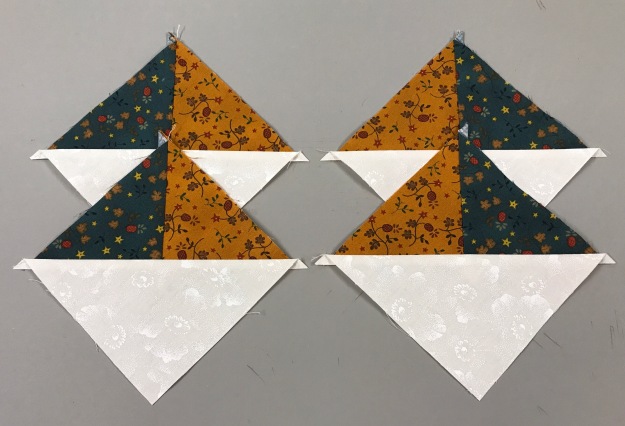
Position your flying geese unit pointed toward you (left handers see your Wing Clipper instructions).  Align the diagonal lines on your tool with the seams in your unit.  As you can see I’m am making a 2″x4″ finished flying geese, so the cut size is 2.5″x 4.5″.  Trim the two sides as shown.

img_0684


Rotate your unit and reposition the Wing Clipper to align the previously trimmed edges and the X at the top with the intersection of the seams and trim again.

img_0685

Repeat with all your flying geese units.  I now have two sets of 2.5″ x 4.5″ flying geese.

Combination Units:  after checking my size chart I know my starter squares for 4″ finished units are 5.5″.  I cut one gold, one blue and two background squares, all 5.5″.

img_0688

Combination Units start by making half square triangles.

I grabed my Magic Wand and drew two diagonal lines on the back of one of my gold 5.5″ square.  Position the gold square on the blue with right sides together and align the edges.  Stitch on both lines using a scant 1/4″ seam allowance. and cut apart.

img_0691

Press toward the dark triangle.  Grab your Magic Wand again and draw two diagonal ines on the back of both Half Square triangles.


Position each half square triangle on a 5.5″ background square, right sides together centering it.  Stitch using a scant 1/4″ seam allowance. Cut apart as shown above.

img_0694


You now have 4 combination units.  Note: this process creates units that are “mirror images”.

img_0695

Position the Tucker Trimmer over the unit, carefully aligning both diagonal lines with the stitched seams as shown and trim.

img_0696

Rotate the unit and line up the Tucker Trimmer again.  This time be sure to position both diagonal lines and the outline of the square to the exact measurement desired and trim again.

img_0697


Four beautifully trimmed combination units for the corners of our block.

Quarter Square Triangles:  Check your size chart.  These are 5.5″ starter squares.

On the back of my gold square I have again used my Magic wand to draw to diagonal stitching lines.

Position the gold square over the blue square, right sides together, aligning the edges.  Stitch using a scant 1/4″ seam allowance and cut apart.

img_0702

Press toward the dark triangles. Using your Magic Wand Draw 2 diagonal lines on the back of one half square triangle.

img_0703

Position the two half square triangles right sides together, making sure the colors are opposite each other (my gold is against the blue and vice versa) carefully nesting the seams as shown above.

Stitch using a scant 1/4″ seam allowance. Cut apart and press swirling the centers as shown above.

img_0706

Position the Tucker Trimmer over the unit carefully aligning both diagonal lines over the seams lines of the unit.  Trim two sides as shown.

img_0708

Rotate the unit and line up both diagonal lines again along with the outline of the unit to the exact measurement desired and trim. Only one quarter square triangle is needed for this block center.

img_0709

Layout your units as shown above being careful of color placement.  Notice the body of my geese follow the colors in the quarter square triangle.  And the colors in the combination units are the same as the wings on the geese.

img_0711

Stitch your geese together in pairs as shown above.

img_0712

Stitch 3 units into a row as shown above.

img_0713

This shows how I pressed the block.  The outside rows were press toward the combination units, while the center row was press toward the quarter square triangle.  This allows the rows to nest nicely.

img_0714

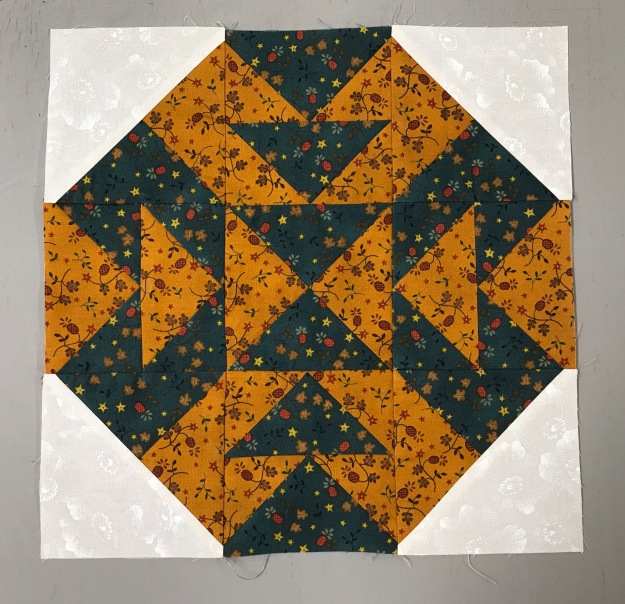
The finished 12″ Capital T Variation block! I love It!

BlockBuster 2 – Crowning Glory

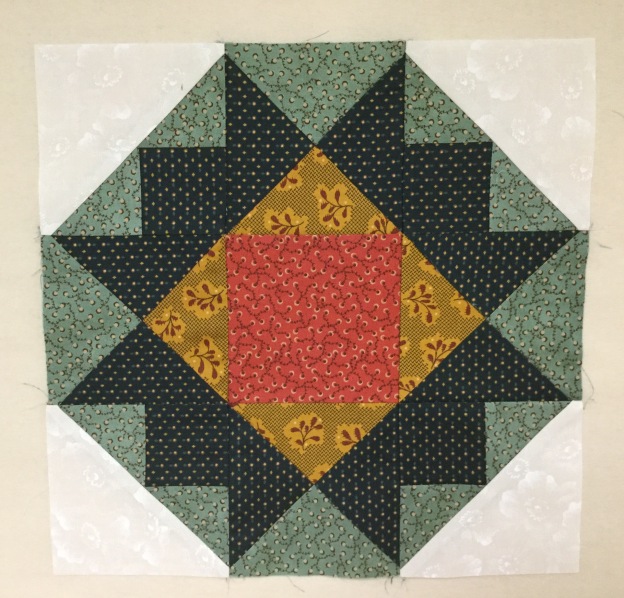
The BlockBuster 2 – Crowning Glory block is very much like the Ohio Star Variation.  Both use the Tucker Trimmer I, but the corner units are swapped out for the Shaded Four Patch units.  All the instructions you need for this block can be found in the instructions that came with your Tucker Trimmer I tool and on the Shaded Four Patch Technique Sheet.

Click here for the 02 Crowning Glory supply list.  When making your shaded four patches, remember that the narrow strip is your small square and the wide strip becomes your little triangles, and the rectangle is the large triangle.  I chose to make the middle block layout using 5 fabrics for a 12″ finished block.

IMG_4746

Color 1 – Background, cut 2 – 5″ x 6″ rectangles.

Color 2 – Light Teal, wide strip, cut 1 – 3 3/4″ strip WOF ( if using a fat quarter, cut 2 strips). Cut 1 – 5 1/2″ square.

Color 3 – Dark Teal, narrow strip, cut 1 – 2 3/4″ strip WOF ( if using a fat quarter, cut 2 strips). Cut 2 – 5 1/2″ squares.

Color 4 – Gold, cut 1 – 5 1/2″ square.

Color 5 – Red center square, cut 1 – 4 1/2″ square.

Beginning with the shaded four patch units, cut 2 – 5″ x 6″ rectangles from Color 1 – Background.  Cut 1 – 3 3/4″ strip from Color 2 – Light Teal.   Cut 1 – 2 3/4″ strip from Color 3 – Dark Teal.

IMG_4715

Cut the wide & the narrow strips in half if you cut from WOF.

IMG_4716

Take one narrow strip and one wide strip and with right sides together, sew along one long side. Repeat with the other 2 strips.  Press towards the wide strip.

IMG_4717

Pair two of the pieced strips, right sides together with the narrow strips on opposite sides as show below:

IMG_4718

Trim the end and sub-cut into units the same width as the narrow strip, which is 2 3/4″.  Because we only need 4 shaded four patch units, we only need to cut 2 pairs.

IMG_4719

Stitch each pair of cut pieces along one long side. Fold in half to find the center and snip to the seam line to aid in pressing.

IMG_4720

Press each unit as shown below:

IMG_4721

Position a ruler with a 45 degree angle on your unit as shown below. Draw a 45 degree sewing line from the top to bottom, through the corner of the square where the stitching lines meet.

IMG_4722

Draw a second 45 degree sewing line through the other corner as shown below:

IMG_4723

Center each marked unit over the rectangle. Sew on the lines, Cut apart and press toward the large triangle.

Using your Tucker Trimmer I, trim to the cut size of 4 1/2″.  Rotate the unit and trim again.  You now have 4 shaded four patch units.

As with the Ohio Star Variation we will be making 3 color quarter square triangles.  I chose the dark teal as my star points.  Following the instructions for my Tucker Trimmer  for 4″ finished units, I cut 2 – 5 1/2″ starter squares of my color 3 dark teal, 1 – 5 1/2″ starter square of color 2 light teal. And 1 – 5 1/2″ starter square of color 4 gold.

IMG_4729

We start by making half square triangles.  Using your Magic Wand, draw diagonal lines on the back of 2 of the starter squares.  Position a color 2 light teal square over a color 3 dark teal square, and a color 4 gold square over the other color 3 dark teal square.

Sew on the lines and cut apart.  Press toward the dark triangle.

Again, Using your Magic Wand draw diagonal sewing lines on the back of two half square triangles.

IMG_4734

Position one gold and dark teal half square triangle over one light teal and dark teal half square triangle making sure the dark teal is on opposite sides. Nest the seams carefully.  Sew on the lines, cut apart, swirl the centers and press well.  Repeat with the other two half square triangles.

Trim to the cut size of 4 1/2″ using your Tucker Trimmer I. Rotate and trim Again.  You now have 4 – 3 color quarter square triangles.

Cut 1 – 4 1/2″ square from color 5 for the block center.  Layout your units as shown below:

IMG_4741

Sew the 3 units on the right and press toward the shaded four patch units.  Sew the center 3 units and press toward the center square.  sew the 3 units on the left and press toward the shaded four patch units.  Join the 3 sections, carefully nesting the seams and press.

The finished block:

IMG_4745

Below are Crowning Glory and the Ohio Star Variation side by side .  They look so different for being so similar.

IMG_4747

BlockBuster 1 – Ohio Star Variation

If you have been following Deb Tucker’s Studio 180 Design’s Facebook page then you know that Deb premiered their BlockBuster program series last January, which means they have a full year of exciting blocks to add to your quilting repertoire.

The Ohio Star is one of the most classic quilting blocks, and one that can be easily transformed by playing with the four cornerstone units.  Instead of the traditionally seen solid squares for the corners, they pieced two half square triangle units with two squares to make a more interesting variation.  Click here 01 Ohio Star Variation for the Supply list.  I all have the supply sheets for the BlockBusters on my page or you can go to Studio 180 Design

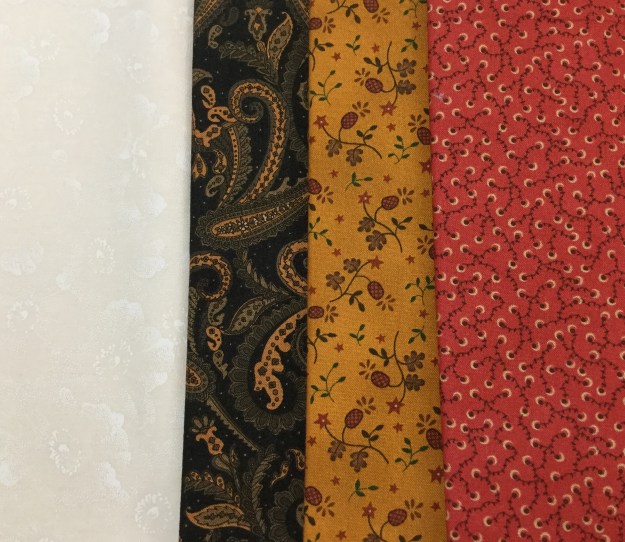
The supply sheet has a Cutting Chart giving you the option of making 6″, 12″ or 15″ finished blocks, and shows 3 different color ways.  I decided to make 12″ finished blocks.  I chose 4 colors for my block.  Color 1 is a light background.  Color 2 is my dark fabric for my star points.  Color 3 is my gold fabric and Color 4 is my red fabric.  it really helps to assign numbers to your fabric choices.

IMG_4680

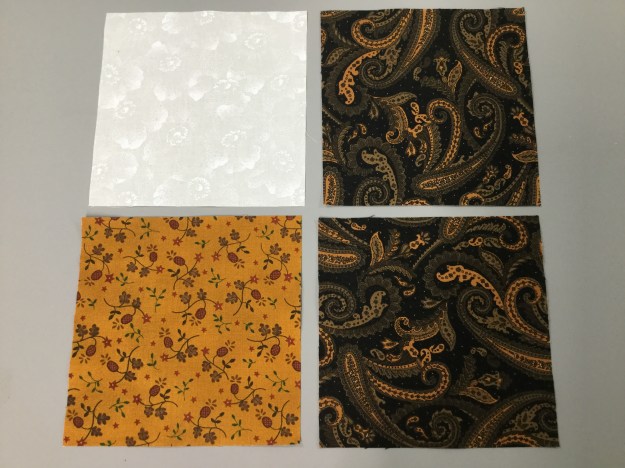
We will make four 3 color quarter square triangles using the instructions from your Tucker Trimmer I.  You will need 4 – 4.5″ unfinished quarter Square triangles for your block.  Check your Tucker Trimmer instructions, there is a chart that based on your finished or unfinished size unit tells you what size your starter squares should be.  You will need 1 – 5.5″ (color 1) background square,  2 – 5.5″ (Color 2) black squares & 1 – 5.5″ (color 3) Gold square .

IMG_4681

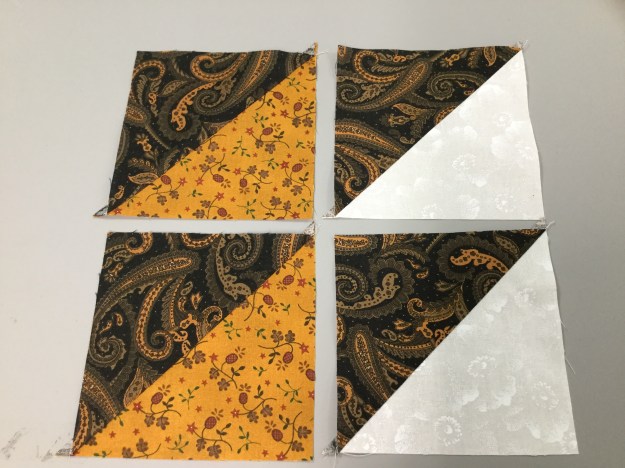
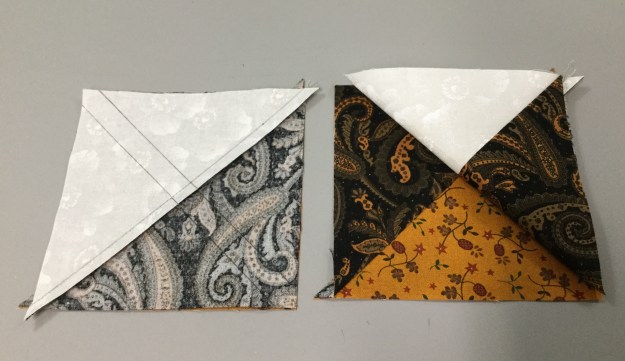
We  start by making half square triangles.  Position: I placed my background square and my gold square on my 2 dark squares.  Placing my “Magic Wand” diagonally on the squares I drew a line on both sides of the wand.  I sewed on the lines and then cut them apart as shown below.

I then pressed them towards the dark triangle.  When ever you are pressing, remember “whatever you are pressing toward, goes on top”!

IMG_4685

Using your Magic Wand, draw diagonal lines on the back of 2 half square triangles.

IMG_4686

Position your half square triangles right sides together making sure the dark triangles are opposite each other and that the seams are nicely nested.

IMG_4687

Sew on the drawn lines and cut apart.

Swirl the centers and press making sure all the seams completely open.

Trim using your Tucker Trimmer. The cut size of the unit is 4.5″, find the half circle on you Tucker Trimmer and the diagonal 4.5″ line. Using the 4.5″ line and the common diagonal line center it on your unit and trim 2 sides.  Then rotate your unit centering as before but also using the 2 trimmed sides and trim again.  You now have 4 – 3 color quarter square triangles that will be the star points for your Ohio Star.

Make the corner units that are made up of 8 – 2.5″ unfinished half square triangles and 8 – 2.5″ squares (4 from our background fabric and 4 from your color 4 fabric).  We start by checking our chart to find for 2.5″ unfinished half square triangles we cut 4 – 3″ starter squares of both our dark and background fabric. Again using our Magic Wand draw diagonal lines on the back of the background fabric, position and sew on the lines.

Cut apart and press toward the dark triangles. As before trim to 2.5″ using your Tucker Trimmer.

Layout 2 half square triangles, 1 – 2.5″ background square and 1 – 2.5″ square from Color 4 as shown below.  Sew 1 half square triangle to a background square and 1 half square triangle to a color 4 square.  Press toward the square fabric. Place right sides together and nesting the seams and sew together.  You can press the seam to one side or, I chose to press it open to lessen bulk.

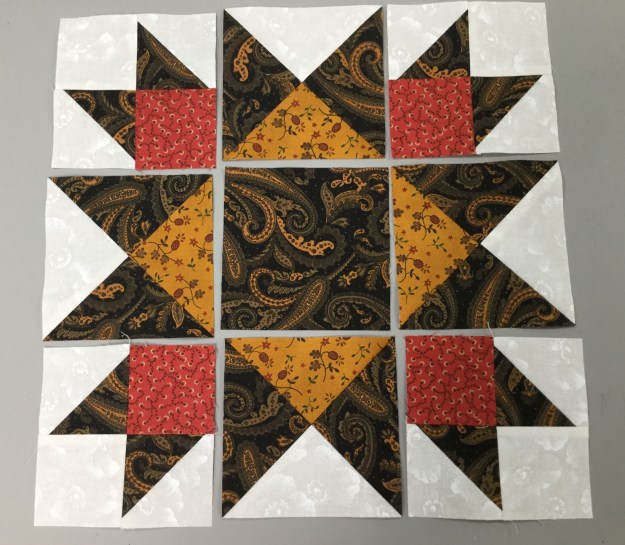
Cut 1 – 4.5″ center square  and lay out your block units as shown below:

IMG_4703

Sew units together in 3 sections.  Press the side sections toward the corner units and the center section toward the center square so the seams nest nicely.

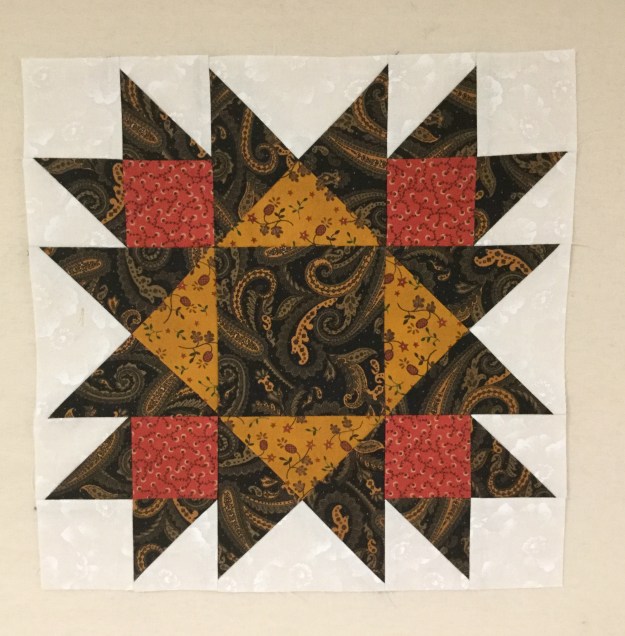
Join the 3 sections to make your Ohio Star Variation.

IMG_4708


Grand Illusion

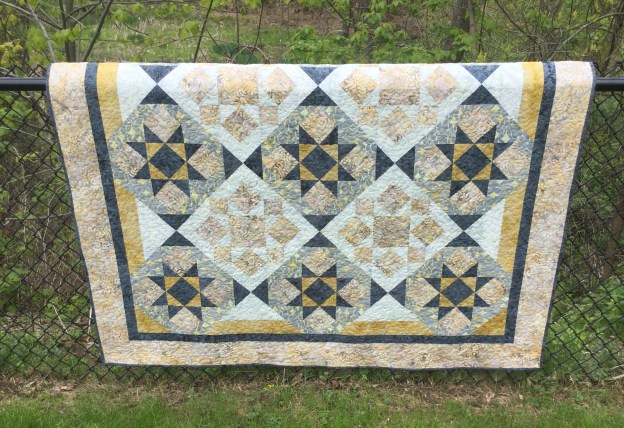
I have been so busy teaching this Spring, but I did find time today to finish my Grand Illusion’s quilt.  Why is it call Grand Illusion?  This Studio 180 pattern may look tricky but it is not.  It is made up of blocks and sashing in such away that it looks like the blocks are set on point but they are not!

IMG_4635

I chose to make this quilt as part of my obsession with Shaded Four Patch units.  Can you find them?

Grand Illusion can be made in Twin or Queen sizes and requires the use of Studio 180 Design’s Tucker Trimmer I, Square/Squared and Corner Pop tools.


IMG_4634

Now I’m onto my next project.

Tuckerization

Tuckerization, to Tuckerize. V.  The process of taking traditional quilt block instructions and applying process improvement techniques with Deb Tucker’s Studio 180 Tools!

I taught a Shaded Four Patch workshop last month and have been slightly obsessed with them ever since.  I keep looking for them everywhere.  I was at a quilt retreat with some fellow Certified Instructors and one them showed me a book by Sally Schneider called “Scrap Quilts Fit for a Queen, or a King, Twin, or Lap”.  There are some beautiful quilts in this book with layouts for King, Queen, Twin or Lap size (hence the title of the book). There are several quilts that contained the Shaded Four Patch Unit.  I decided to make “Happy Days”.  I love her layouts but there are better ways to construct the units for the blocks.

OLYMPUS DIGITAL CAMERA
Happy Days

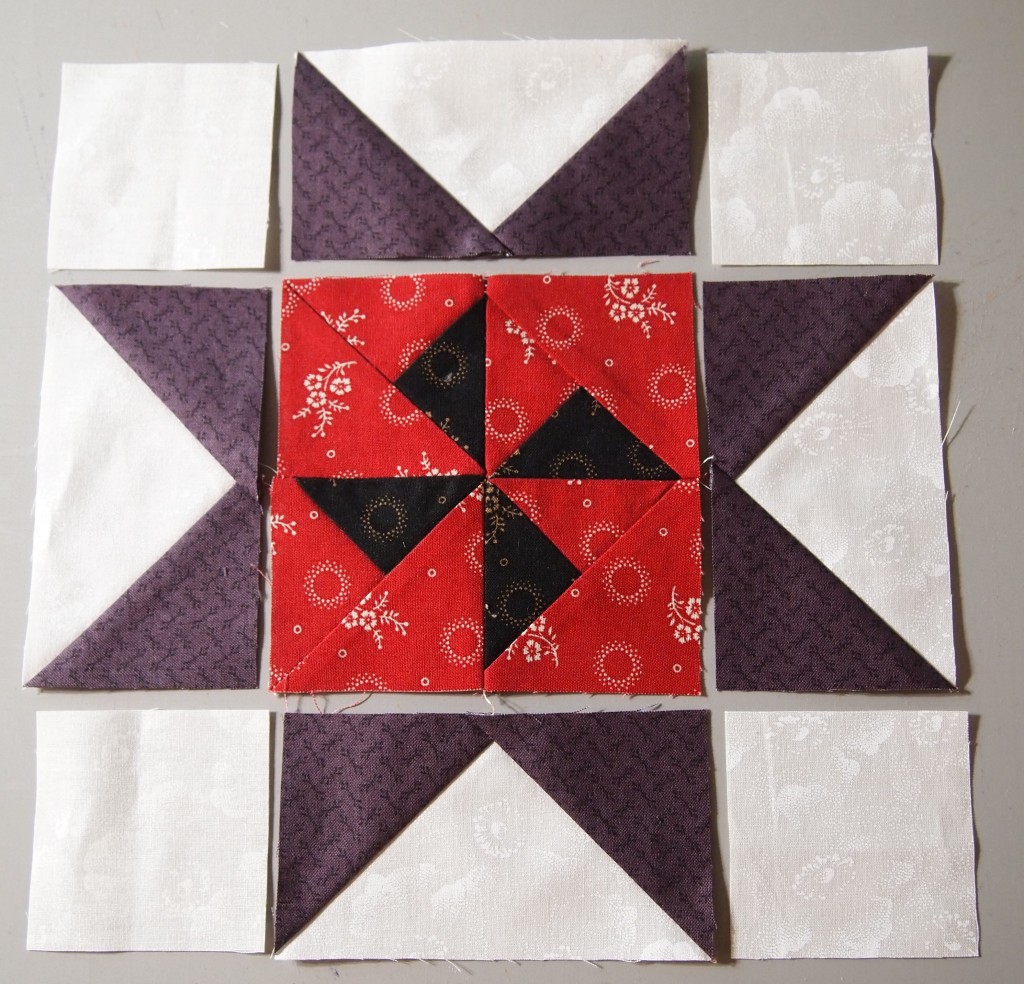
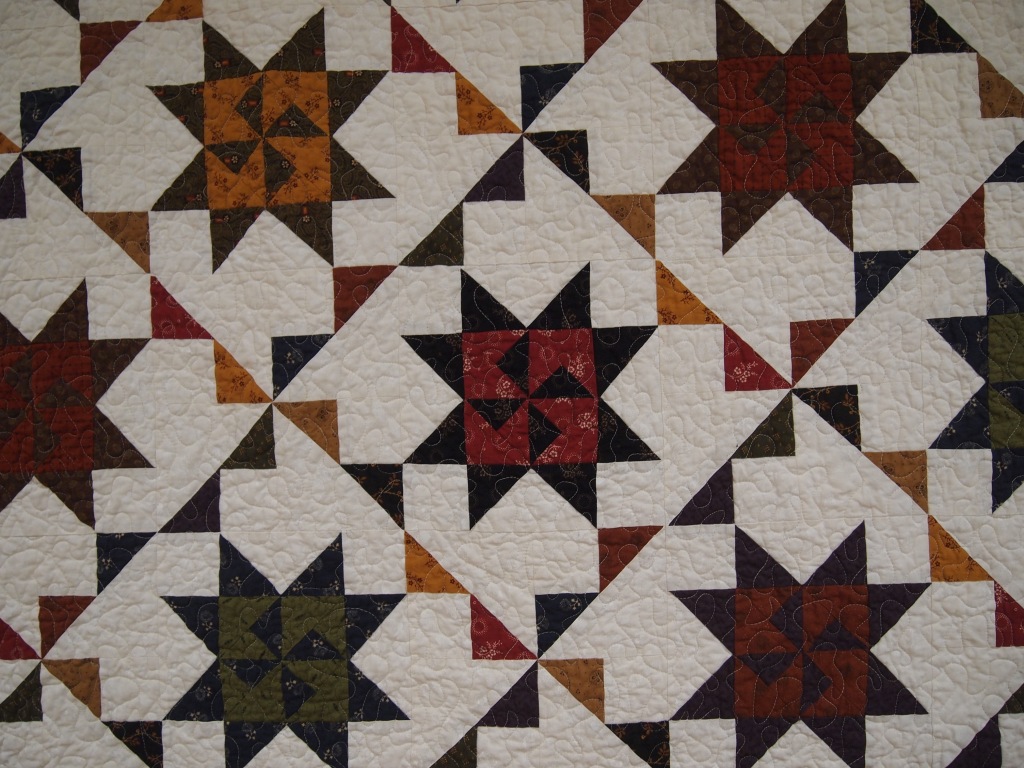
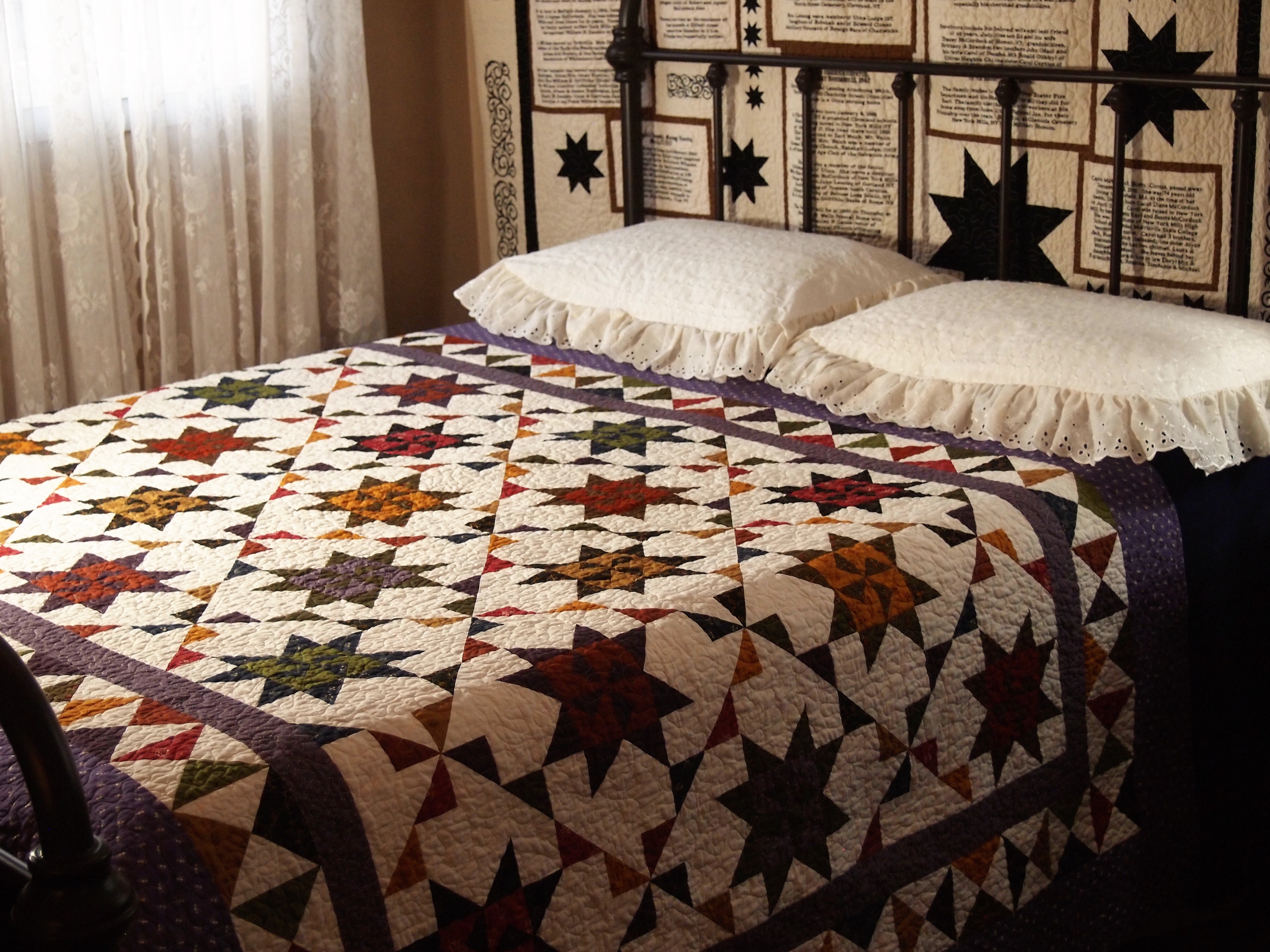
Can you see the Shaded Four Patch Units in the quilt above?

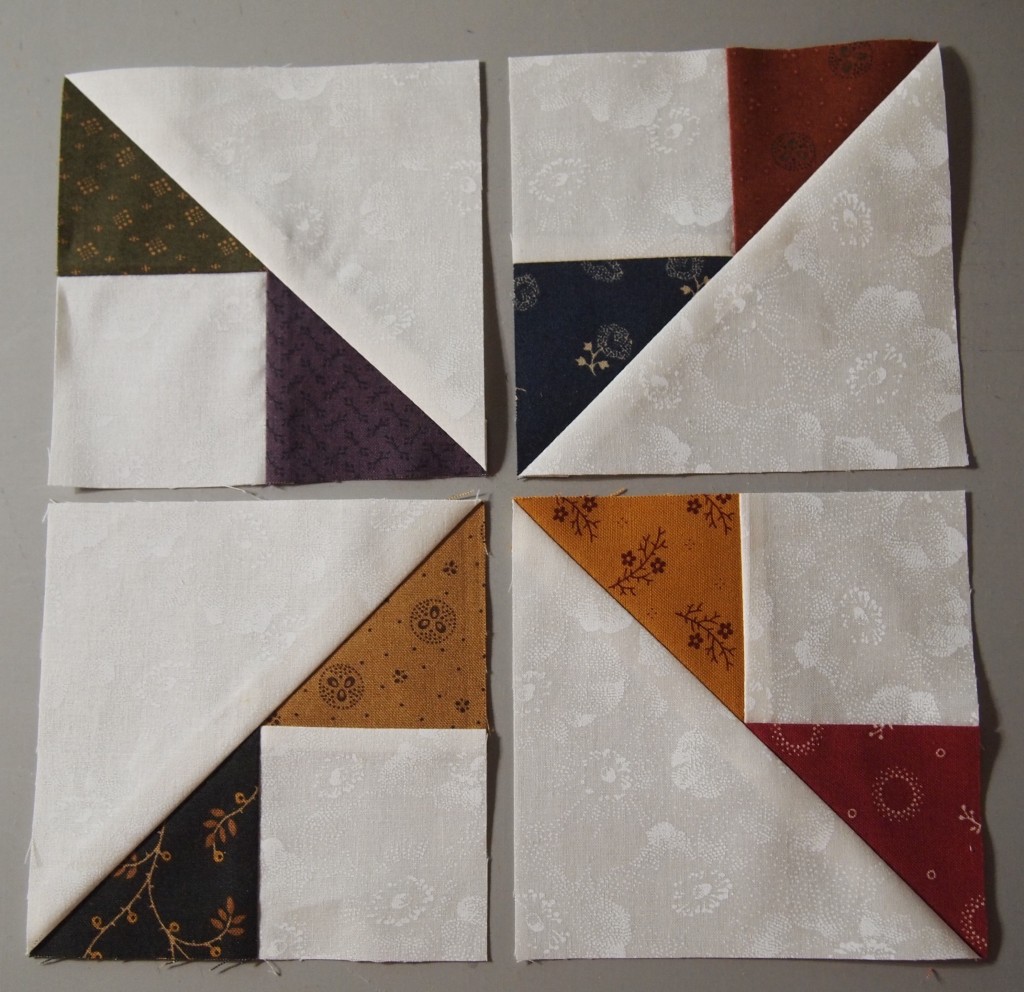
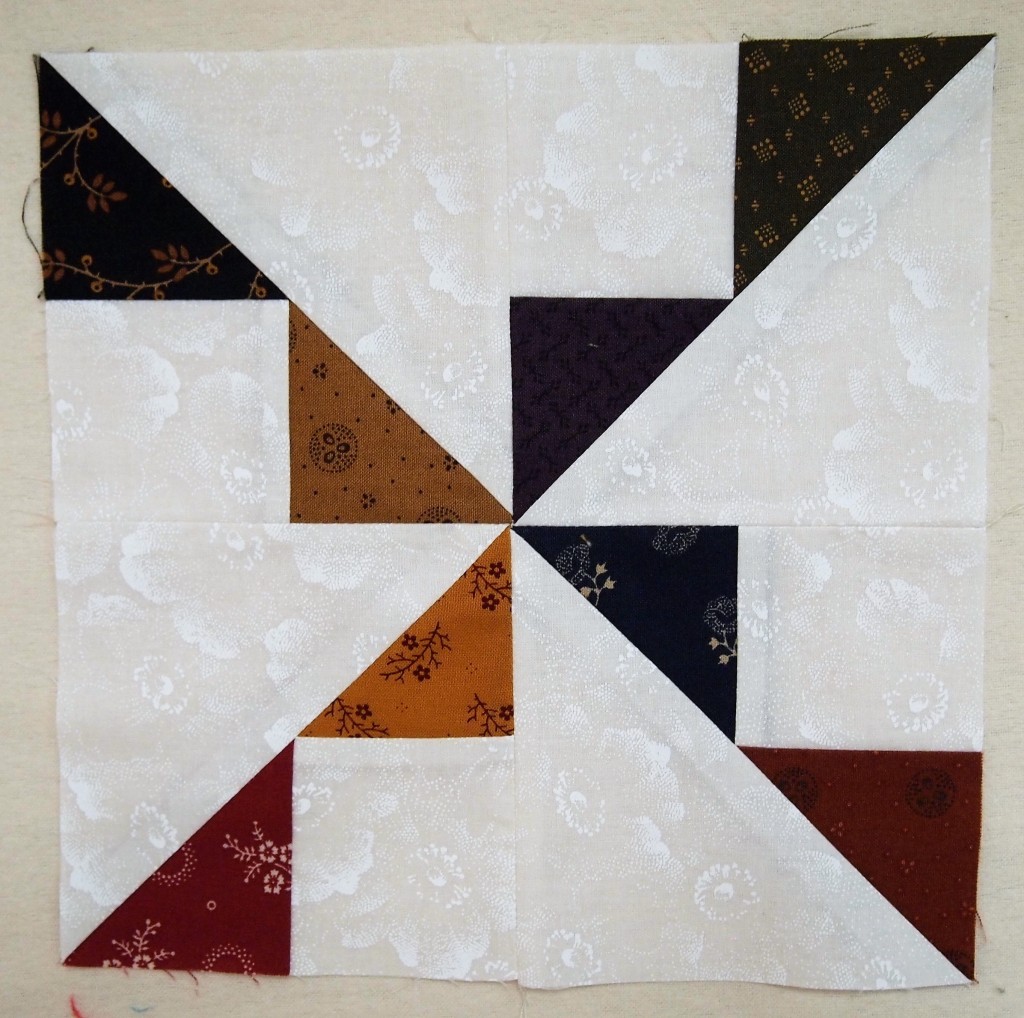
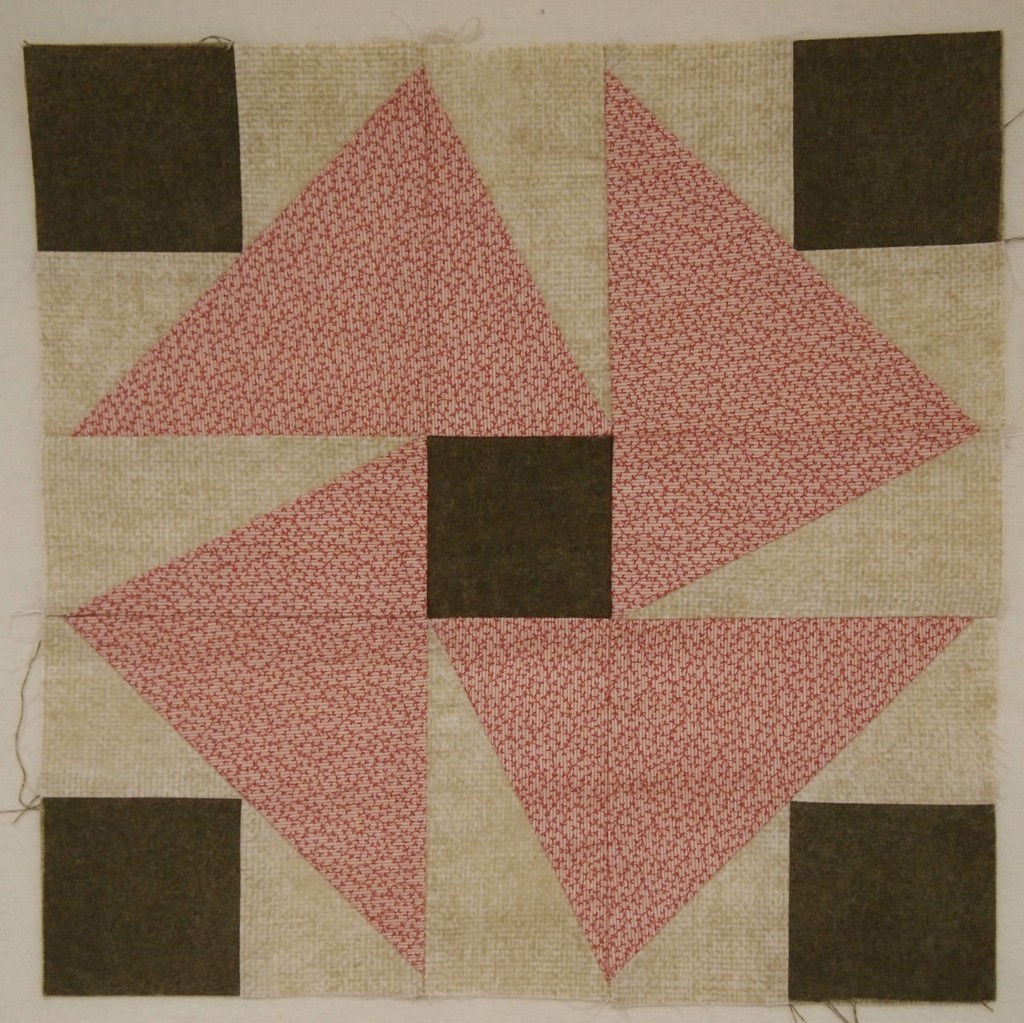
Above is a deconstructed block using four Shaded Four Patch units.  I absolutely love how using the background fabric for the narrow strip and the rectangle  give you this pennant effect.

By using Studio 180 Design’s Shaded Four Patch Technique Sheet and the Tucker Trimmer I  was able to make oversized units and square them up perfectly.

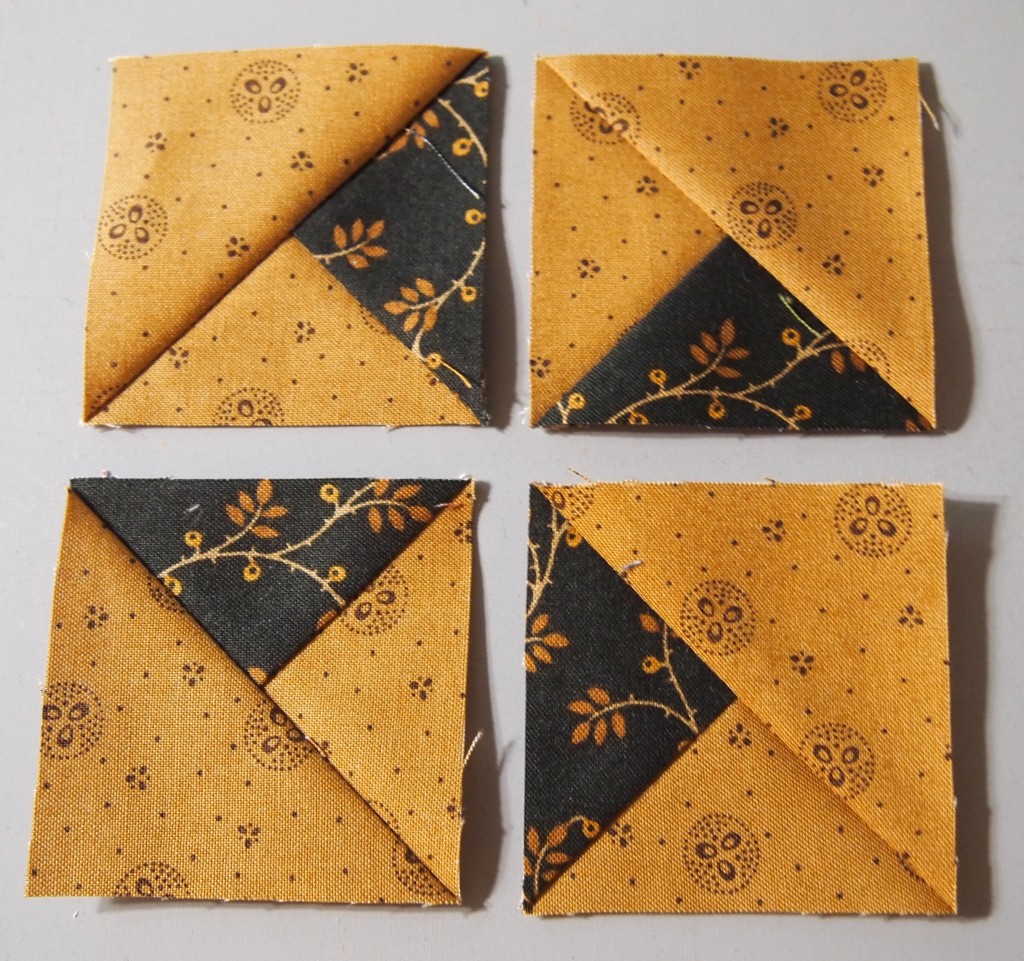
These little beauties are Combination Units made with my Tucker Trimmer I.  When you put 4 units together it makes this great looking pin wheel for the center of the block.  These are 2″ finished units. You can make these in 11 sizes with your Tucker Trimmer.

Above is the deconstructed block consisting of the combination units center and 4 Flying Geese made with my Wing Clipper I.  You can make flying geese in 10 sizes from 1″ to 10″ with the Wing Clipper

OLYMPUS DIGITAL CAMERA

The inner border was made using Quarter Square Triangles, which I made using my Tucker Trimmer.  I Tuckerized the heck out of this quilt!

OLYMPUS DIGITAL CAMERA

Below are more blocks containing the Shaded Four Unit.

OLYMPUS DIGITAL CAMERA

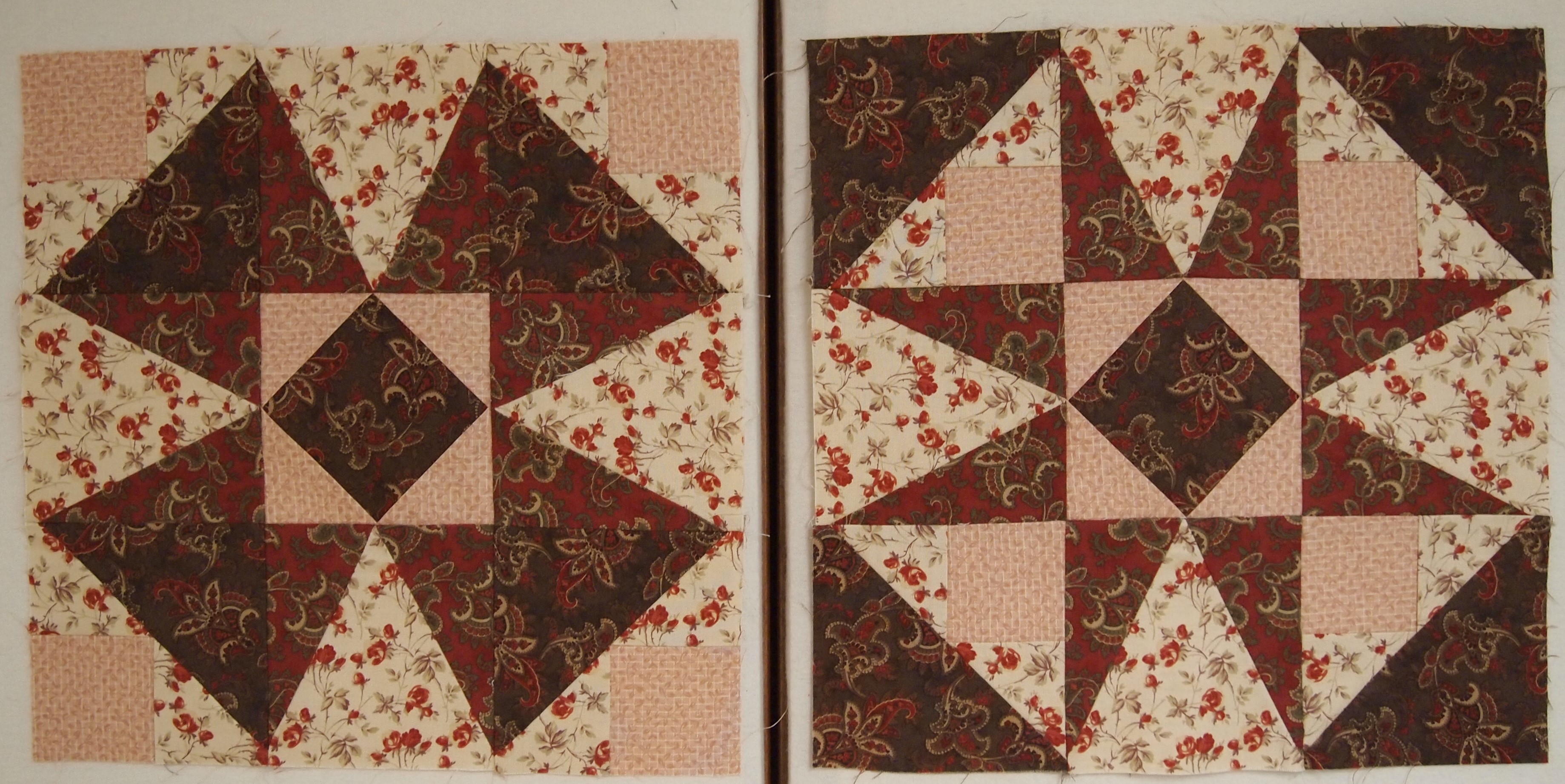
These two blocks are made exactly the same, with the same fabric.  The only difference is that the shaded Four Patch units in the corners are turned different ways.

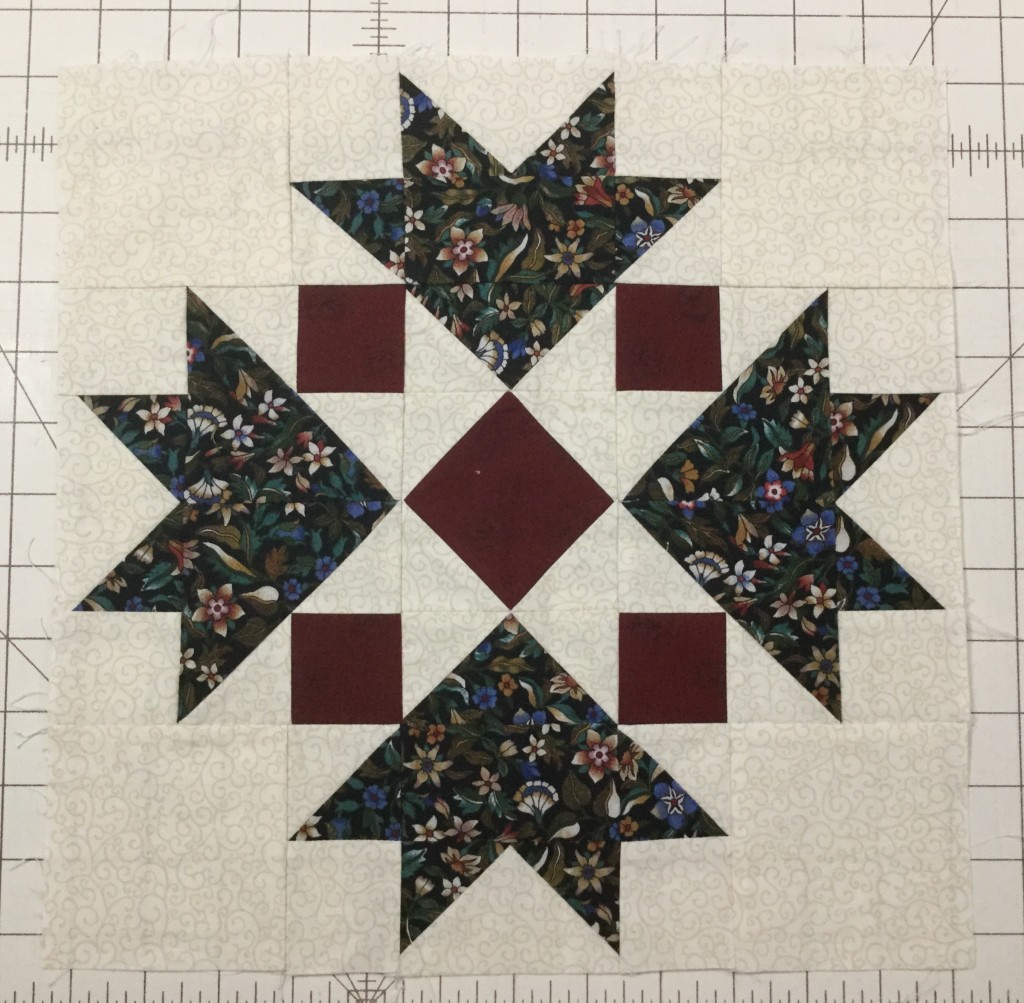
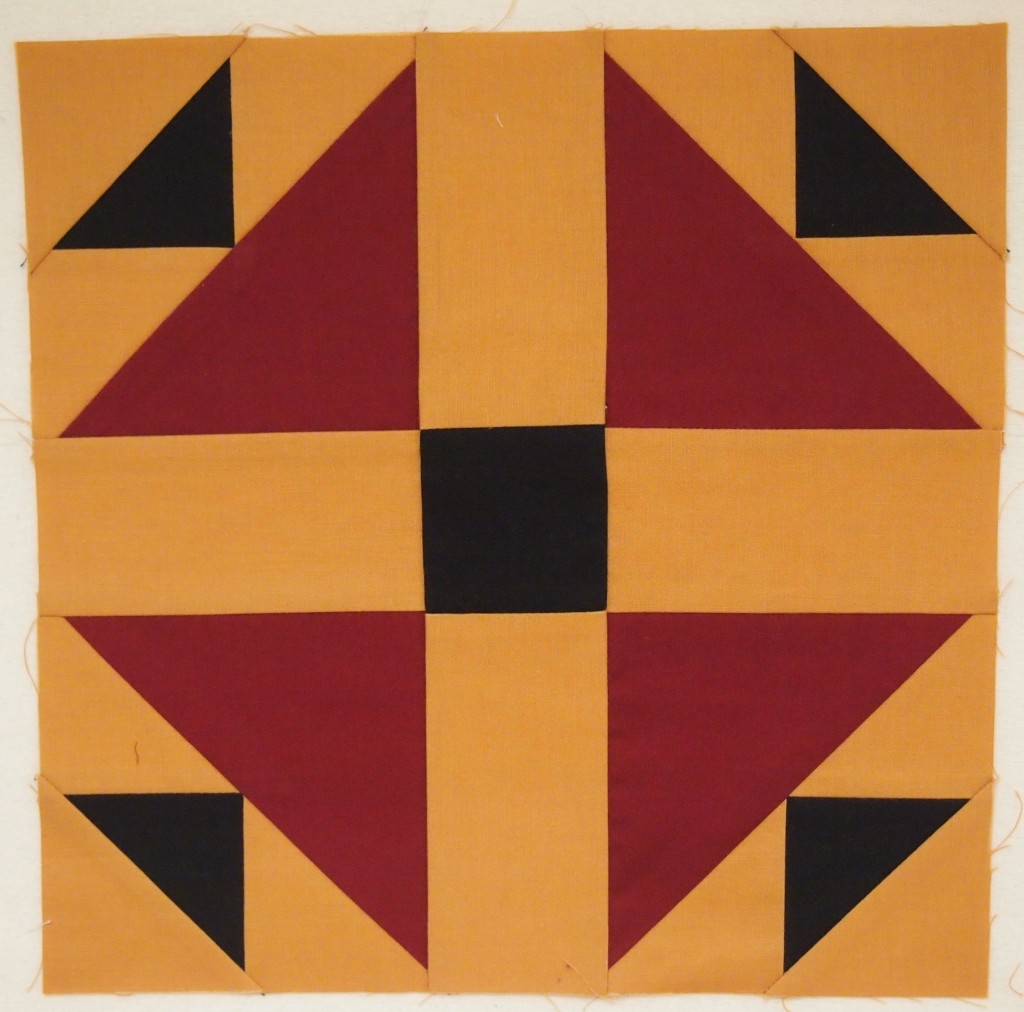
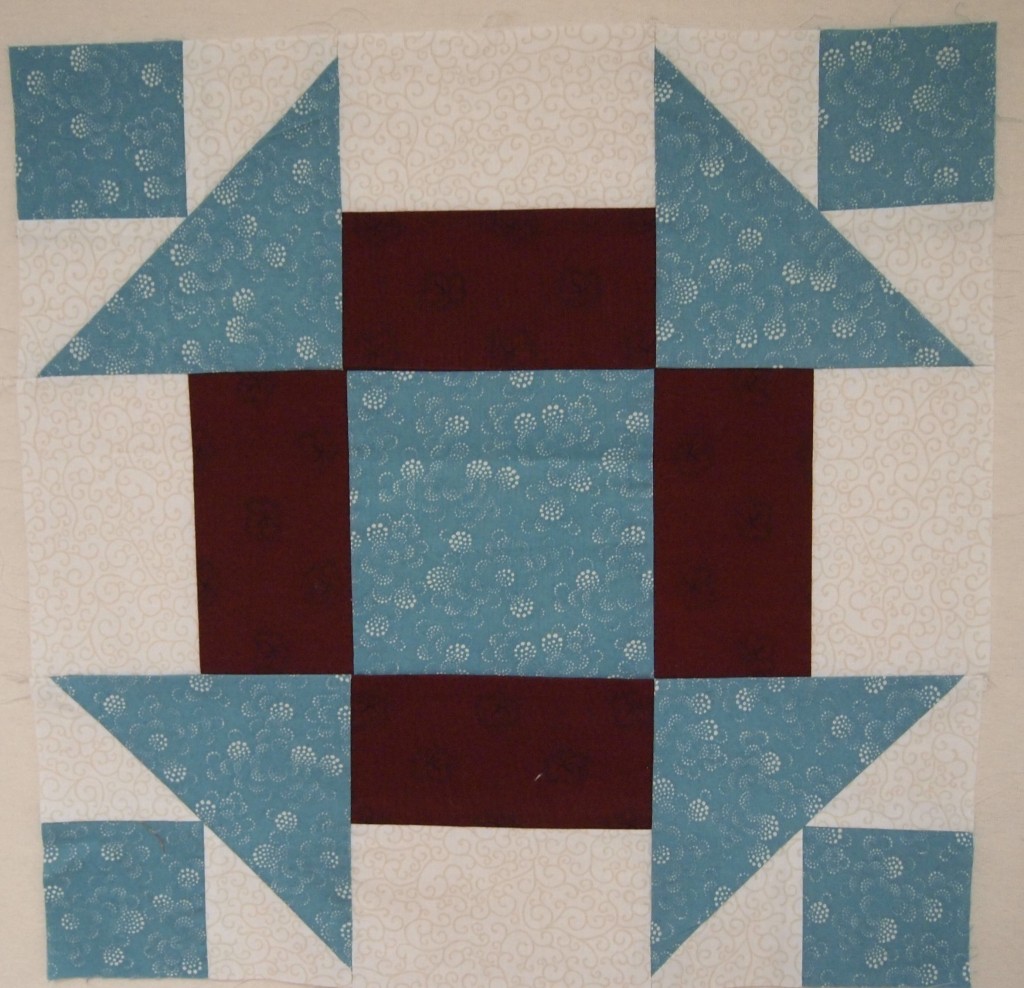
These blocks all contain Shaded Four Patch Units.

OLYMPUS DIGITAL CAMERA

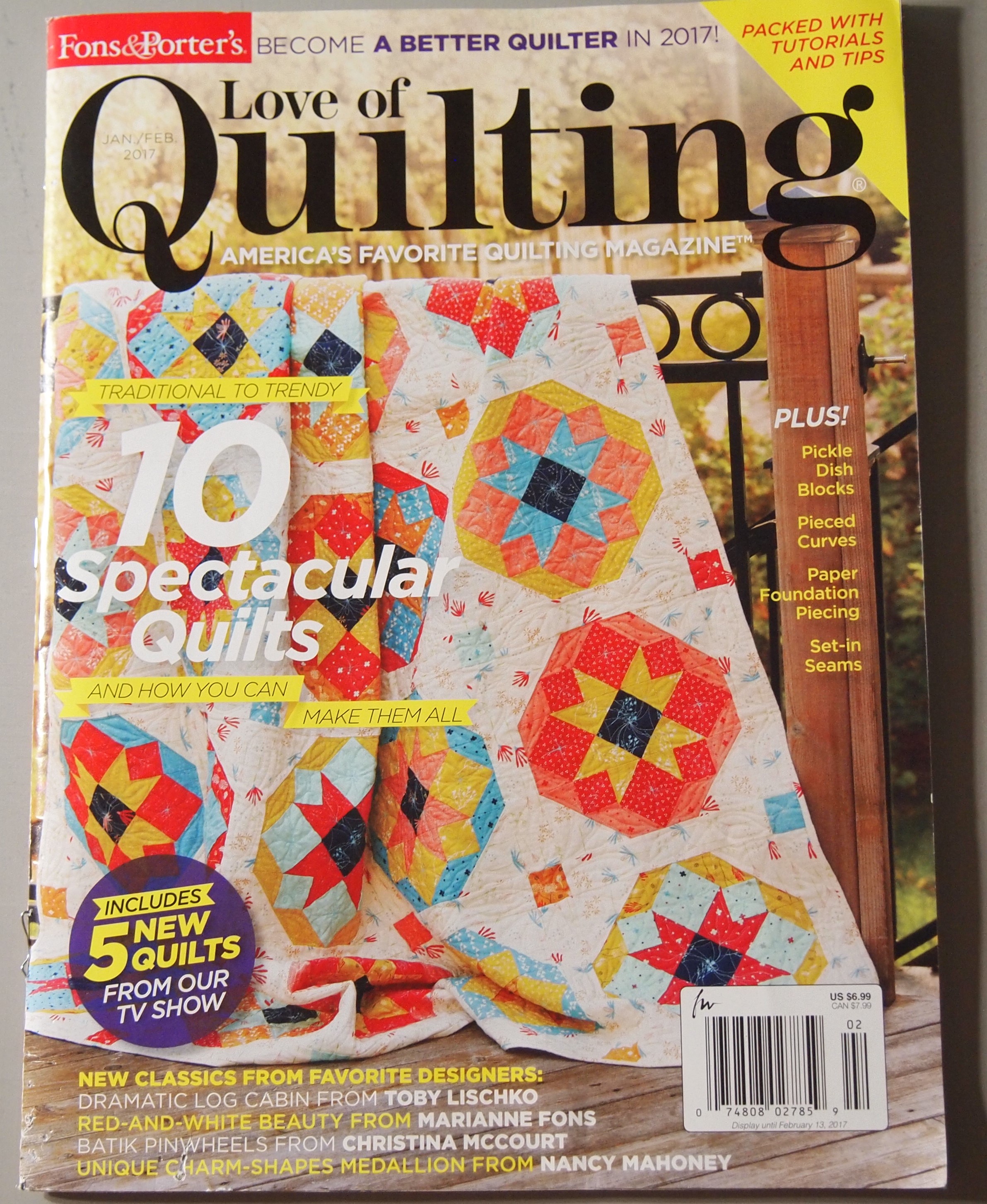
The quilt on the cover of “Love of Quilting” for Jan/Feb 2017 contains Shaded Four Patch Units and can be Tuckerized  with your Trimmer I and Square/Squared tools.  I would say Studio 180 Design Tools give you Quilting Clarity!


How Many Geese in that Formation?

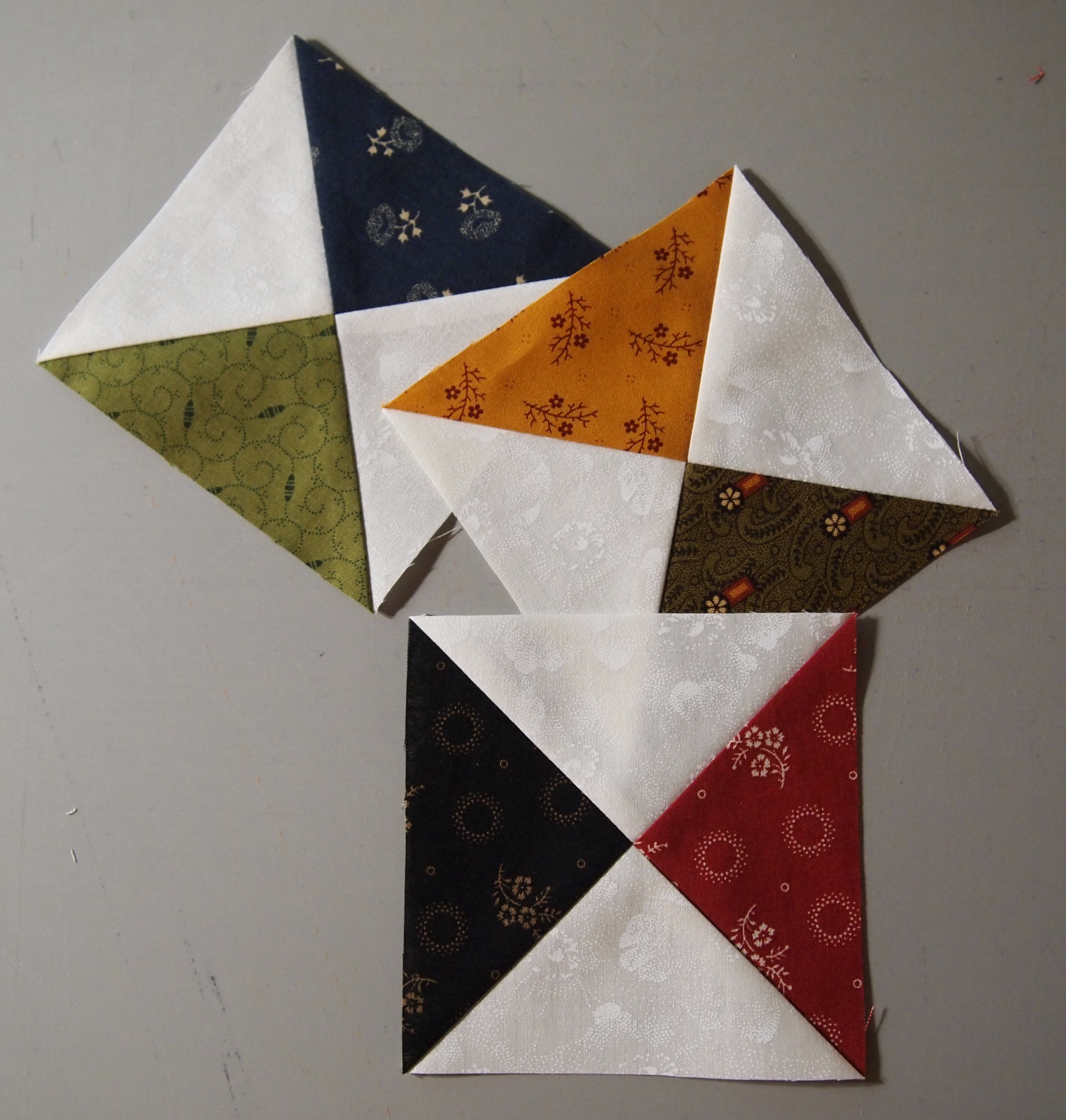
I’m getting ready for some upcoming trunk shows and decided to make some Studio 180 Design Tool samples.  There are 8 Fundamental Tools (not counting Tucker Trimmer 2 & Wing Clipper 2).  The Tucker Trimmer 1 makes Half Square Triangles, Quarter Square Triangles & Combination Units in 11 sizes from 1 inch to 6 inches.

OLYMPUS DIGITAL CAMERA

Above are Quarter Square Triangles in 11 sizes.

OLYMPUS DIGITAL CAMERA

The Wing Clipper 1 makes Flying Geese in 10 sizes from 1 inch to 10 inches.

OLYMPUS DIGITAL CAMERA

The Square Squared Tool makes 6 sizes from 1 inch to 6 inches.

OLYMPUS DIGITAL CAMERA

The Corner Beam Tool makes 11 sizes from 1 1/2 inches to 6 1/2 inches

OLYMPUS DIGITAL CAMERA

The V Block Tool makes 11 sizes from 1 1/2 inches to 6 1/2 inches

OLYMPUS DIGITAL CAMERA

The Split Rects Tool makes 8 sizes from 1 inch to 8 inches.

OLYMPUS DIGITAL CAMERA

The Diamond Rects Tool makes 5 sizes from 2 1/2 inches wide to 10 1/2 inches wide.

With the Corner Pop Tool you can choose from any of the 22 size options and remove a corner from a base shape such as a square, rectangle, pieced unit or block and leave the necessary 1/4″ seam allowance in tact.

OLYMPUS DIGITAL CAMERA

The block above is made from V Block and Corner Beam Units.

OLYMPUS DIGITAL CAMERA

I made 4 of the blocks but this time I popped of corners of the V Block & Corner Beam units before I put the blocks together, making this very interesting wall hanging.

Next I need to make samples for the Rapid Fire Hunters Stars and Lemoyne Star Tools.  Happy quilting!

OLYMPUS DIGITAL CAMERA

The Shaded Four Patch Unit

Lately I have been working on Tech Classes for some of the Studio 180 Design Tools.  I’m getting ready to teach the Shaded Four Patch and Tucker Trimmer.

OLYMPUS DIGITAL CAMERA

I love this basic unit..

Deb Tucker’s Technique Sheet for the Shaded Four Patch gives you fabric requirements for 21 sizes and all the steps needed so you can make these basic units yourself.

OLYMPUS DIGITAL CAMERA

Choose the size you want to make and cut 2 narrow strips and two wide strips. Sew along one long edge of each.

OLYMPUS DIGITAL CAMERA

Press toward the wide strip.

OLYMPUS DIGITAL CAMERA

Pair two of the pieced strips right sides together with the narrow strips on opposite sides.

OLYMPUS DIGITAL CAMERA

Trim into units as wide as the narrow strip.

OLYMPUS DIGITAL CAMERA

Stitch each pair along one log edge.

OLYMPUS DIGITAL CAMERA

Fold each unit in half to find the center and using your scissors snip all the way to the seam allowance.

OLYMPUS DIGITAL CAMERA

Press Open.

OLYMPUS DIGITAL CAMERA

Place a ruler with a 45 degree angle on the bottom of your unit so the edge lines up where the stitching lines meet as shown above and draw a line horizontally.  Rotate your unit and repeat.

OLYMPUS DIGITAL CAMERA

Center each marked unit over a large rectangle, (that you cut per the instructions) with right sides together. Stitch on the lines and cut apart.

OLYMPUS DIGITAL CAMERA

Press toward the large triangle and trim using your Tucker Trimmer.

OLYMPUS DIGITAL CAMERA

Rotate your unit and trim again.

OLYMPUS DIGITAL CAMERA

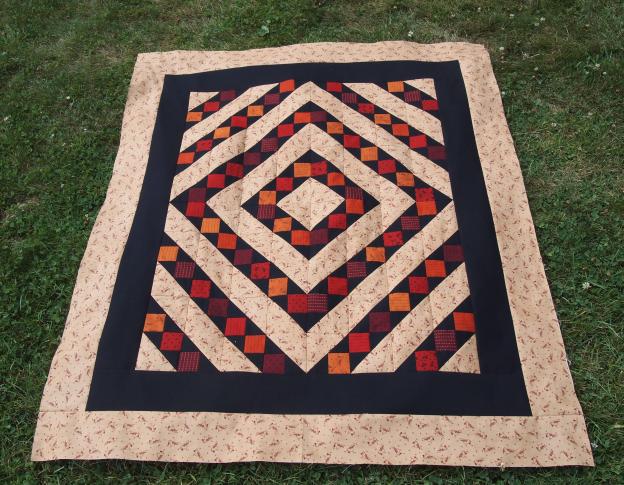
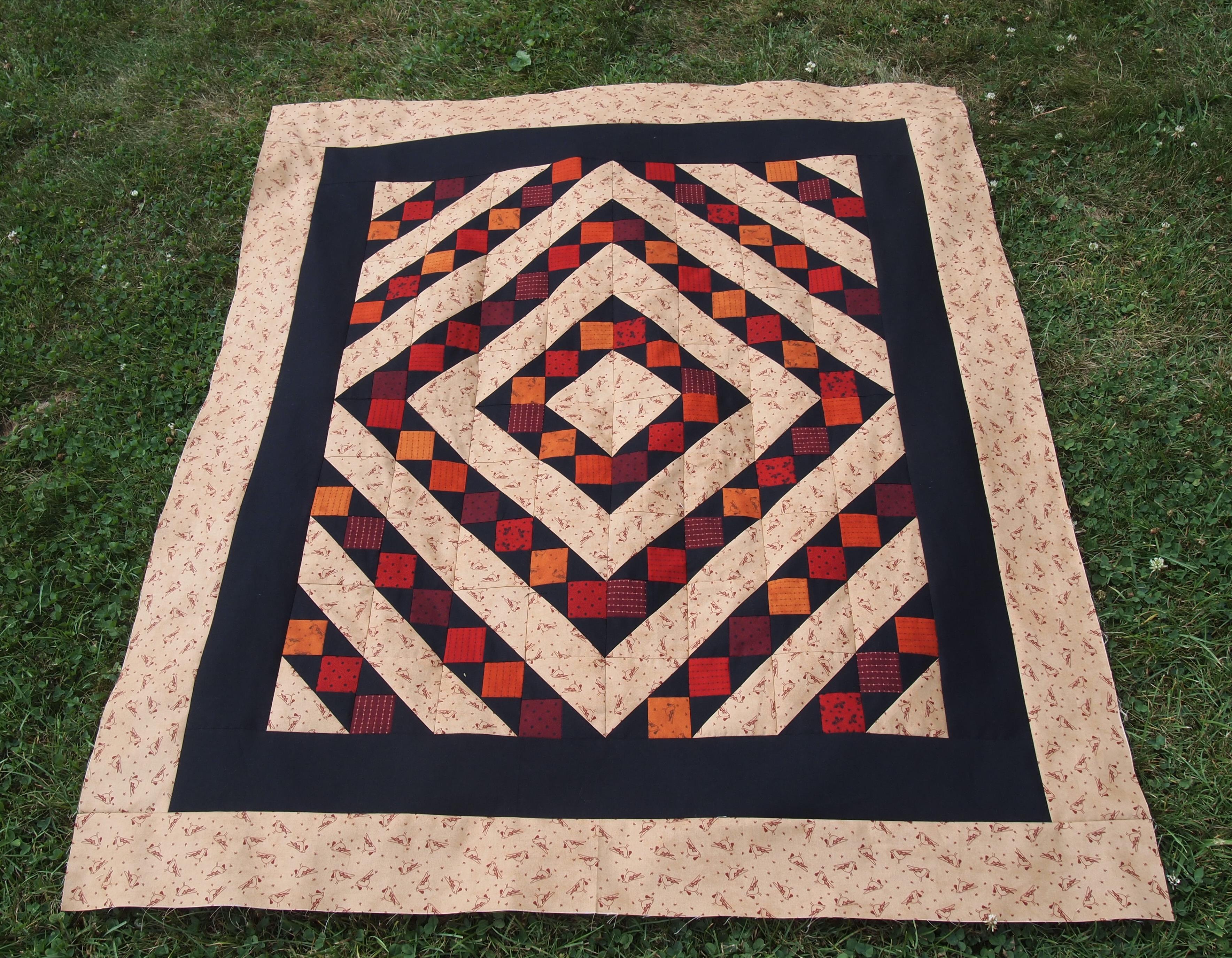
I made this small quilt measuring 42″ x 50″ using only shaded Four Patch Units.  You could make this any size you wanted with the instructions included in technique sheet.

OLYMPUS DIGITAL CAMERA

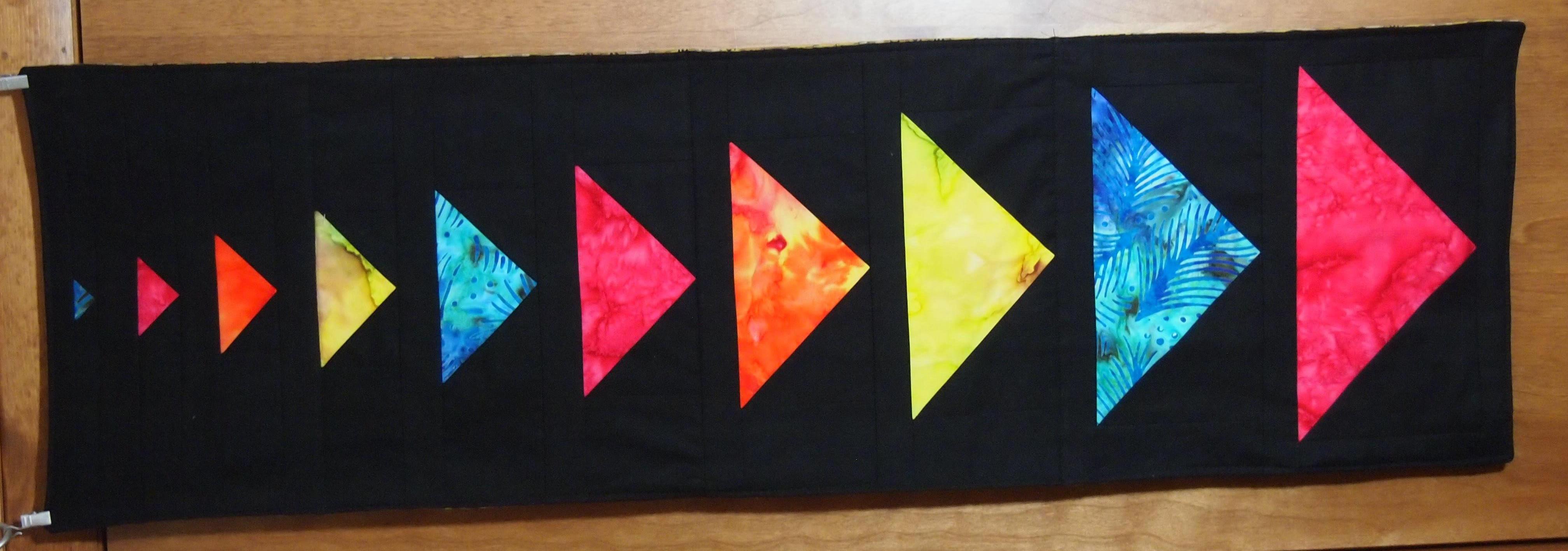
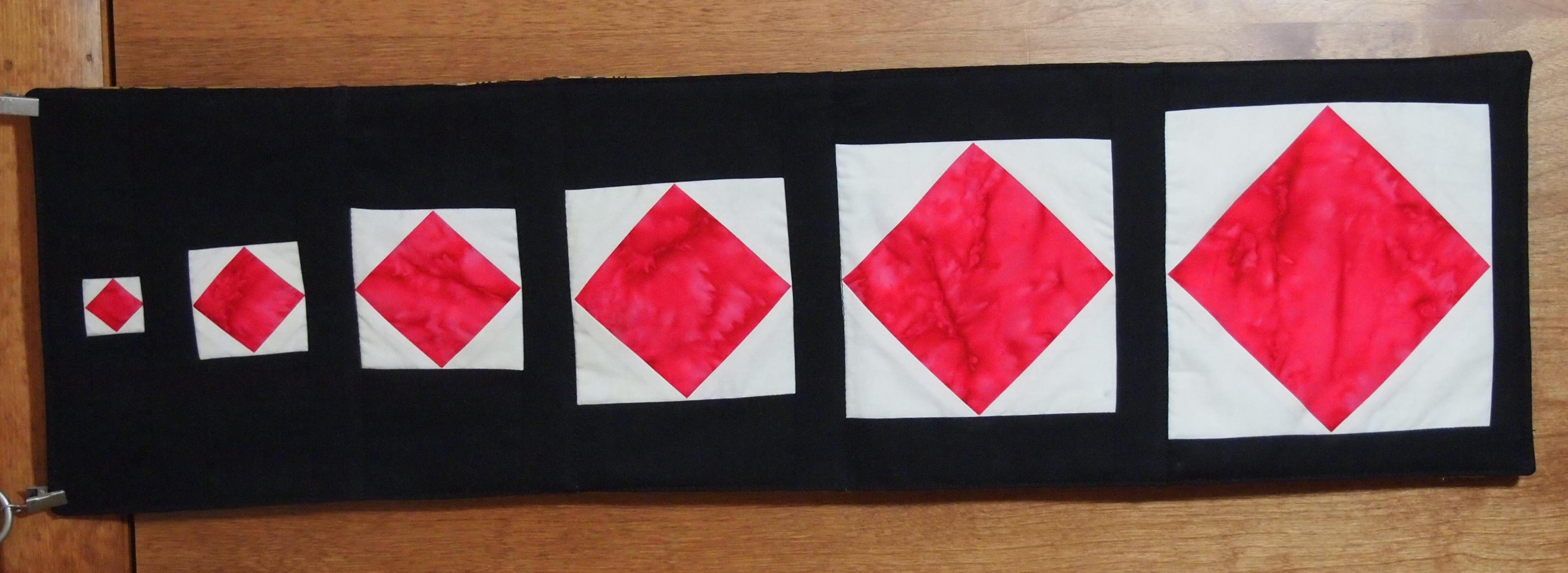
I also made this table runner using only Shaded Four Patch Units.

OLYMPUS DIGITAL CAMERA

This table runner was also made using only Shaded Four Patch units.  It’s all about color and how you position your units.