Tag Archives: Tucker Trimmer 1

BlockBuster #7 – Whimsy Turndash

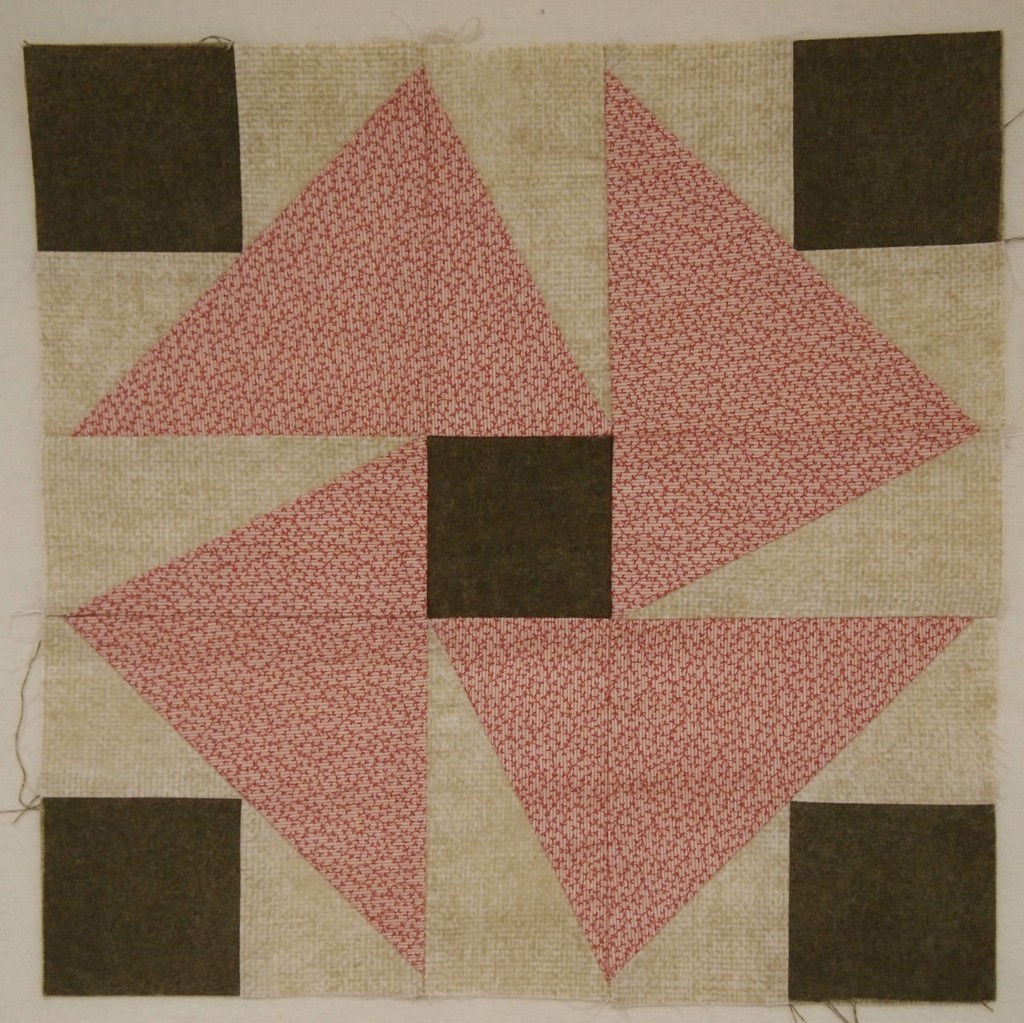
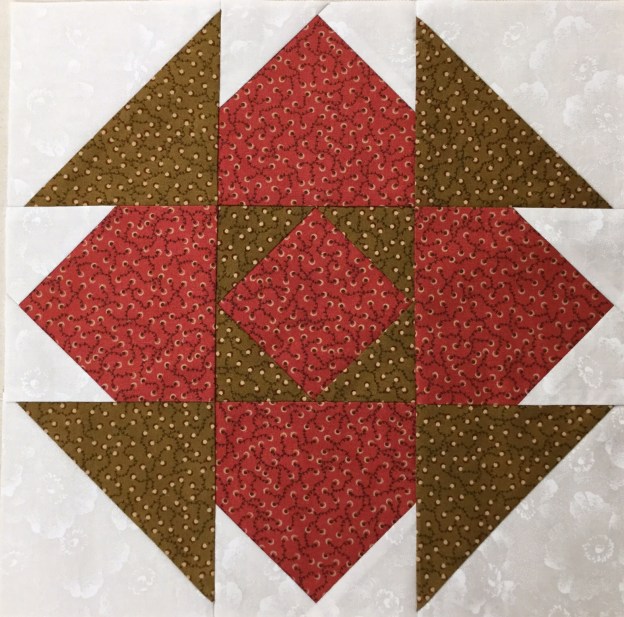
I love this block So sweet & easy.   All the instructions you will need for BlockBuster # 07 Whimsy Turndash  came with your Square/Squared & Tucker Trimmer I tools which are required to make this block.  You will also need to reference your Little Houses Technique Sheet.

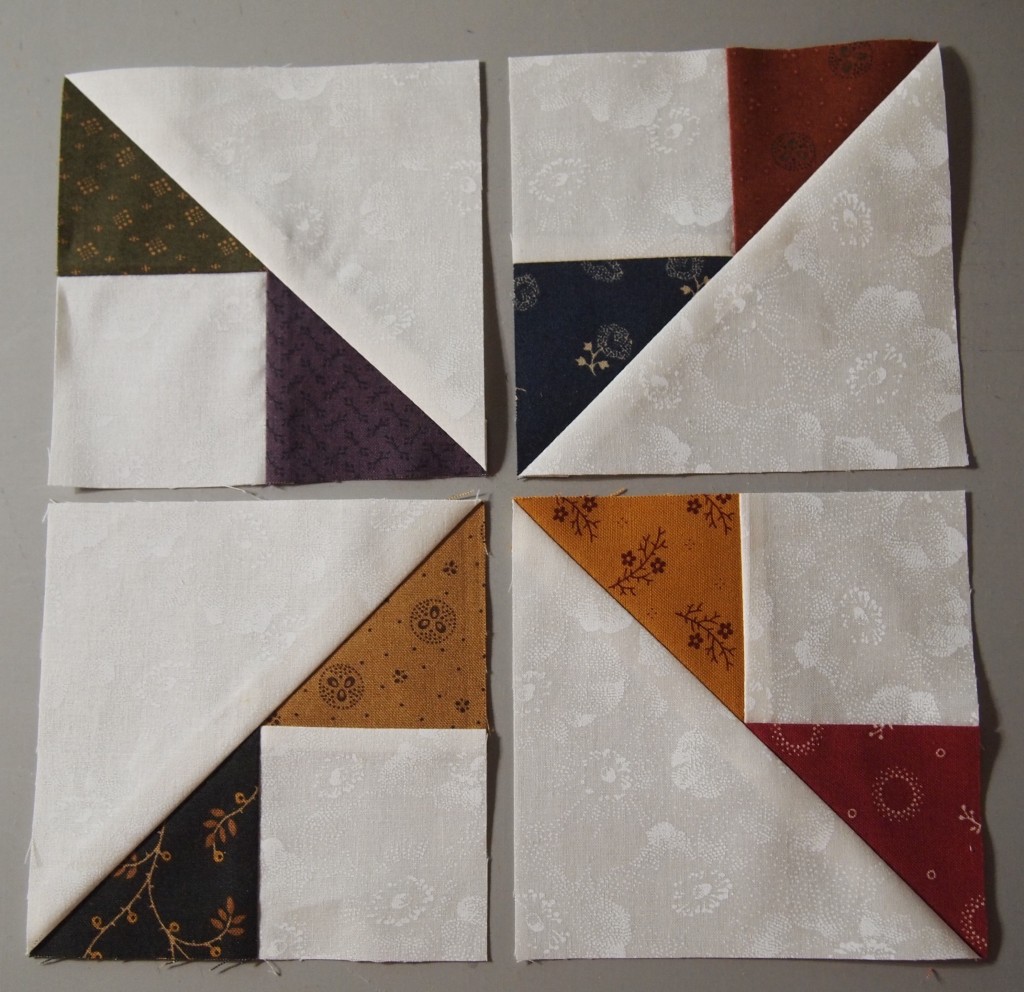
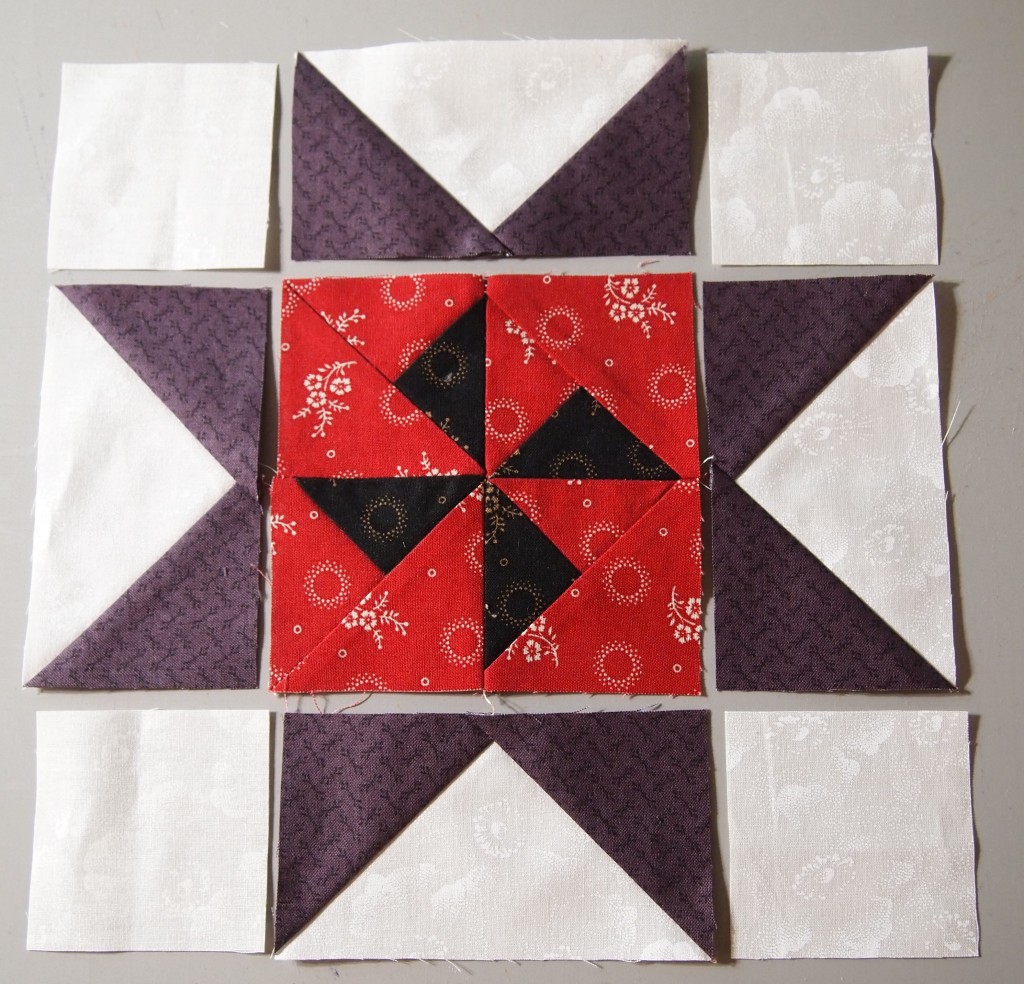
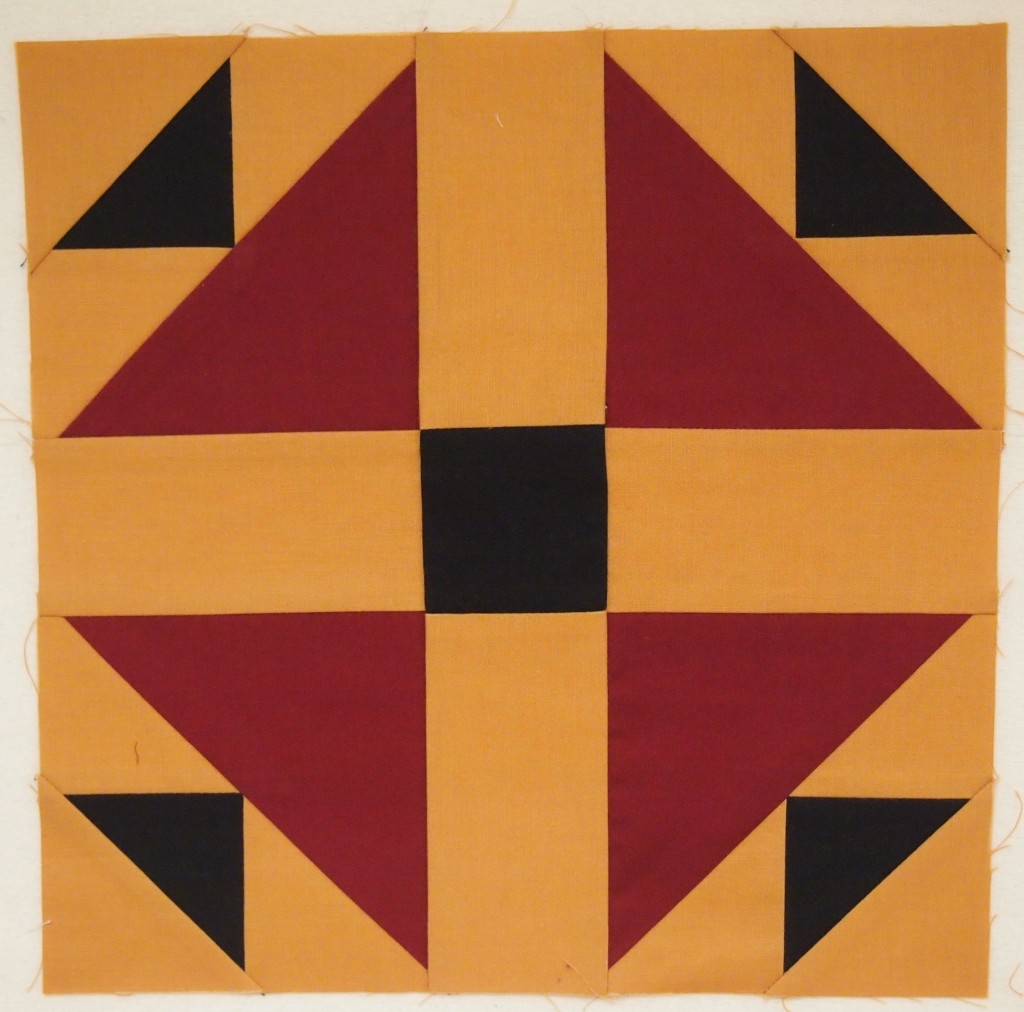
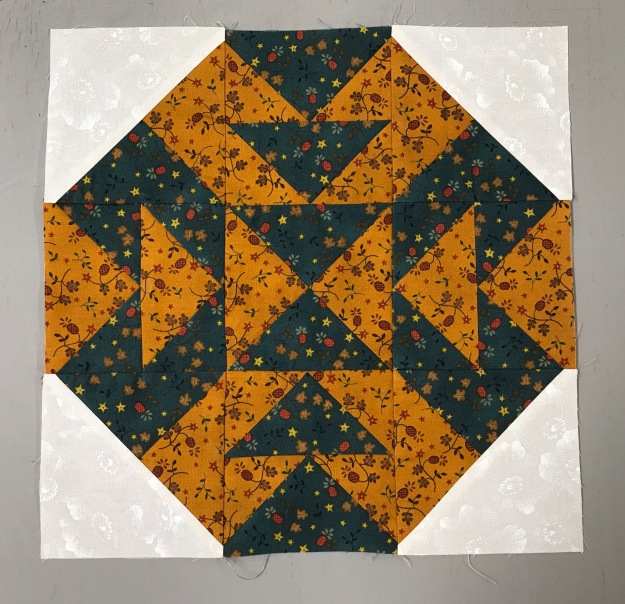
Whimsy Turndash is made up of 3 different units.  Unit A is Square/Squared, one for the block center.  Unit B is Little Houses, 4 are needed.  Unit C is Half Square Triangles (HST), 4 are needed for the block corners.  I made a 12″ finished block containing 4″ finished units.

img_5592-1

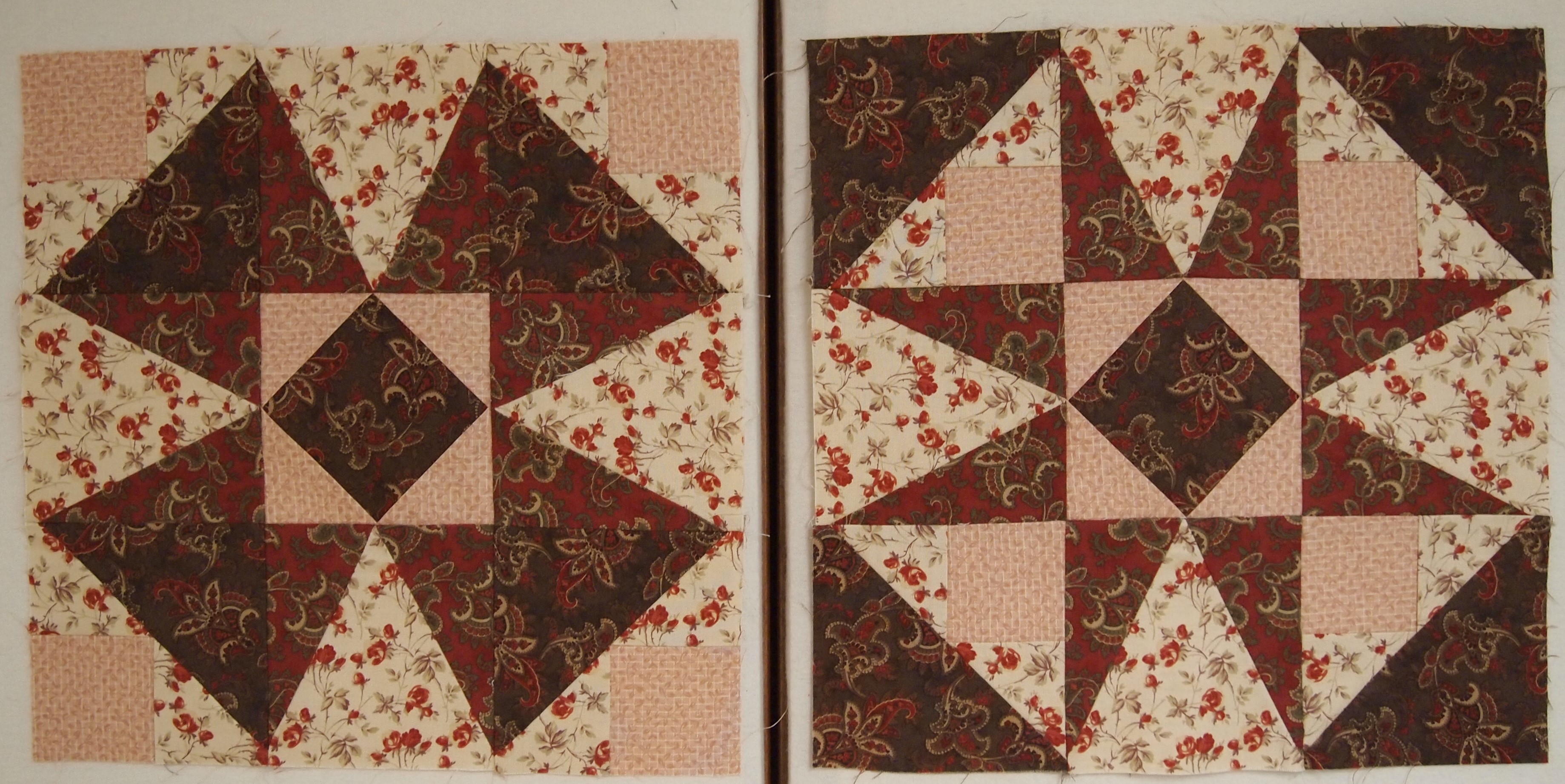
The Whimsy Turndash supply list (link in the first paragraph above) offers you 3 different layouts and a black line master to play with.  I chose 2 colors and a background fabric shown above.
img_5595

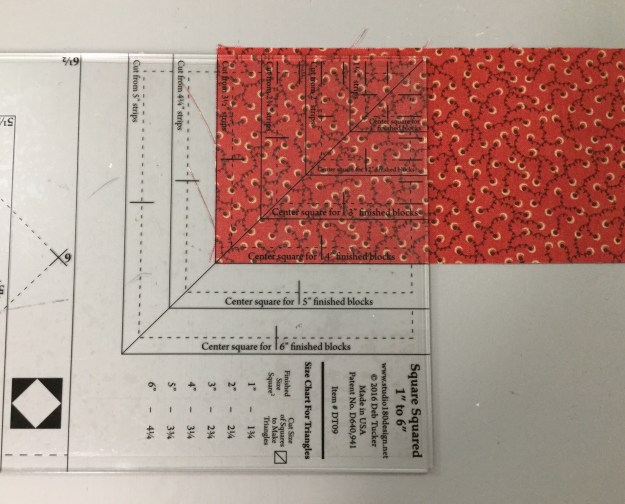
Unit A – Square/Squared:  Determine the desired finished size of your unit.  Go to the Center Square Section on your Square/Squared Tool.  Mine finished size is 4″, The Center Square Sections tells me to cut a strip 3 1/2″ wide.

img_5596

I already trimmed off the selvage of my 3 1/2″ strip.  Place the line for 4″ finished units on the bottom of the strip up against the trimmed end.  Trim up the left side and across the top.  You now have a perfect precision cut center square for your unit.
img_5597

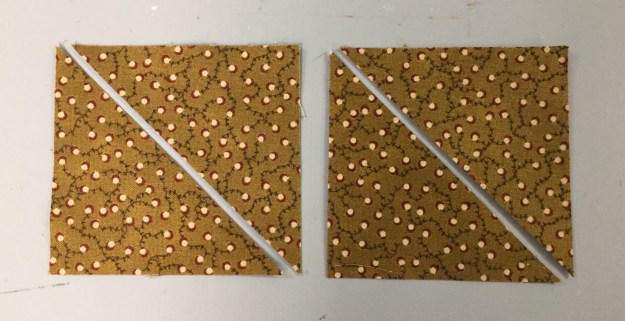
On your Square/Squared tool find the Size Chart for Triangles.  For 4″ finished units I cut two 3 1/4″ squares and cut them once diagonally.

Center a side triangle over the center square and stitch. Center another side triangle to the opposite side of the center square and stitch.  Press toward the side triangle.

Center another side triangle as before and stitch, repeat on the opposite side so all sides of the center square have a side triangle stitched to it, press toward the side triangle.

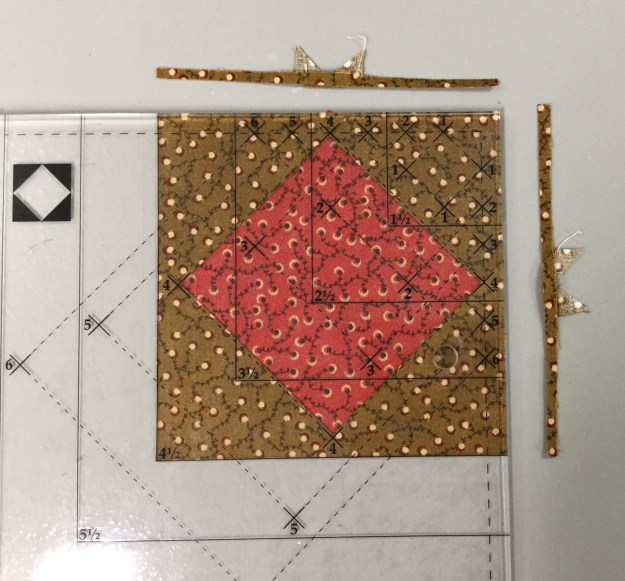
Position the Trim Down Section of your Square/Squared tool over the pieced unit.  Focus on aligning the “X’s” for your particular finished size unit.  Mine is 4″ finished, so there is a 4 at each corner of the center square.  Trim up the right side and across the top.  Check your tool instructions for Left handed cutting tool position.
img_5604

For the second cut Lift your tool & rotate your unit.  Position the tool lining up the “X’s” again and lining up the cleanup lines on the tool with edges previously trimmed.  Trim up the right side and across the top.
img_5605

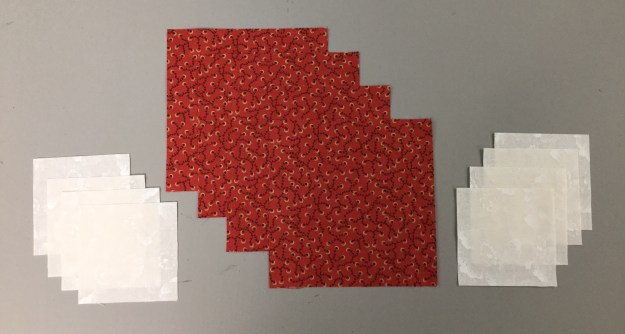
Unit B – Little House:  You will need to make 4 Little Houses.  Each little house is made up of 3 squares, one large and two small.  For a 4″ finished unit cut four 4 3/4″ squares and eight 2 3/4″ squares.
img_5606

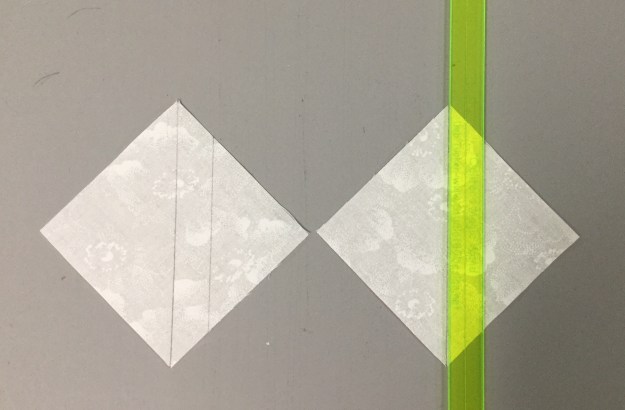
Begin by marking a diagonal line on the back of your small squares, this will be a stitching line.

Note:  you may want to mark an additional line 1/2″ from the center diagonal line to use as a secondary stitching line for creating half square triangles out of the left over fabric.

Position one small square in one of the corners of a large square, right sides together, with the marked diagonal line going across the corner of the large square as shown above.  Stitch on both lines and trim apart.

Press toward the triangle.  Position a second small square in the corner next to corner you just stitched.  Stitch on both lines, cut apart press toward the triangle.  Press your half square triangles to the dark.  The small half square triangles are not used in this unit.  If you don’t want to make them for another project just draw the one diagonal line and once it is stitched discard the corner fabric.

img_5611

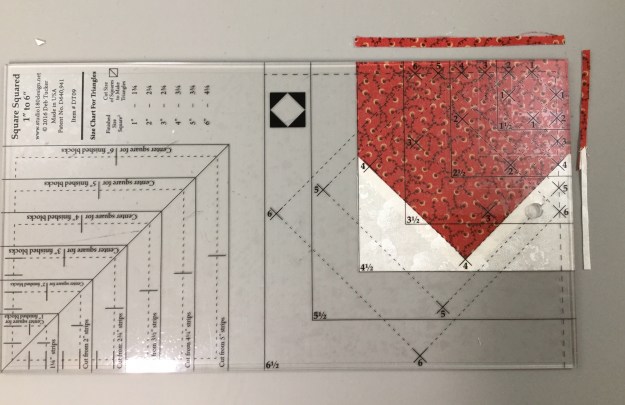
Using the Trim Down Section of your Square/Squared tool line up the peak of the House with the “X” corresponding with your finished unit size.  Align the seams with the dotted lines extending down from the “X”.  Trim up the right side and across the top.
img_5612

Rotate your Little House around, and line up the two trimmed edges with the cleanup line corresponding to your unit cut size.  This time aligning the peak with the “X” at the bottom.  Trim up the right side and across the top.

img_5614

Repeat with the other 3 large squares.

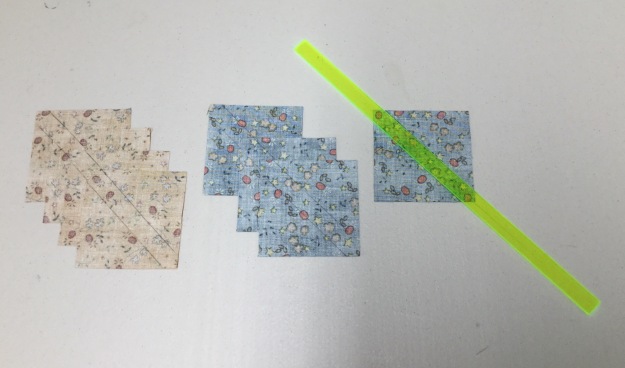
Unit C – Half Square Triangles:  We need four Half Square Triangles.  Go to the “Starting Square Size Chart” in your Tucker Trimmer instructions.  I am making 4″ finished units, so I need to cut two 5″ background squares and two 5″ squares your color of choice.

Use your Magic Wand and draw to diagonal lines on the back of your background squares as shown above.

Place background squares right sides together with your color of choice squares, stitch on the lines, cut apart and press toward the dark fabric.

We always trim our units to the cut size.  My HST are 4″ finished and 4 1/2″ cut size.  therefore I look for the half circle in the corner of my tool and position the Tucker Trimmer over the unit with the half circle in the upper right hand corner, carefully aligning the solid diagonal line with the stitched seam as shown above.  Trim up the right side and across the top.  If you are left handed, you would position your tool with half circles in the lower left hand corner of the unit.  

Rotate your unit and line up the trimmed edges with the corresponding cut size of your unit, and carefully aligning the solid diagonal line with the stitched seam as shown above.  Trim up the right side and across the top.

Lay out your completed units.  Sew into rows.

This is the back of the block showing how I pressed  the seams.
img_5626

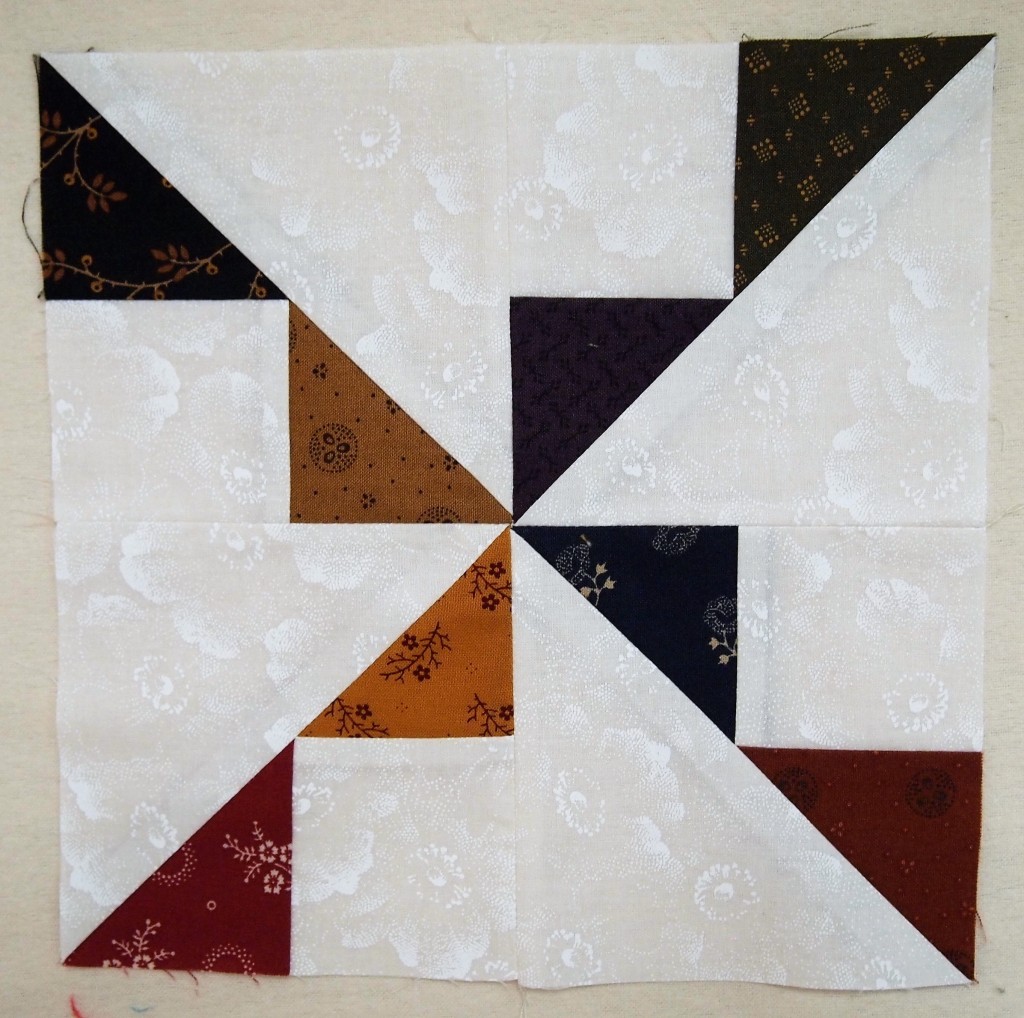
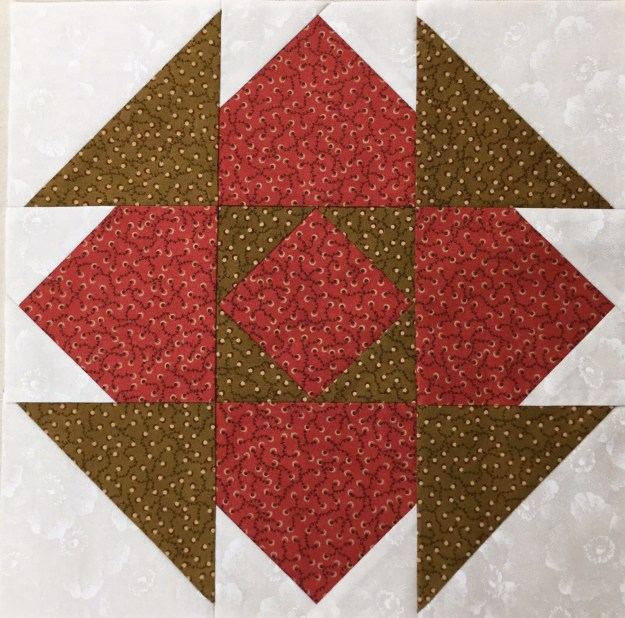
I love the completed Whimsy Turndash and I hope you will too.  This is a great block to practice these easy techniques with.
 

BlockBuster 4 – Capital T Variation

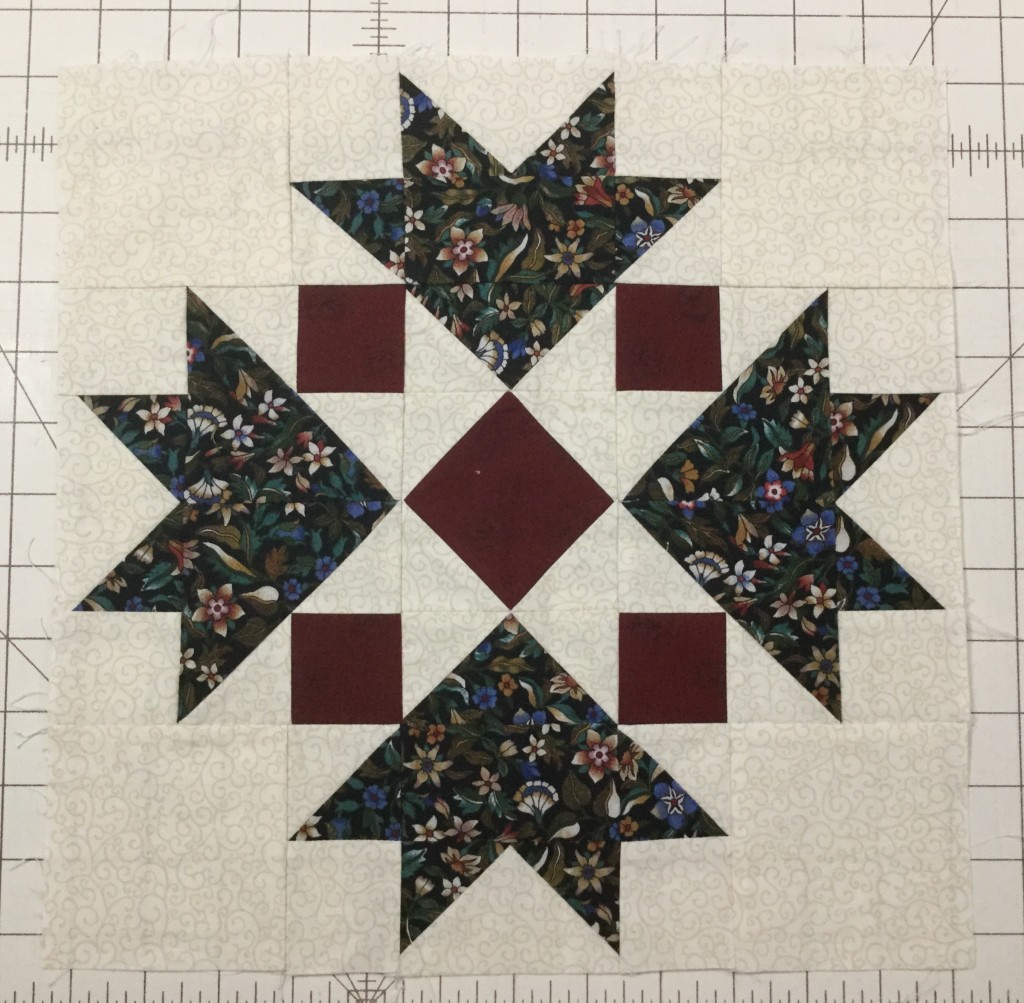
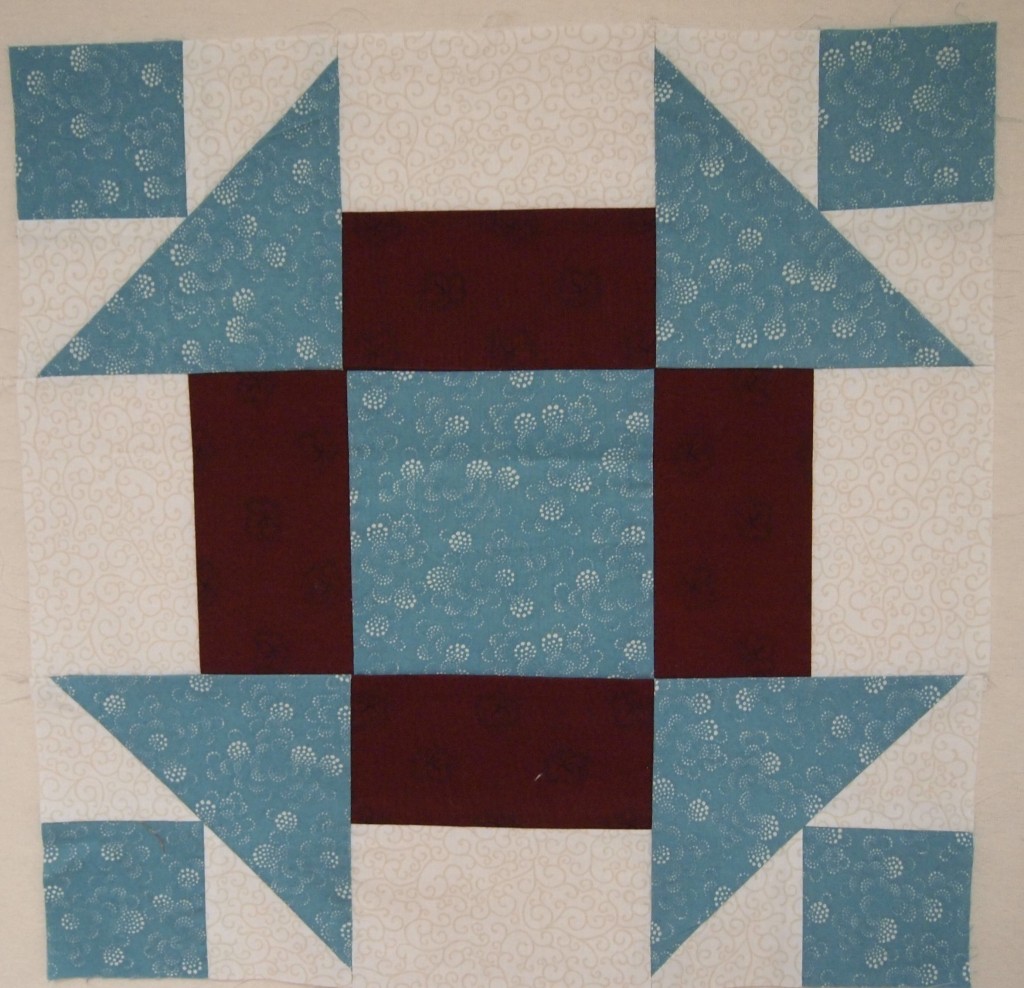
This is a great block.  04 Capital T Variation requires the use of your Wing Clipper I, & Tucker Trimmer I.  You’ll be making flying geese, combination units and quarter square triangles.  The supply list shows 3 block options. I chose the first 3 color combination because I’m using some Kim Diehl fabric with a cream background for all my BlockBuster’s so I can make them into a cohesive quilt when I’m done.  You have 3 size choices.  I chose to make mine 12″ blocks with 4″ finished units.

img_4817

All the instructions you need to make the units required for this block are with your Wing Clipper & Tucker Trimmer.  In both there are size charts that tell you what size to cut your starter squares depending on the finished or cut size of your units.  When making your block you will want to pay close attention to your color placement.

img_4818

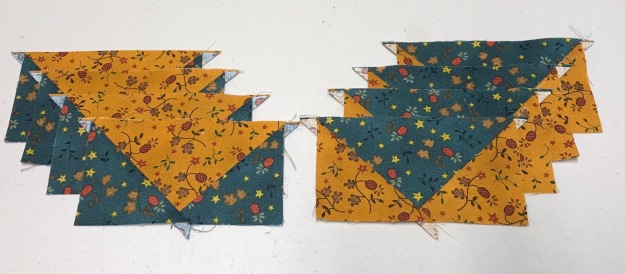
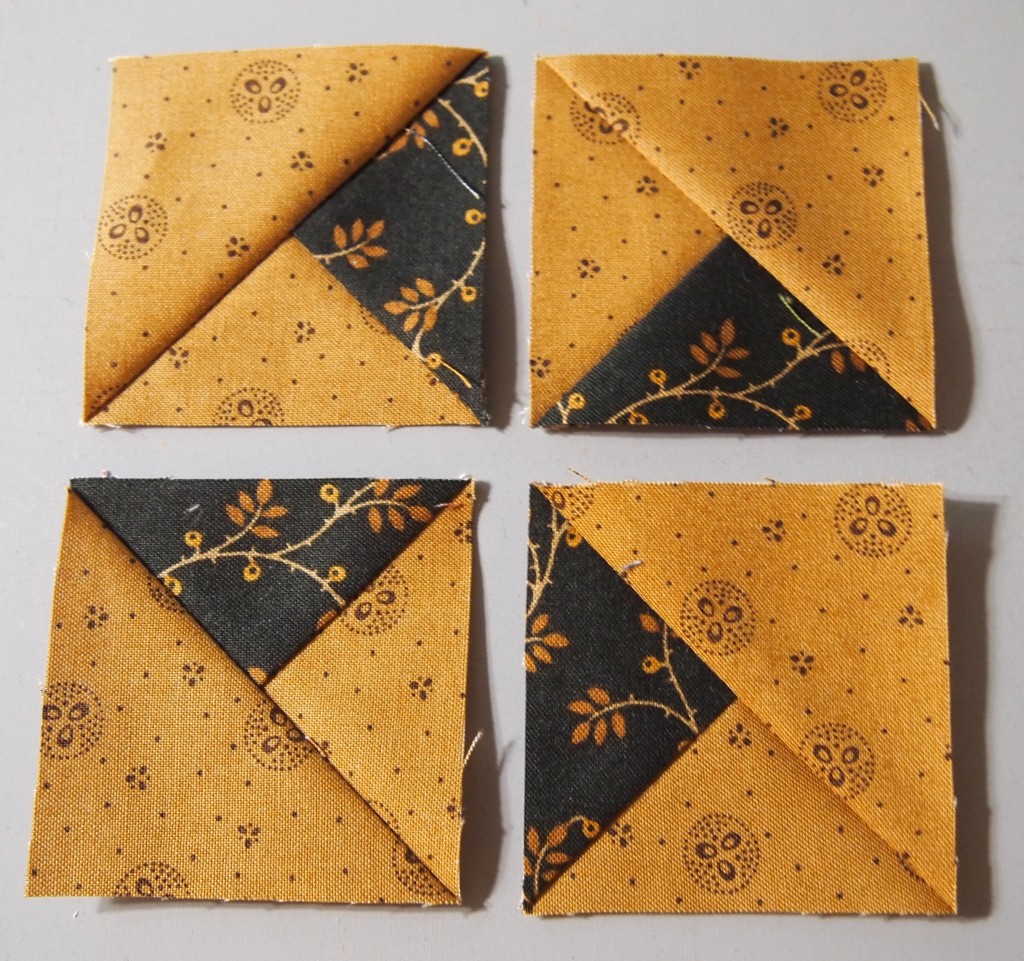
Remember when making your flying geese, your large square  becomes the body and small squares become the small triangles in your geese.  I have cut my starter squares to make 4 geese with a blue body and gold wings, and 4 geese with a gold body and blue wings.

img_4819

On the backs of my small squares draw 2 diagonal lines using your Magic Wand.

img_0673

Position two small squares on your large squares right sides together as shown above paying attention to your fabric choices.  Nudge your small squares in toward the center just a thread or two (about a 1/16″).  This will give more to trim off later.

img_0674

Stitch using a scant 1/4″ seam allowance.

img_0675

After stitching, cut apart.

img_0676

Press toward the small triangles. Remember “what you are pressing toward – always goes on top”!

img_0677

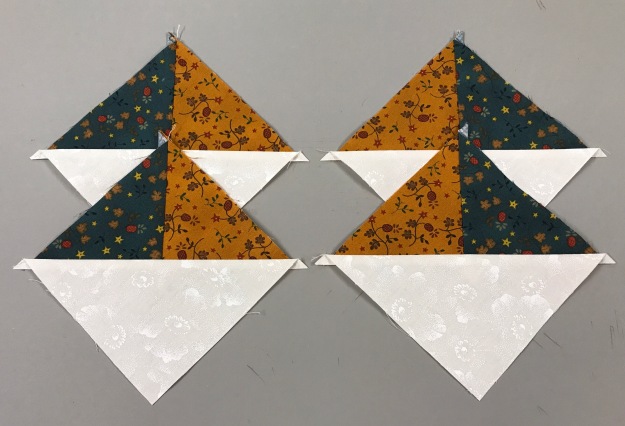
Position one small squares on the corners of the previously pieced units, nudging the squares away from the edges as before.

img_0679

Stitch using a scant 1/4″ seam allowance. Cut apart.

img_0680

Press toward the small triangles.

img_0683


Position your flying geese unit pointed toward you (left handers see your Wing Clipper instructions).  Align the diagonal lines on your tool with the seams in your unit.  As you can see I’m am making a 2″x4″ finished flying geese, so the cut size is 2.5″x 4.5″.  Trim the two sides as shown.

img_0684


Rotate your unit and reposition the Wing Clipper to align the previously trimmed edges and the X at the top with the intersection of the seams and trim again.

img_0685

Repeat with all your flying geese units.  I now have two sets of 2.5″ x 4.5″ flying geese.

Combination Units:  after checking my size chart I know my starter squares for 4″ finished units are 5.5″.  I cut one gold, one blue and two background squares, all 5.5″.

img_0688

Combination Units start by making half square triangles.

I grabed my Magic Wand and drew two diagonal lines on the back of one of my gold 5.5″ square.  Position the gold square on the blue with right sides together and align the edges.  Stitch on both lines using a scant 1/4″ seam allowance. and cut apart.

img_0691

Press toward the dark triangle.  Grab your Magic Wand again and draw two diagonal ines on the back of both Half Square triangles.


Position each half square triangle on a 5.5″ background square, right sides together centering it.  Stitch using a scant 1/4″ seam allowance. Cut apart as shown above.

img_0694


You now have 4 combination units.  Note: this process creates units that are “mirror images”.

img_0695

Position the Tucker Trimmer over the unit, carefully aligning both diagonal lines with the stitched seams as shown and trim.

img_0696

Rotate the unit and line up the Tucker Trimmer again.  This time be sure to position both diagonal lines and the outline of the square to the exact measurement desired and trim again.

img_0697


Four beautifully trimmed combination units for the corners of our block.

Quarter Square Triangles:  Check your size chart.  These are 5.5″ starter squares.

On the back of my gold square I have again used my Magic wand to draw to diagonal stitching lines.

Position the gold square over the blue square, right sides together, aligning the edges.  Stitch using a scant 1/4″ seam allowance and cut apart.

img_0702

Press toward the dark triangles. Using your Magic Wand Draw 2 diagonal lines on the back of one half square triangle.

img_0703

Position the two half square triangles right sides together, making sure the colors are opposite each other (my gold is against the blue and vice versa) carefully nesting the seams as shown above.

Stitch using a scant 1/4″ seam allowance. Cut apart and press swirling the centers as shown above.

img_0706

Position the Tucker Trimmer over the unit carefully aligning both diagonal lines over the seams lines of the unit.  Trim two sides as shown.

img_0708

Rotate the unit and line up both diagonal lines again along with the outline of the unit to the exact measurement desired and trim. Only one quarter square triangle is needed for this block center.

img_0709

Layout your units as shown above being careful of color placement.  Notice the body of my geese follow the colors in the quarter square triangle.  And the colors in the combination units are the same as the wings on the geese.

img_0711

Stitch your geese together in pairs as shown above.

img_0712

Stitch 3 units into a row as shown above.

img_0713

This shows how I pressed the block.  The outside rows were press toward the combination units, while the center row was press toward the quarter square triangle.  This allows the rows to nest nicely.

img_0714

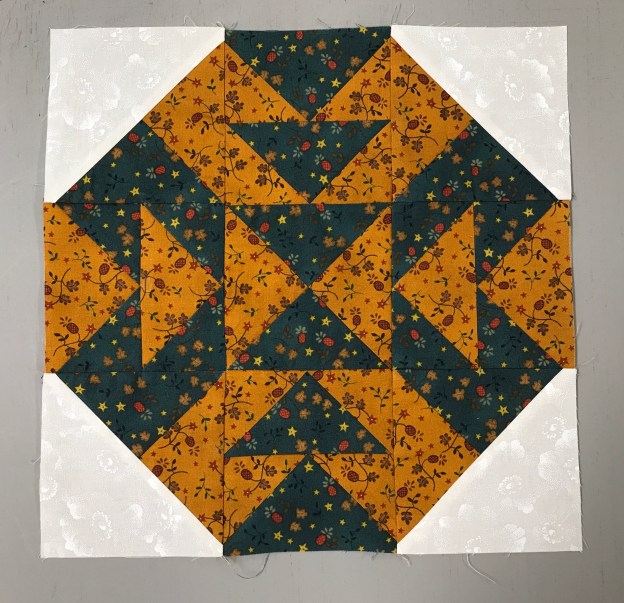
The finished 12″ Capital T Variation block! I love It!

Grand Illusion

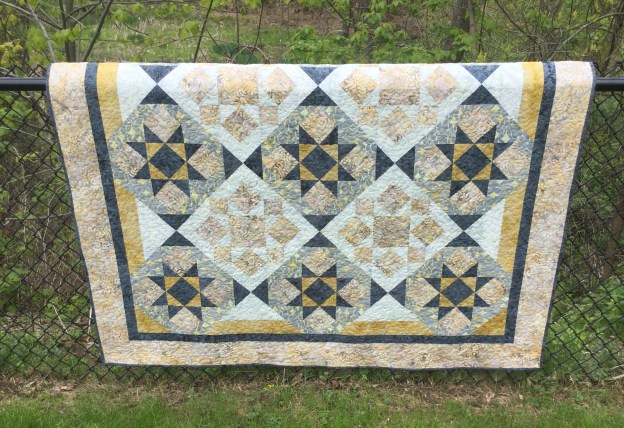
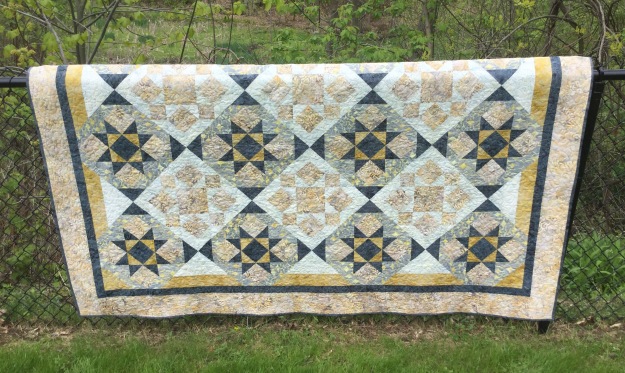
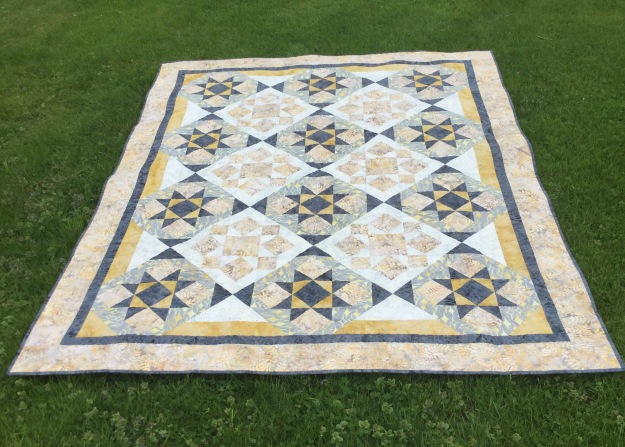
I have been so busy teaching this Spring, but I did find time today to finish my Grand Illusion’s quilt.  Why is it call Grand Illusion?  This Studio 180 pattern may look tricky but it is not.  It is made up of blocks and sashing in such away that it looks like the blocks are set on point but they are not!

IMG_4635

I chose to make this quilt as part of my obsession with Shaded Four Patch units.  Can you find them?

Grand Illusion can be made in Twin or Queen sizes and requires the use of Studio 180 Design’s Tucker Trimmer I, Square/Squared and Corner Pop tools.


IMG_4634

Now I’m onto my next project.

Tuckerization

Tuckerization, to Tuckerize. V.  The process of taking traditional quilt block instructions and applying process improvement techniques with Deb Tucker’s Studio 180 Tools!

I taught a Shaded Four Patch workshop last month and have been slightly obsessed with them ever since.  I keep looking for them everywhere.  I was at a quilt retreat with some fellow Certified Instructors and one them showed me a book by Sally Schneider called “Scrap Quilts Fit for a Queen, or a King, Twin, or Lap”.  There are some beautiful quilts in this book with layouts for King, Queen, Twin or Lap size (hence the title of the book). There are several quilts that contained the Shaded Four Patch Unit.  I decided to make “Happy Days”.  I love her layouts but there are better ways to construct the units for the blocks.

OLYMPUS DIGITAL CAMERA
Happy Days

Can you see the Shaded Four Patch Units in the quilt above?

Above is a deconstructed block using four Shaded Four Patch units.  I absolutely love how using the background fabric for the narrow strip and the rectangle  give you this pennant effect.

By using Studio 180 Design’s Shaded Four Patch Technique Sheet and the Tucker Trimmer I  was able to make oversized units and square them up perfectly.

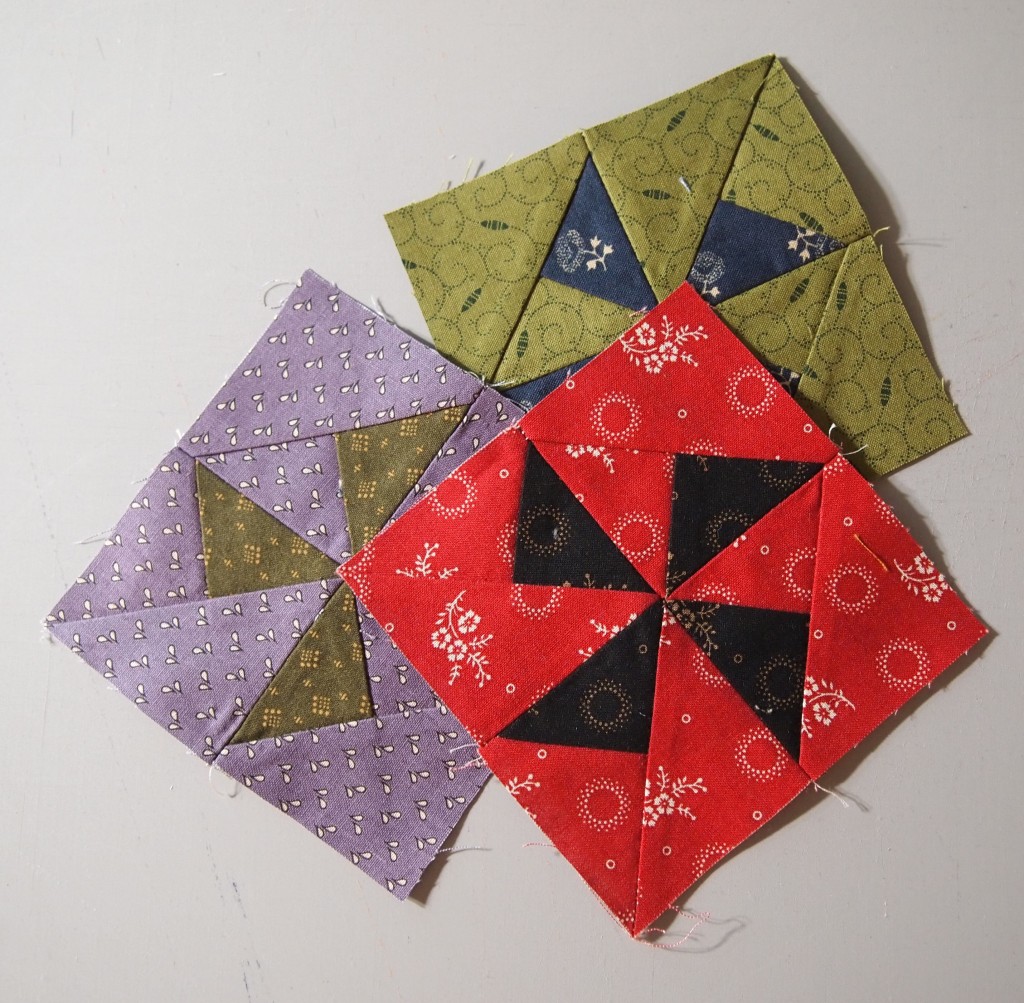
These little beauties are Combination Units made with my Tucker Trimmer I.  When you put 4 units together it makes this great looking pin wheel for the center of the block.  These are 2″ finished units. You can make these in 11 sizes with your Tucker Trimmer.

Above is the deconstructed block consisting of the combination units center and 4 Flying Geese made with my Wing Clipper I.  You can make flying geese in 10 sizes from 1″ to 10″ with the Wing Clipper

OLYMPUS DIGITAL CAMERA

The inner border was made using Quarter Square Triangles, which I made using my Tucker Trimmer.  I Tuckerized the heck out of this quilt!

OLYMPUS DIGITAL CAMERA

Below are more blocks containing the Shaded Four Unit.

OLYMPUS DIGITAL CAMERA

These two blocks are made exactly the same, with the same fabric.  The only difference is that the shaded Four Patch units in the corners are turned different ways.

These blocks all contain Shaded Four Patch Units.

OLYMPUS DIGITAL CAMERA

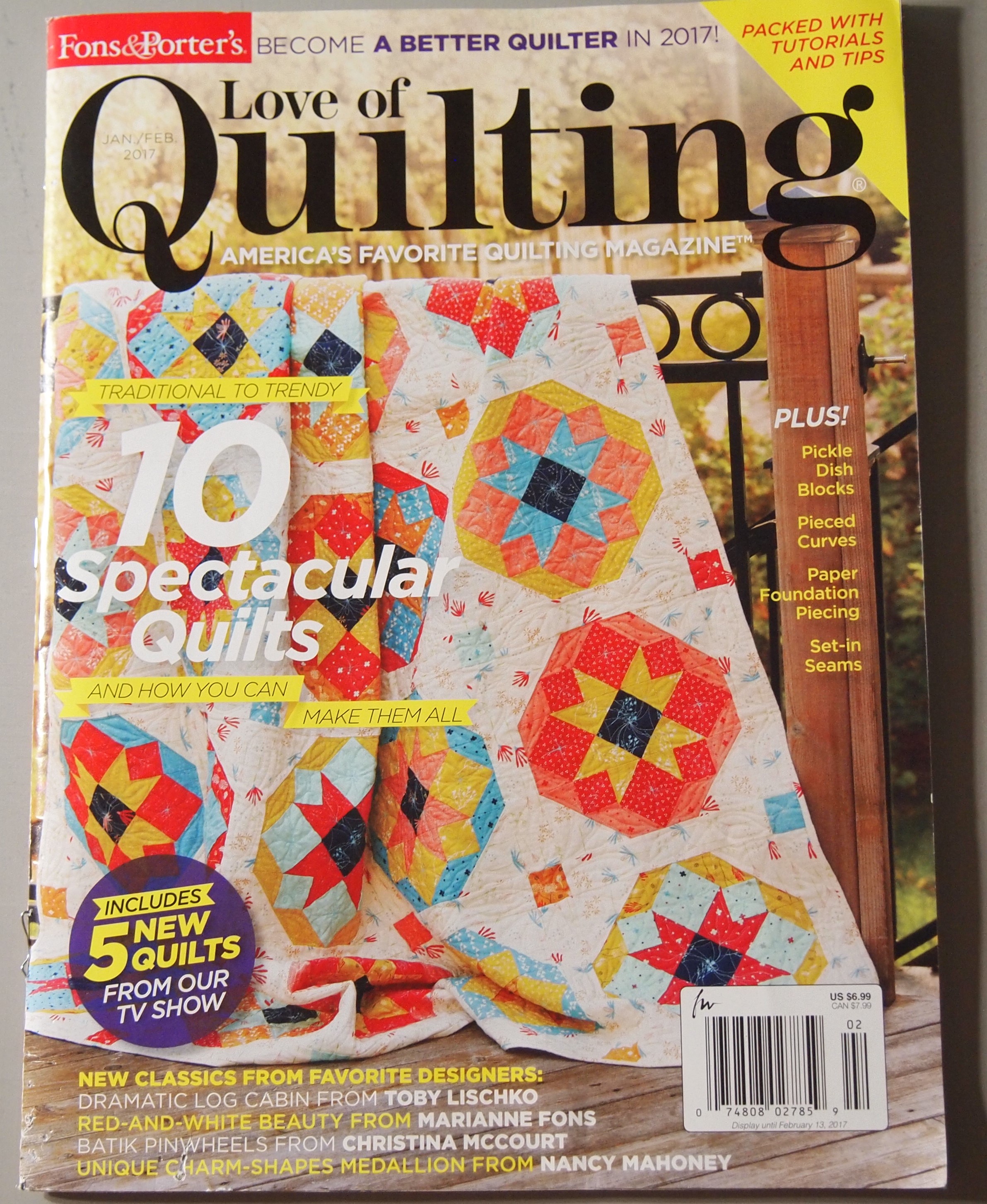
The quilt on the cover of “Love of Quilting” for Jan/Feb 2017 contains Shaded Four Patch Units and can be Tuckerized  with your Trimmer I and Square/Squared tools.  I would say Studio 180 Design Tools give you Quilting Clarity!


Smooth Sailing with Sugar & Spice

I tried two new quilt patterns in October.  The first one was Smooth Sailing by Pam Goggans.

OLYMPUS DIGITAL CAMERA

Smooth Sailing

Pam designed this as a companion pattern for Studio 180 Design’s Diamond Rects and Square Squared tools.  I had never made a Storm at Sea before and I was very pleased with this pattern.  Using the Diamond Rects & Square Squared tools made it easy.  The pattern makes two sizes, 49″ x 58″ and 89″ x 107″.  You can buy Smooth Sailing from Studio 180 Design or from Pam Goggans at Sager Creek Quilts

I just finished making Sugar & Spice by Deb Tucker.  I love, love, love the Lemoyne star. This is a companion pattern for the Rapid Fire Lemoyne Star and Tucker Trimmer 1 tools.

OLYMPUS DIGITAL CAMERA

Sugar & Spice

This pattern was easy and fun. It measures 45″ x 62″.

Sew many quilts to make sew little time!

How Many Geese in that Formation?

I’m getting ready for some upcoming trunk shows and decided to make some Studio 180 Design Tool samples.  There are 8 Fundamental Tools (not counting Tucker Trimmer 2 & Wing Clipper 2).  The Tucker Trimmer 1 makes Half Square Triangles, Quarter Square Triangles & Combination Units in 11 sizes from 1 inch to 6 inches.

OLYMPUS DIGITAL CAMERA

Above are Quarter Square Triangles in 11 sizes.

OLYMPUS DIGITAL CAMERA

The Wing Clipper 1 makes Flying Geese in 10 sizes from 1 inch to 10 inches.

OLYMPUS DIGITAL CAMERA

The Square Squared Tool makes 6 sizes from 1 inch to 6 inches.

OLYMPUS DIGITAL CAMERA

The Corner Beam Tool makes 11 sizes from 1 1/2 inches to 6 1/2 inches

OLYMPUS DIGITAL CAMERA

The V Block Tool makes 11 sizes from 1 1/2 inches to 6 1/2 inches

OLYMPUS DIGITAL CAMERA

The Split Rects Tool makes 8 sizes from 1 inch to 8 inches.

OLYMPUS DIGITAL CAMERA

The Diamond Rects Tool makes 5 sizes from 2 1/2 inches wide to 10 1/2 inches wide.

With the Corner Pop Tool you can choose from any of the 22 size options and remove a corner from a base shape such as a square, rectangle, pieced unit or block and leave the necessary 1/4″ seam allowance in tact.

OLYMPUS DIGITAL CAMERA

The block above is made from V Block and Corner Beam Units.

OLYMPUS DIGITAL CAMERA

I made 4 of the blocks but this time I popped of corners of the V Block & Corner Beam units before I put the blocks together, making this very interesting wall hanging.

Next I need to make samples for the Rapid Fire Hunters Stars and Lemoyne Star Tools.  Happy quilting!

OLYMPUS DIGITAL CAMERA

The Shaded Four Patch Unit

Lately I have been working on Tech Classes for some of the Studio 180 Design Tools.  I’m getting ready to teach the Shaded Four Patch and Tucker Trimmer.

OLYMPUS DIGITAL CAMERA

I love this basic unit..

Deb Tucker’s Technique Sheet for the Shaded Four Patch gives you fabric requirements for 21 sizes and all the steps needed so you can make these basic units yourself.

OLYMPUS DIGITAL CAMERA

Choose the size you want to make and cut 2 narrow strips and two wide strips. Sew along one long edge of each.

OLYMPUS DIGITAL CAMERA

Press toward the wide strip.
OLYMPUS DIGITAL CAMERA

Pair two of the pieced strips right sides together with the narrow strips on opposite sides.
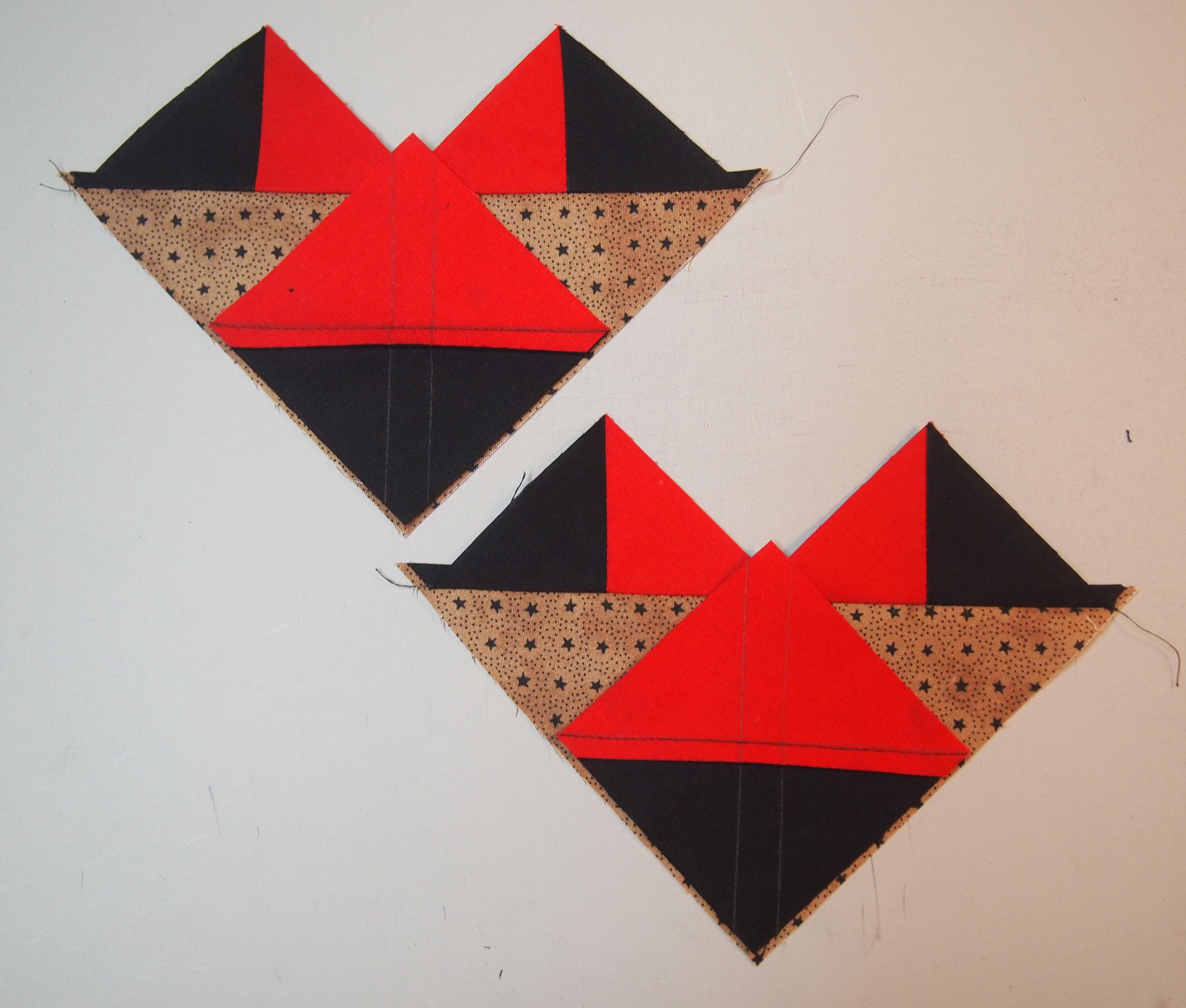
OLYMPUS DIGITAL CAMERA

Trim into units as wide as the narrow strip.

OLYMPUS DIGITAL CAMERA

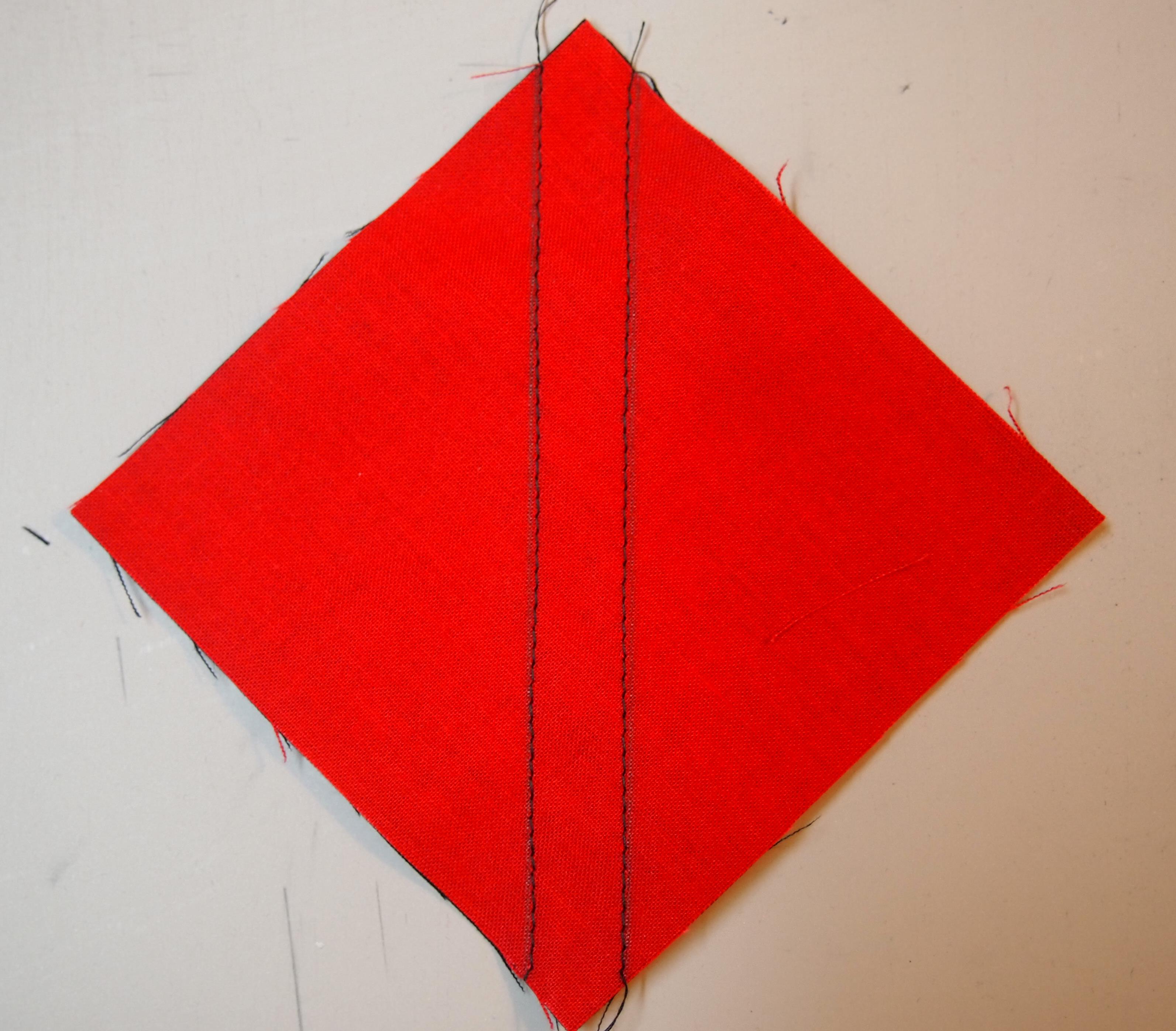
Stitch each pair along one log edge.

OLYMPUS DIGITAL CAMERA

Fold each unit in half to find the center and using your scissors snip all the way to the seam allowance.

OLYMPUS DIGITAL CAMERA

Press Open.

OLYMPUS DIGITAL CAMERA

Place a ruler with a 45 degree angle on the bottom of your unit so the edge lines up where the stitching lines meet as shown above and draw a line horizontally.  Rotate your unit and repeat.

OLYMPUS DIGITAL CAMERA

Center each marked unit over a large rectangle, (that you cut per the instructions) with right sides together. Stitch on the lines and cut apart.

OLYMPUS DIGITAL CAMERA

Press toward the large triangle and trim using your Tucker Trimmer.

OLYMPUS DIGITAL CAMERA

Rotate your unit and trim again.

OLYMPUS DIGITAL CAMERA

I made this small quilt measuring 42″ x 50″ using only shaded Four Patch Units.  You could make this any size you wanted with the instructions included in technique sheet.

OLYMPUS DIGITAL CAMERA

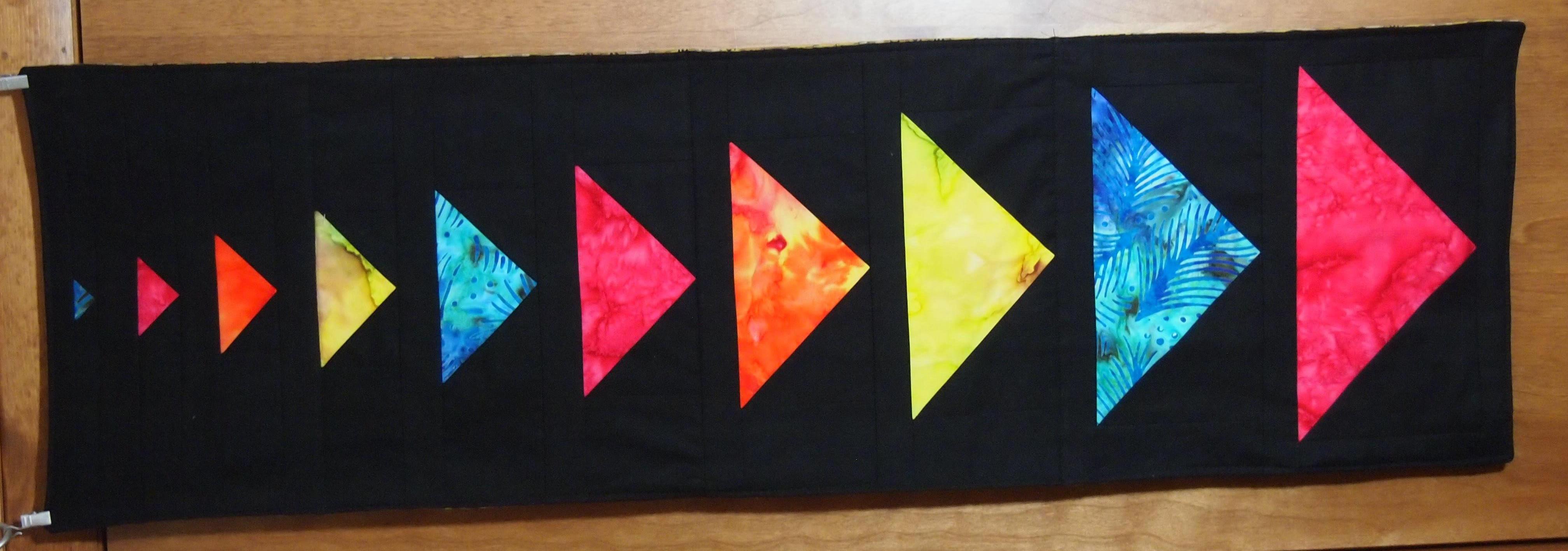
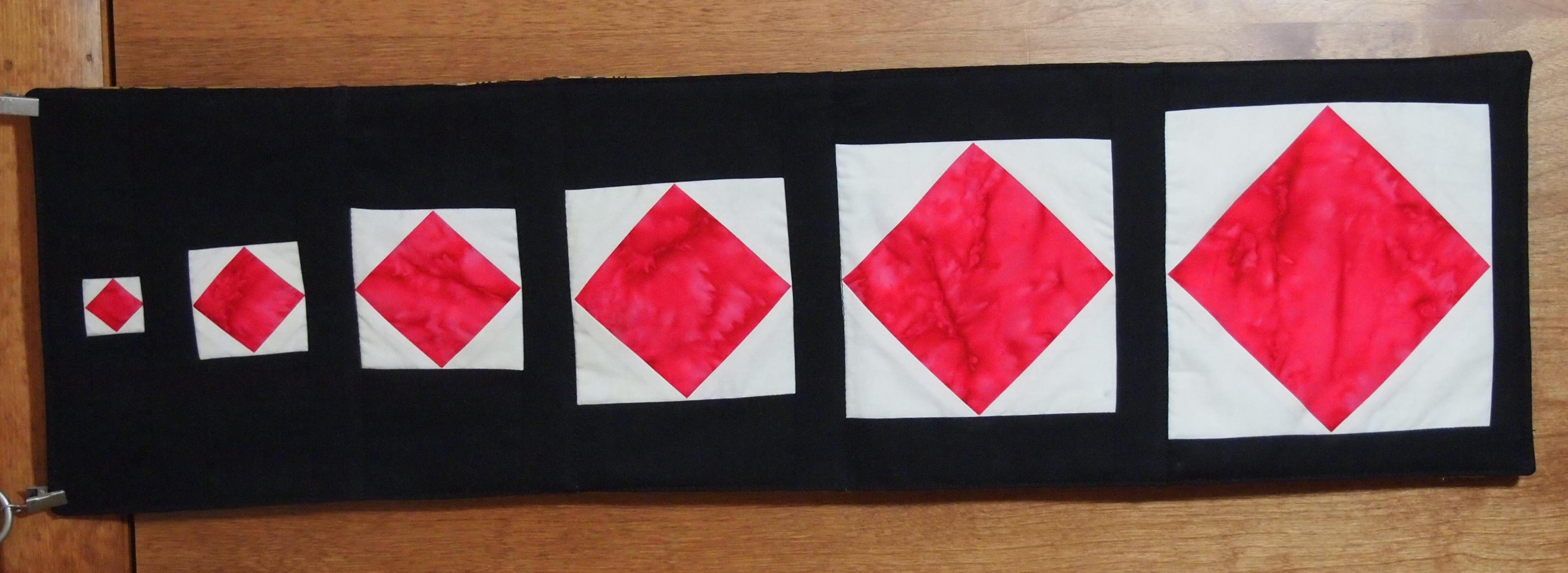
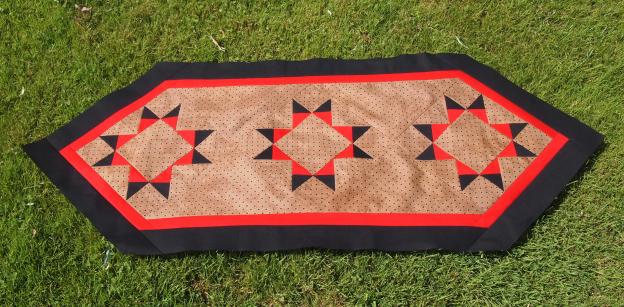
I also made this table runner using only Shaded Four Patch Units.

OLYMPUS DIGITAL CAMERA

This table runner was also made using only Shaded Four Patch units.  It’s all about color and how you position your units.

A Goose of a Different Feather

I was going through some magazines from last year and saw a quilt made by Catherine Hughes that had a block in it that contained different kind of Flying Geese units, the background of the geese were half square triangles.  I decided to Tuckerize it, which meant  I would use my favorite Studio 180 Design Tools.

I decided to make a 10″ finished size block containing a 5 1/2″ center square. The Studio 180 Design method of making flying geese using the Wing Clipper 1 uses one large square and four small squares.  For this project the small squares would be half square triangles instead of just squares.  The cut size of the flying geese would be 3″ by 5 1/2″.  To determine what my large square and small squares should be I checked the chart that comes with the Wing Clipper 1. I cut the large square 6 1/2″. The cut size of the small squares should be 3 1/2″.  Now I went to the chart that comes with my Tucker Trimmer I.  For half square triangles that finish 3″ the cut size is 3 1/2″ which meant my starter squares should be 4″. Whew that was a mouthful!  For 3 blocks I cut 6 red – 4″ squares and 6 black – 4″squares.

OLYMPUS DIGITAL CAMERA

On the back of the red squares use your Magic Wand and draw diagonal lines on either side.

OLYMPUS DIGITAL CAMERA

Place 1 red square on each black square.

OLYMPUS DIGITAL CAMERA

Sew on the lines.

OLYMPUS DIGITAL CAMERA

Cut apart between the sewn lines.

OLYMPUS DIGITAL CAMERA

Press toward the dark.

OLYMPUS DIGITAL CAMERA

Square up to 3 1/2″ using your Tucker Trimmer I.

OLYMPUS DIGITAL CAMERA

Using your Magic Wand draw diagonal lines on the wrong side of the half square triangles.

OLYMPUS DIGITAL CAMERA

Place a 6 1/2″ square right side up and position 2 half square triangles wrong sides together as shown nudging the half squares triangles in from the corners about a 1/16″.

OLYMPUS DIGITAL CAMERA

Sew on the drawn lines and cut apart.

OLYMPUS DIGITAL CAMERA

Press toward the small triangles.  Position another half square triangle as shown again nudging away from the corner 1/16′.

OLYMPUS DIGITAL CAMERA

Sew on the lines and cut apart.

OLYMPUS DIGITAL CAMERA

Press toward the small triangle.

OLYMPUS DIGITAL CAMERA

First trim.

OLYMPUS DIGITAL CAMERA

Rotate unit, second trim.

OLYMPUS DIGITAL CAMERA

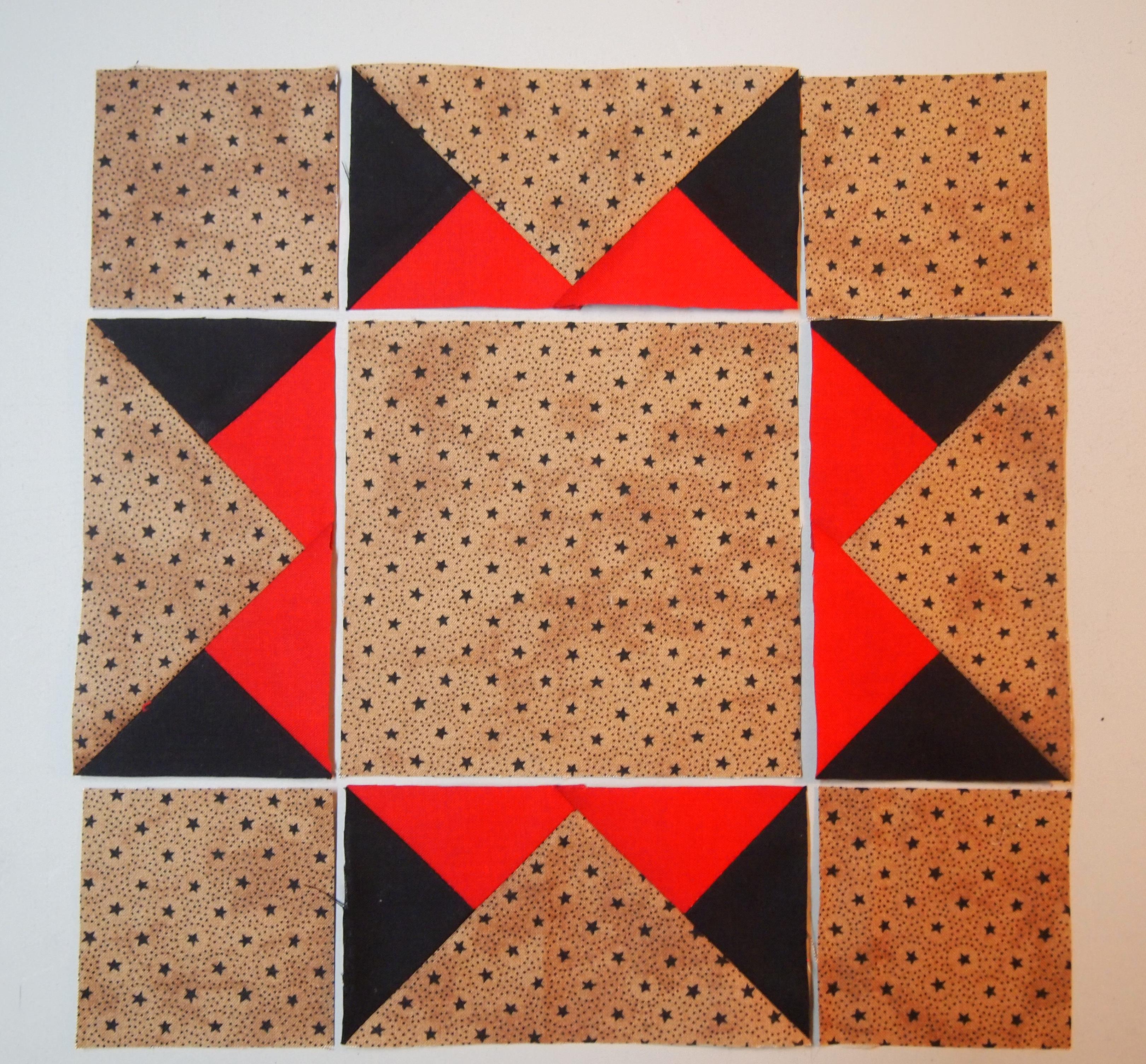
Block layout. Cut 3″ squares for the block corners.

OLYMPUS DIGITAL CAMERA

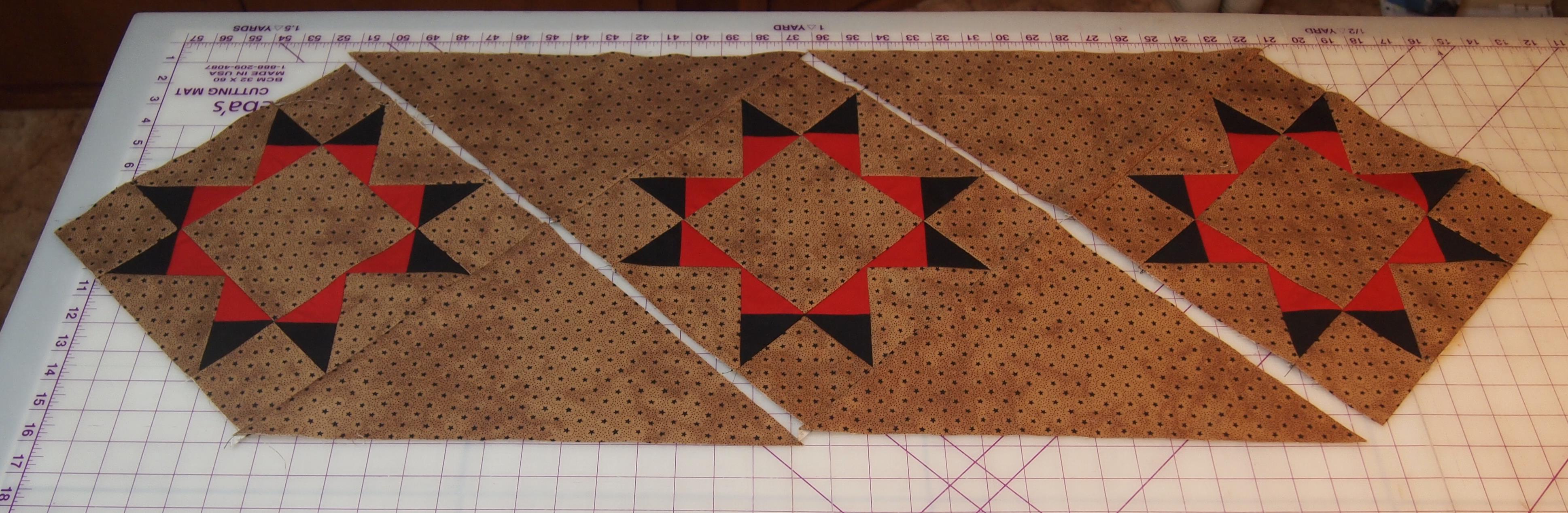
Repeat process to make 3 blocks.  Cut one 15 1/2″ square and cut diagonally twice to make the side triangles.  Sew the side triangles to blocks as shown.

OLYMPUS DIGITAL CAMERA

I cut 4 – 1 1/2″ red strips for the inner border and 4 – 2 1/2″ black strips for the outer border.

Hunter Stars & Tucker Trimmer

I have been soooo busy making class samples and life in general.  Last weekend I was helping Deb Tucker at her booth for the Genesee Valley Quilt Guild in Rochester, NY.  They sure put on a great quilt show, they had over 600 quilts and great vendors.  I came home and a few days later taught a beginning Hunter Star class at Sew Wilde in New Hartford, NY.

OLYMPUS DIGITAL CAMERA

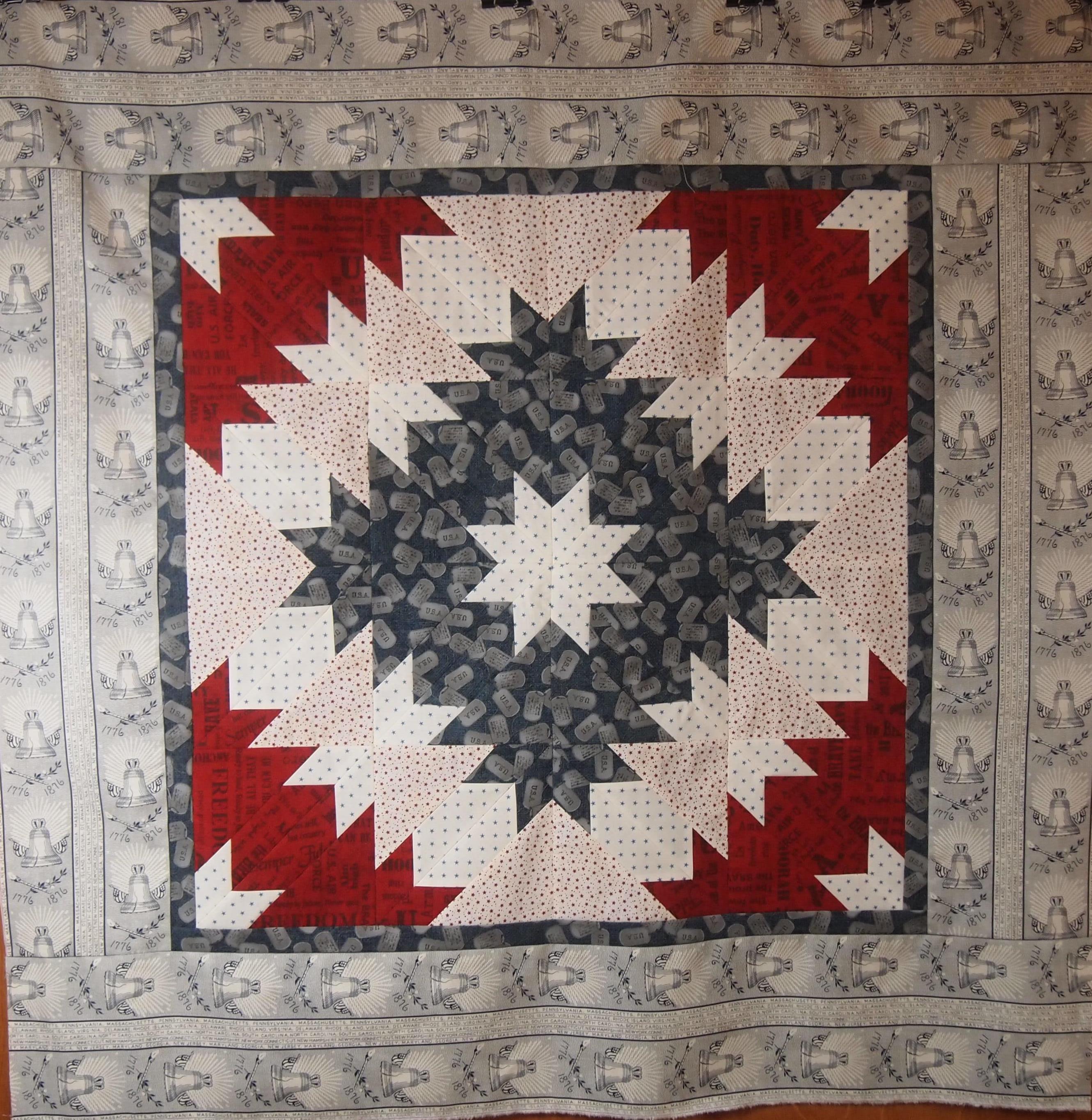
Patriotic Hunter star

Mine is a little scrappy. Students learned how to cut their trapezoids and star points. They also learned the design possibilities when you don’t sew the triangles together.  It was a fun class

Next week we’re breaking out the Tucker Trimmer I and learning to make Rangeley Stars at Tiger Lily Quilt Company in Utica, NY.

OLYMPUS DIGITAL CAMERA

Rangeley Wall Hanging

This is such a fun and easy star to make. We start with Quarter Square/Hour Glass Units using our Tucker Trimmers.

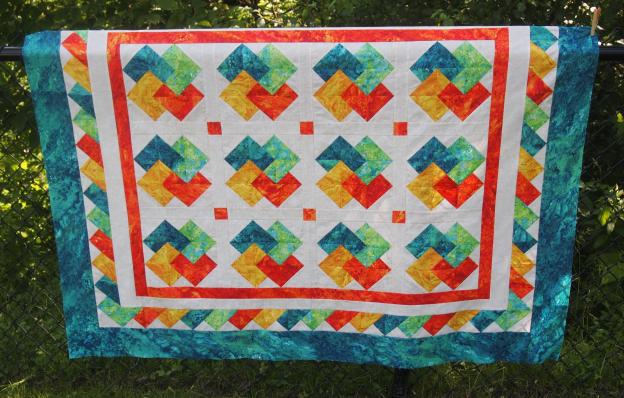
Yesterday I finished Solitaire, a Deb Tucker Quilt that utilizes the Tucker Trimmer also.

OLYMPUS DIGITAL CAMERA

Tucker Trimmer Units

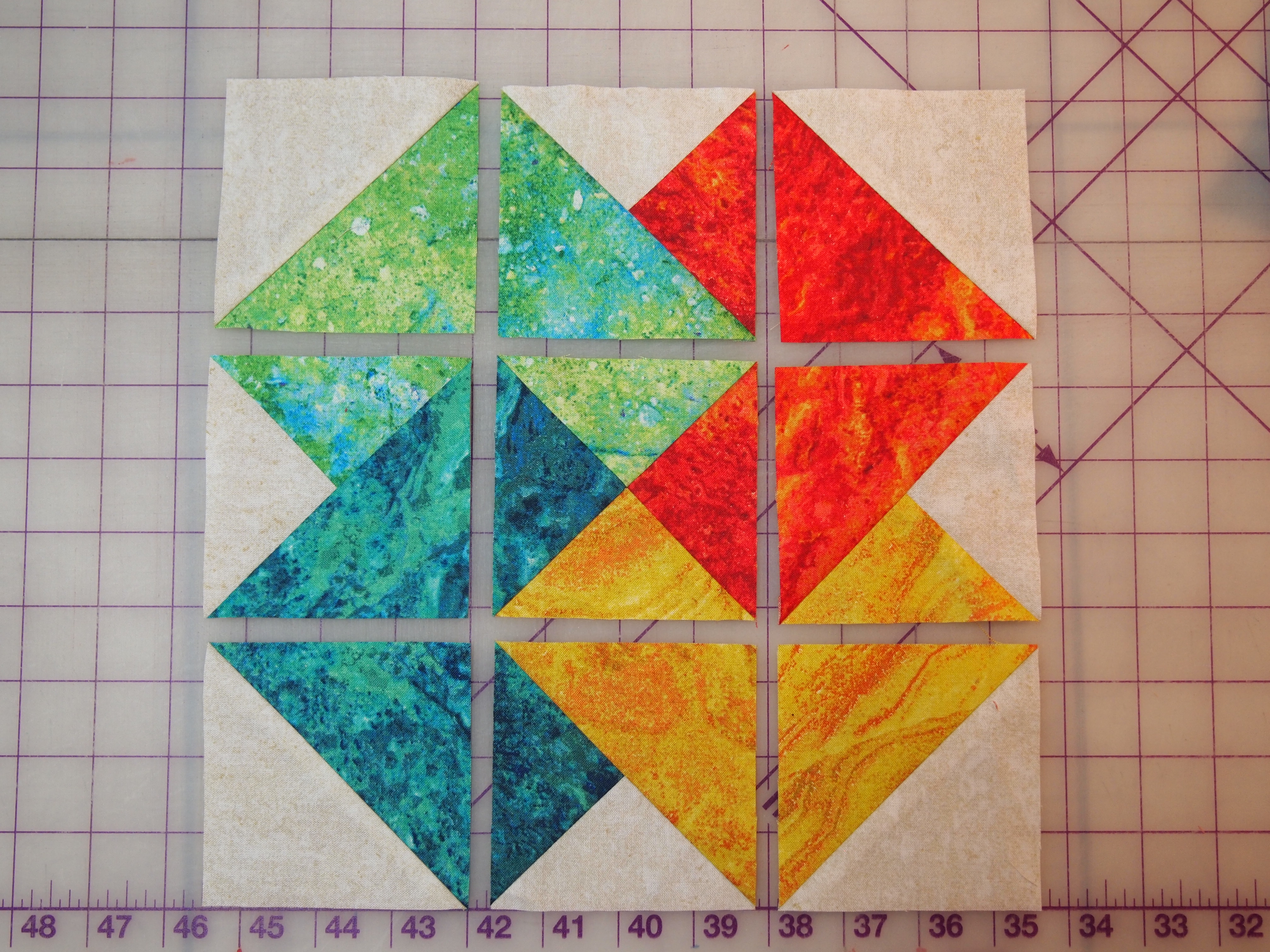
This block is made up of 1 hour glass unit, 4 half square triangles and 4 combination units all made with the Tucker Trimmer I.

OLYMPUS DIGITAL CAMERA

Solitaire Block

When the units are sewn together it becomes the card trick block.

OLYMPUS DIGITAL CAMERA

Solitaire

I love the pieced inner border in this quilt.  When making the combination units you create a left and a right unit at the same time.  One set is used in the blocks, the other in the border.

OLYMPUS DIGITAL CAMERA

Solitaire

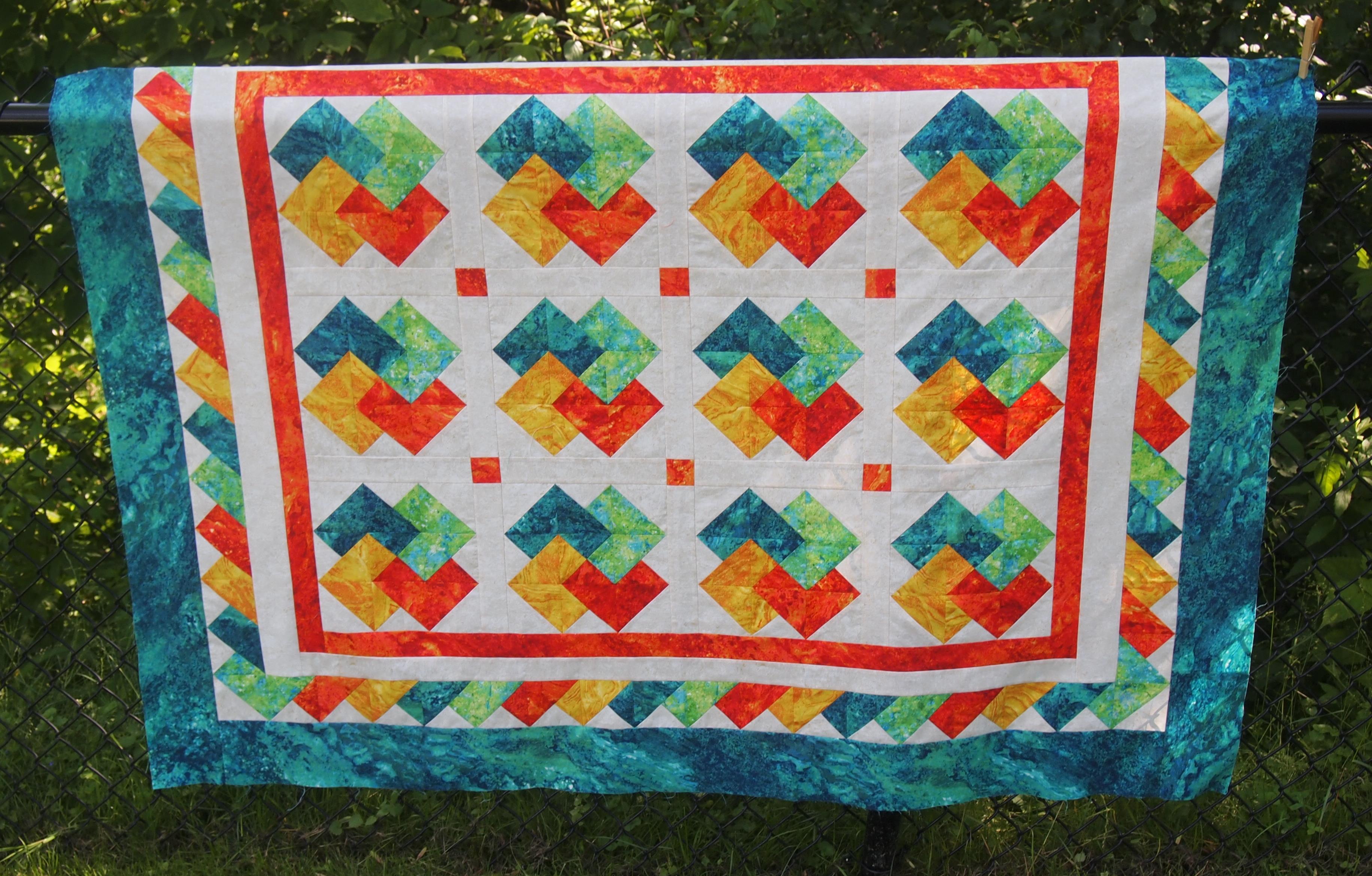
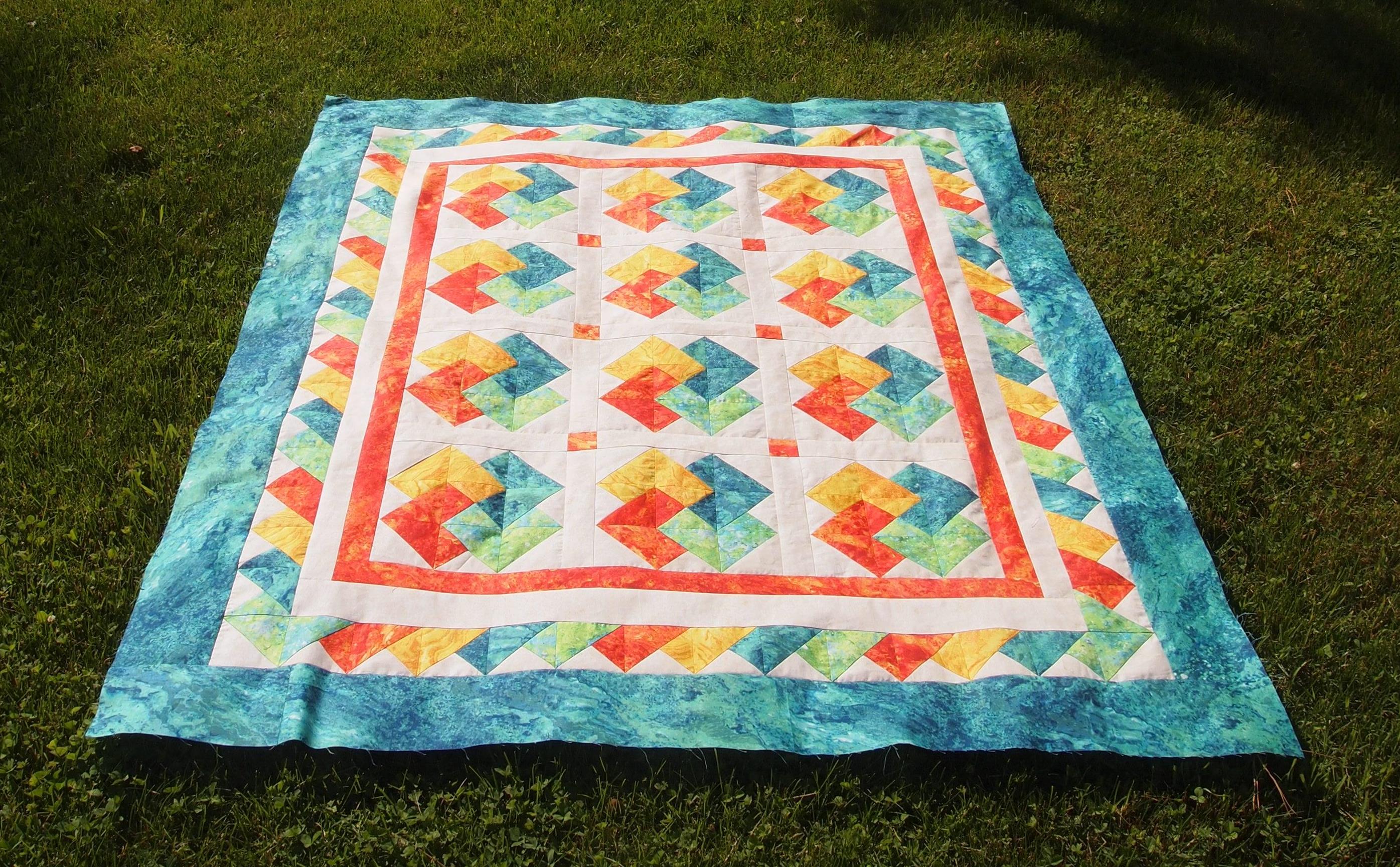
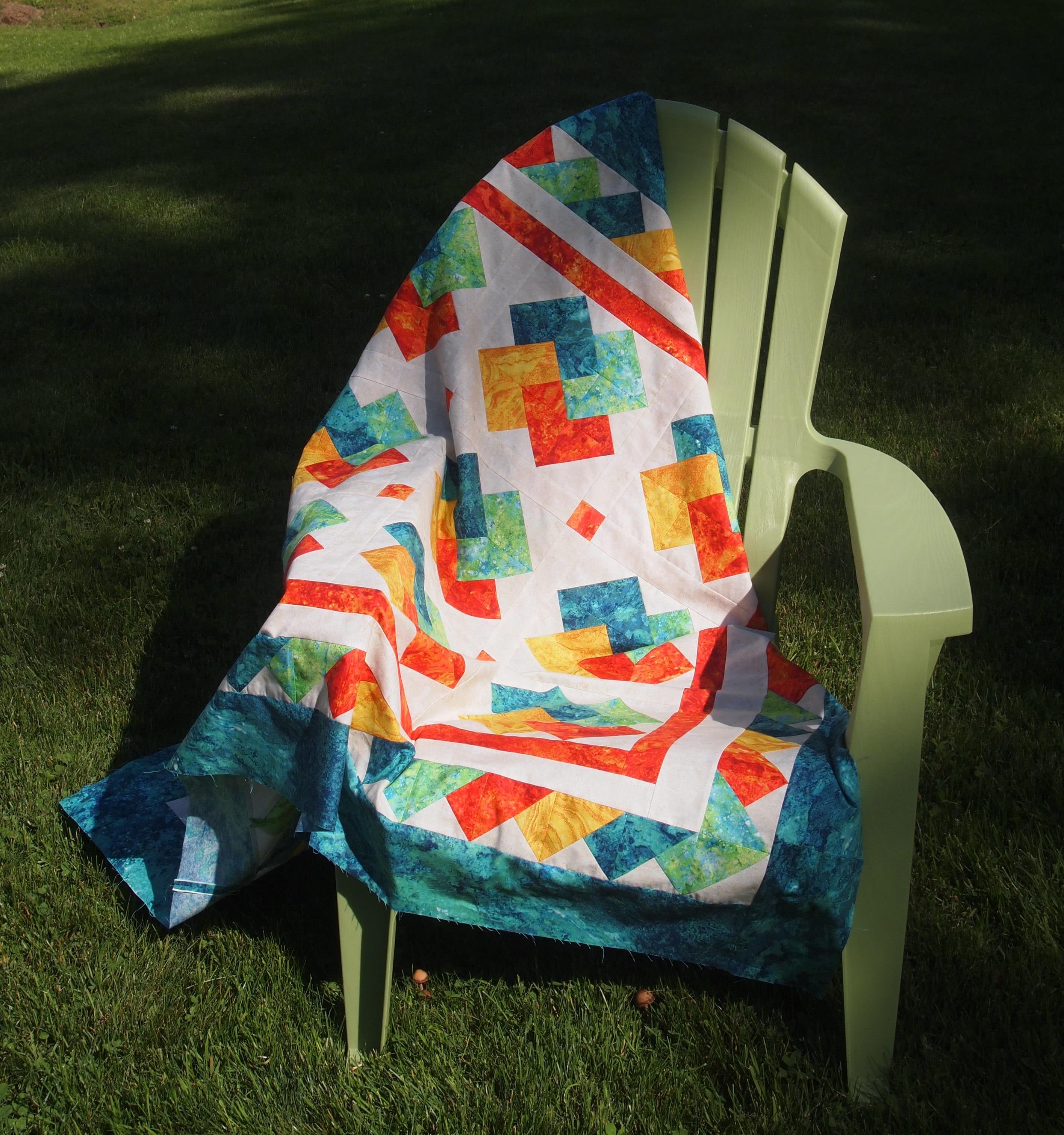
I did have a fabric malfunction.  There are supposed to be cornerstones in the outer border but I cut them wrong and decided to finish it without them.  The fabric I used was Stonehenge from Northcott Fabrics.  It was sunny out so you can’t really see how vibrant the colors are.

OLYMPUS DIGITAL CAMERA

Solitaire

Happy quilting, see you around the fire pit!

Green with Envy????

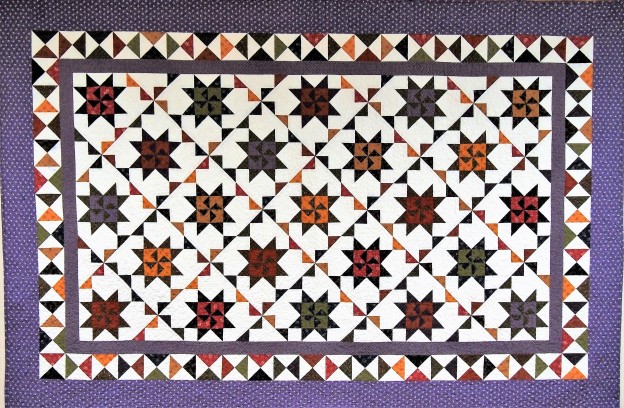
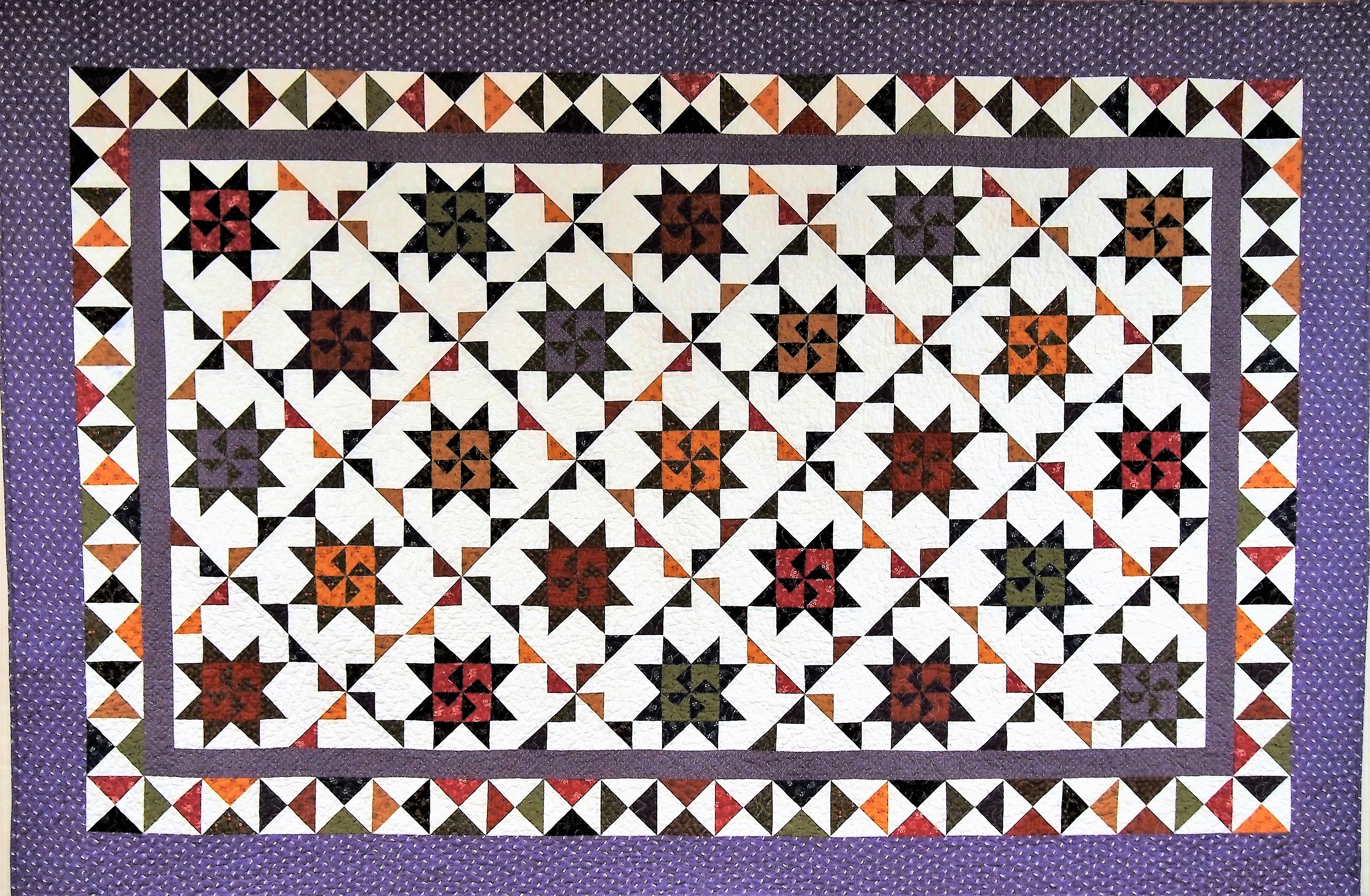
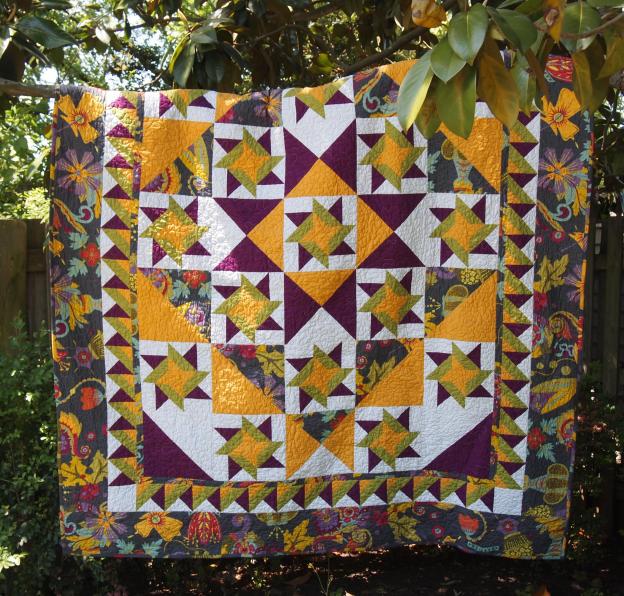
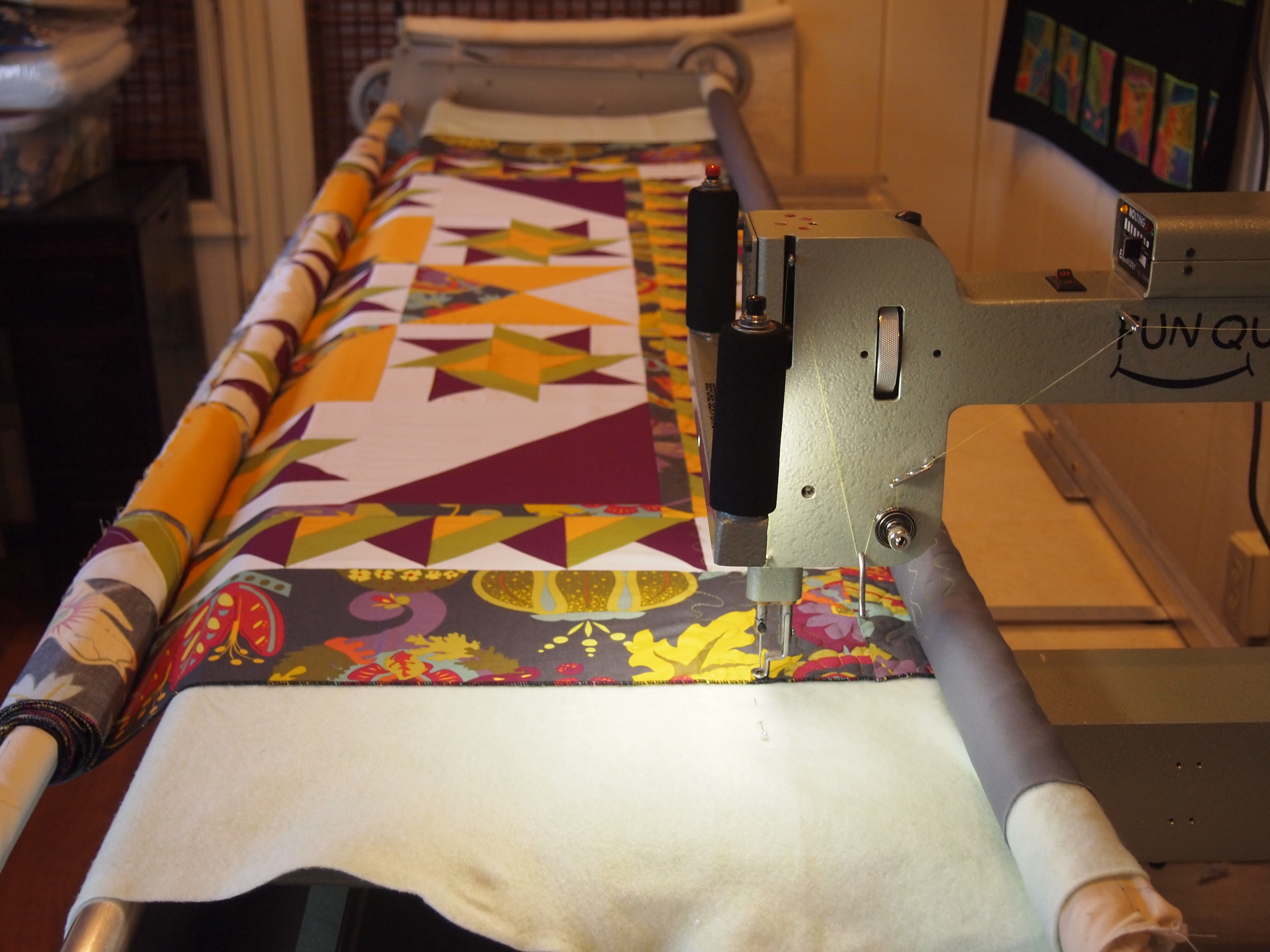
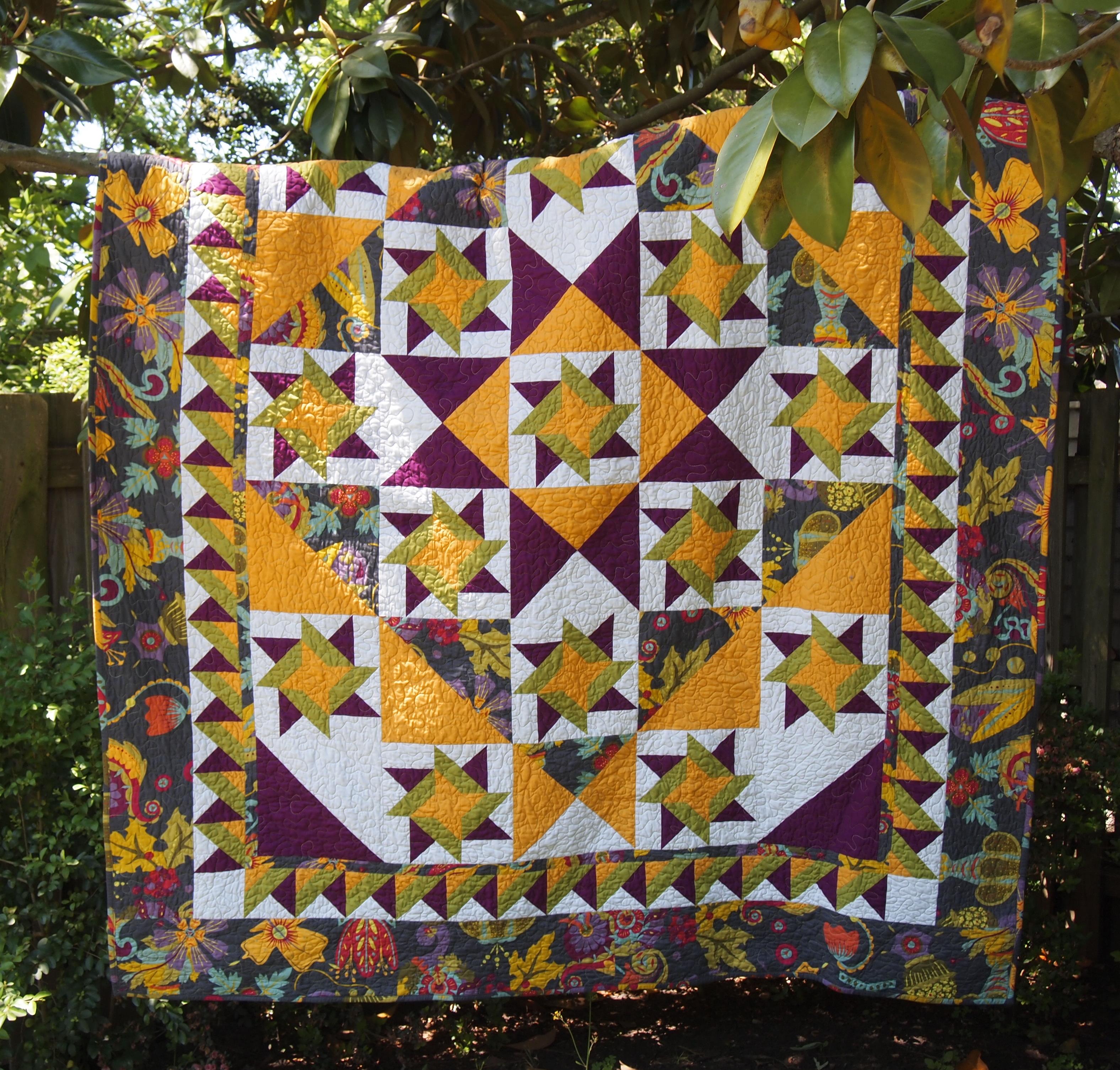
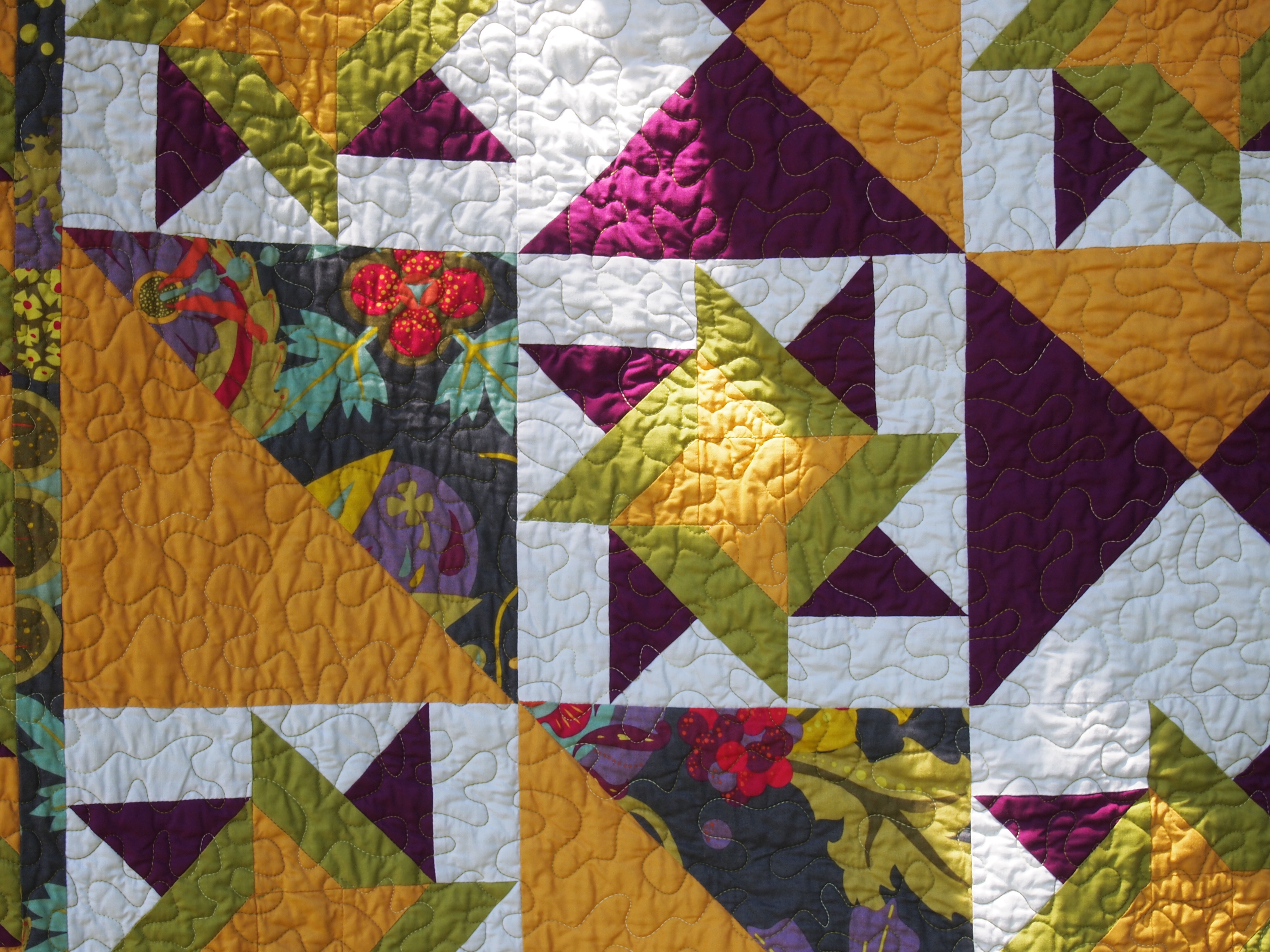
No, just green with batting.  Quilters Dream Green that is.  I completed “Twister” a Studio 180 Design pattern for a class I was teaching several months ago, but I just now found time to quilt it.  I love this pattern, it is a companion pattern for the Tucker Trimmer I.  There is nothing like a pieced border to give your quilt eye catching appeal.  I used a focus fabric by Alison Glass called Lucky Penney in the border.  It was my jumping off point for the colors I chose.

Twister and Dream Green

This was my opportunity to try Dream Green earth friendly batting, made from 100% recycled plastic bottles.  Recycled plastic bottles are cut into chips, washed, melted and extruded into fine polyester fibers.  Processed using the close-the-loop recycling chain, it is pro-environment in both its raw material source and its manufacturing process.  Each pound of Dream Green Batting keeps 10 plastic bottles out of our landfills.

OLYMPUS DIGITAL CAMERA

Dream Green loaded easily and stitched beautifully.  There is no scrim or resins, yet you can stitch up to 12″ apart.  I machine washed it in warm water and dried it on a medium heat.  I thought it behaved very much like cotton batting.  There was very little shrinkage.  I was pleased with Dream Green and will use it again.

OLYMPUS DIGITAL CAMERA

Twister is a great skill building pattern.