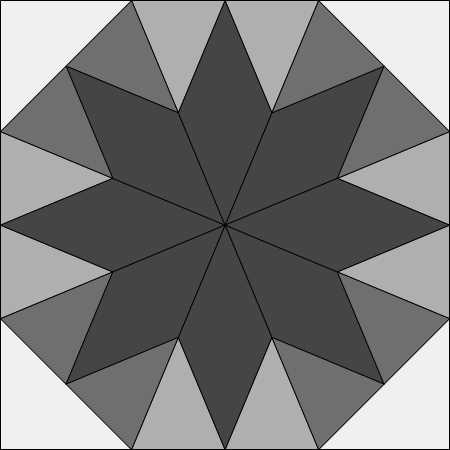
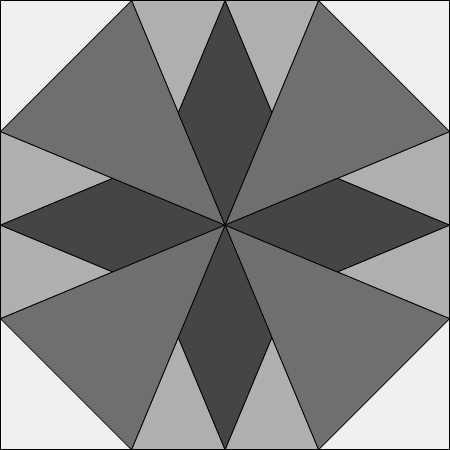
Tag Archives: Studio 180 Design

I’m Repeating Myself Again – OBW #80

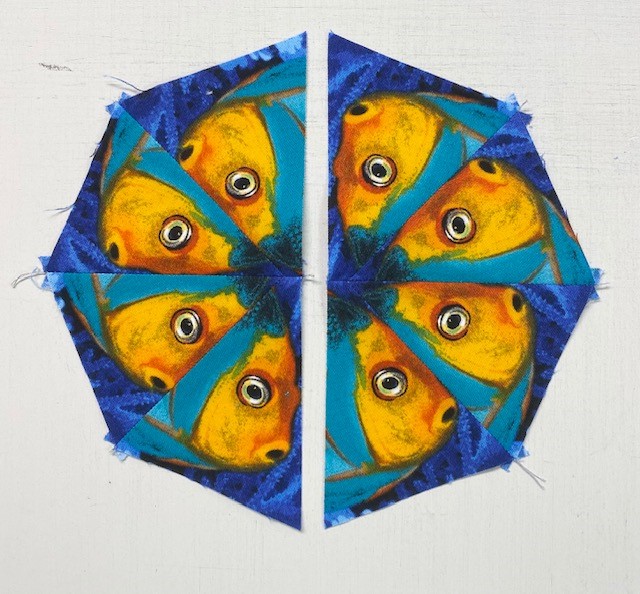
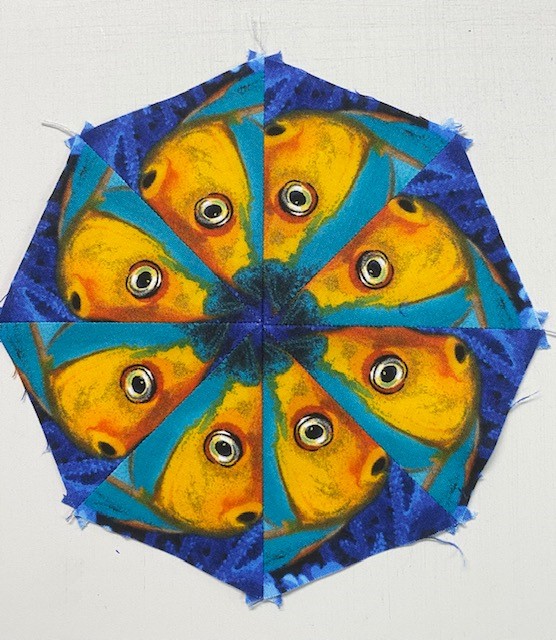
What is a One Block Wonder (OBW)? I bought Maxine Rosenthal’s book “One Block Wonders” in 2006 and was totally awestruck! So much so, that I have made 79 hexagon OBW’s since. Whether you are making hexagons or octagons your are creating kaleidoscope blocks – each one unique by using one fabric, one shape for one of kind quilts! With hexagon OBW’s you cut 6 identical repeats and with octagon OBW’s you cut 8 identical repeats.

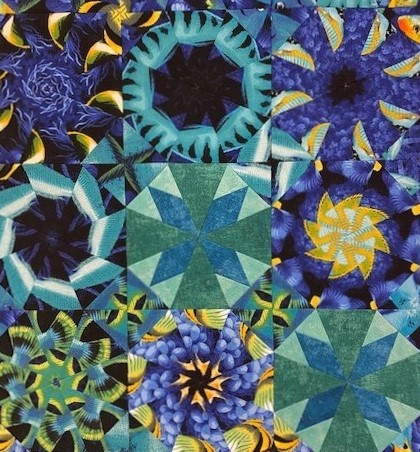
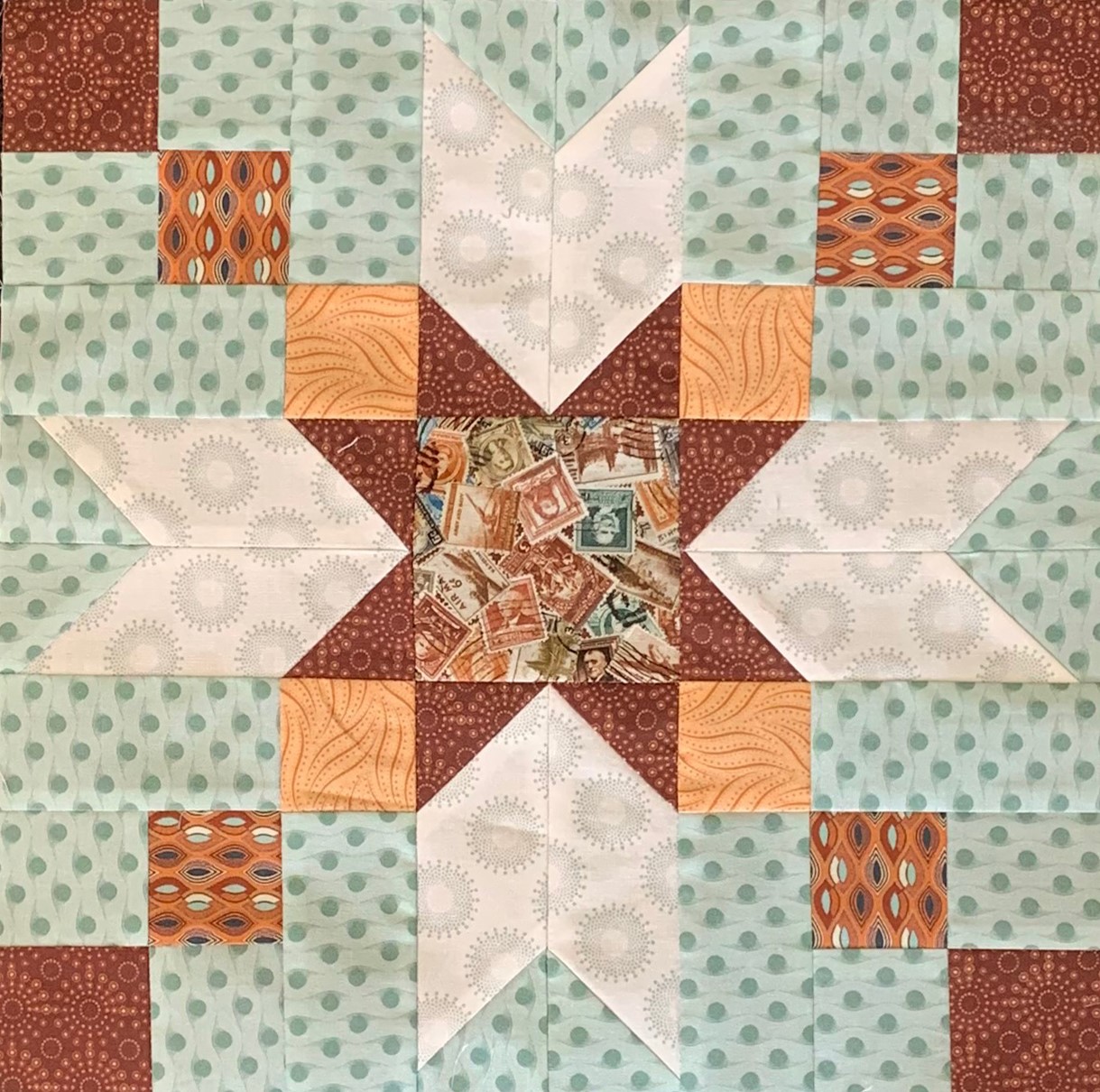
Octagons are used in the cover photo.

In 2007 I bought Alexander Henry’s fabulous fabric “Lion Eyes”. I always buy at least 6 yards. This time I had 12 yards in my stash.

I made my 27th hexagon OBW and named it “Just Lion Around” It was included in Maxine Rosenthal’s 4th book One Block Wonders of World.

Just Lion Around 2007, OBW #27

I made my first OBW in 2006. That year I made 16 OBW’s. It only took me 14 years to finally make my first octagon One Block Wonder!

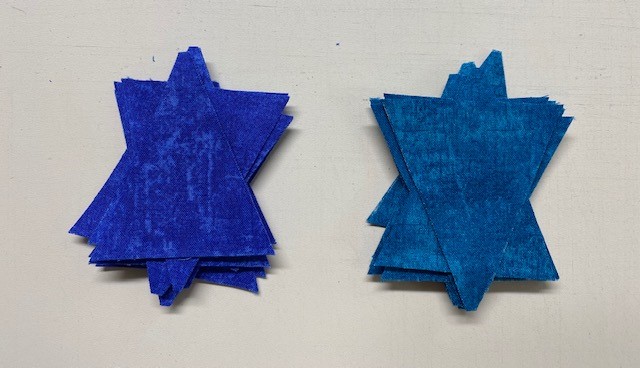
Cutting the Repeats: I cut my 8 identical repeats and aligned them just as I would for a hexagon OBW. Now it is time to cut octagon and corner triangle strips. You can make octagon OBW’s in any size. Following Maxine’s suggestion I cut my octagon strips 4″ wide. Maxine said to cut the strips for the corner triangles 2 3/4″ wide. I am a Studio 180 Design Certified Instructor. You may be able to take the girl out of the studio…but you will never take the studio (180) out of the girl!

Instead of 2 3/4″ strips, I cut my corner triangle strips 3″ wide, that would give me a little more to trim off the completed octagon blocks. After I aligned and trimmed one long edge of the repeats, I re-measure the width of my repeat to verify how may strips I can cut. My trimmed, aligned repeat measured 23″. For every two strips used to make octagons, cut one strip for the “Sensational Squares” (corner triangles). If I cut four 4″ strips and two 3″ strips it equals 22″. Now I know I have enough fabric in my repeat without cutting myself short.

First cut

As I said earlier: You may be able to take the girl out of the studio…but you will never take the studio (180) out of the girl! I am using Studio 180 Design’s Wedge Star Tool to cut my wedges for the octagon blocks.

The beauty of the Wedge Star tool is you can make octagons in sizes 3″ to 24″.

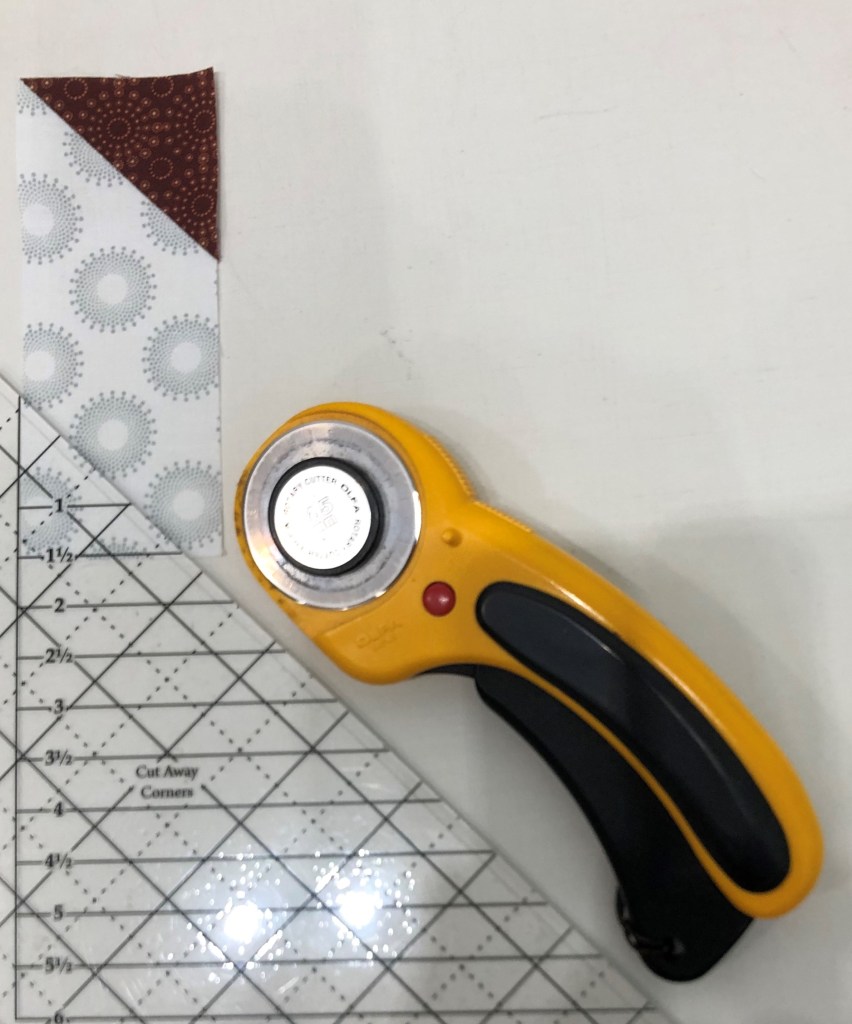
I found it easier to cut both left and right wedges by placing the octagon strip vertically on my cutting table and pull the strip toward me as I cut. The Wedge Star tool instructions show how to cut the units horizontally also:

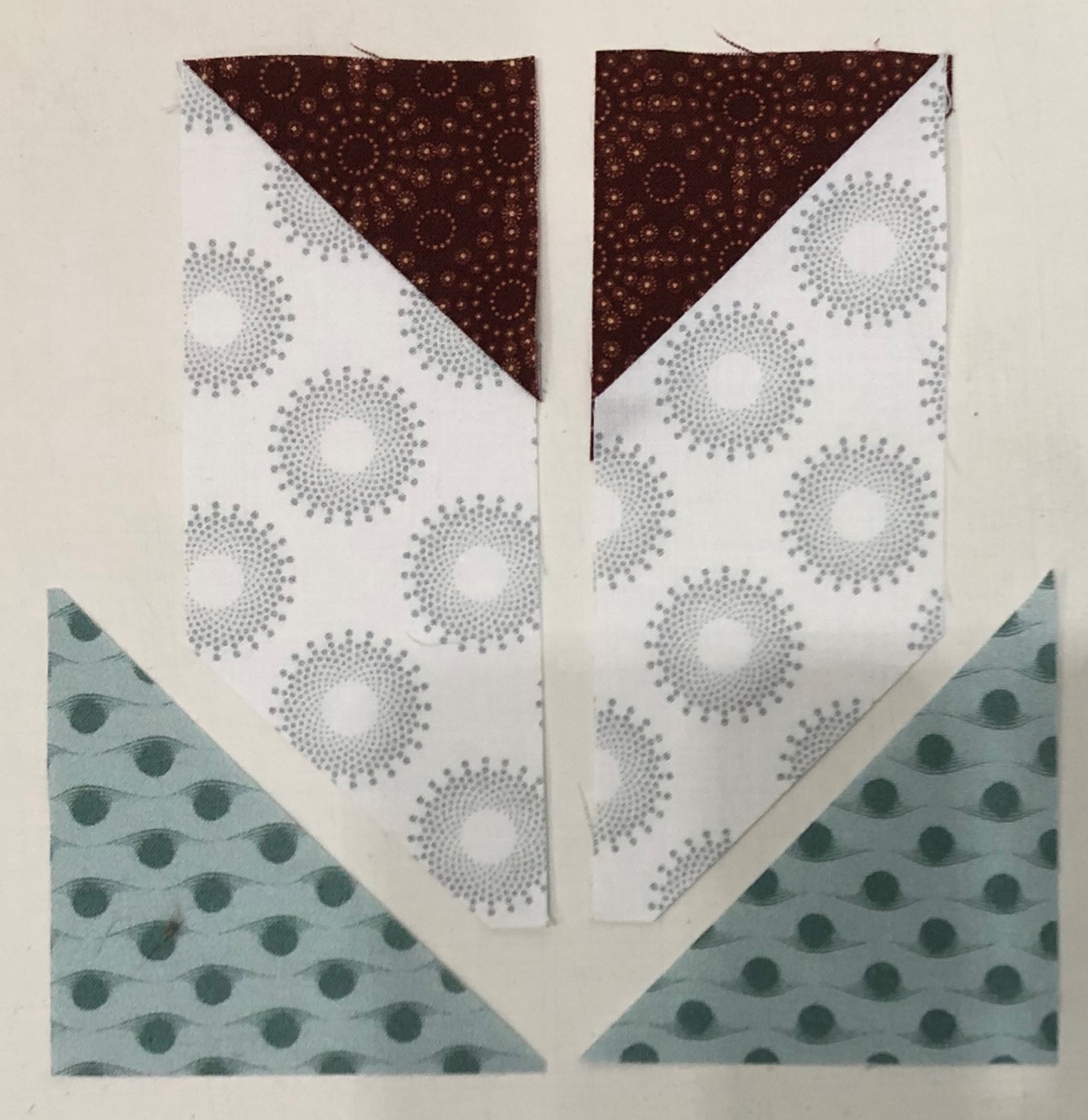
Continue cutting your wedge units. I got 23 wedges per strip.

From the 3″ strips cut your 3″ squares using your Tucker Trimmer I.

Cut you squares diagonally once and set aside.

Because hexagons are made with equilateral triangles you have 3 choices as how to design your block. With Octagons you only have one choice, the narrow end of the wedge is always the center.

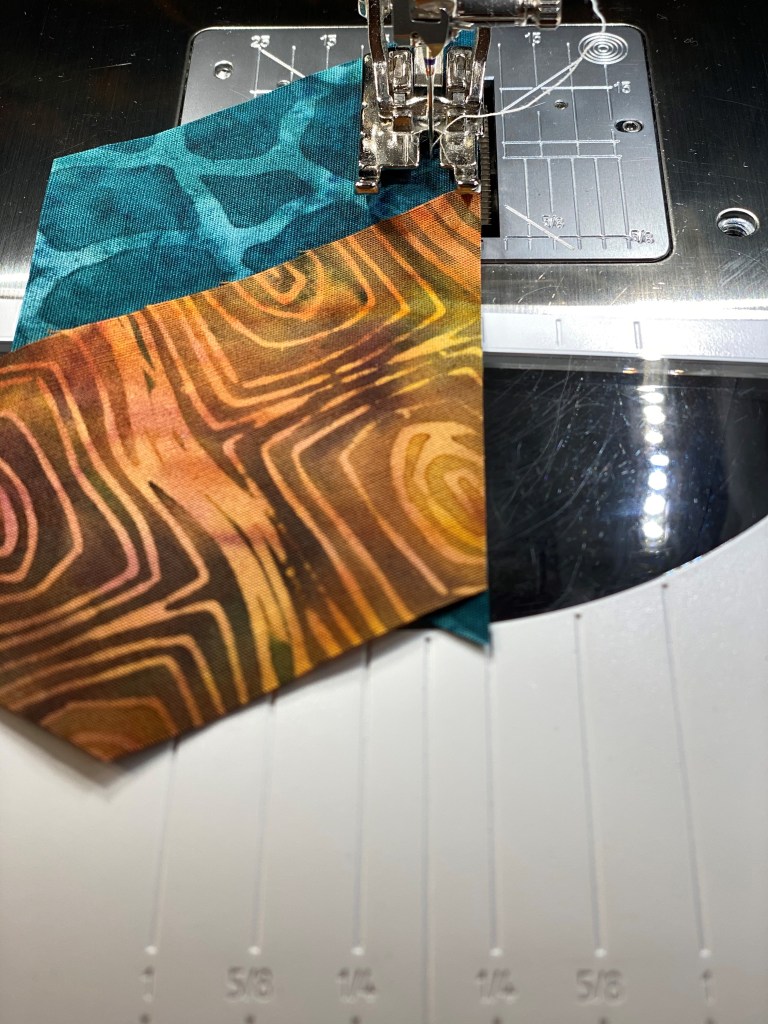
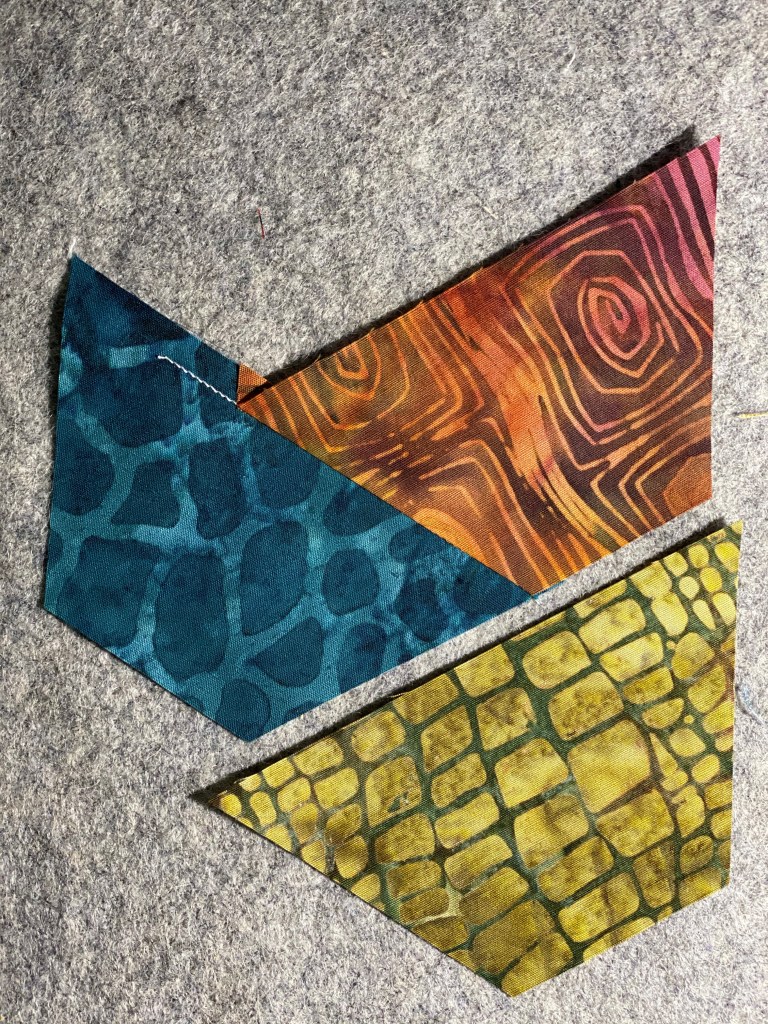
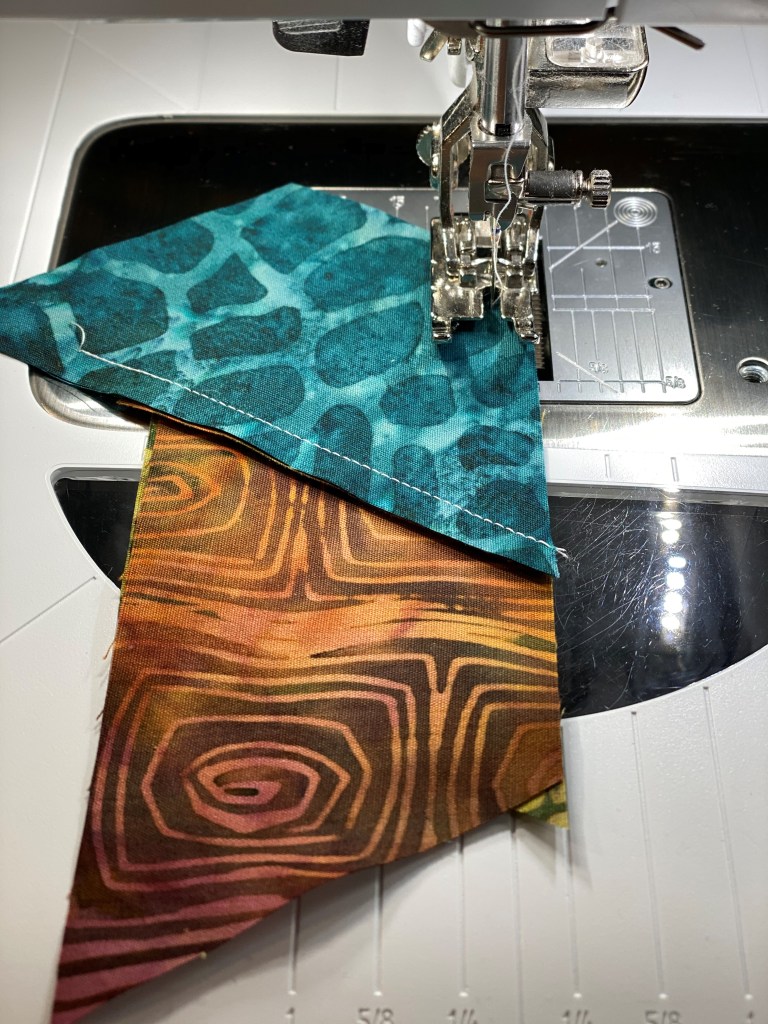
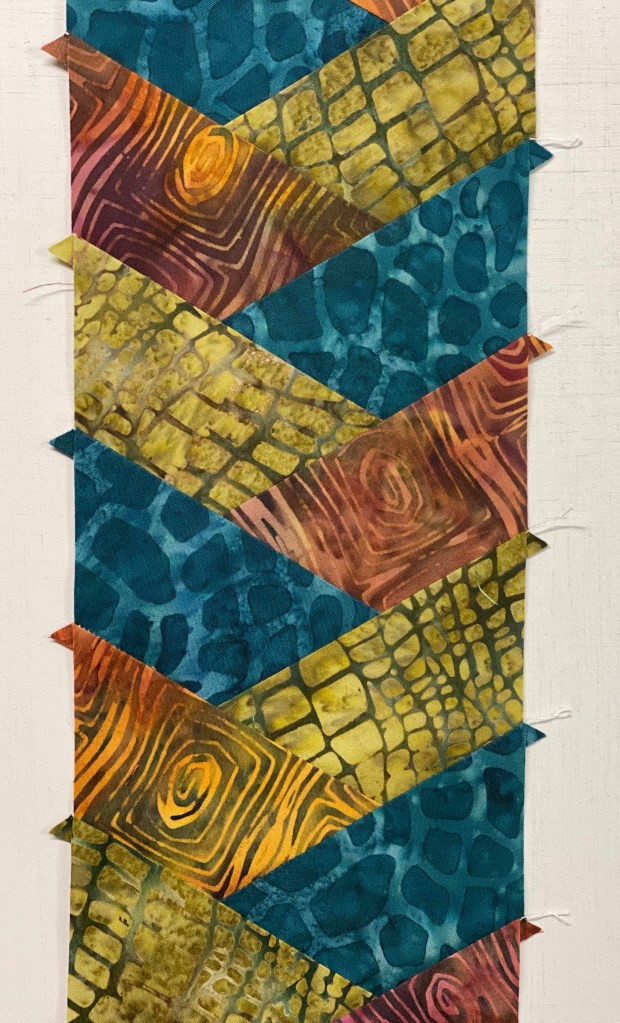
Align two wedges and chain stitch the four pair.

As with hexagons, press all seams open. I love my Strip Sticks for that.

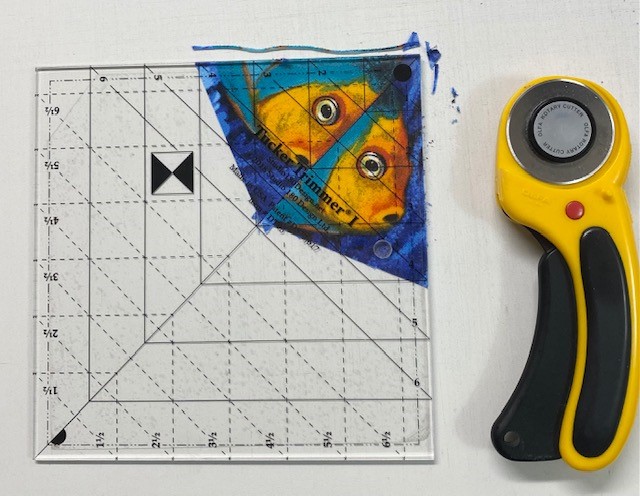
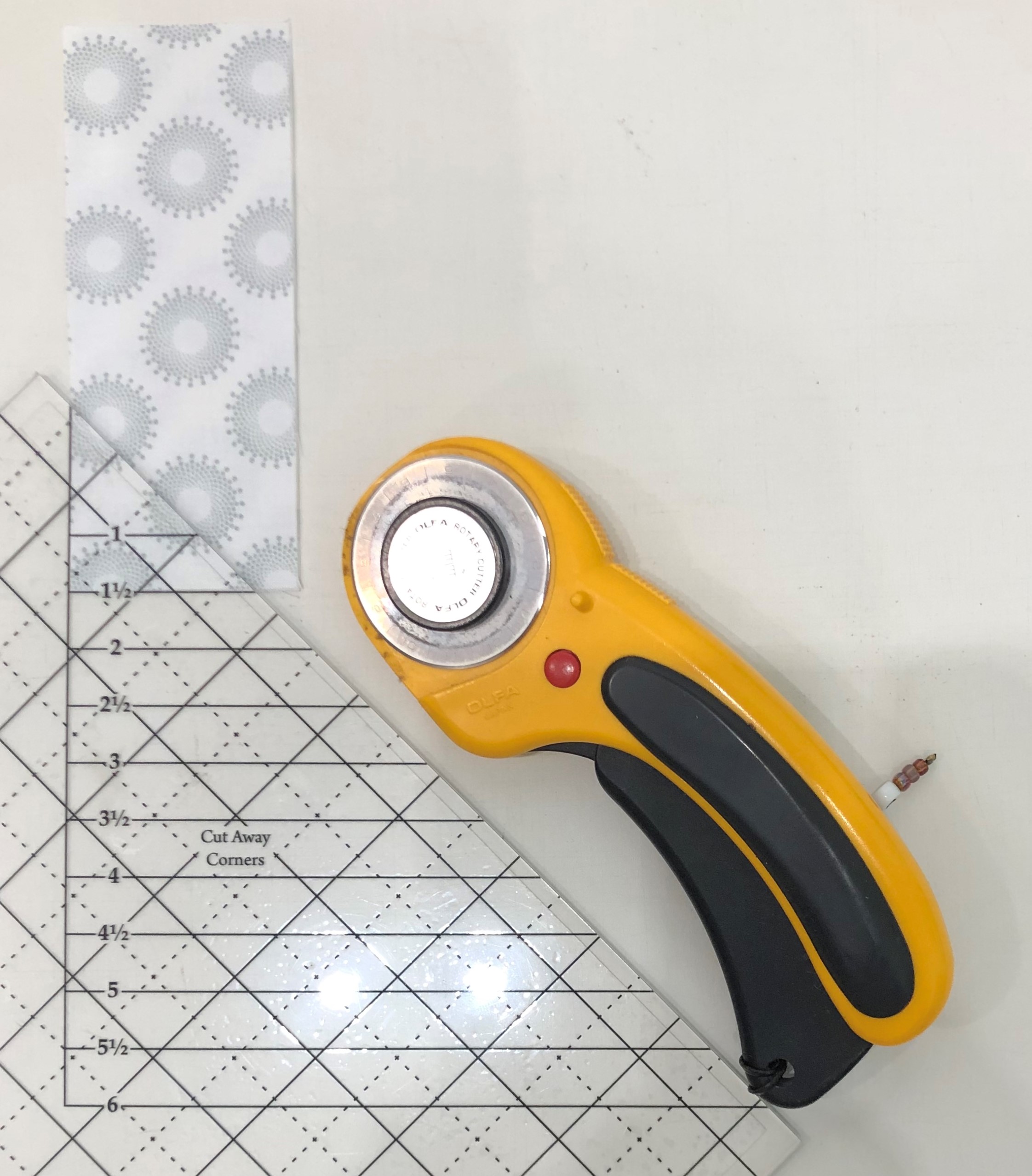
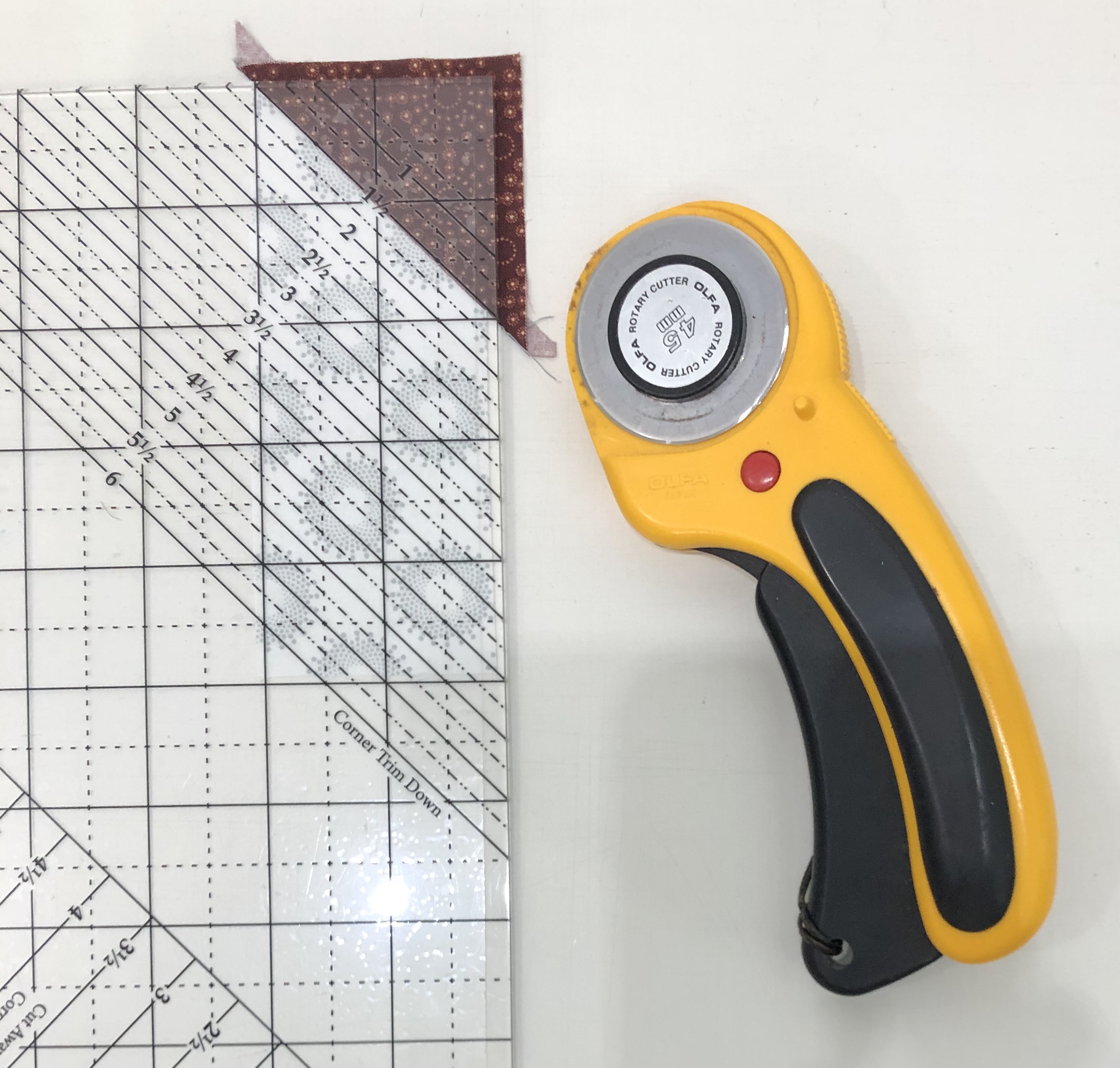
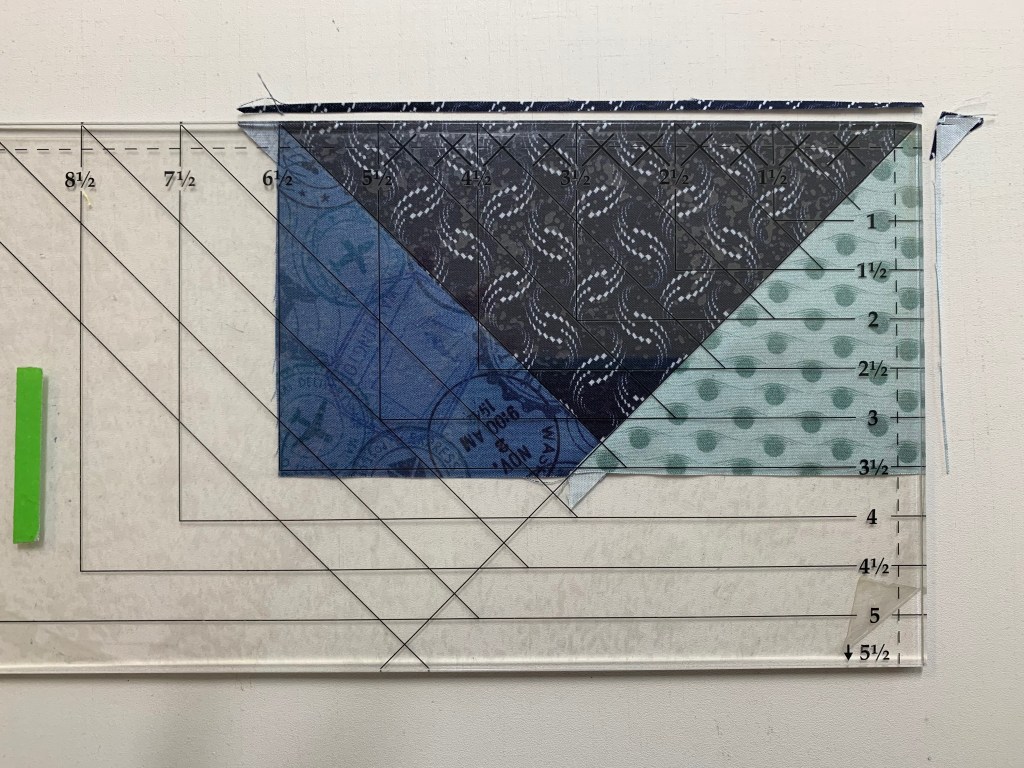
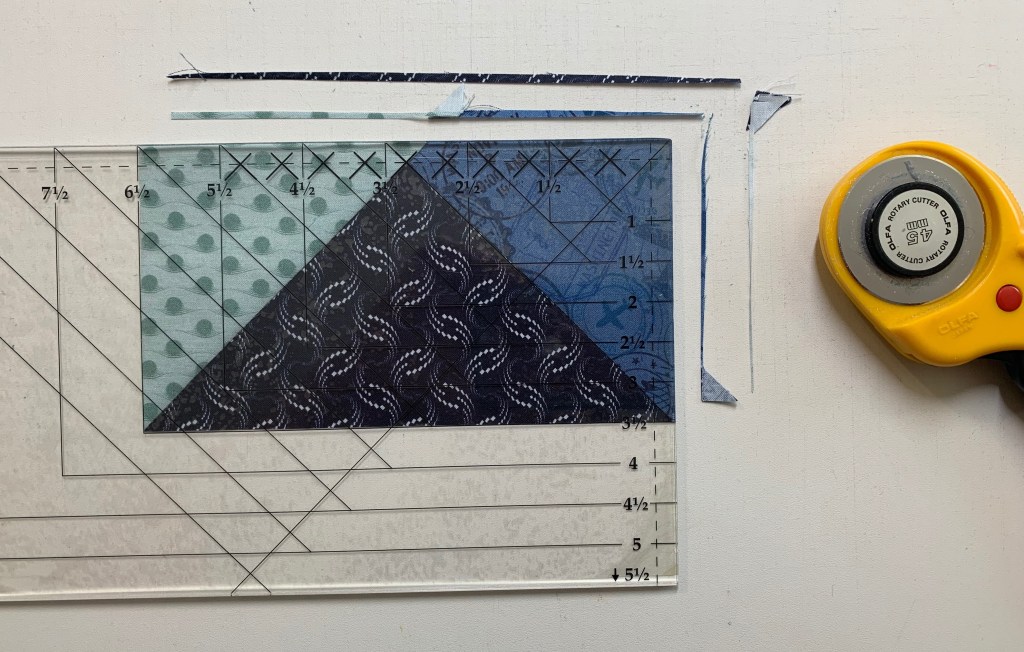
Remove “dog ear” and sliver trim the wedge pair. Righties orient the wedge pair so the 90 degree corner is in the upper right (lefties orient the wedge pair so the 90 degree corner is in the upper left). Align the common diagonal line on the Tucker Trimmer with the seam and slide it toward the corner just until the sides of the tool touch the very edge of the wedge pair and trim. Note there may be just a few whiskers trimmed here. This is called Trueing up your 90 degree angles and will create a much more square unit.

Match up two wedge pairs, stitch them together and press seams open.

Find the center of the two wedge halves by placing a pin where the two seams meet in both units and align the halves. Pin close to both sides of the first pin, then remove the pin in the center. This will help to center you octagon wedge halves.

Stitch your wedge halves together.

Press your seams open.

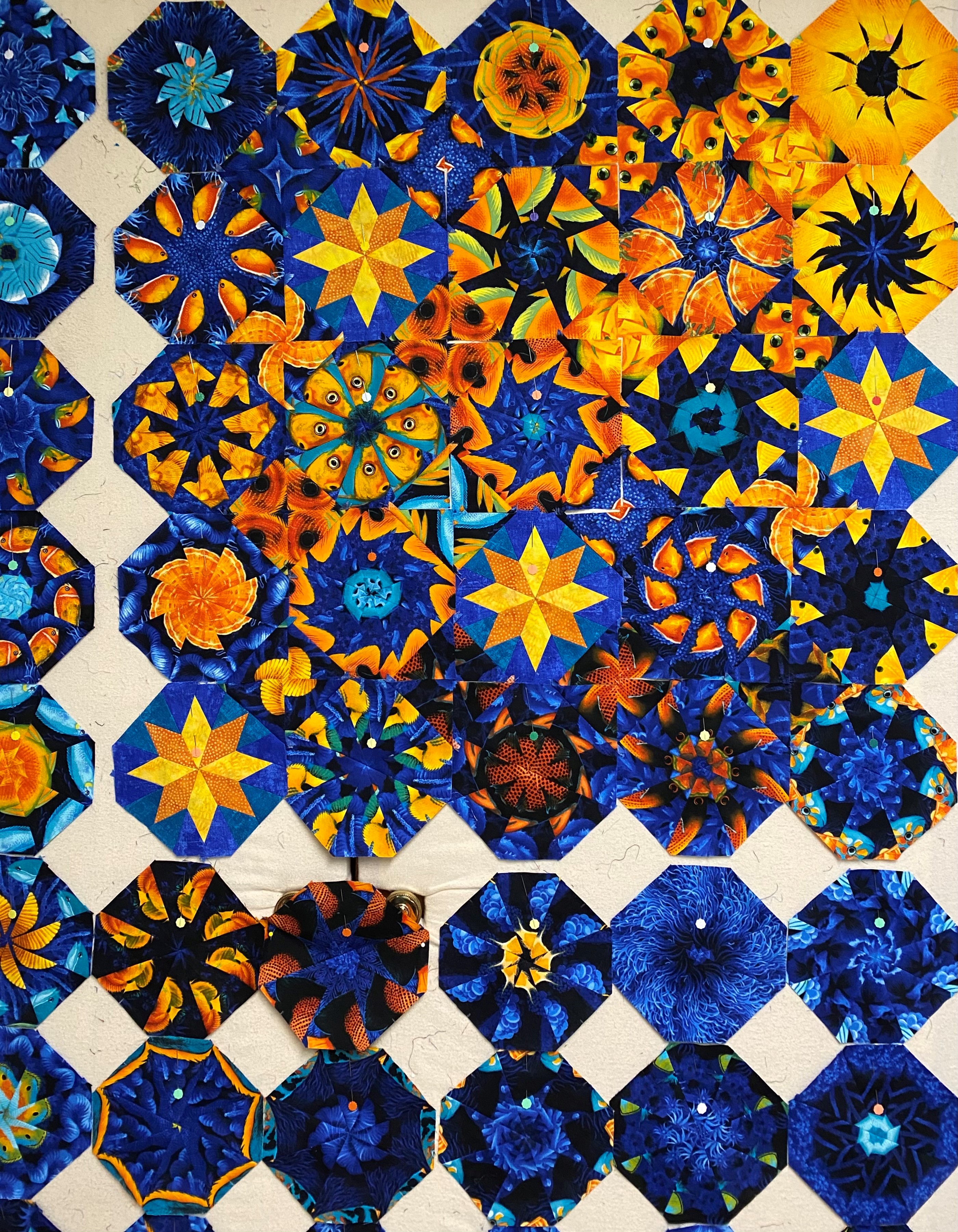
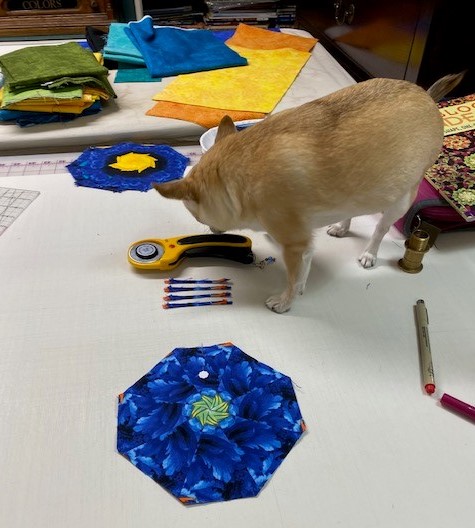
I placed my octagons on the design wall as I made them. This helped me to see what I had.

Here I am looking at life through rose colored glasses. again Time to sort the octagons. Looking at the octagons through red plastic helps me to sort the octagons by value. If you didn’t know, I have been battling breast cancer. I am responding well to treatment, but as my hair grows back, I’m noting a resemblance to the Old Man Dancing for the Six Flags commercials.

Sorting the octagons by predominate color or value was more difficult than I thought it would be. I think because the octagons don’t nest with each other as the hexagons do, you don’t get the same flow and movement. I’m saying this because after I added the corner triangles i wasn’t as happy with the design. Take your designing!

Tip: This is most important tip! Place a flower pin in the top wedge of each octagon! By doing this you will be able to easily orient the octagons as you remove and place them back on the design wall. It will keep your brains from falling out!

Adding the “Sensational Squares” (corner triangles).

One set of corner triangles is laid out as shown above making a kaleidoscope square.

Those squares will fit into the space between 4 octagons.

When you step back from the design wall, the square will appear to be gone as the 4 octagons blend together.

I worked with one row at time, deciding which set of corners to add. Remove one octagon at a time and stitch the triangle to the appropriate octagon wedge. In affect, you will be adding corners that effect two rows at a time. In the end, each octagon will have a different triangle on each corner.

Center the octagon wedge over the corner triangle and stitch. Press toward the corner triangle. Remember Deb Tucker’s tip when pressing: “whatever you are pressing toward, always goes on top”!

Above shows the corner triangles added to the inner octagons.

Once the inner octagons have the corners added, continue adding the final corner triangles to the outside edges of the octagons.

Trimming the Octagon Blocks: The octagon units need to be squared up to 6 1/2″.

If you don’t know the beauty of using the Tucker Trimmer you will love this. The Tucker Trimmer is marked with a “Common Diagonal line and Size Lines to help you perfectly center each unit or block for trimming. For righties the Common diagonal line is placed on the center seam going from the bottom left to the upper right. The 6 1/2″ size line is positioned from the upper left to the lower right going through the center of the block. The size line and common diagonal line should intersect in the center of the block centering it perfectly for squaring up. Trim up the right side and across the top. Rotate the block place the 6” clean up lines of the Tucker Trimmer on just trimmed lines of the block. Trim up the right side and across the top.

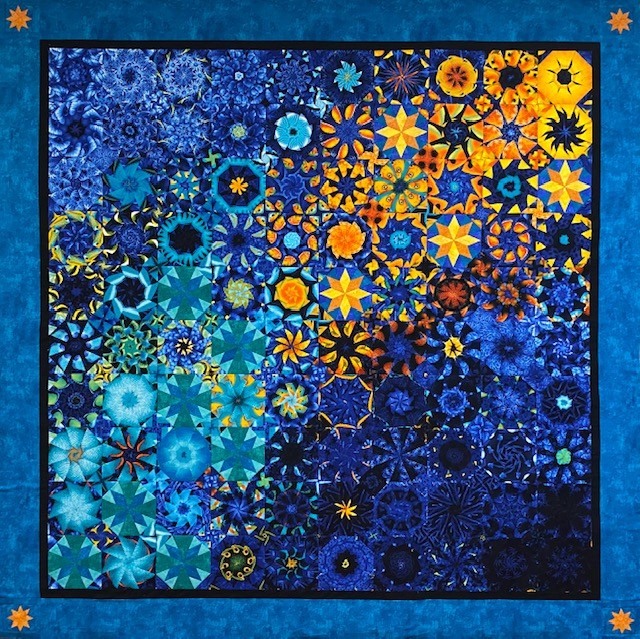
When all the octagons are trimmed it’s time to stitch your blocks into rows and then join your rows to complete your quilt. My layout was 9 X 10 = 90 – 6″ finished blocks measuring 57″ X 63″ unquilted. I learned a lot in this process. I think my layout would have been more satisfying if I had left it more random. I was trying to create an oval shape with the lighter blocks in the center. But there wasn’t enough contrast between the medium and light blocks. I’ve always been a little contrast challenged.

Check out my post Hallucinating With My Spirit Animal for more ways to use your Wedge Star Tool.

Hallucinations

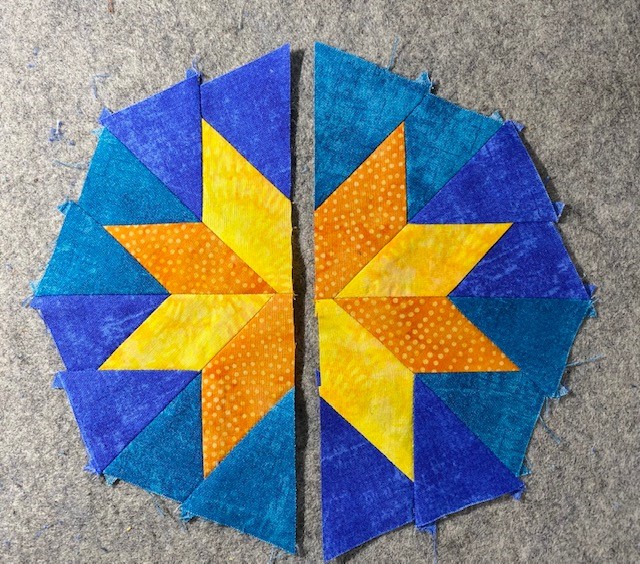
The Spiderweb Quilt Below can also be made using the Wedge Star tool.

Spiderweb Quilt

Journeys Month 3 – Flying Geese

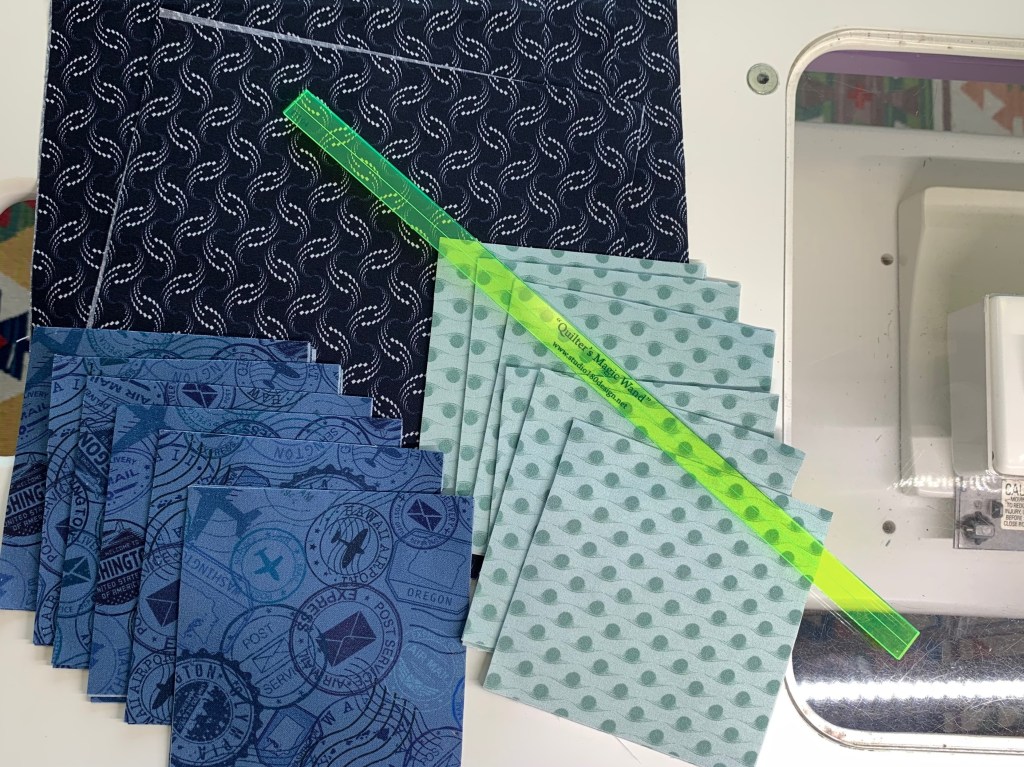
Welcome to Stitchin Heaven’s Journeys BOM Month 3. This month you will be learning to make flying geese the Deb Tucker way, using your Wing Clipper I. My helper this month is Deb Tucker herself! As always use your best cutting, stitching and pressing skills. We will be using prints 1, 2 & 5. Carefully cut your starter squares and let’s go!

Prints 1, 2 & 5

Piecing Instructions Flying Geese Construction

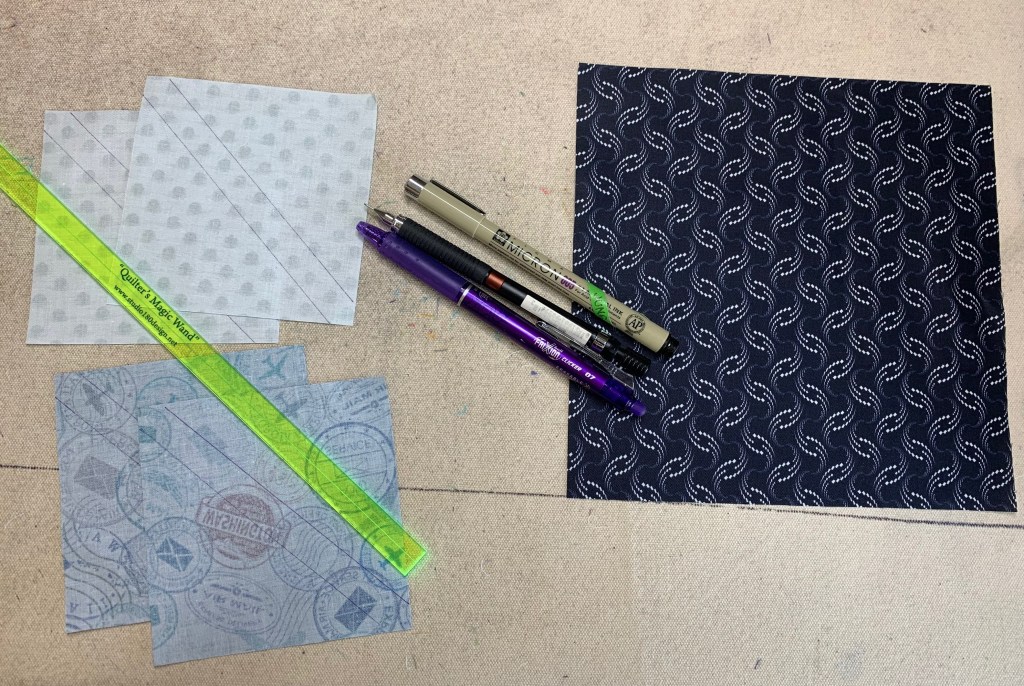
Step 1 – Mark Squares. Begin with one large Print 1 square and two Print 2 and two Print 5 small squares. On the wrong side of each small square, mark two stitching lines ¼” on either side of the center diagonal. I like to use my Quilter’s Magic Wand™ for this task.

Step 1

Step 2 – Position the two Print 2 small squares in opposite diagonal corners of the large square, right sides together. Nudge the small squares in toward the center a few threads from the edge of the large square and align the drawn lines.

Nudge the small squares toward the center of the large square.
Step 2

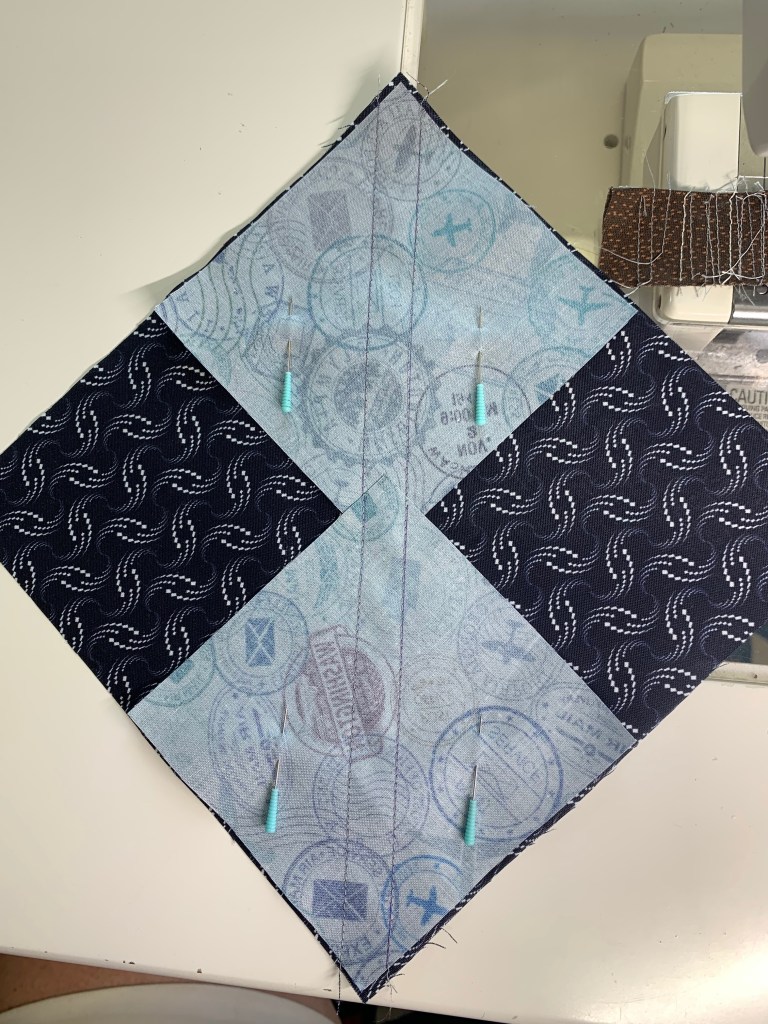
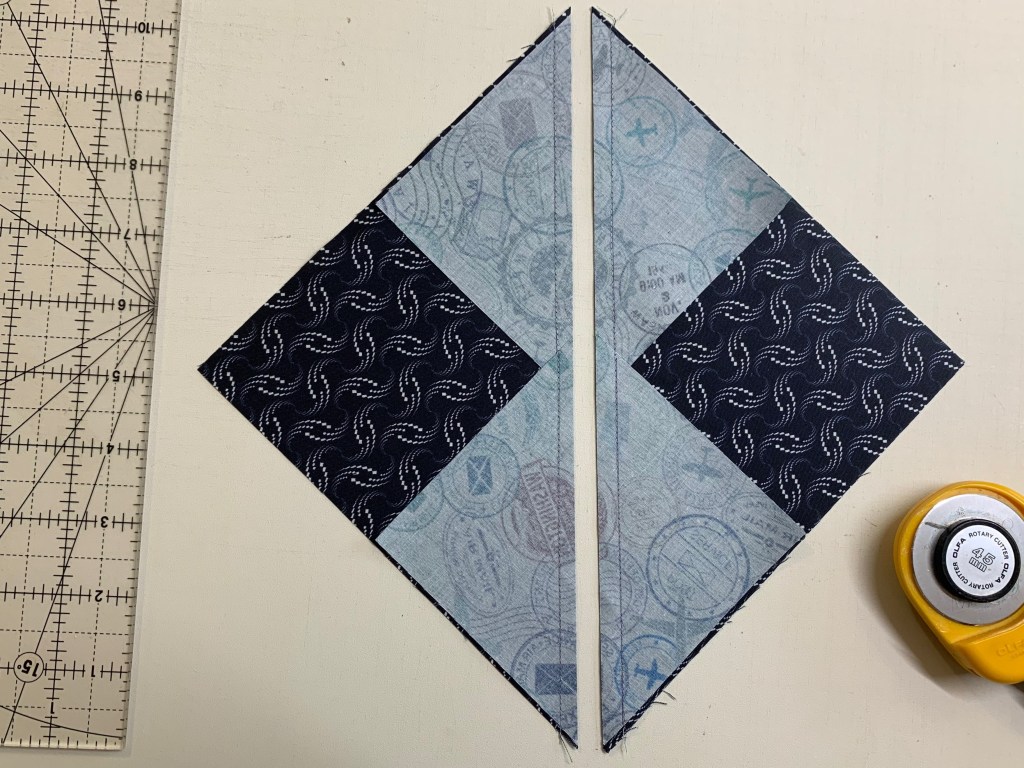
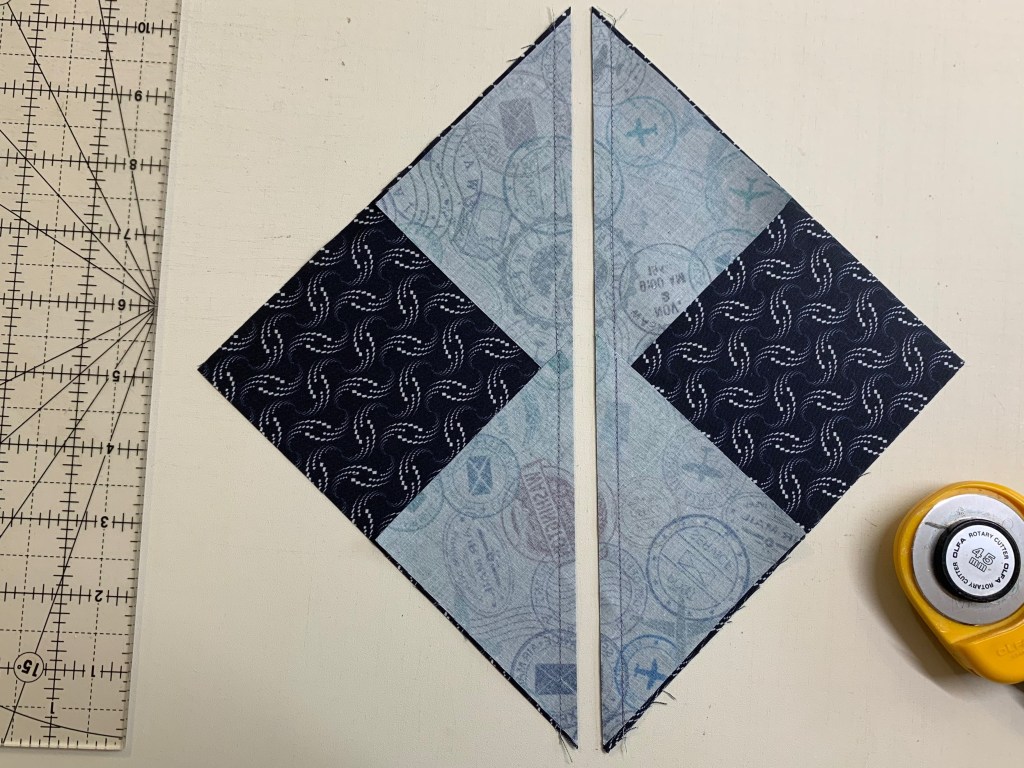
Step 3 – Stitch on the two marked lines, then cut between the stitching lines along the center diagonal of the squares. Press your seams toward the small triangles.

Tip: Stitch just inside of the drawn lines. This will give you more to trim later.
Step 3
Step 3 Cont.

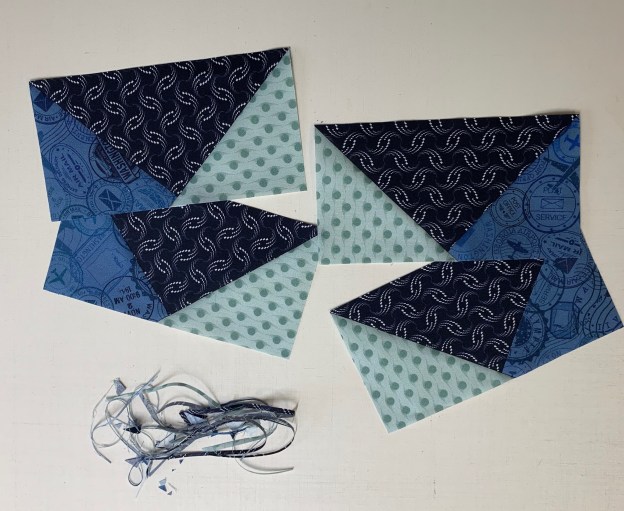
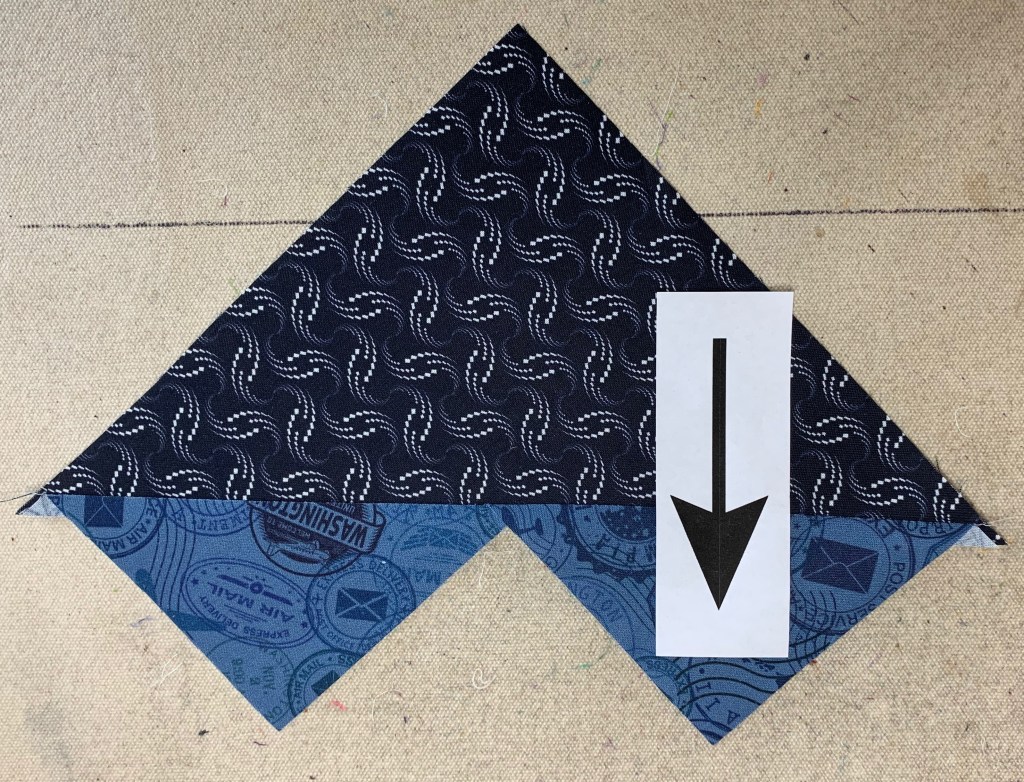
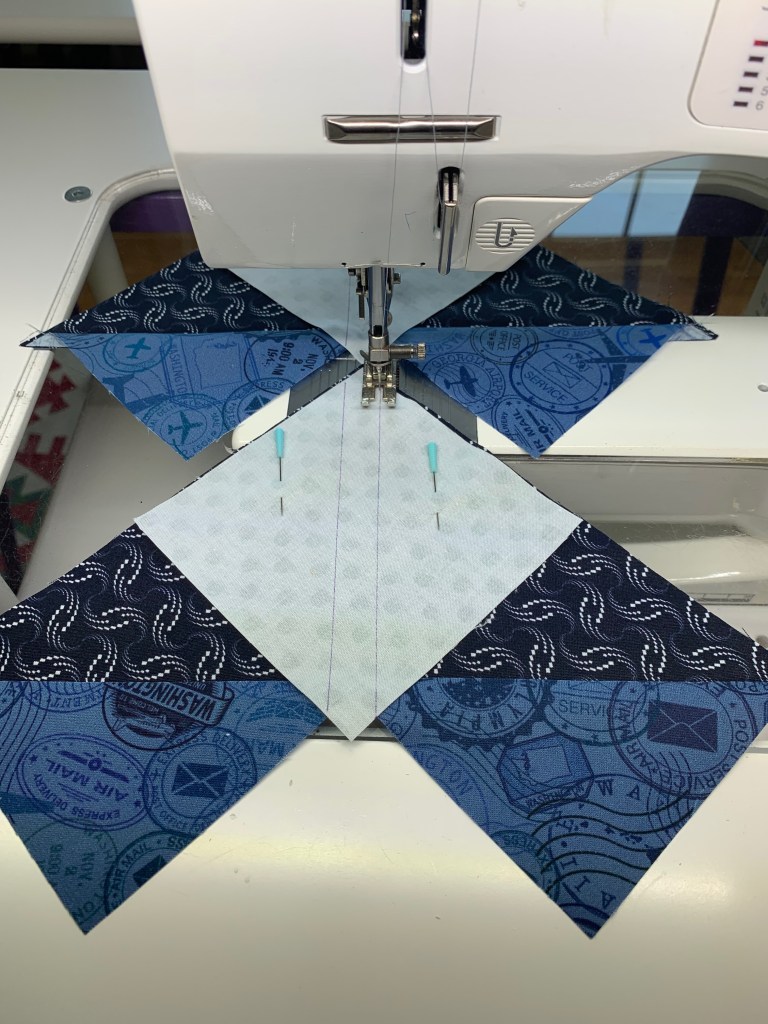
Step 4 – Position two Print 5 small squares, one in each corner of your heart shaped units. Nudge these squares a few threads in from the edge of the large triangle.

Step 4

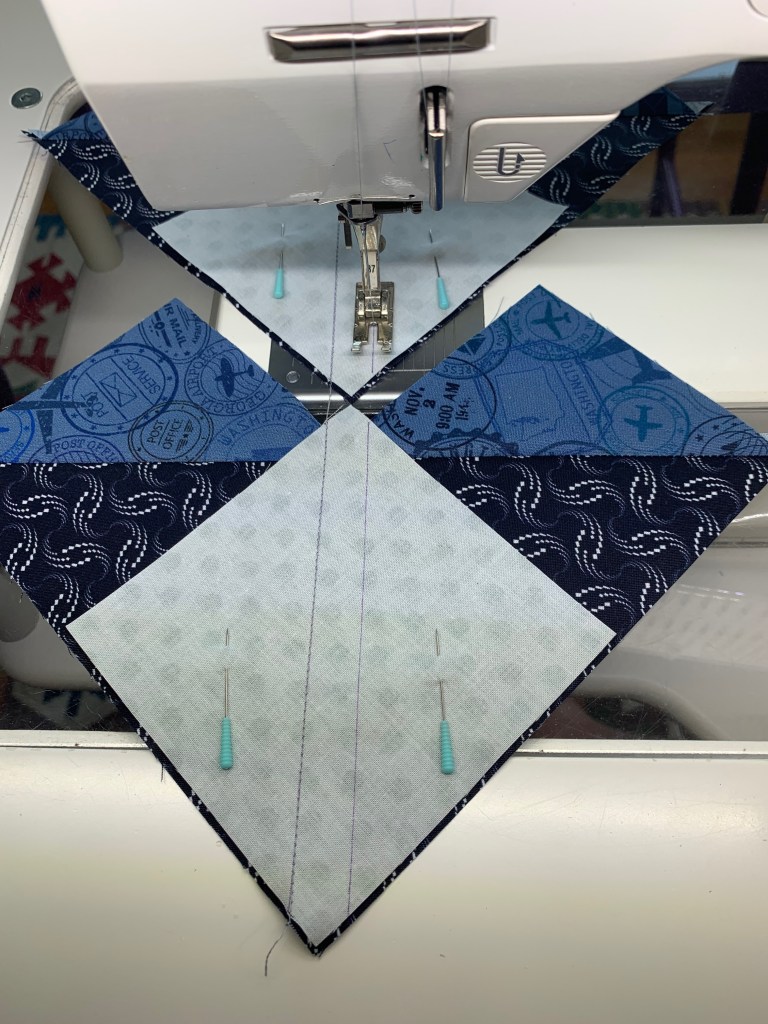
Step 5 – Stitch along the two marked lines.

Step 5

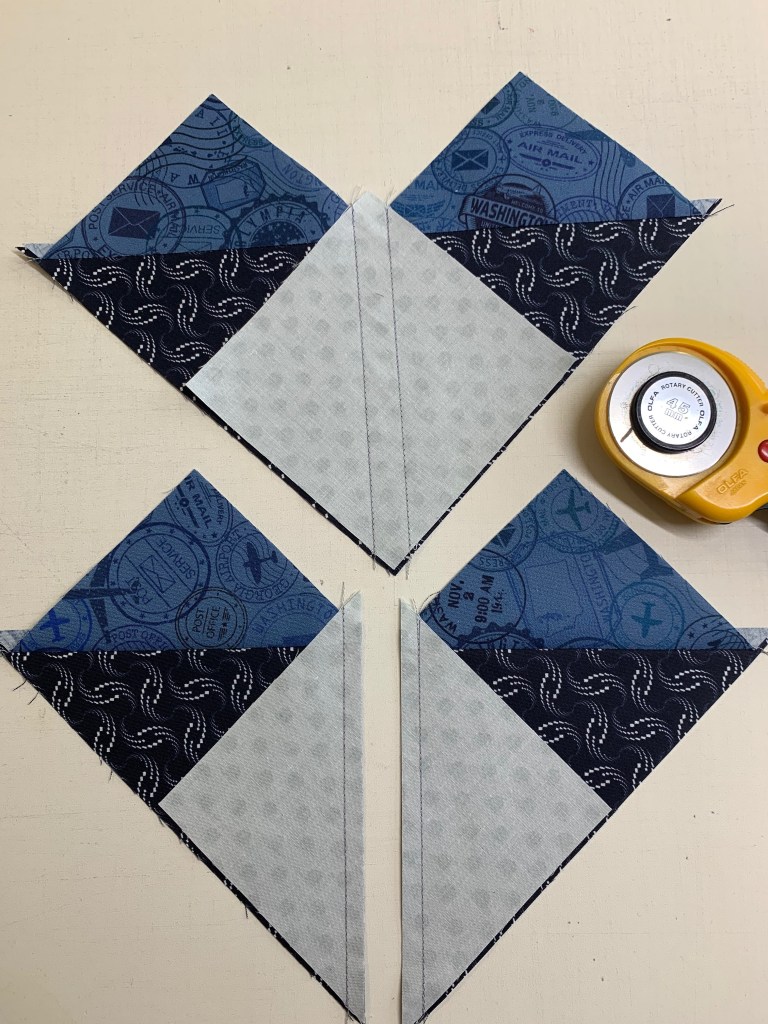
Step 6 – Cut between the stitched lines along the center diagonal of the small squares and press toward the small triangle.

Step 6
Step 6

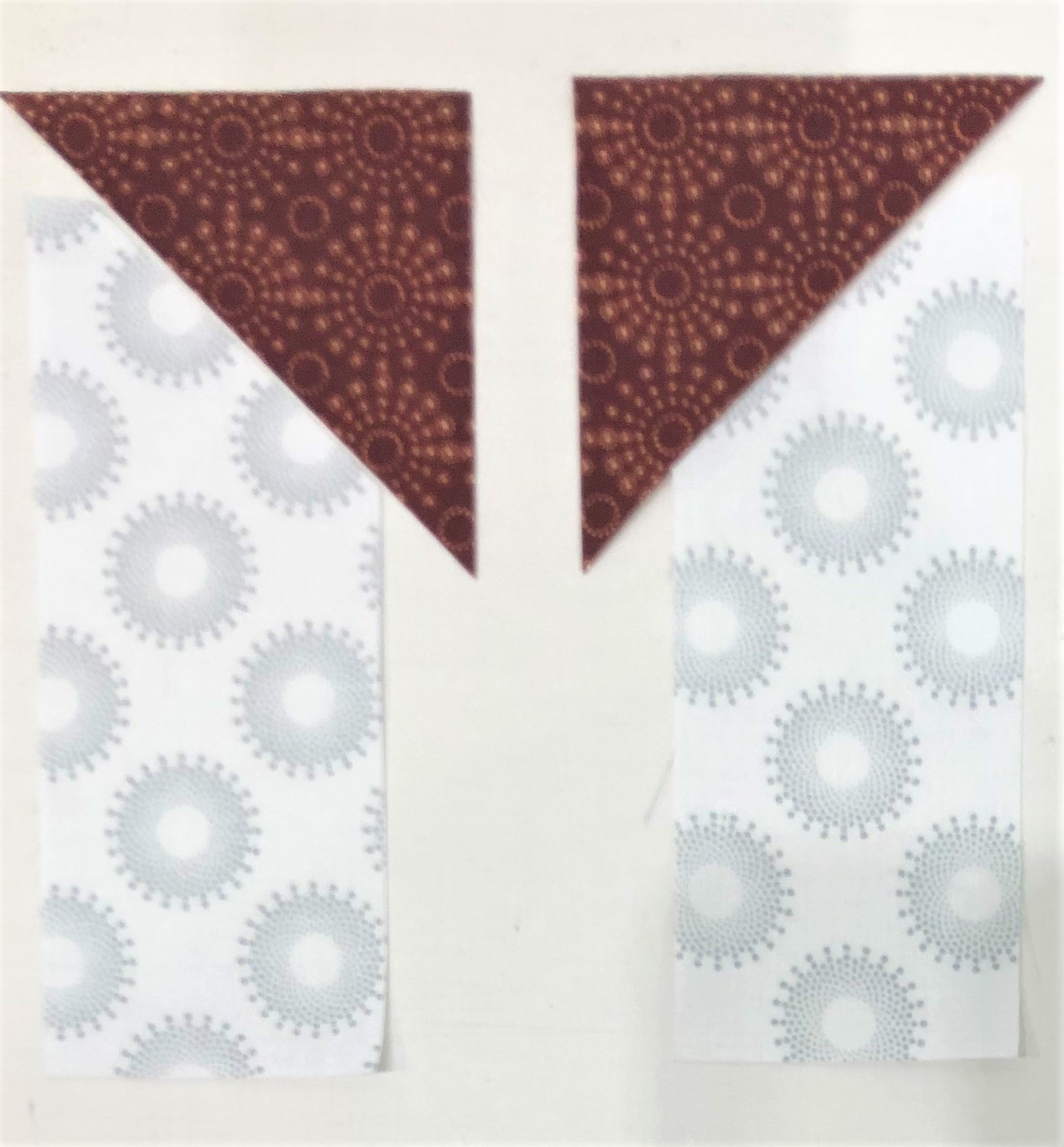
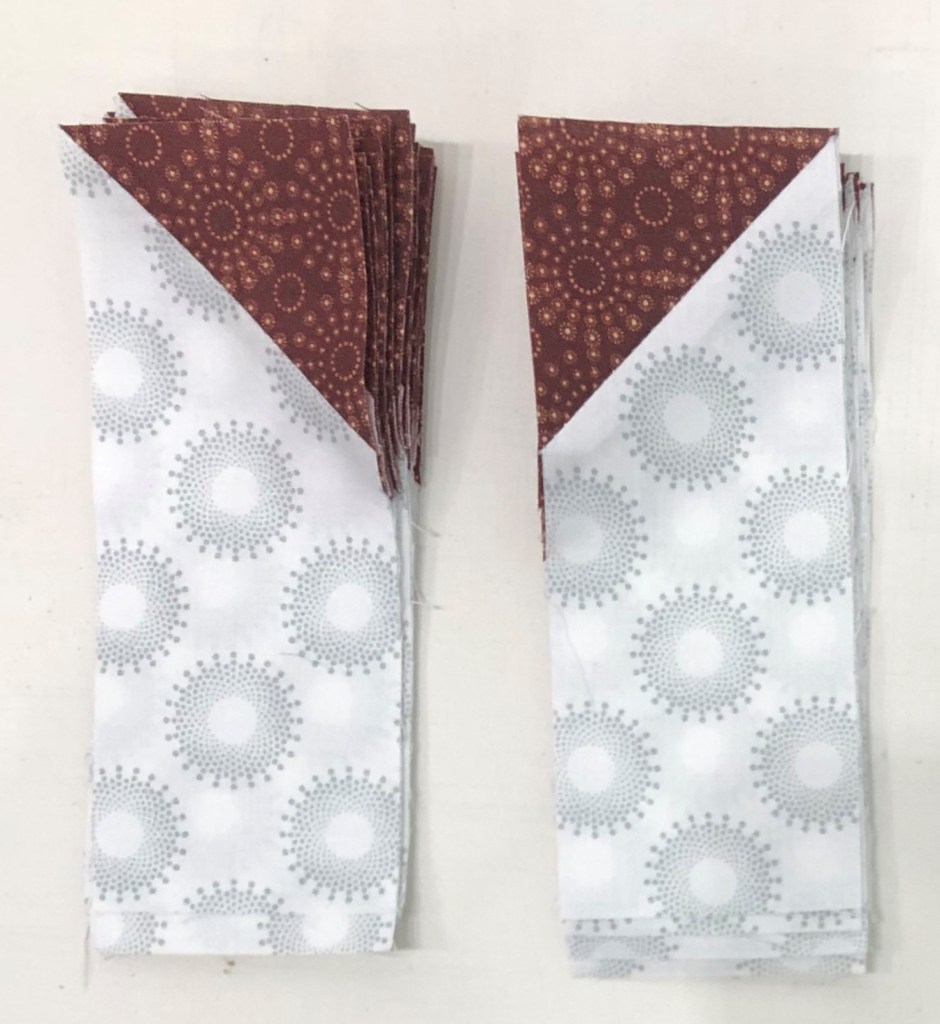
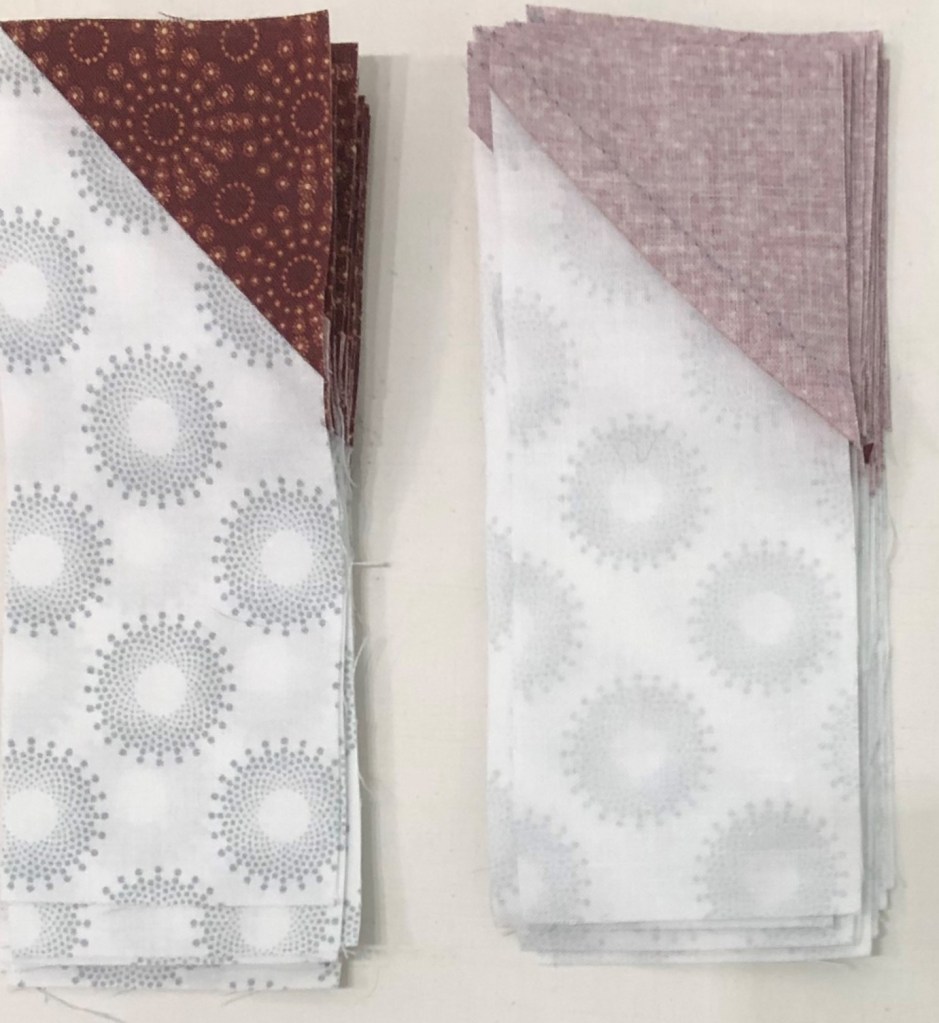
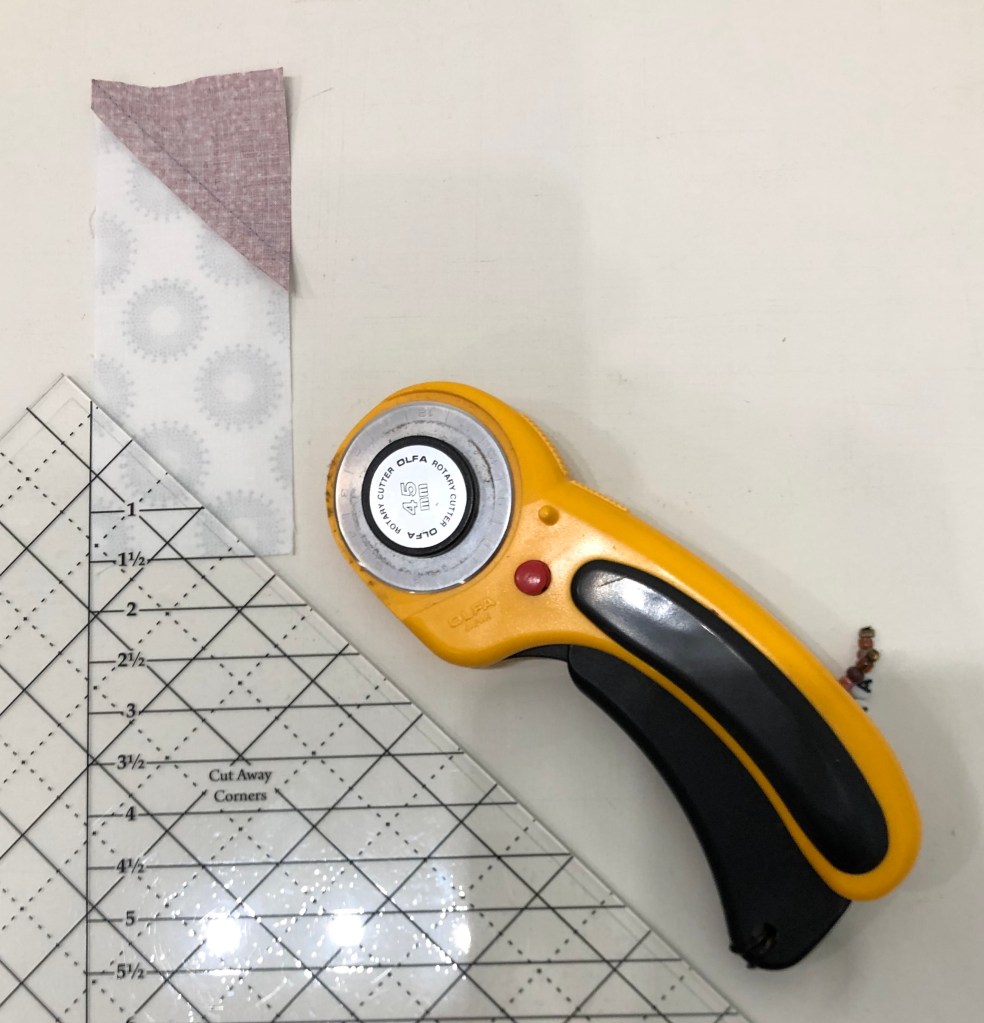
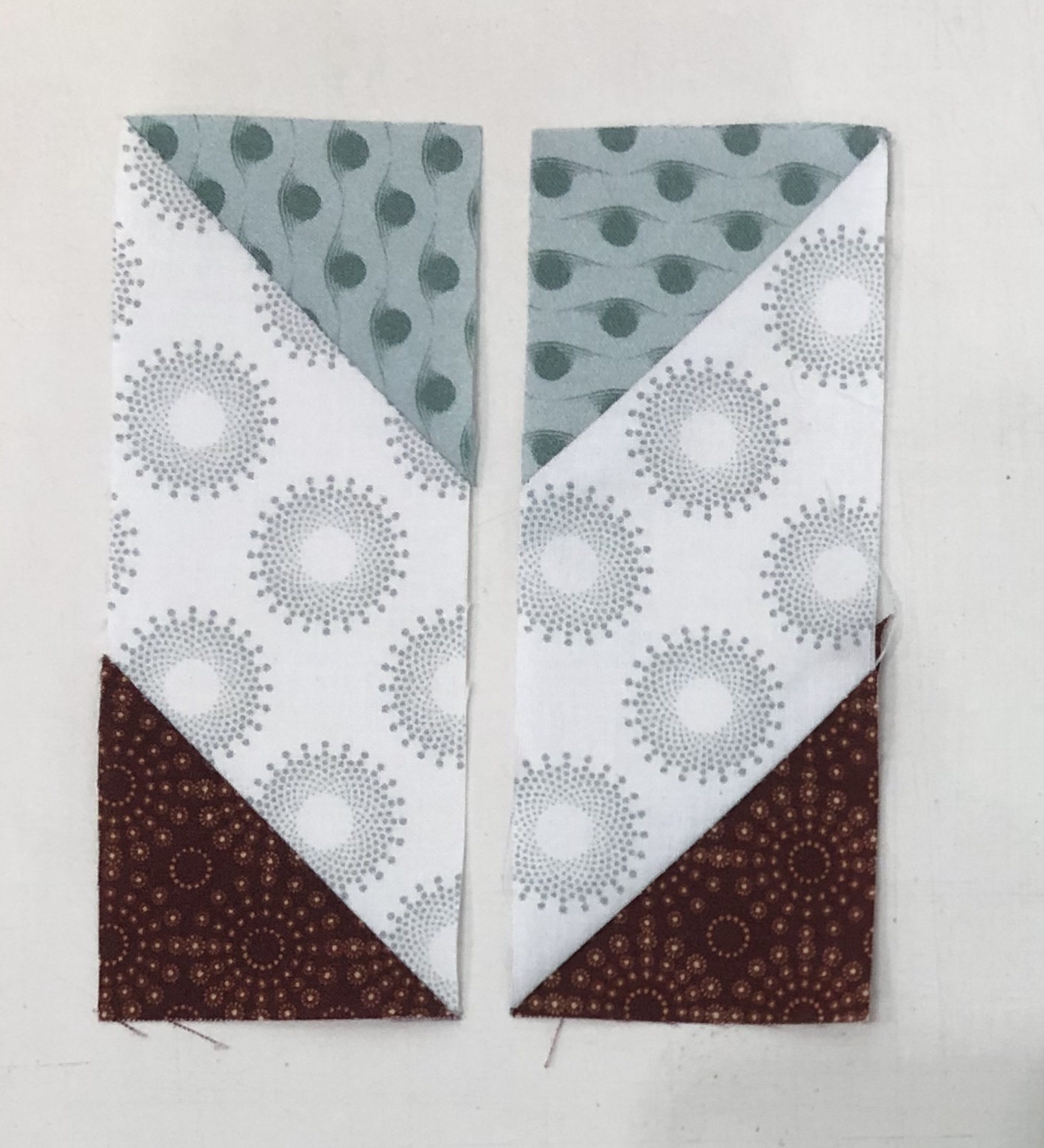
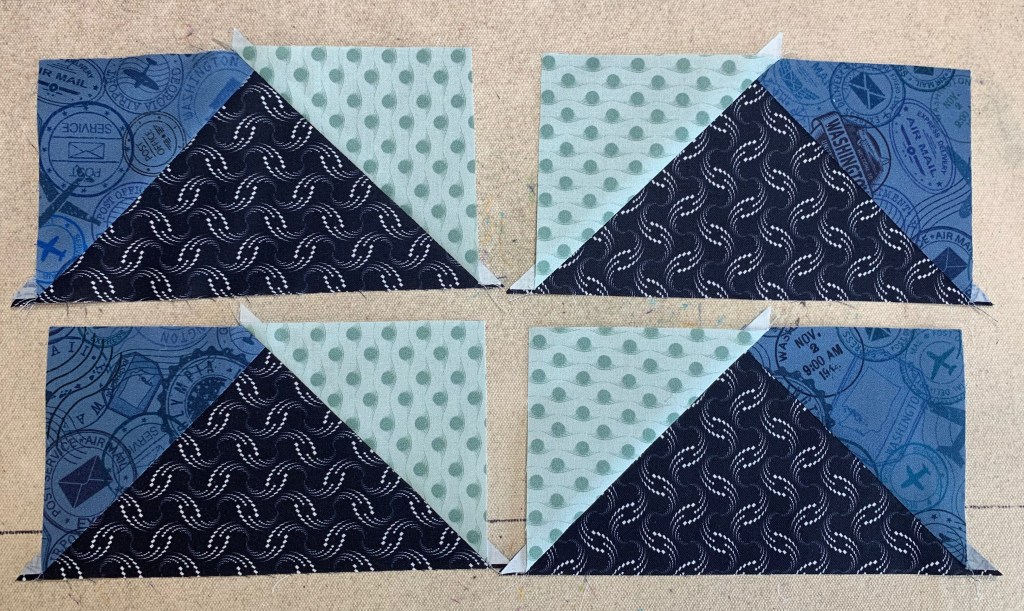
Step 7 – Position your Wing Clipper® I tool over your unit, aligning the correct diagonal guidelines of the ruler with the seams of your unit and trim two sides. Rotate the unit 180° and align the 3½”x 6½” horizontal and vertical guide lines with the edges of the unit. Align the “X” on the Wing Clipper® I with the seam intersection of your unit and trim again. Repeat for the remaining units. You will end up with 24 geese that have print 2 on the left, label these as Unit E, and 24 geese that have print 2 on the right, label these as Unit F.

First Trim
Second Trim
4 Flying Geese

Congratulations! You have now learned to make flying geese using the Wing Clipper I.

It’s December! Time for Christmas Tree Quilts

I love Christmas & I love Christmas Tree Quilts! Over the years I have made several and decided to share some with you. Studio 180 Design tools gives you several ways to easily make Christmas Trees.

I Believe

I made this 7 years ago for my Granddaughter Samantha. I Believe uses the V Block tool. Below is the supply list:

Deck the Halls

I made Deck the Halls for Northcott Fabrics in 2019. It is made with Tucker Trimmer I & Wing Clipper I. Below is the supply list:

Split Rects Christmas Tree

The Split Rects Christmas Tree wall hanging is made with the Split Rects tool. The supply list is below:

Wing Clipper Wall Hanging

The Wing Clipper wall hanging is made with 4 Flying Geese using the Wing Clipper I. The supply list is below:

Kermits Christmas Tree

This Skinny Christmas Tree was made using all 10 sizes the Wing Clipper I makes. Supply List is below:

Happy Holidays everyone!

Journeys Month 2 – Triangle Units

Welcome to Stitchin Heaven’s Journeys Month 2. My helper for Month 2 is Amy Lemke, a talented graphic artist for Studio 180 Design. This month you are going to learn to make Half Square Triangles (HSTs) and Combination Units with your Tucker Trimmer I with Prints 1, 2, 5, 10, & 11. Label your fabrics and use your best cutting skills when cutting your starter squares.

Prints 1, 2, 5, 10 & 11.

Tip: I use plain paper plates and write on them what it is I have cut out. For instance, if you are new to using a Tucker Trimmer, I would label 6 paper plates: one for each print. Using a pen or pencil label the first plate “Print 1, Combination Units (unit D)”, and so on.

Half Square Triangle Construction

Note: For more information and left handed cutting and trimming directions, refer to the instruction that came with your Tucker Trimmer.

Prints 5, 10, & 11.

Step 1 – Mark two stitching lines ¼” on either side of the center diagonal. Draw the lines on the wrong side of all the 7” squares from Print 11. I like to use my Quilter’s Magic Wand™ for this task.

Mark using a Magic Wand.

Step 2 – Layer the 7” Print 11 squares right sides together with the 7” squares from Prints 5 and 10. Stitch on the lines, then cut down the middle. Press away from Print 11 or open.

Layer.

Stitch and cut apart.

Press.

Step 3 – Trim the units to 6½” using the Tucker Trimmer® I. Align the 6½” Sizing Diagonal with the seam and trim the first two sides.

First Trim

Step 4 – Rotate the unit 180 degrees and align the 6½” Sizing Diagonal with the seam as well as the 6½” cleanup lines with the outside edge. Trim the remaining two sides to create your precise Half Square Triangle units. Label the units made with Print 5 Unit C, and label the units with Print 10 Unit B.

Second Trim

Make 8 each from prints 10 & 11 and prints 5 & 11.

Combination Unit Construction

Prints 1, 2 & 11

Step 5 – Repeat steps 1 and 2 using the 7½” squares from Print 1 and Print 2 to make 4 Half Square Triangles. Press away from Print 2 or open. Do not trim!

Starter Squares

Step 6 – Mark two stitching lines ¼” on either side of the center diagonal line of the pieced Half Square Triangles.

Mark back of HSTs

Step 7 – Position the pieced squares right sides together with the 7½” Print 11 squares. Note that the edges are not intended to match. Stitch on the lines, then cut down the middle. Press toward the large triangle.

Stitch, cut apart & press.

Step 8 – Trim the units to 6½” using the Tucker Timmer® I. Align the 6½” Sizing Diagonal with the long seam and the Common Diagonal with the short seam. Trim the first two sides.

First Trim

Step 9 – Rotate the unit 180o and align the Sizing and Common Diagonals with the seam as well as the 6½” cleanup lines with the trimmed edge. Trim the remaining two sides to create your precise Combination units. Label them Unit D.

Second Trim

Congratulations, you have learned to make half square triangles and combination units using your Tucker Trimmer I.

Journeys Month 1 – Uneven Chains

Hi everyone and welcome to Stitchin Heaven’s “Journeys” Block of the Month (BOM).  I will be here to guide you through each month’s process, but not without some help from my friends.  I was asked to participate in this BOM back in May.  I had already tested the pattern design by Deb Tucker.  In June I was diagnosed with breast cancer.  I am so blessed to have friends that are helping me.  They are each taking a month and creating the units and taking photo’s as they go.  They are sending the photo’s to me so I can give you guidance here at “If These Threads Could Talk”.

Remember that there are video tutorials on our website (Studio180Design.net) for each tool.

Label, label, label! We cannot say it enough; you will want to be sure you label your completed units each month so that everything is easily identified.

Be sure to save the fabric left over from each month so that you have it in case you make a mistake.

In your pattern instructions, on the back of “General In formation”, you will find two fabric keys. One will identify the print number above a grayscale swatch. This swatch is what you will see throughout the pattern to identify the fabric when it is being used.

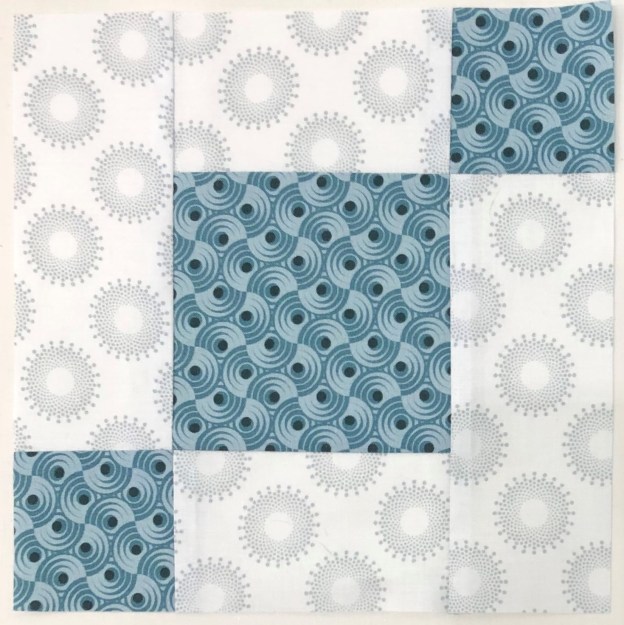
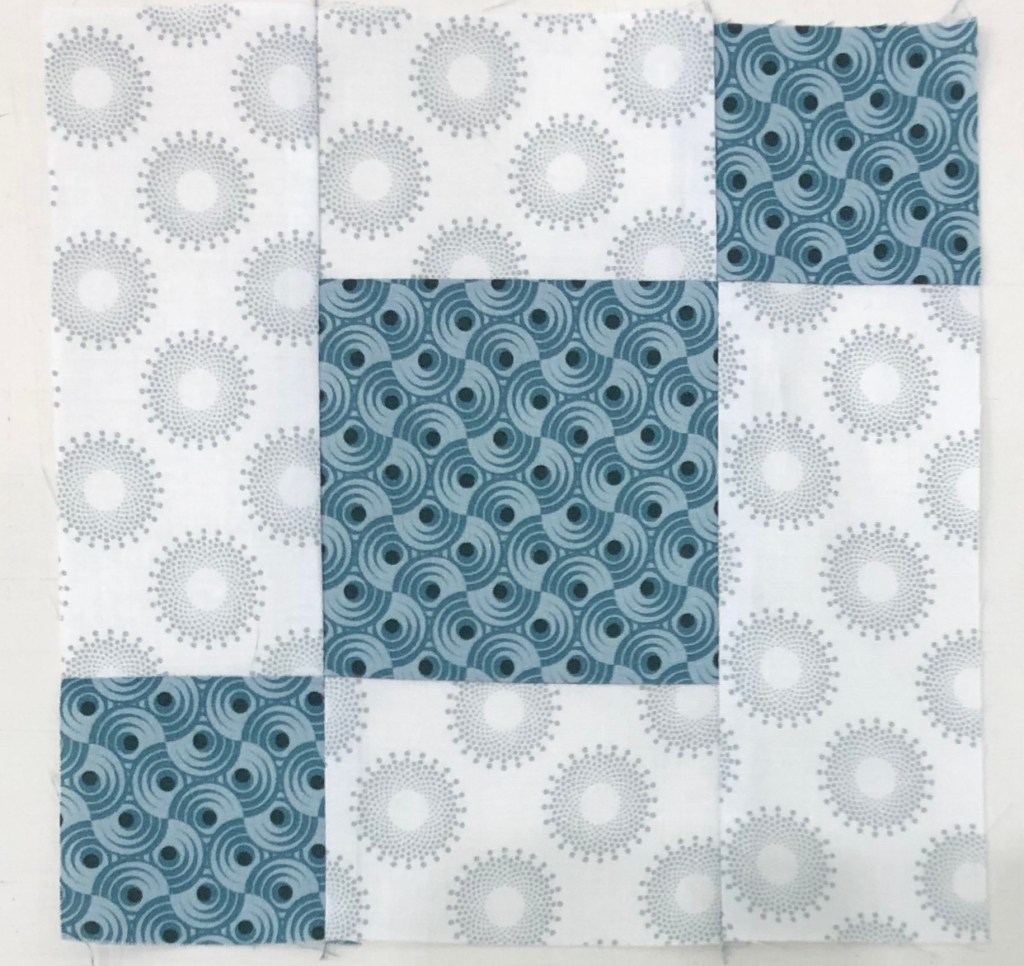
By now you have received your first month of Journeys from Stitchin Heaven. Uneven Chains is a great unit that is easily made using Studio 180 Design’s Four Patch Square Up tool. This month my special helper was Diane Marvin, a good friend and fellow Studio 180 Design Certified Instructor.

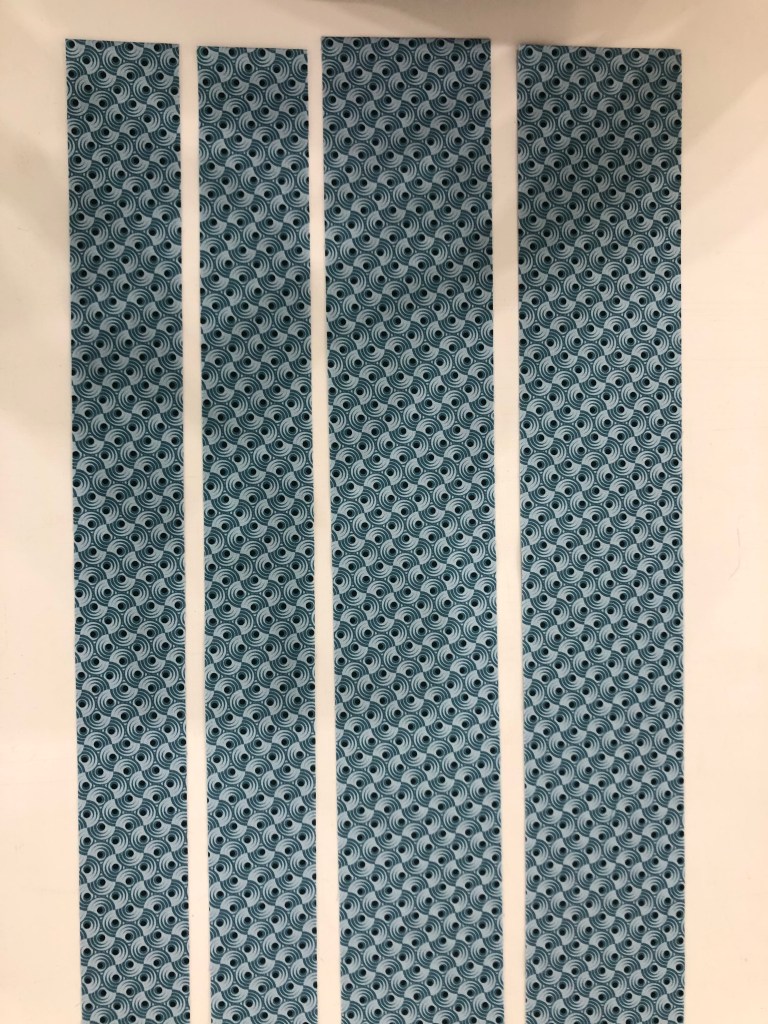
For these Uneven Chains units you will be using Print 3 and Print 11. You will be cutting strip sets from each fabric. Following the cutting instructions and organize your strips into sets “A” and “B”.

Piecing Instructions

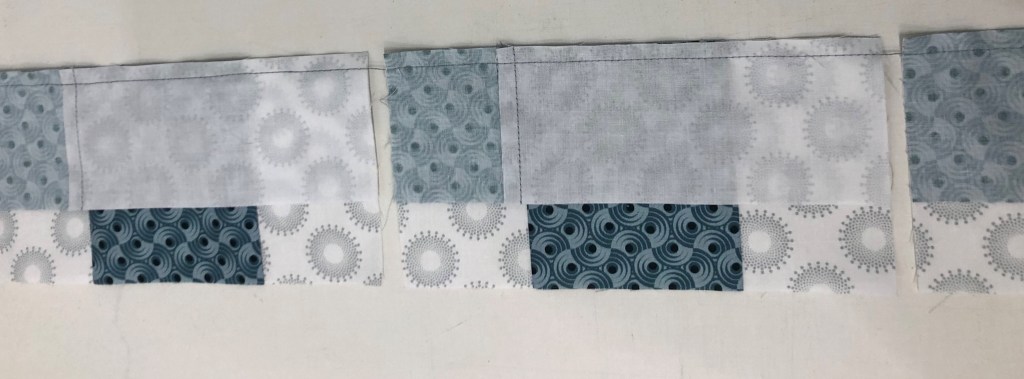
Step 1 – Stitch your strips together into Strip Sets A and Strip Sets B. Position two strips right sides together and align the long edges. Stitch with your best ¼” seam.

Above is Strip Set A and Strip Set B.

Step 2 – Press your strip sets. In all strip sets, press the seams toward Print 3. A helpful pressing tip: whatever you are pressing toward goes on top.

Step 3 – Sub-cut the strip sets. Make sure to use the correct sub-cut size for the strip set you are working with. Strip Set A is sub-cut at 2¼” increments and Strip Set B is sub-cut at 3½” increments.

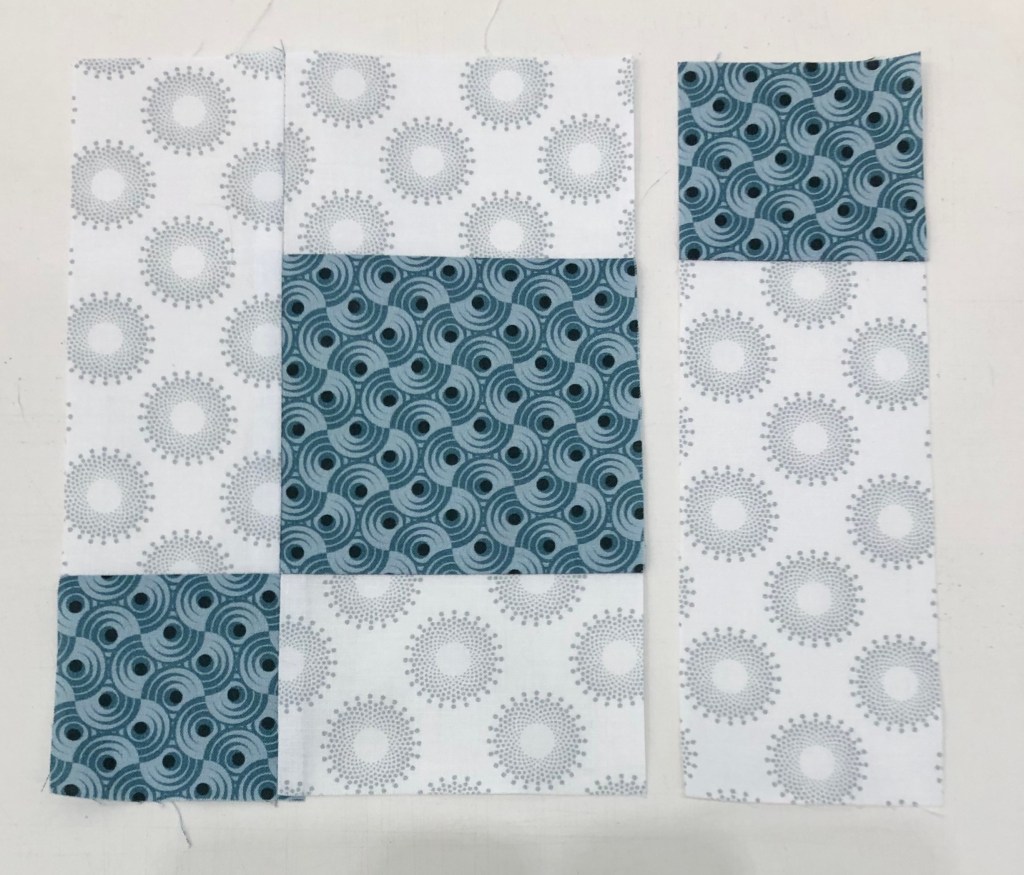
Step 4 – Lay out the pieces from Strip Set A and Strip Set B as shown in the diagram. Stitch an A sub-cut to each side of a B sub-cut.

Save time by chain stitching Strip Set A’s to one side of Strip Set B.

Now add the second Strip Set A to the Strip Set B unit.

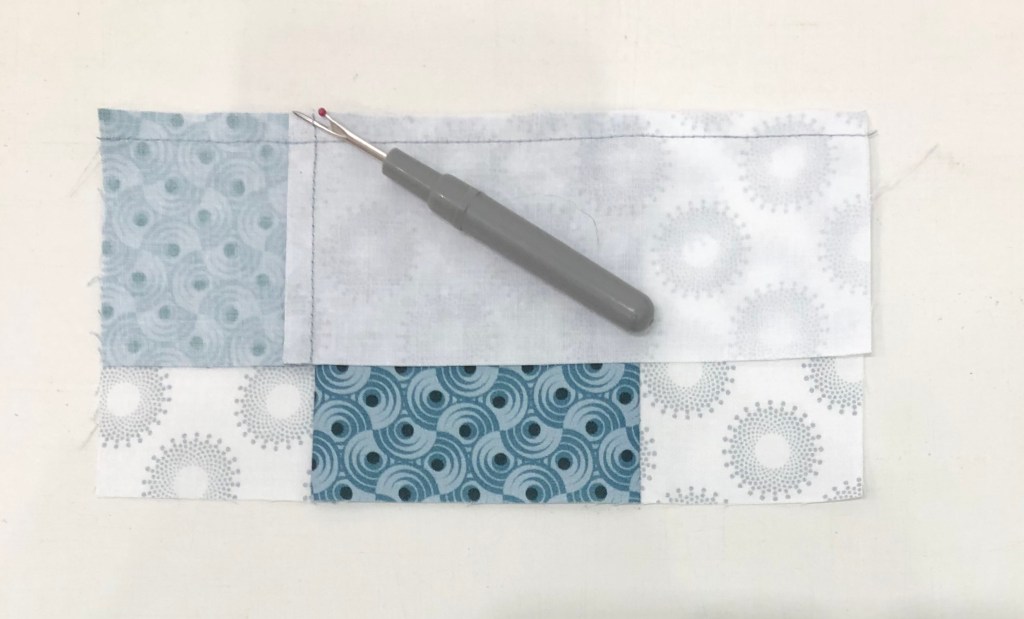
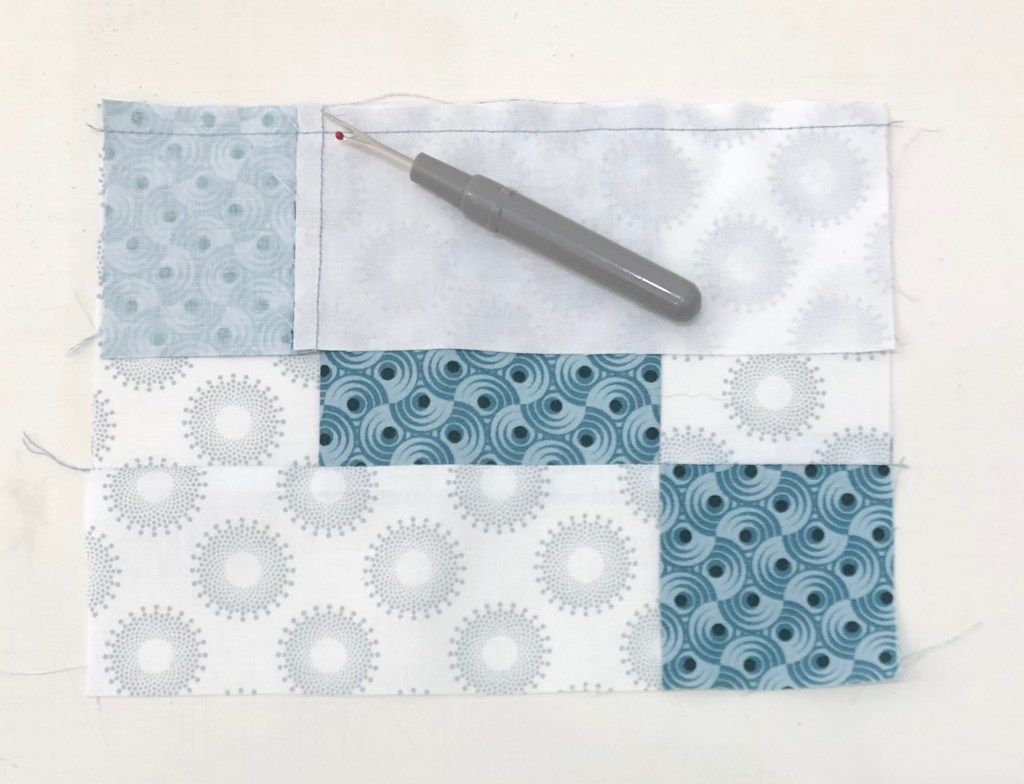
Remove 2 or 3 threads.

Step 5 – Press the units so that the seams spin. To spin the seams, lay the last sewn seam east to west on the mat, remove the two or three threads in the center on both sides that run north to south, and press so all the seams go in the same direction.

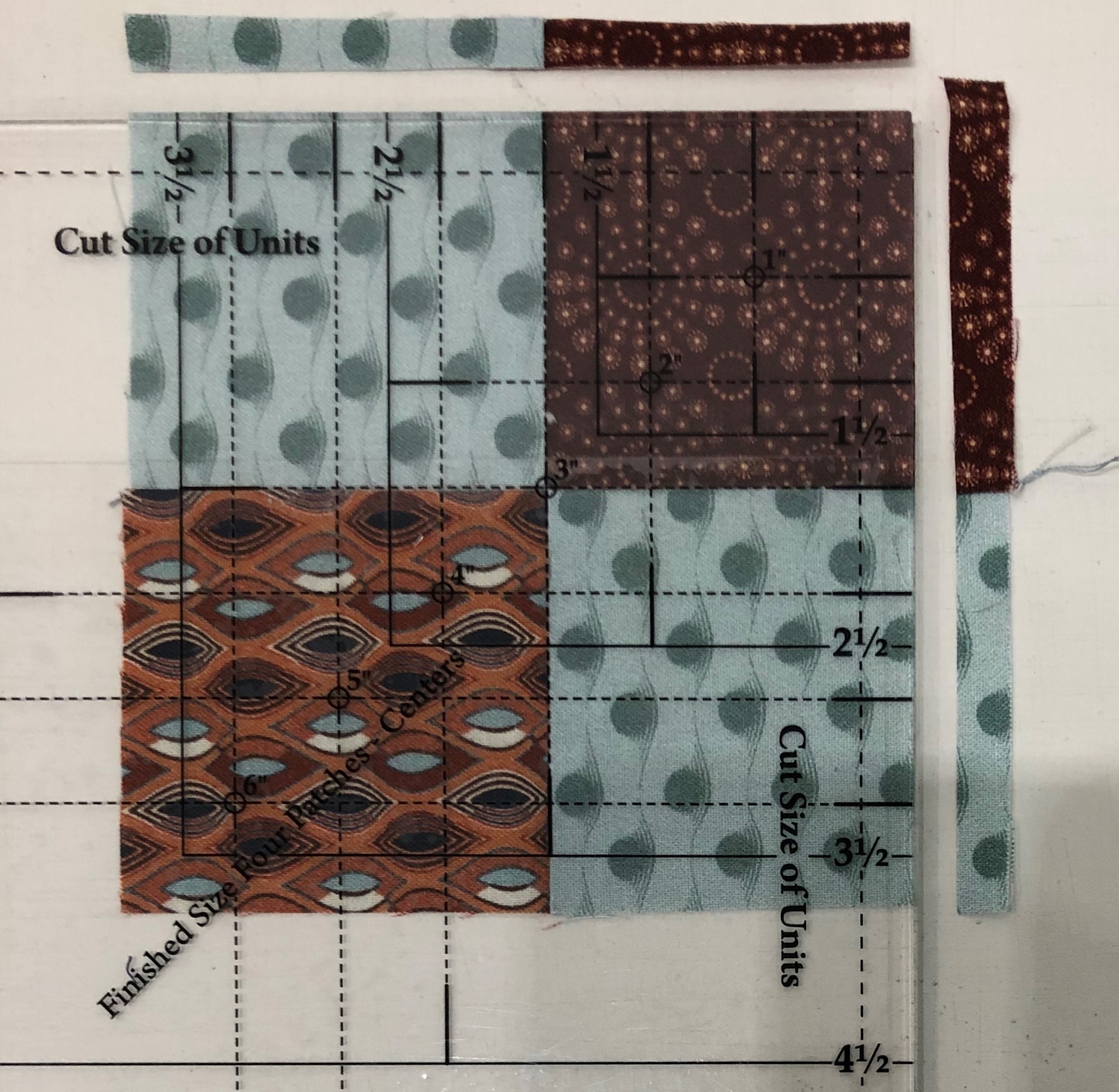
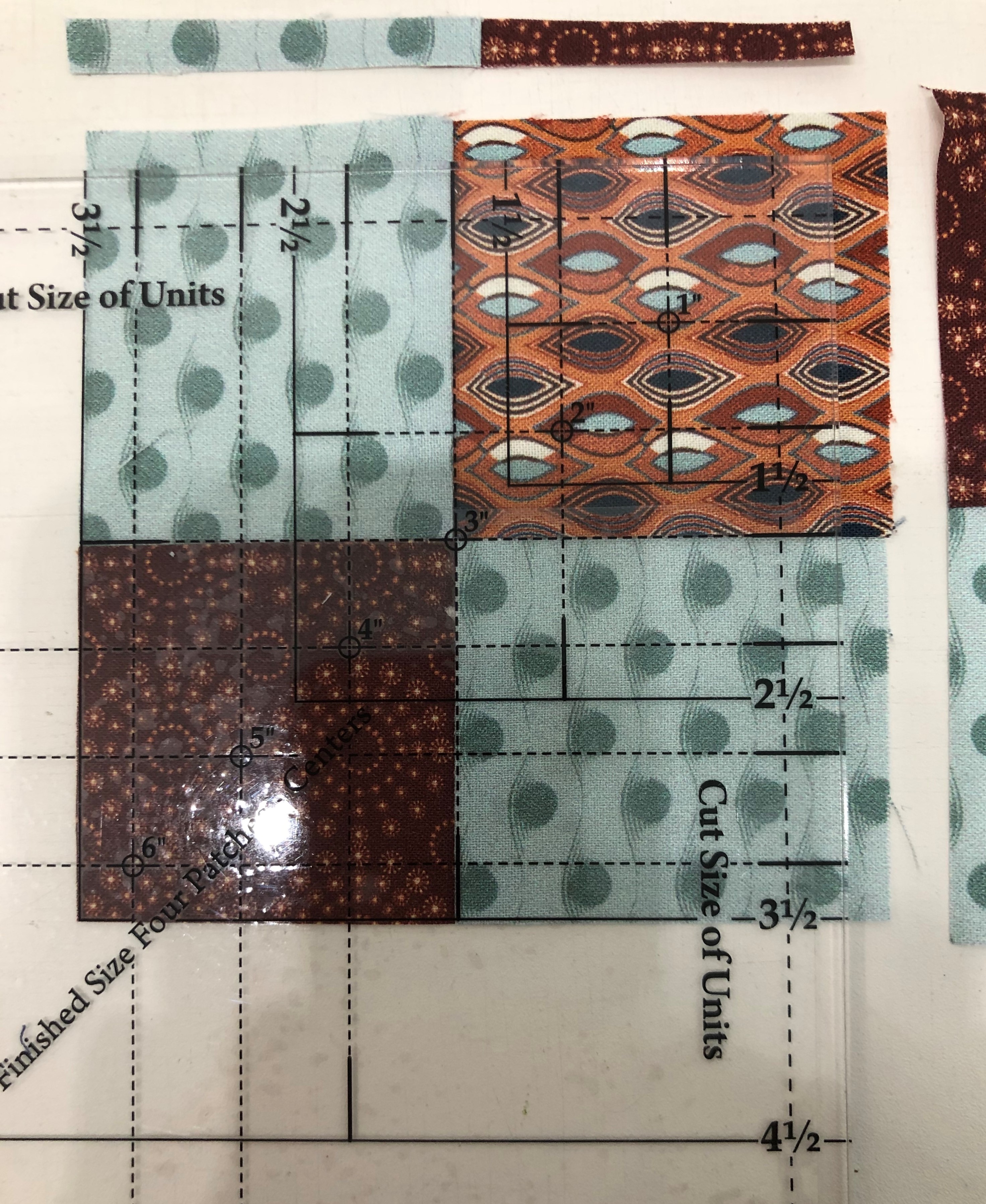
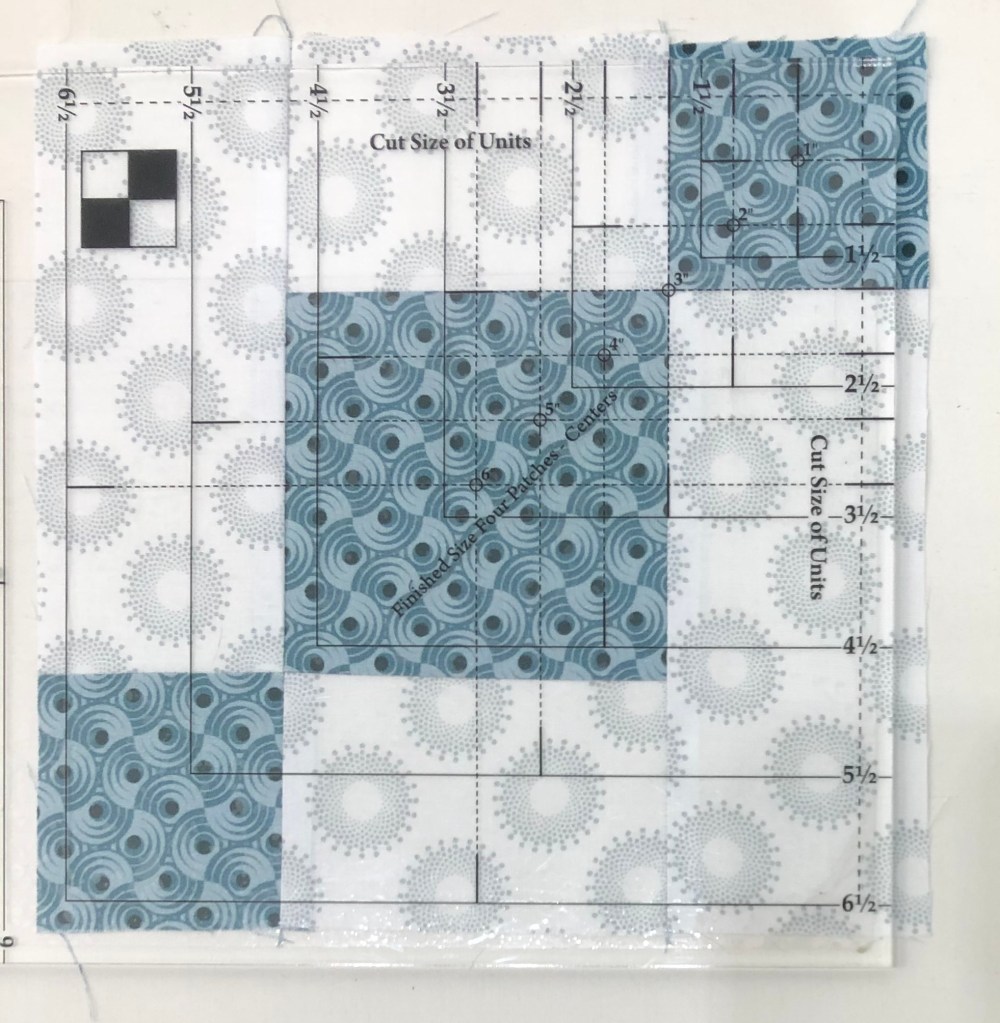
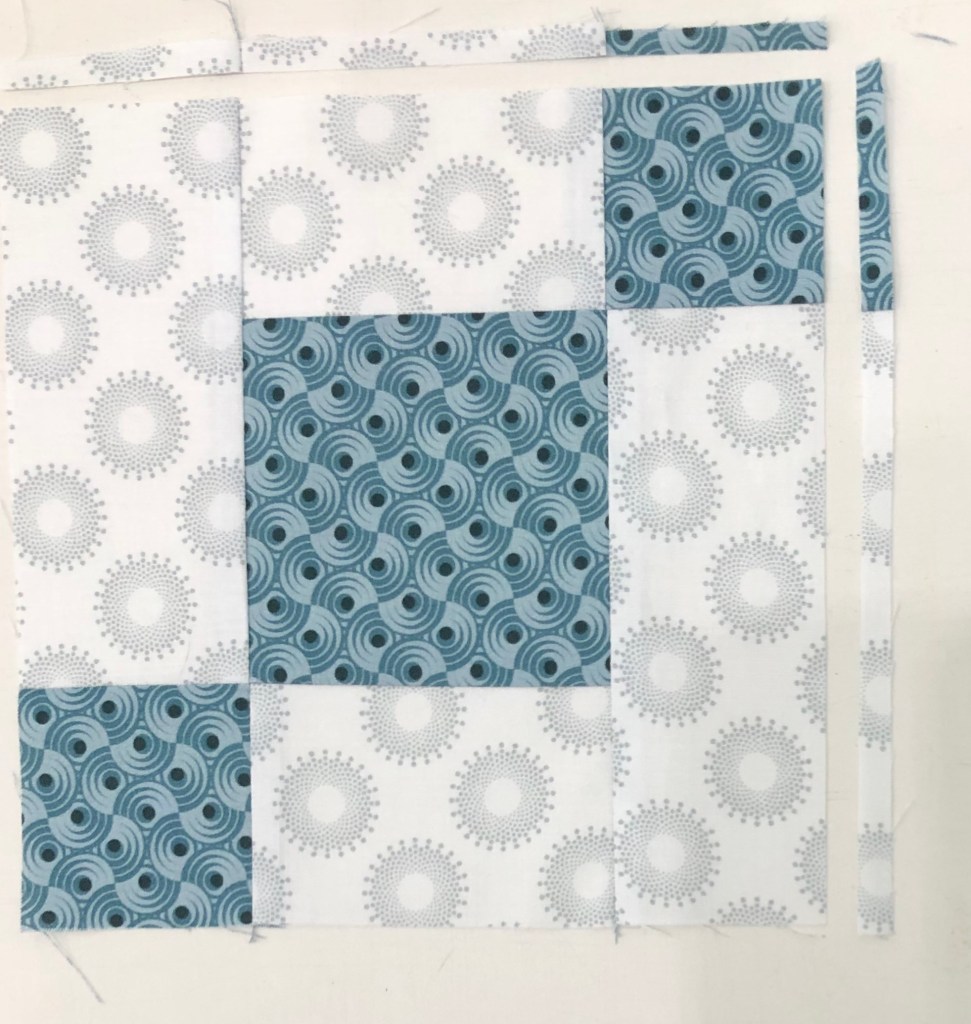
Step 6 – Trim the units to size. Position the unit as shown on your cutting mat and locate the circle for the 3” finished size on your Four Patch Square Up® tool. The finished sizes are located above the words Finished Size Four Patches – Center. Position the circle over the seam intersection between a small square and the large square as shown. Make sure that the dashed lines radiating from the circle align with your seams. Trim the first two sides of the unit.

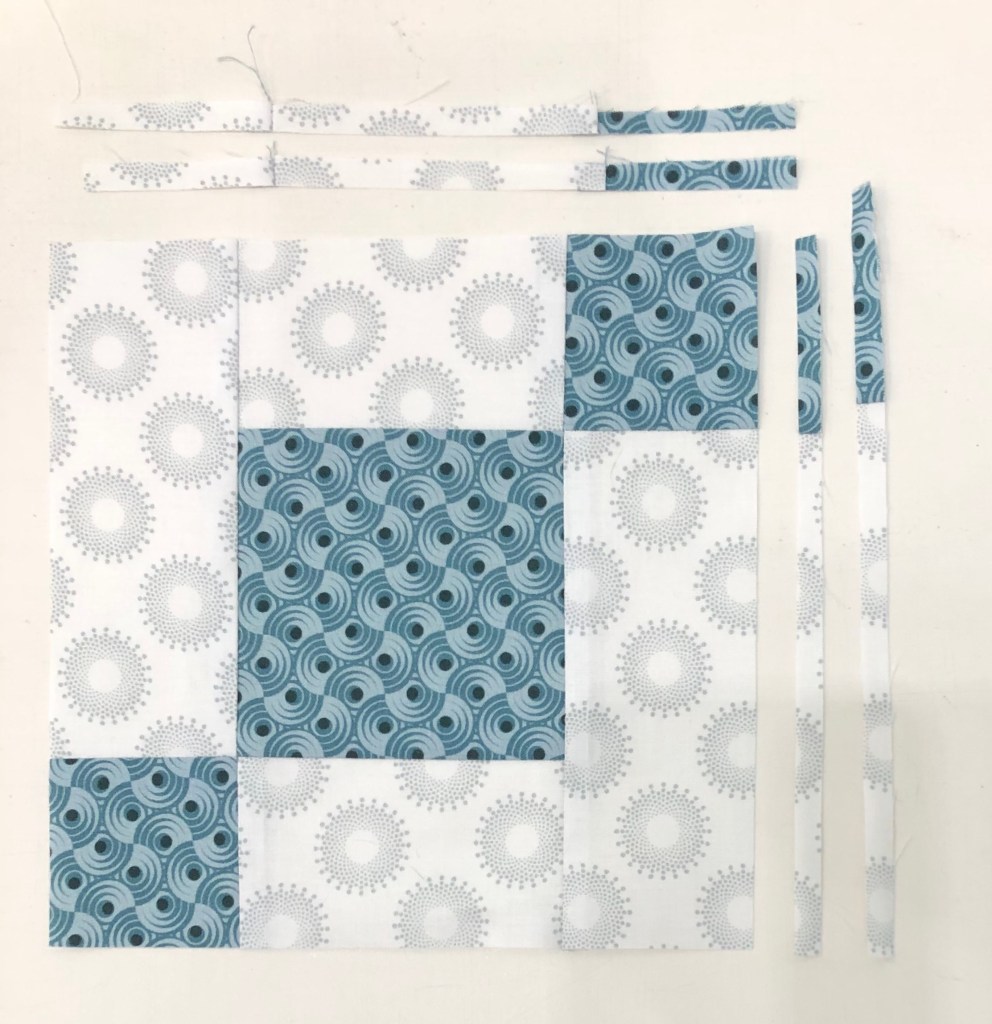
Step 7 – Rotate the unit 180 . Align the 3” finished size circle over the intersection of the remaining small square and the large square as shown. Make sure that the dashed lines align with your seams. Also align the 6½” clean up lines on the previously trimmed edges. Trim the remaining two sides. Once all the units are made, label them Unit A.

Once you have completed and trimmed 16 Uneven Chain units, label a paper plate “Unit A” Uneven Chains and set aside. Congratulations, month is done and you have learned to use the Four Patch Square Up tool.

And now, a special surprise for those of you who have read all the way through….

This message from Deb Tucker and Studio 180 Design:

Hi, Everyone!

I hope you’re all excited about your journey with Journeys! I’ve had such a thrill designing this pattern for you and working with Marie Bostwick to coordinate the quilt and the novella, and with Jason Yenter on the fabric. And many thanks to Deb Luttrell for coming up with the great idea for all of us to work together!

We are thrilled that Stitchin Heaven chose Jackie O’Brien to help you with your journey. Jackie was part of our first class of Certified Instructors 7 years ago, so we’ve worked together for a while. We wanted to do something extra to thank her for her participation in this and also to thank her for all of her contributions to Studio 180 through the years.

And we wanted to do something for you for your enthusiastic support for our first block of the month.

Here’s what we’re going to do. As many of you know, Studio 180 is all about education and skill development, so we’re going to give each of you the chance to get additional practice with your tools. Each month we will offer special pricing on two downloadable patterns that go with that month’s tool or other tools you have used in the BOM. We will post a link and a code each month in the Journeys FB group that gives you exclusive $9.00 pricing per pattern (over 20% discount). Jackie will receive 100% of the proceeds from your purchases as our thanks for a job well done. This is also a way for you to say thank you to Jackie for her help. We hope you find something in our offerings each month that excites you to use your tool on another project.

Getting Ready for Journey BOM Month 1

Journey’s Month 1 will start shipping September 29th. I will post the Month 1 blog on October 6th, 2020. In the meantime if you haven’t used your Four Patch Square Up tool yet watch Deb Tucker’s Four Patch Square Up Video:

Quilters – Rev your Sewing Machines!

Are you Ready for Journey’s BOM? We are getting close. I am shooting for Journey’s Month 1 to be posted September 29th, IF everything is in place by then. I will keep you posted (get it, LOL). The photo above is the Journey’s I made to test the pattern last Spring. It was not made with the beautiful fabrics you are getting from Stitchin Heaven & Jason Yenter.

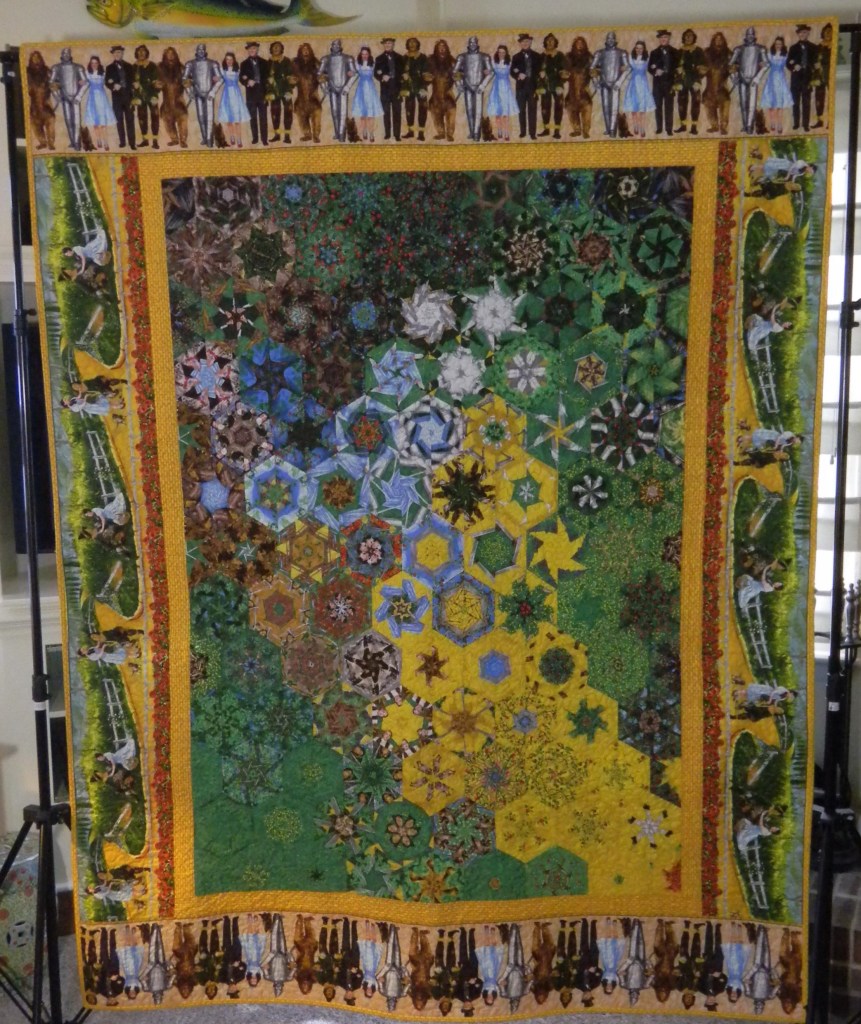
The Road to OZ – OBW #78

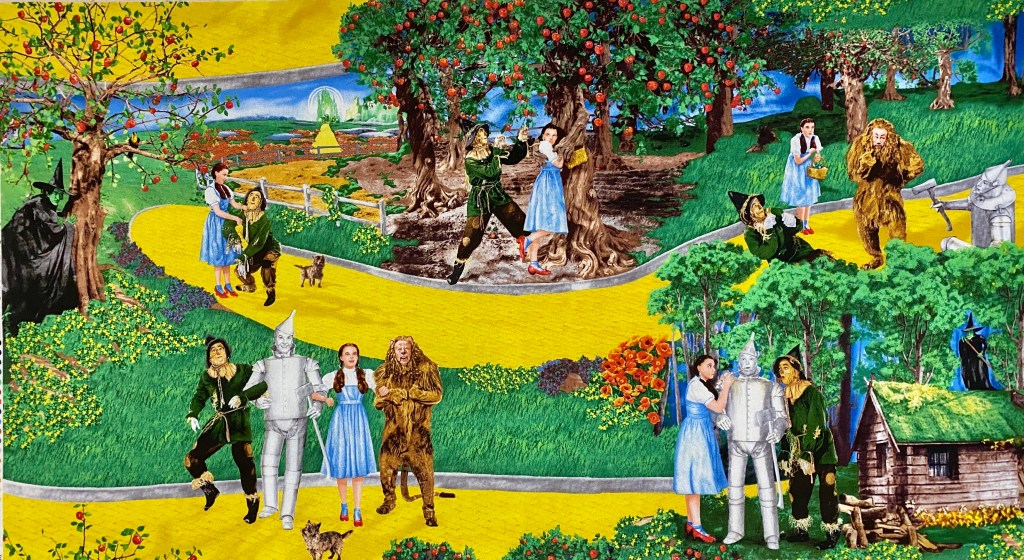
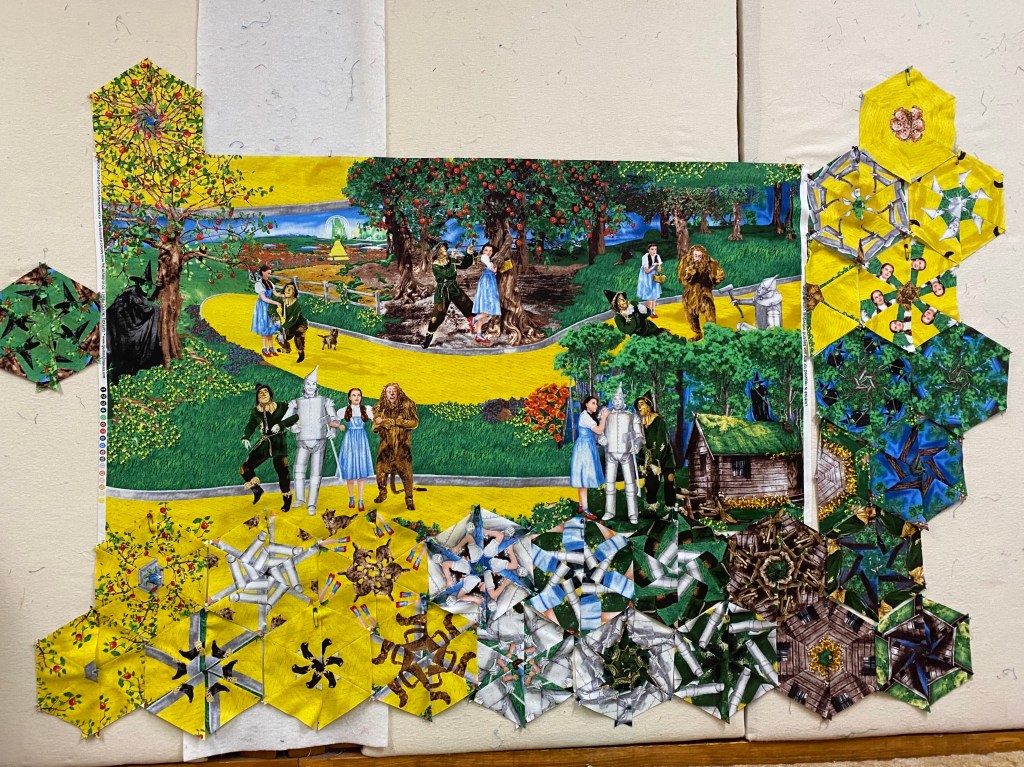
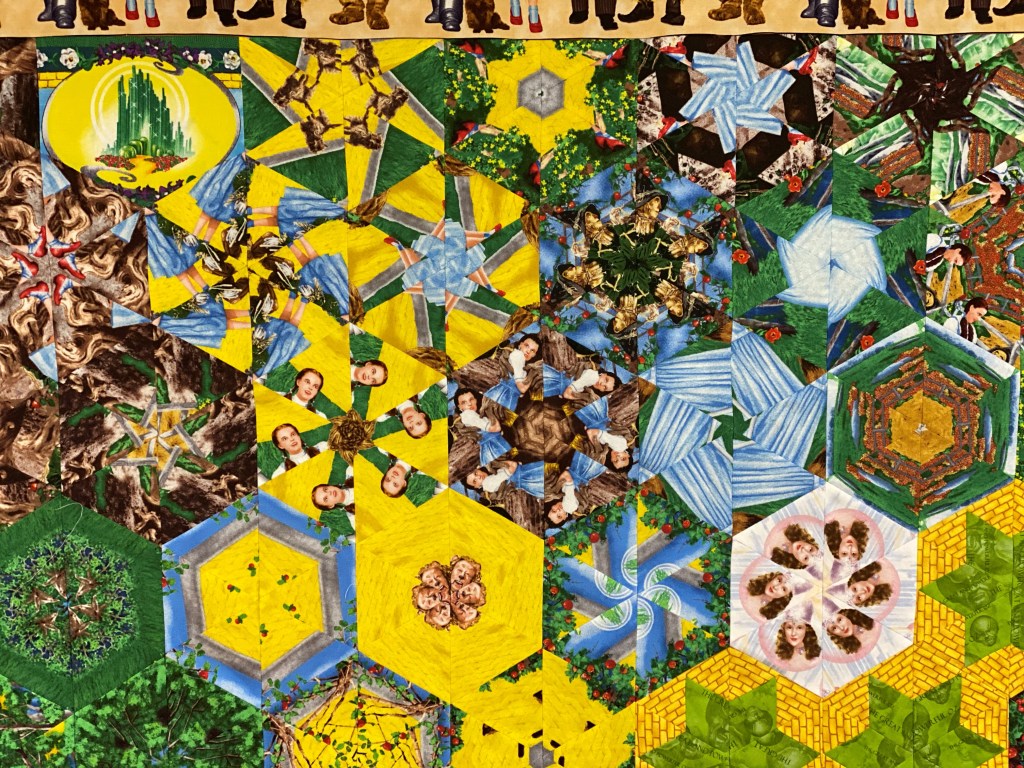
I love the Wizard of Oz! I know it is a very controversial movie, either you love it or hate it! In 2008 Quilting Treasures came out with the Wizard of Oz fabric line. The first fabrics were in sepia tones. I have made many, many Wizard of Oz quilts from my extensive Wizard of Oz fabric stash. This Road to Oz is for me!

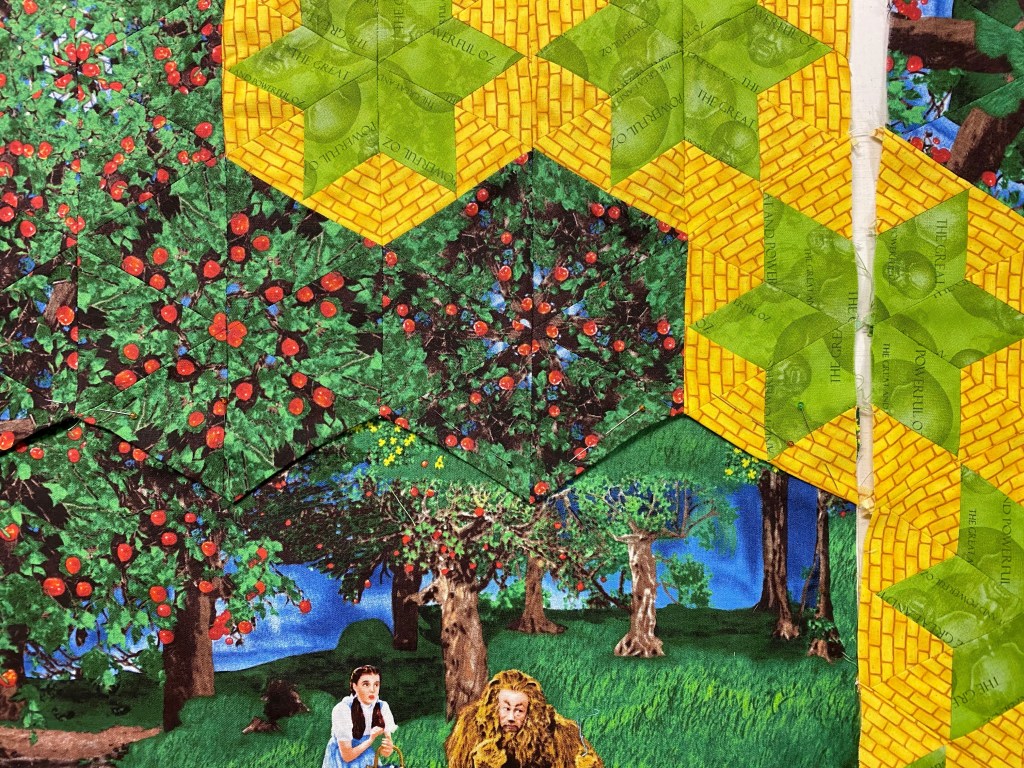
I used Studio 180 Design’s Star 60 Tool to enhance my One Block Wonder. Aside from cutting the equilateral triangles I will share how to cut Whole Hexagons, Half Hexagons and make a Half Hexie Braid for borders with the Star 60 tool.

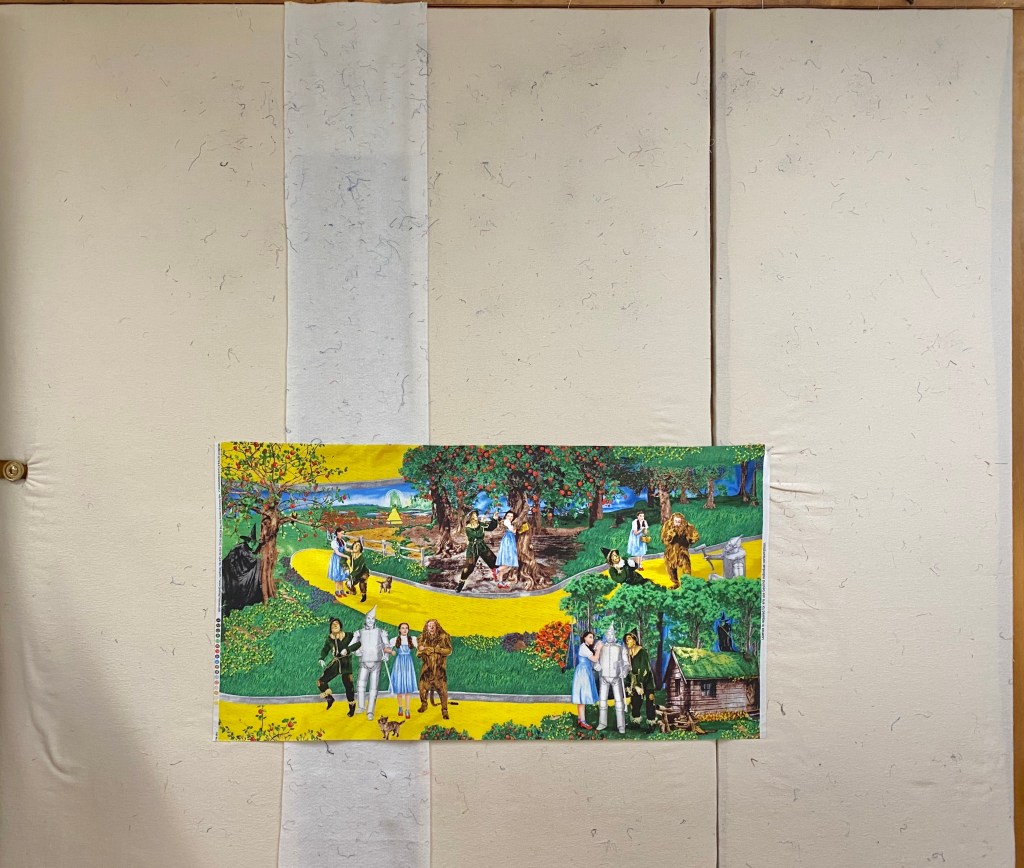
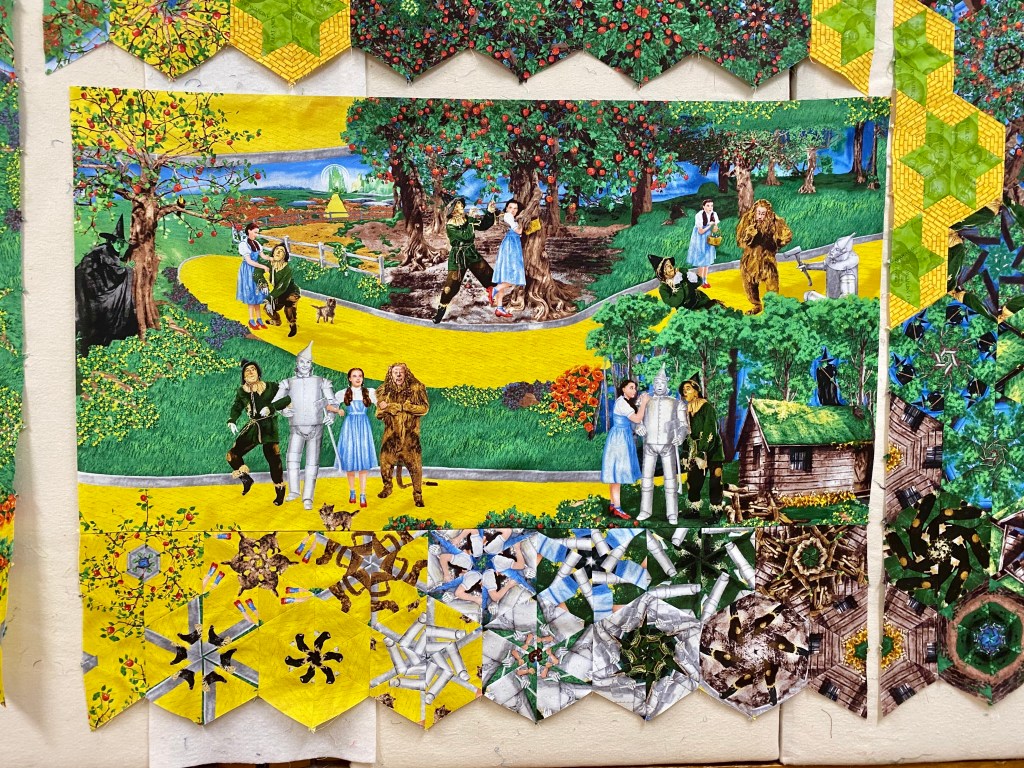
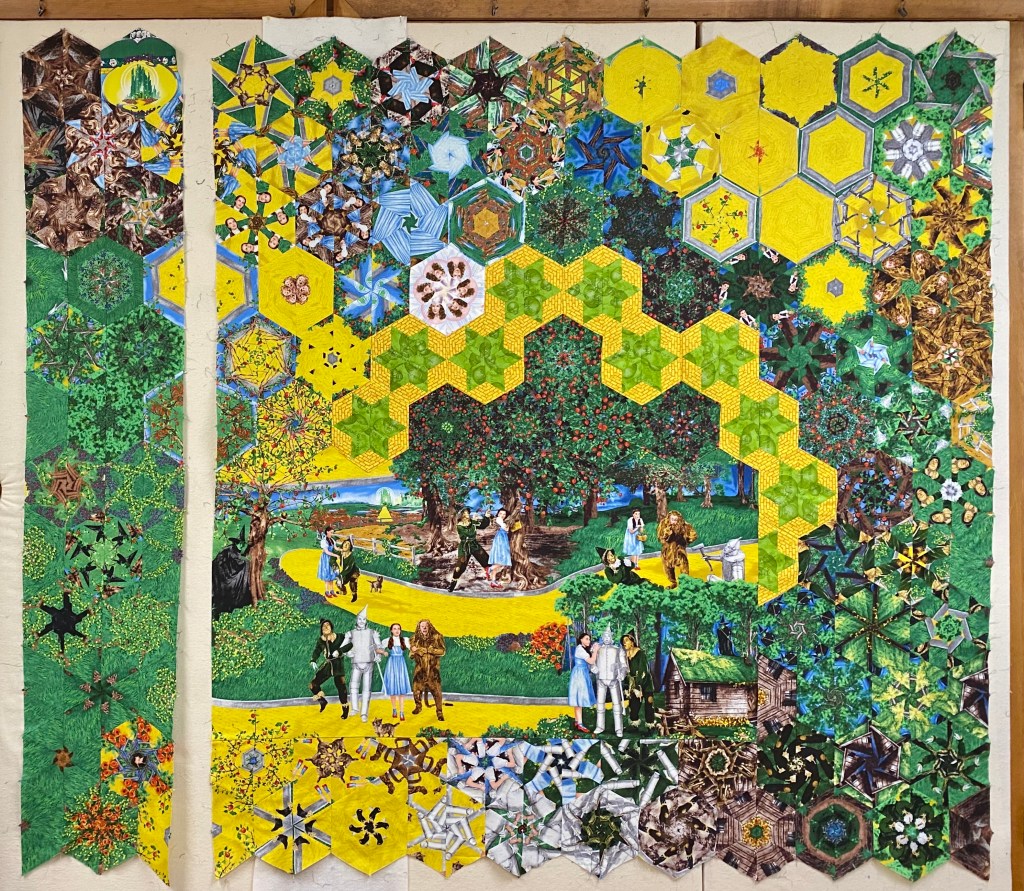
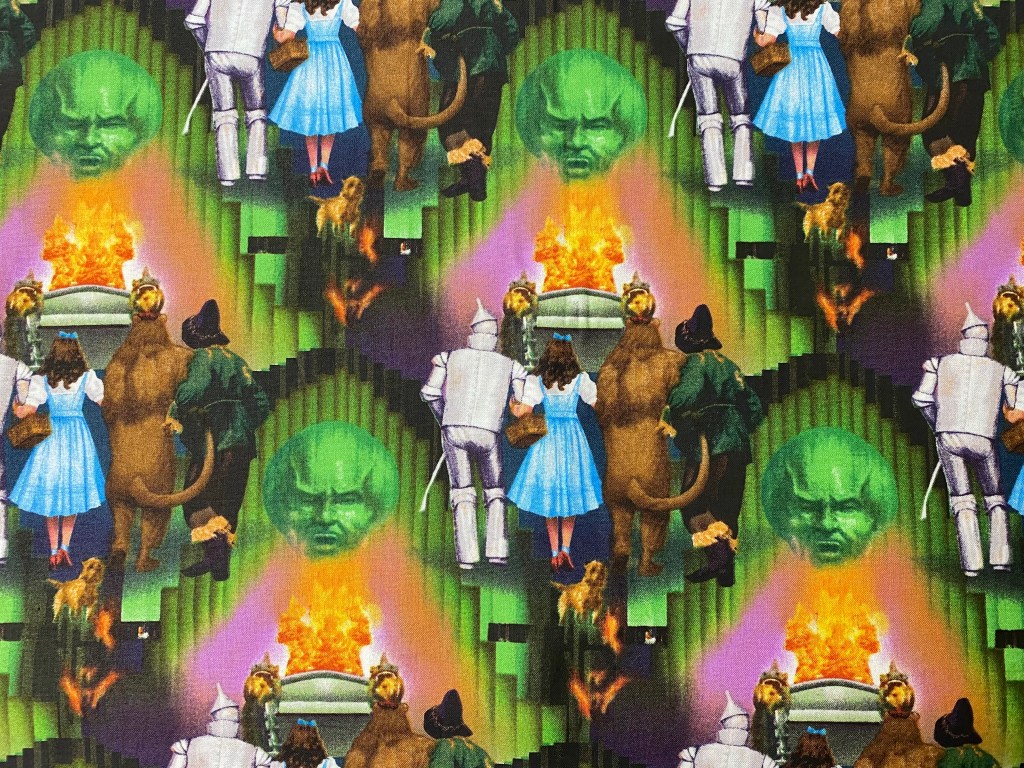
This fabric by Quilting Treasures came out in 2009 and has a 23″ repeat. I’ve decided to use it as a panel on the quilt top. The width is a little over 43″. I need to determine what size finished hexie will fit evenly across the bottom & top of the panel. If I cut my strips 3 3/4″ wide they will produce 6″ finished hexies. If I trim my panel to 42″, I can fit 7 – 6″ finished hexies across the bottom and top of the panel. Note: I NEVER trim the panel until I have my hexies designed and verify they fit the way I want them to.

Strips are cut.

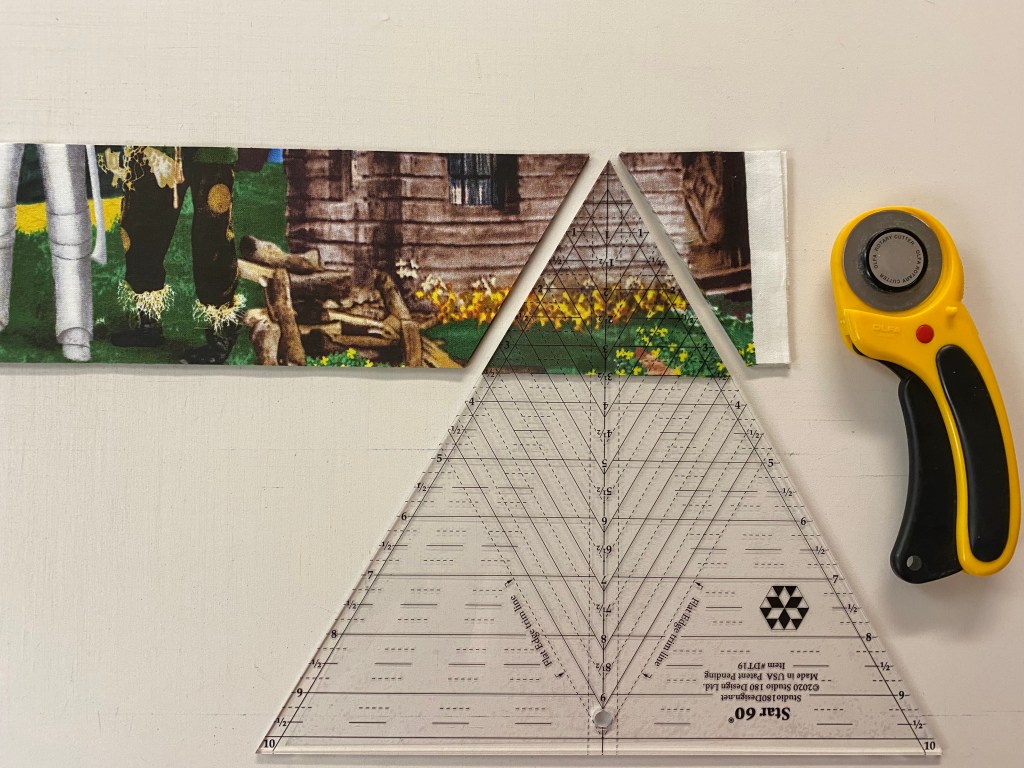
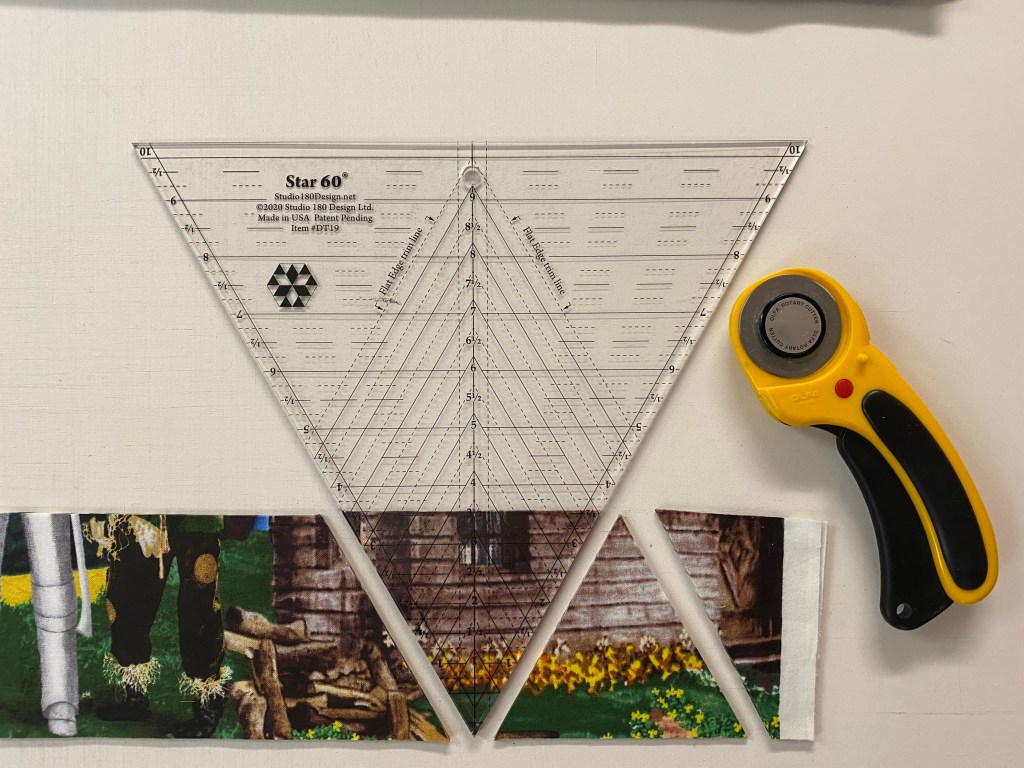
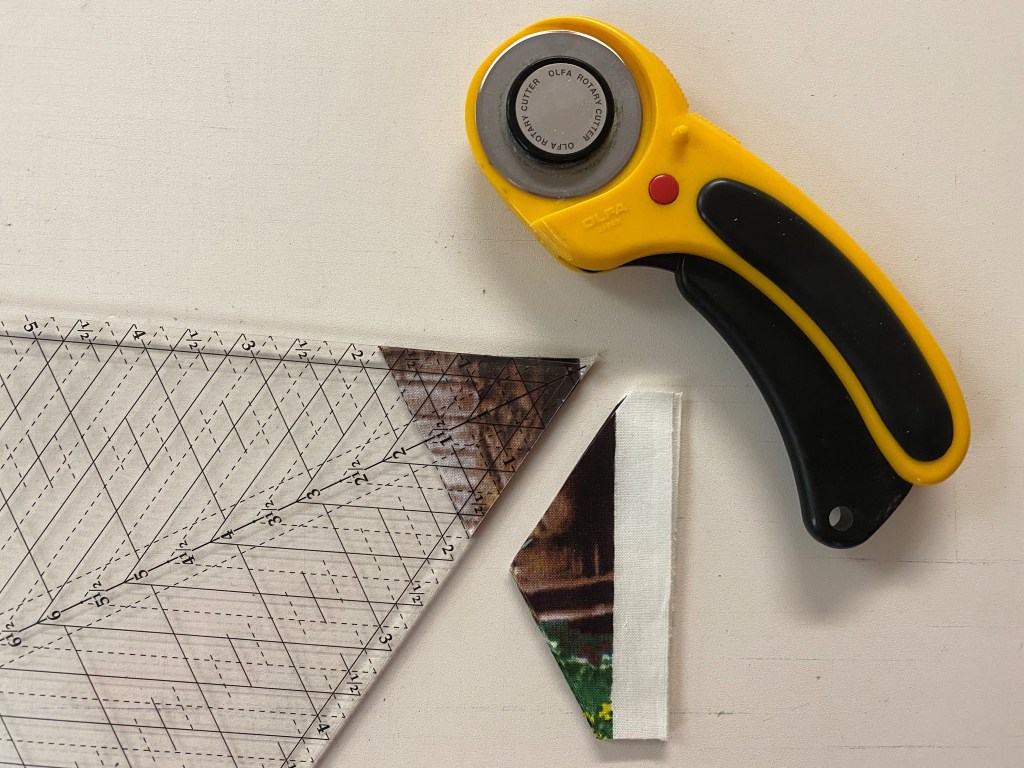
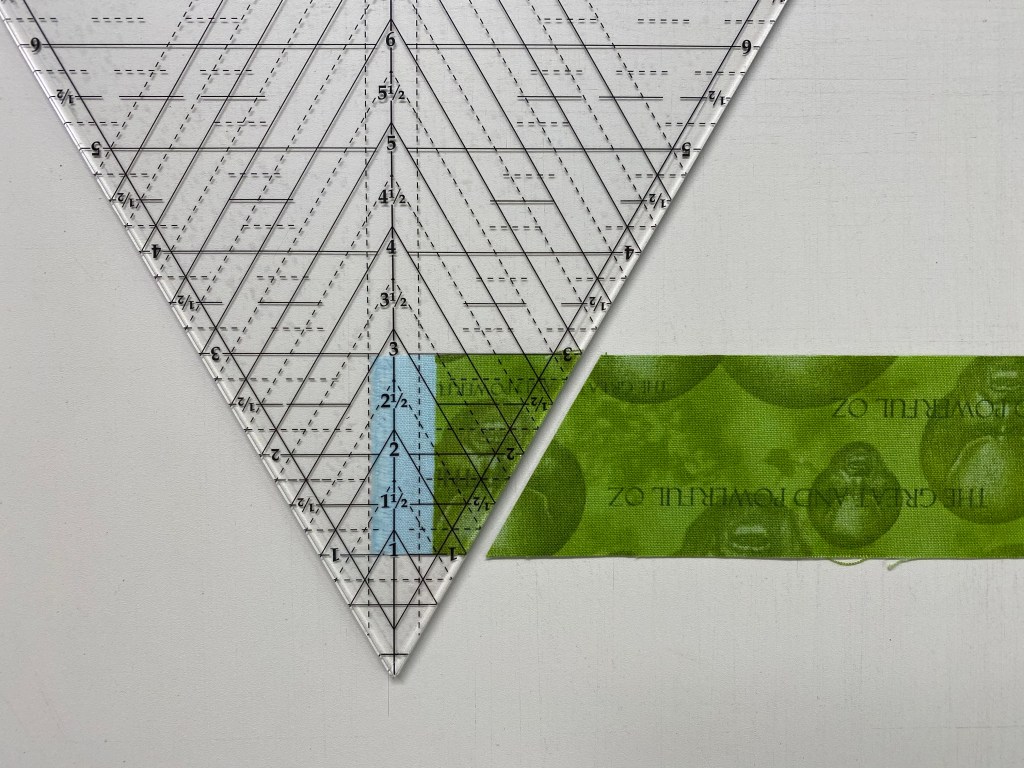
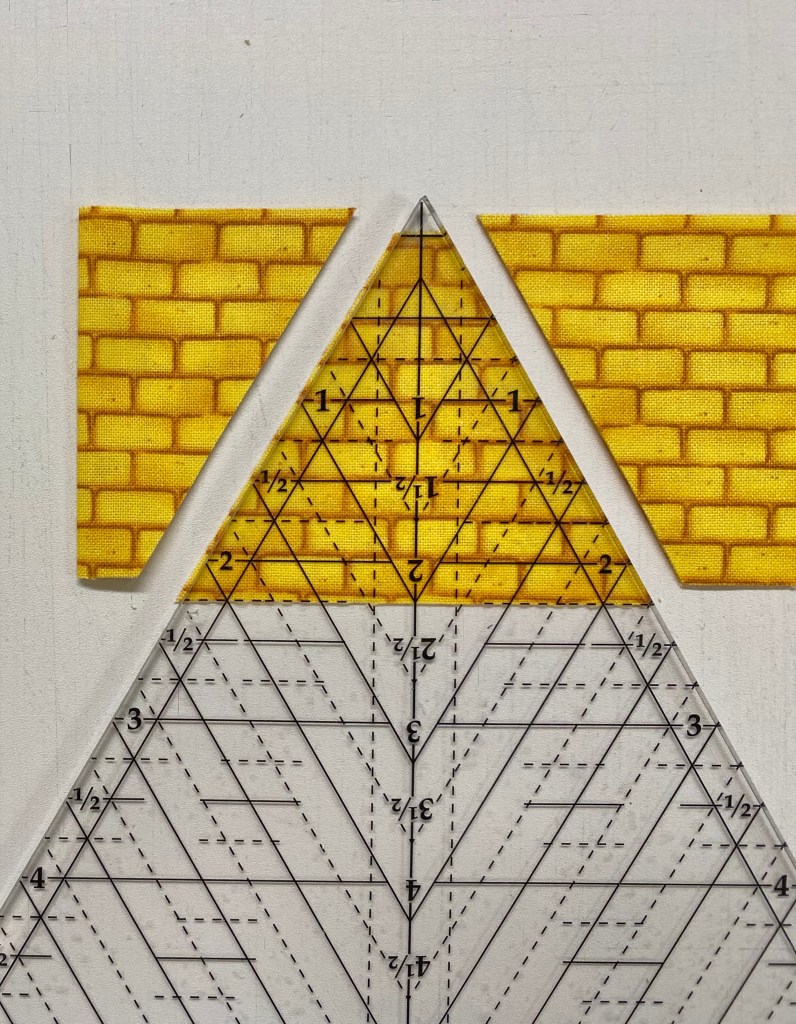
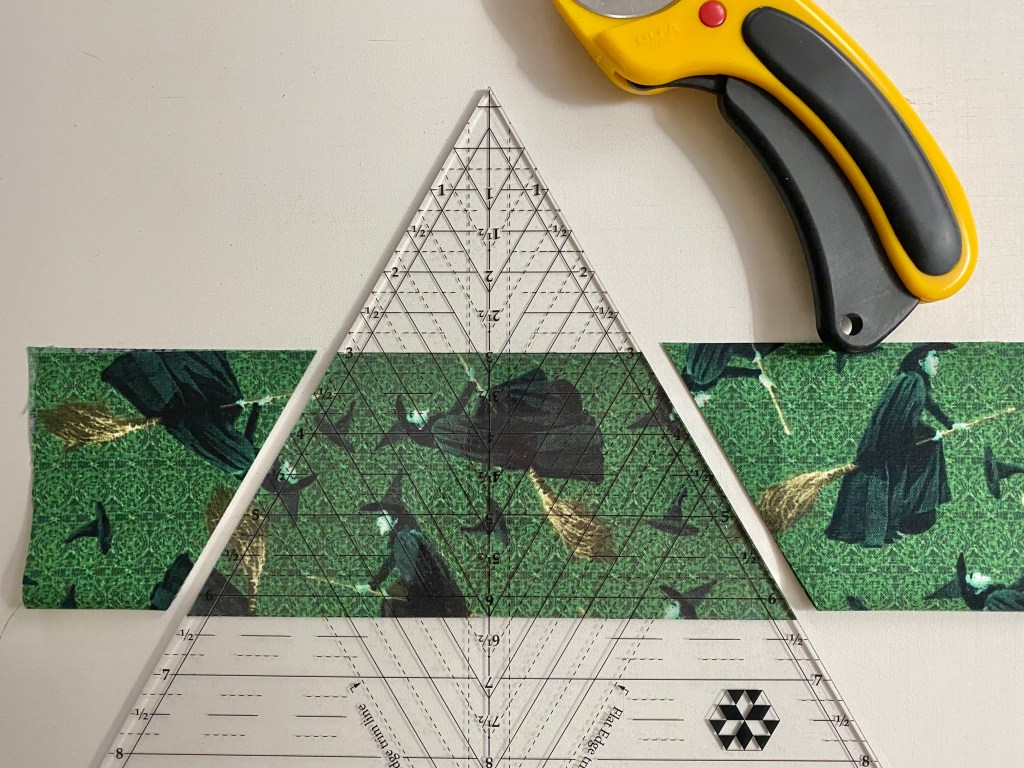
I used my Star 60 Tool from Studio Design to cut my equilateral triangles. Be sure the tool point just touches the cut edge of the strips. we want dogears to help lining up blocks and rows.

TIP: You know those pieces you have left at the of the strips that are too small for a full size hexie? One side is already cut at a 60 degree angle, if you place the tool edge on the straight side of the pieces, adjusting the edge of the tool to not include the selvedge and cut, you will have small hexie that can be appliqued onto your top.

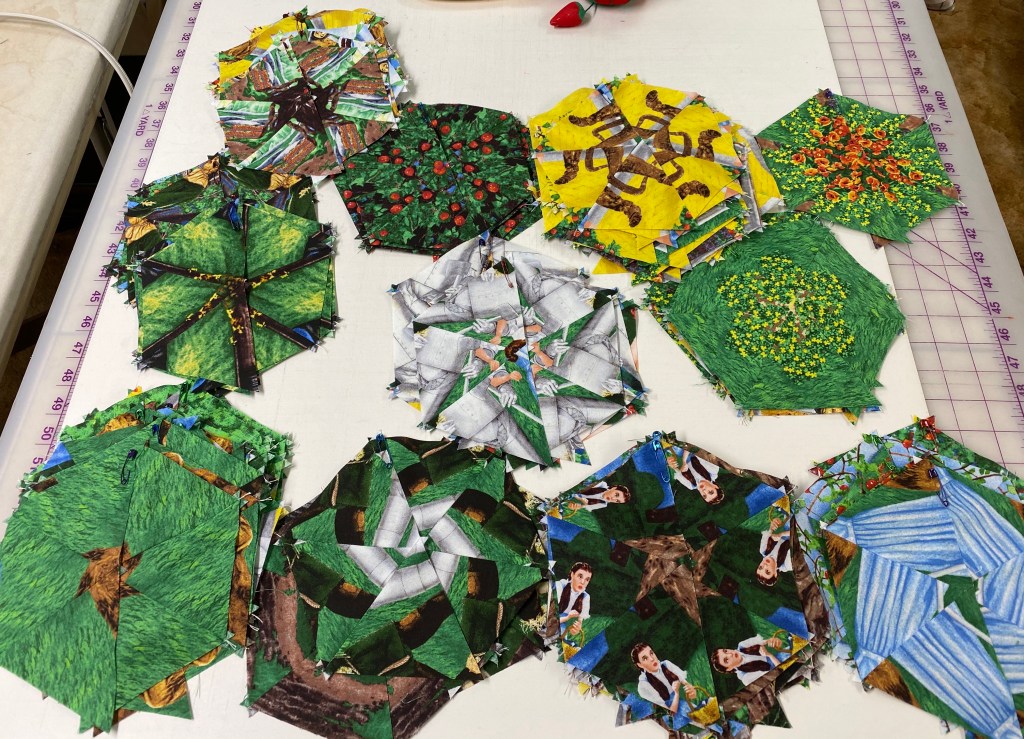
My triangles are cut, stitched and sorted by predominate color.

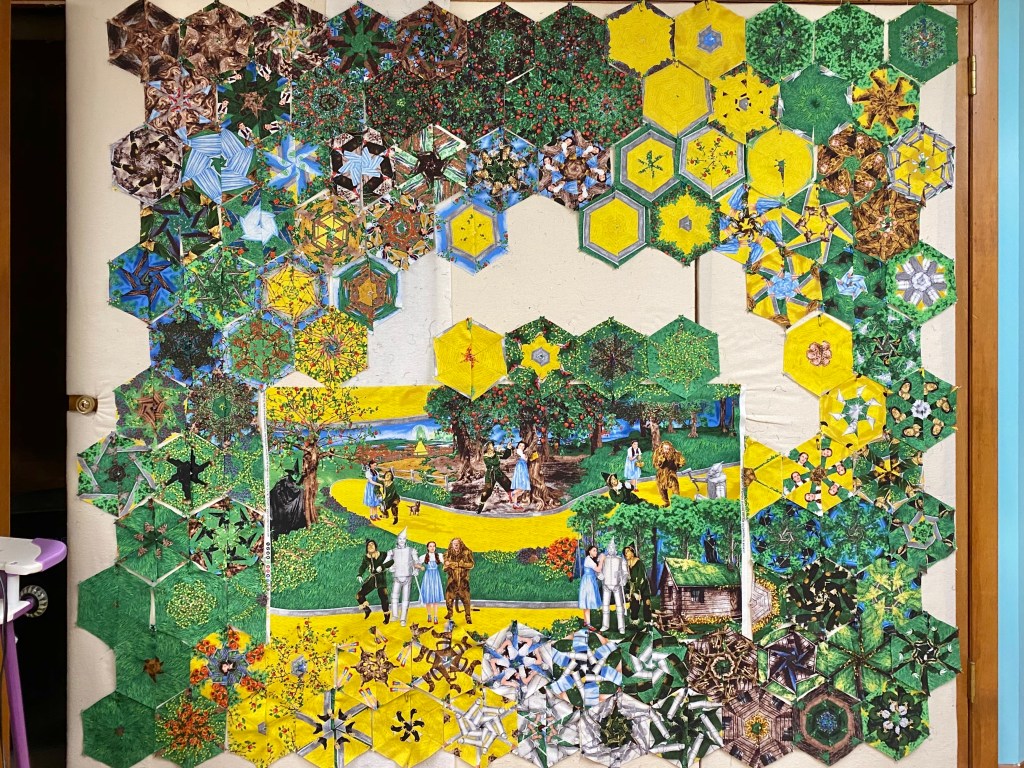
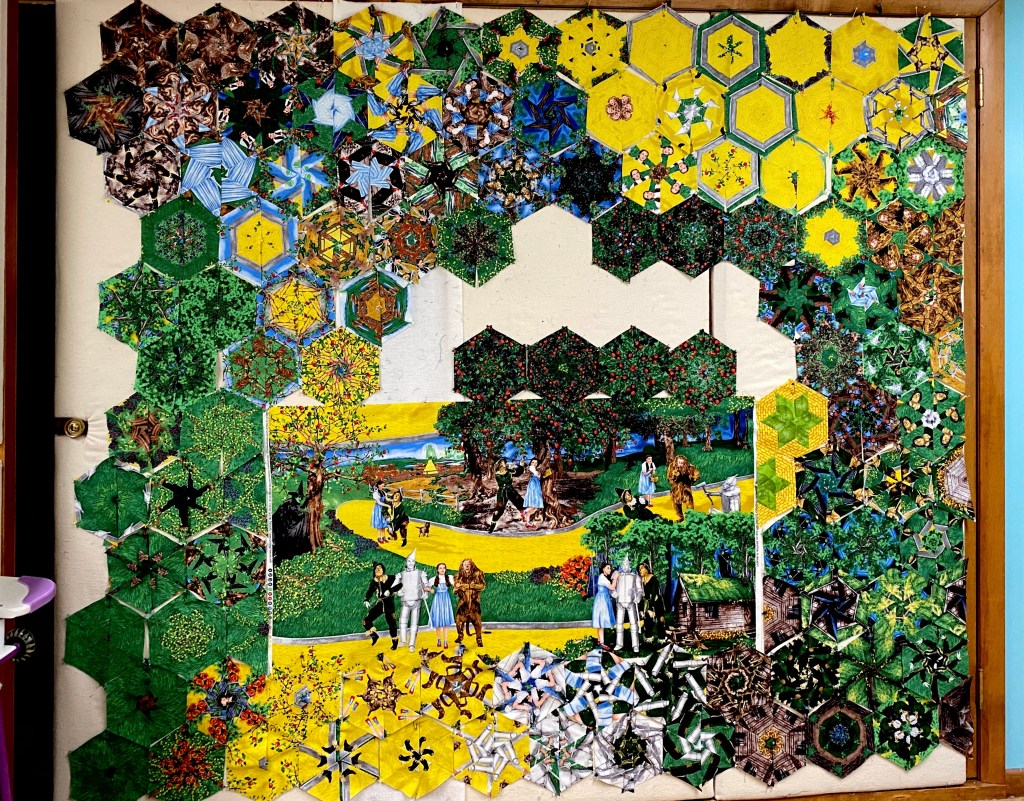
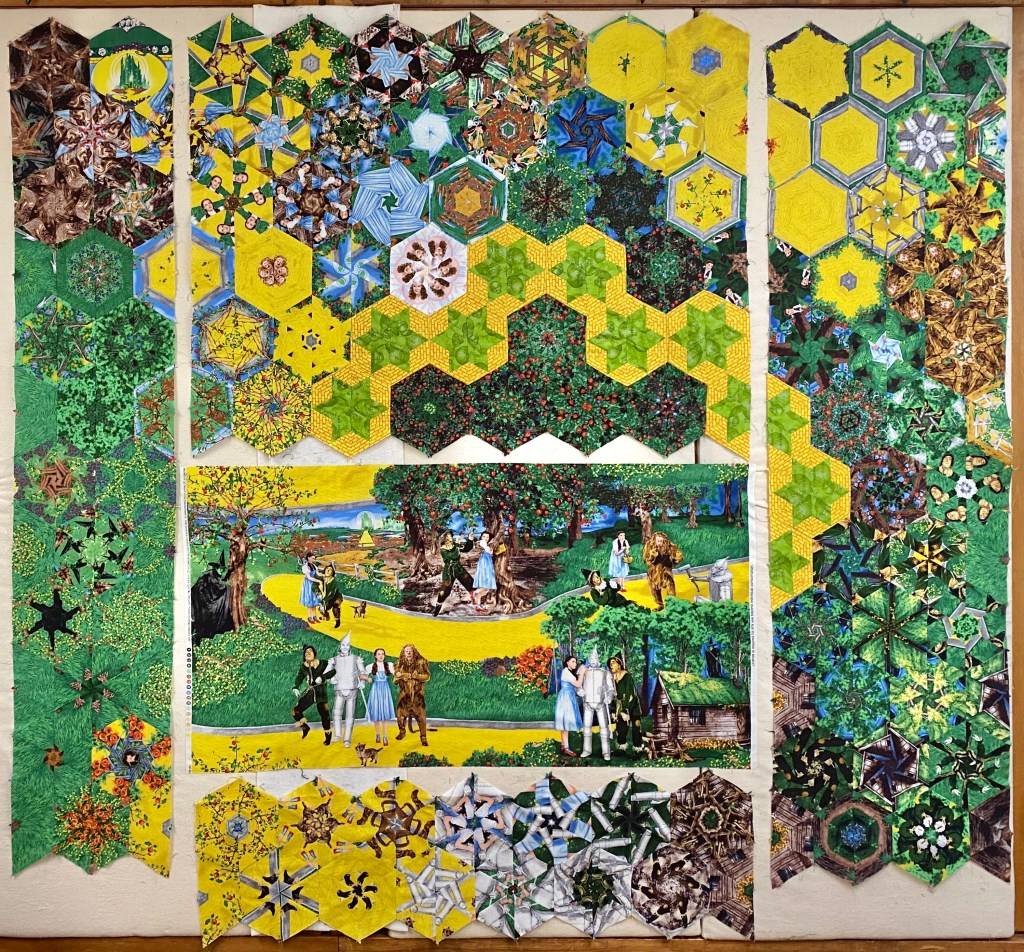
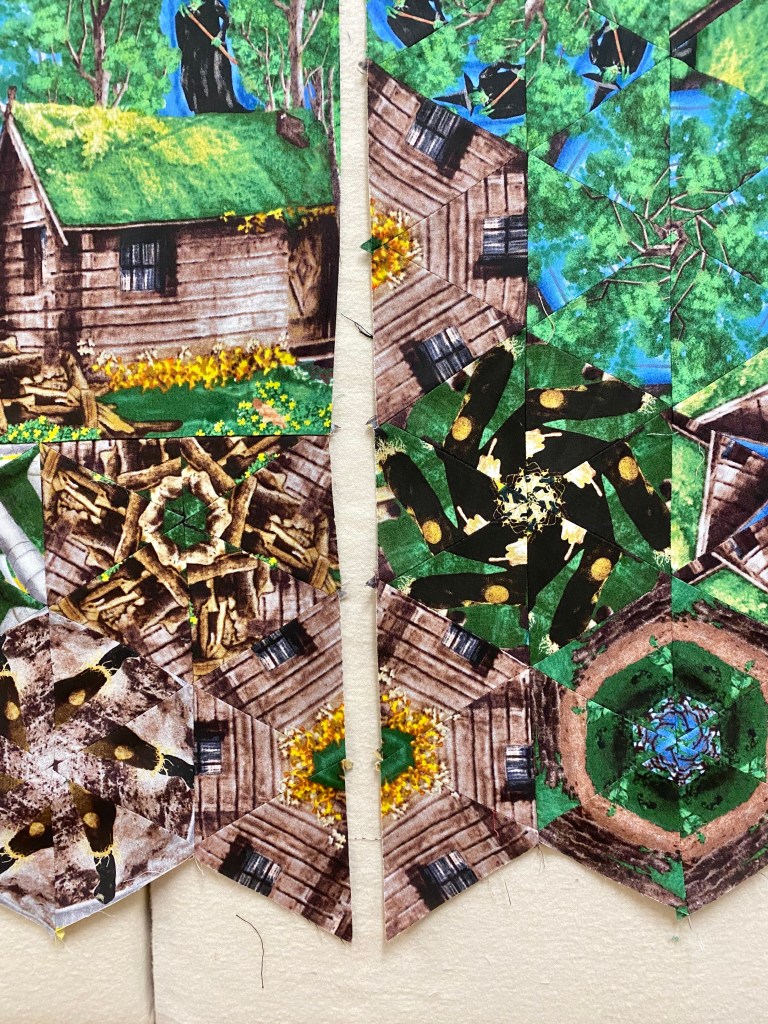
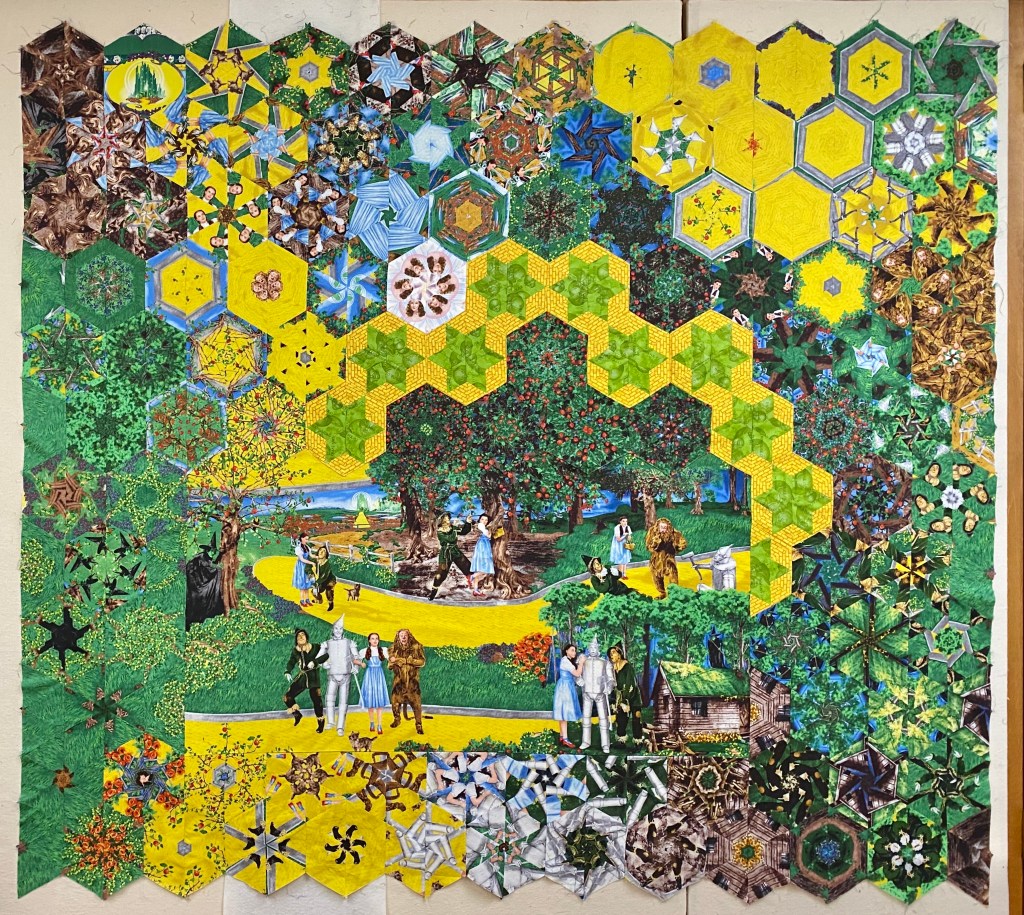
Placing the panel on the design wall takes some thought and planning. My design wall consists of 4 closet doors 24″ wide, that are covered with flannel over insulation, so I have plenty of room. My goal was to create a path that would connect the yellow brick road on the right side with the yellow brick road on the top of the panel. I placed the panel so there would be more room on the right side and the top of the panel.

Remember, I can fit 7 – 6″ finished hexies across the bottom of the panel. The hexies are not finished yet, so they don’t fit well. They extend further than the panel. Keep this in mind to keep track of where your rows are so you don’t get confused. If 7 finished hexies will fit across the bottom, that means 14 half hexies will establish the width of the bottom section and the top section. I started at the bottom of the panel and then worked my way up the sides. You may start at either the top or the Bottom, it doesn’t matter.

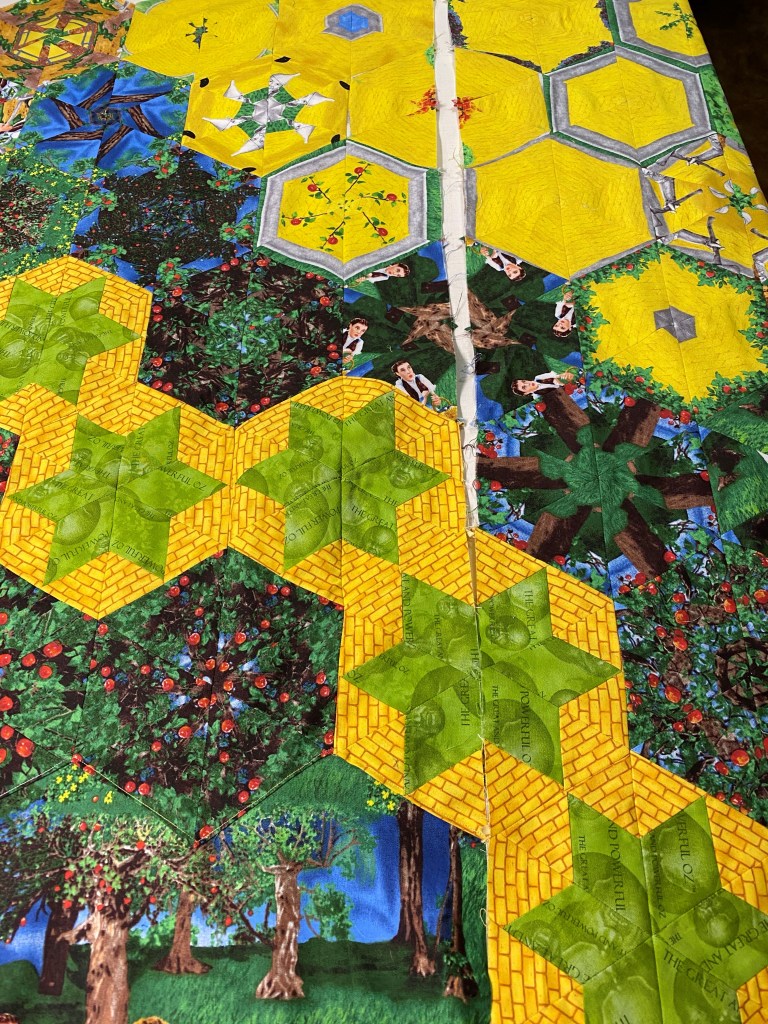
First attempt at my design was close, but I didn’t feel the yellow hexies I had were creating a vibrant connecting path. I tried again surrounding my path with darker hexies & decided to create some Star 60 Units instead.

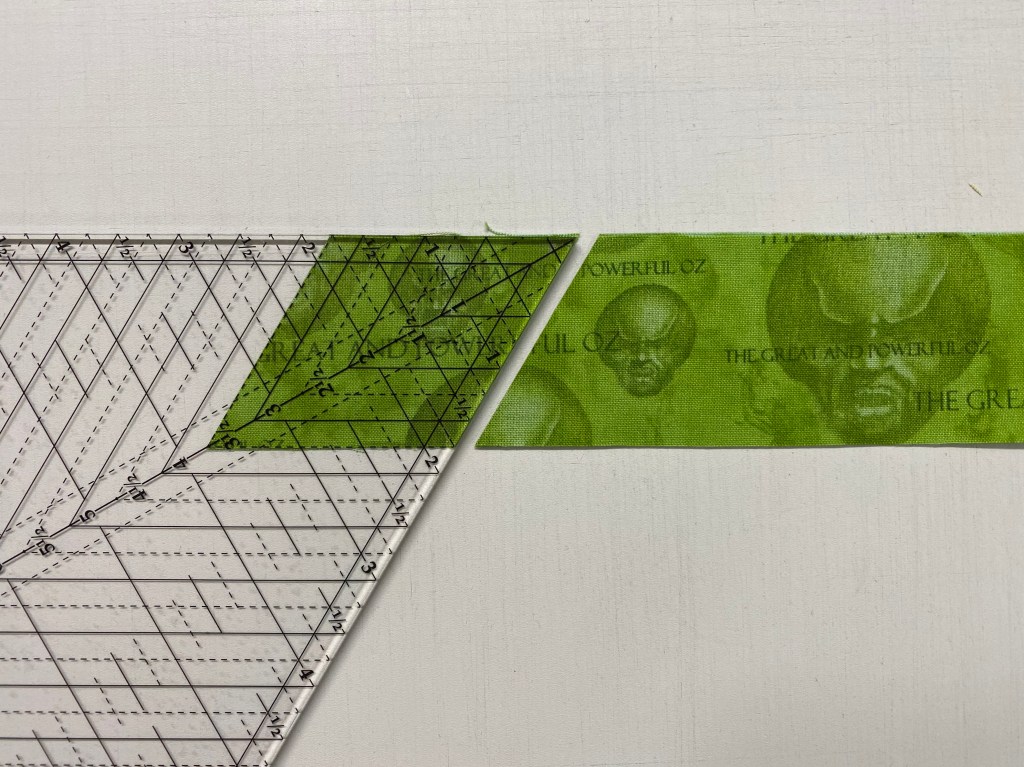
Cutting the Diamonds: To create a Star 60 Unit that contains a diamond with side triangles that would create a 6″ finished hexie I went to the Basic Shape Cutting Chart in the Star 60 instructions. I followed the cutting instructions for 2 1/2″ finished units. For my diamonds, I cut a 2″ WOF strip. Trim the first edge at a 60 degree angle as shown above. Locate the Diamond Sub-cut Guideline in the next column for 2 1/2″ finished unit which is 3 1/2″. Align those guidelines with the raw edges of the strip and the angled cut just made as shown above. Each hexie will need 6 diamonds.

Cutting the Side Triangles.: Checking the chart for Side Triangle Strip size, I cut my 2 1/4″ WOF strips. Align the mark near the top of the tool with the top of the strip and the horizontal line on the tool that corresponds to the width if the strip (2 1/4″). Cut the side triangles then rotate the tool and cut again. Each diamond will need two side triangles. Follow the Star 60 tool instructions for Piecing the side triangles to the diamond.

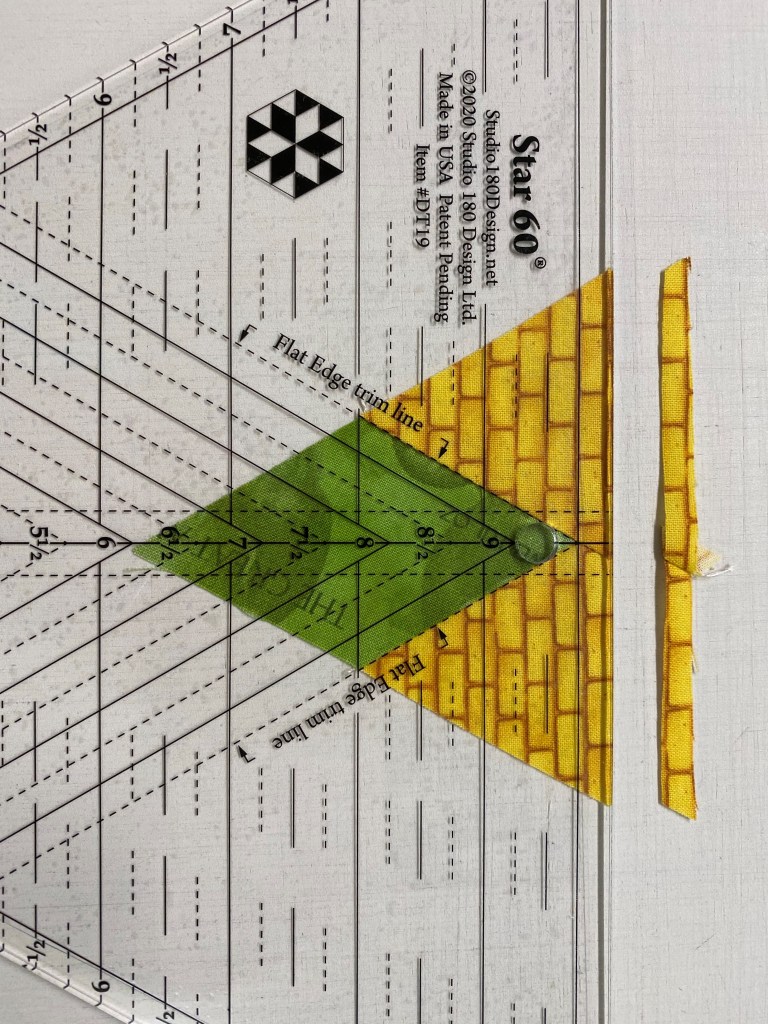
Trimming Star 60 Units: We will be trimming the flat end of the unit only! Align the Flat Edge trim lines with the seams of the diamond. For lefty’s, rotate the unit so the flat side is on left side. Six of these trimmed Star 60 units are the same size as a stack of 6 equilateral triangles cut from a 3 3/4″ strip. These Star 60 units can be made in 17 sizes.

I loved the way the Star 60 units created a vibrant path to connect to the Yellow Brick Road. You notice a very light block near center of the top. That is Glinda the Good Witch. She wasn’t on the panel but I had to add her!

Cutting Whole Hexagons: I wanted a block that contained the Emerald City. I forgot to take a picture while I cut it, so the instructions below use a different fabric.

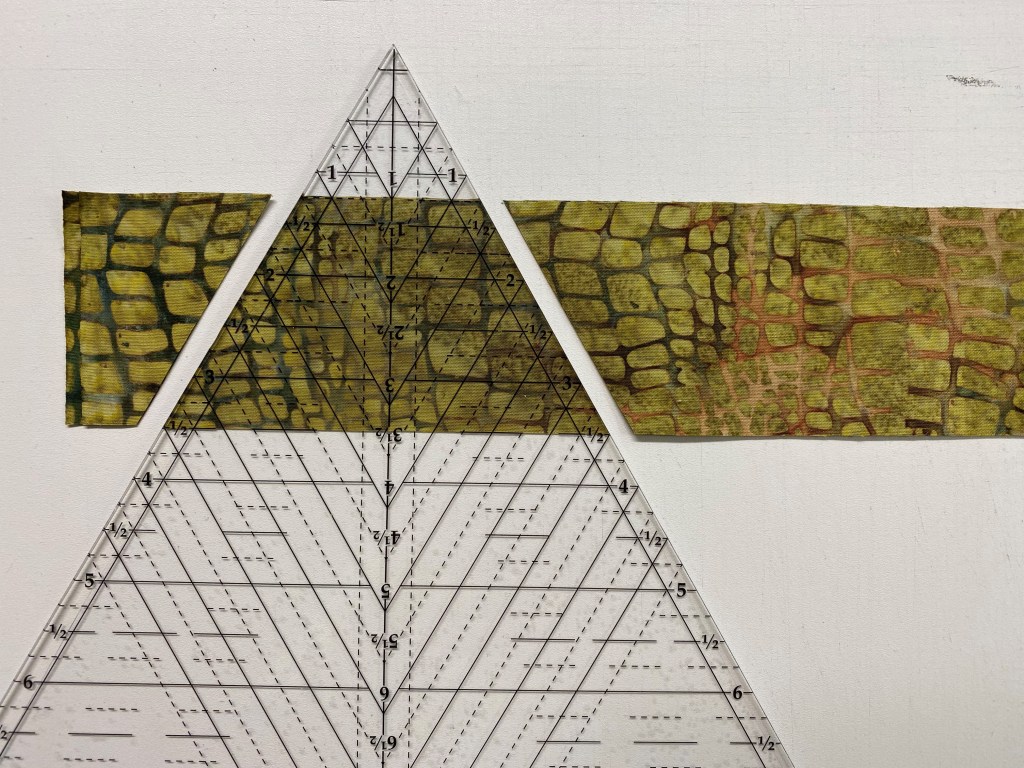
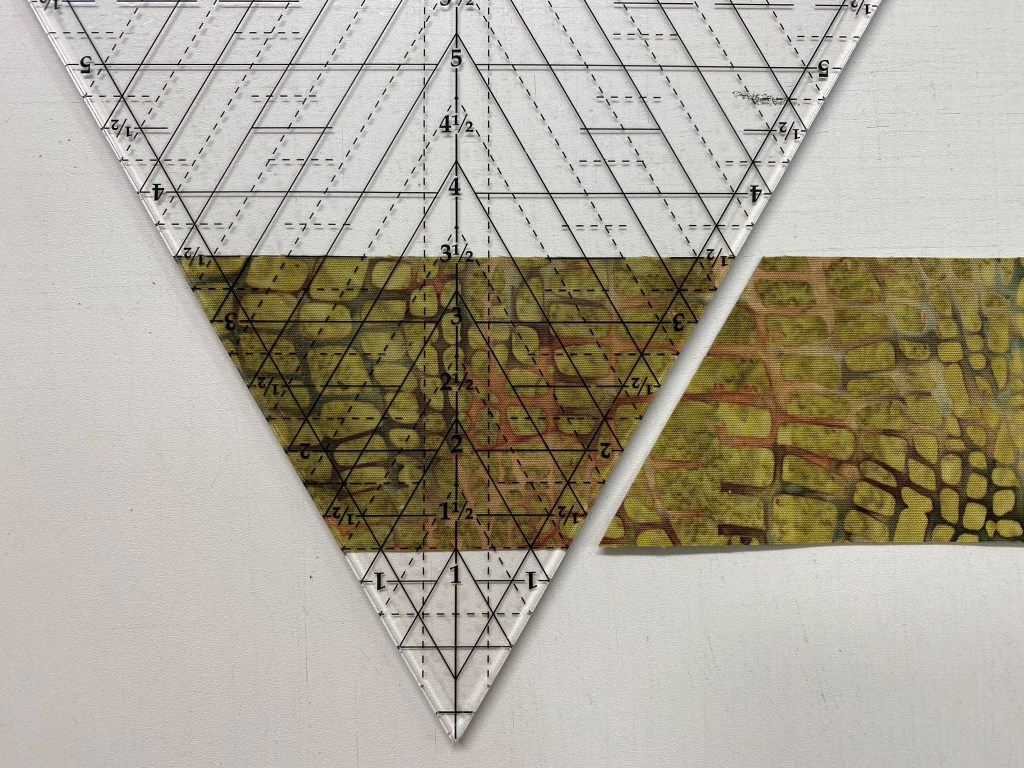
The Hexagon Cutting Chart allows you to cut whole hexagons in 15 sizes. For a 6″ finished (6 1/2″ Unfinished) hexie, cut a strip 6 1/2″ wide. Fold the strip in half. Our Horizontal Guideline Placement is 6 1/4″. Place the 6 1/4″ line on the fold and cut both sides. You now have a 6 1/2″ unfinished whole hexagon.

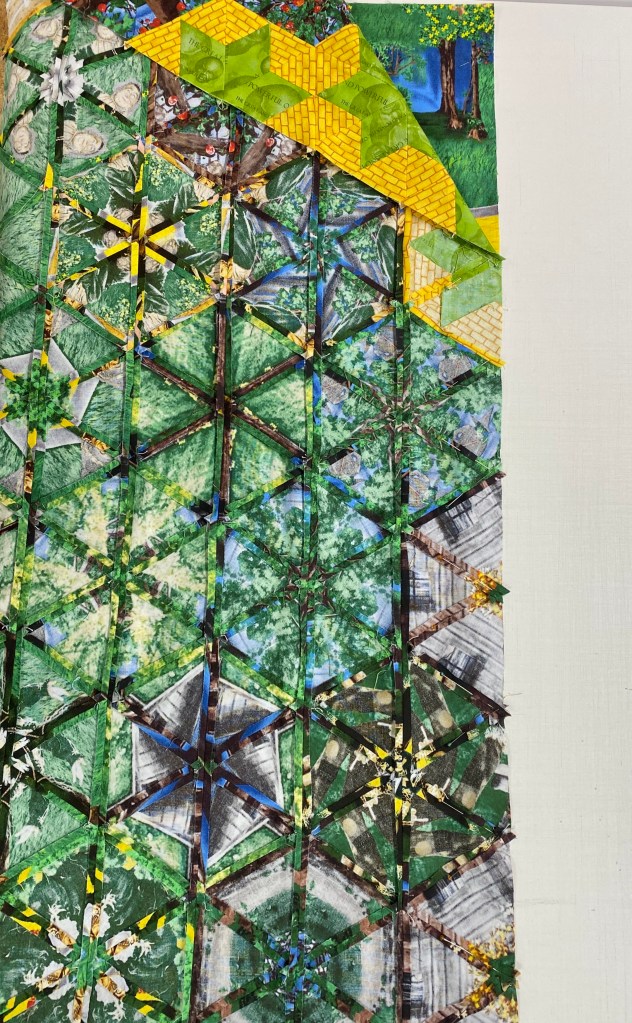
Once I was happy with the block placement, I number my rows across the top and under the bottom section. I stitched the rows into four sections, left, right, top & bottom..

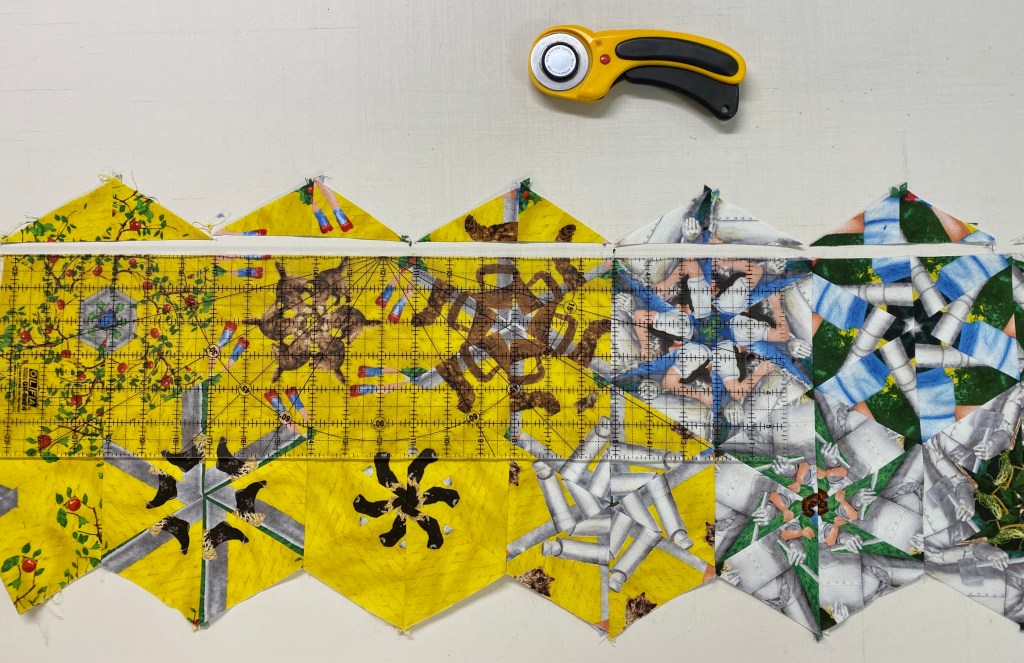
I decided to add the bottom section to panel first. I didn’t want to leave the points because they would cover up Toto, and I couldn’t have that, so I trimmed the top points only. I don’t trim the outside edges until the top is all stitched together.

Adding the bottom section allows me to line up and match the dogears of the rows on the right side.

Lining up the dogears

Pin and stitch the right side rows to the center section using a partial seam. I left a good 8 inches open to leave room for adjusting placement of the top section.

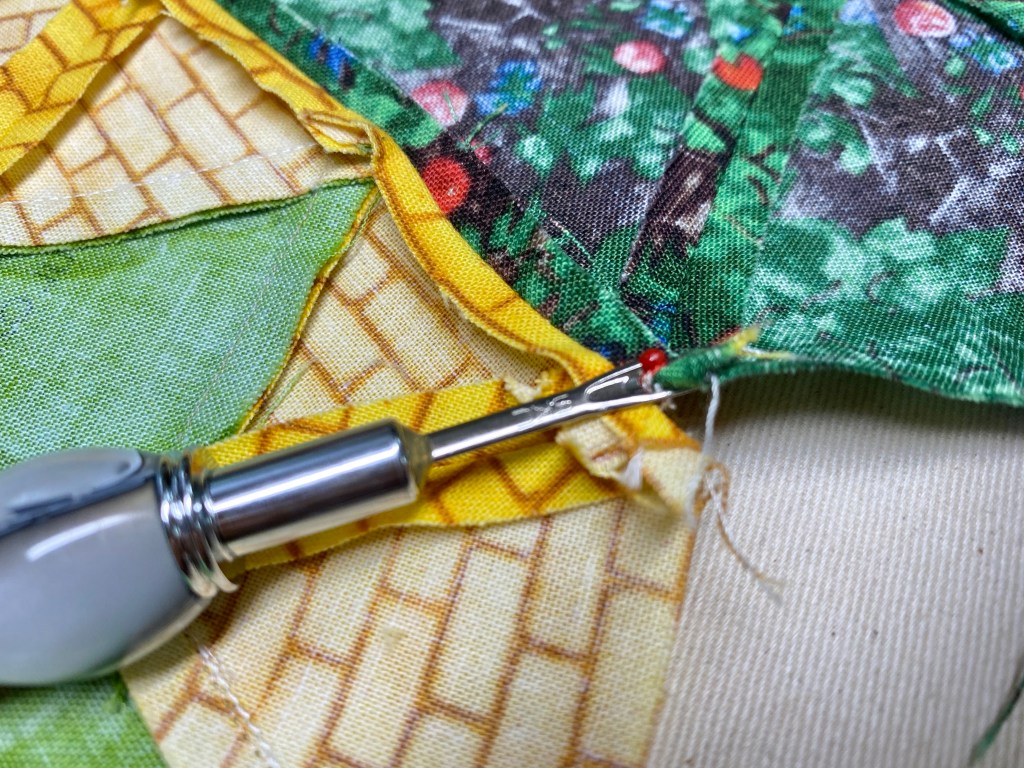
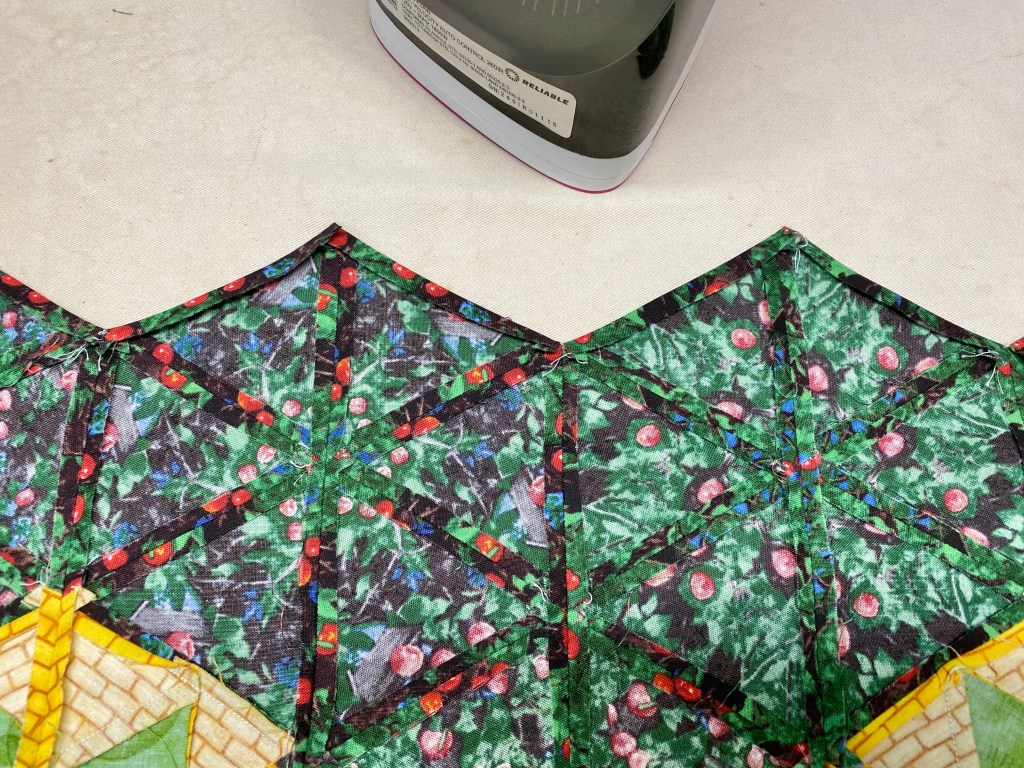
I decided to applique the top section to the panel by leaving the points on the bottom of the top section. I took stitches out about 1/4″ down between the valley of the blocks and pressed the edges under 1/4″.

Lay out the center and the partially stitched right side rows. Lay the top section next to right side rows, matching up the dogears. This will show you how far down the top section will overlap onto the panel.

Pin it well, assuring it is straight and top stitch the center to the panel. Now I’m able to finish the partial seam for the right side.

Adding the left is very easy now. Just match up the dogears and stitch together.

Once the rows are all joined, I trim the points off the top and the bottom of the quilt top. I added a border to the top. I’m thinking about adding a small black border.

Above is a closeup of the showing Glinda & the Emerald City whole Hexie. One more technique I wanted to share is making Half Hexagons. The Star 60 tool instructions have a chart for cutting Half Hexagons in 8 sizes. I thought about making a Half Hexie Braid for a border but my top was too busy.

Half Hexies Braid: I followed the cutting instructions for 1 1/2″ finished half hexies. I cut 3 different 2 1/4″ strips. In the chart locate the “Bottom Horizontal Line” for 1 1/2″ finished half hexie, which is the 4″ line. Place it on the bottom of the strip and cut both sides. Rotate the tool placing the 4″ line on the top and aligning the edge just cut.

Above, I laid out my half hexies alternating the 3 colors.

Pick up the first two right sides together, nudging the top half hexie 1/4″ from the point and stitch together. Press toward the first half hexie.

Add a third half hexie by centering it over the two stitched hexies.

Keep adding half hexies until you have the length you want. After the first two half hexies are stitched and pressed, the remaining half hexies are pressed toward the unit just added. I think this a cool inner or outer border that I will be using on another quilt.

Above are “Inside the Twister” and “Yellow Brick Road with a Twist”.

Anticipation

Brittany & Jonathon, this is for you in celebration & “anticipation” of the arrival of your daughter!

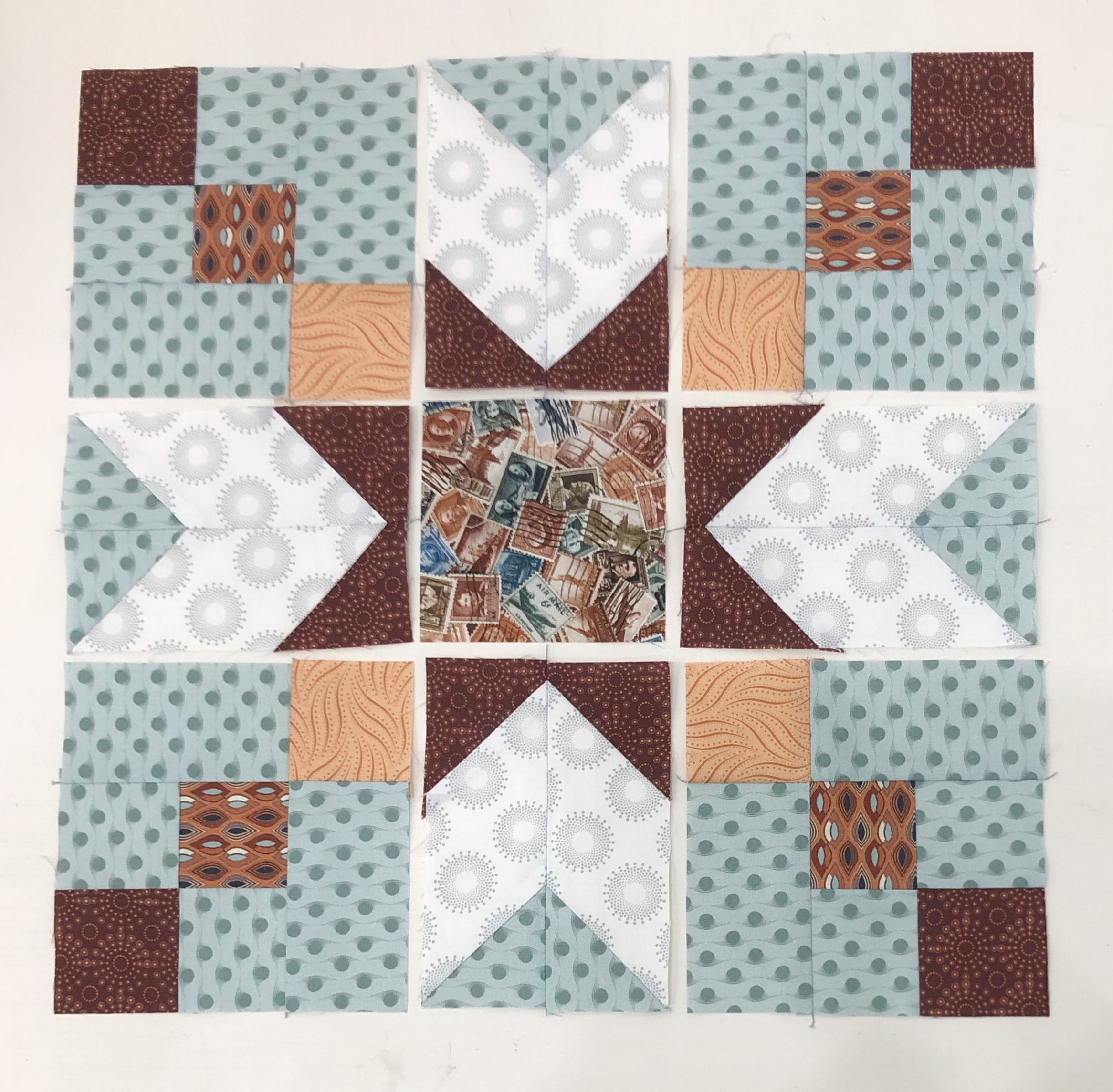
This is a Hunter Star Quilt from Deb Tucker’s Book “Hidden Treasures”.

Hidden Treasures offers over 30 projects to choose from.  Finished quilts are a generous lap size.  All the projects in this book are made using the Rapid Fire Hunter Star Petite tool.  This book is intended to be a design play book.  All the quilts are made using the 7” block size option, and the simplest two color variation where half the pieces are dark value and half are light value pieces. Each project requires 8 light & 8 dark fat quarters, plus border fabric.

Anticipation and the quilt shown above are from the layout called Curveball on page 30. I made the version above using a 5″ block to make a smaller version.

I have now made 3 layouts from Hidden Treasures. I would like to make them all! On the right is Autumn Twilight, page 66. On the left is Painted Desert on page 80.

Brittany, the quilt is on the way to you!

A Prickly Situation – OBW #76

Yes, I’m at it again! Actually I’ve had this panel cut out since last Fall. I love One Block Wonders (OBWs). Sometimes I add cubes to create design interest or just for fun. It occurred to me that Studio 180 Design has a new Star 60 tool.

You can use this tool to cut equilateral triangles easily, along with 60 degree diamonds and side triangles in 17 sizes to create a multitude of 60 degree designs.

I played with Star 60 and created kaleidoscope stars and this 48″ star. Light Bulb moment!!!! Instead of inserting cubes in my OBW, why not a star?

I usually have left over triangles when designing my OBW’s. I had equilateral triangles cut that had a dark edge that was larger than a 1/4″. I was thought it might not make a pretty hexie. These triangles had been cut from 3 3/4″ strips. I laid my Star 60 tool on the triangles and discovered I could cut 3″ diamonds from it. This allowed me to use these left over triangles in a different way.

Way cool! Now I needed side triangles for the star points. I checked the size chart for 3″ diamonds and cut the appropriate size strip,

I cut the side triangles for my diamond star points.

Lay out your units. Stitch the first side triangle to the diamond and press toward the diamond.

Stitch the opposite side triangle, press toward the side triangle. LOOK what you have! An equilateral triangle.

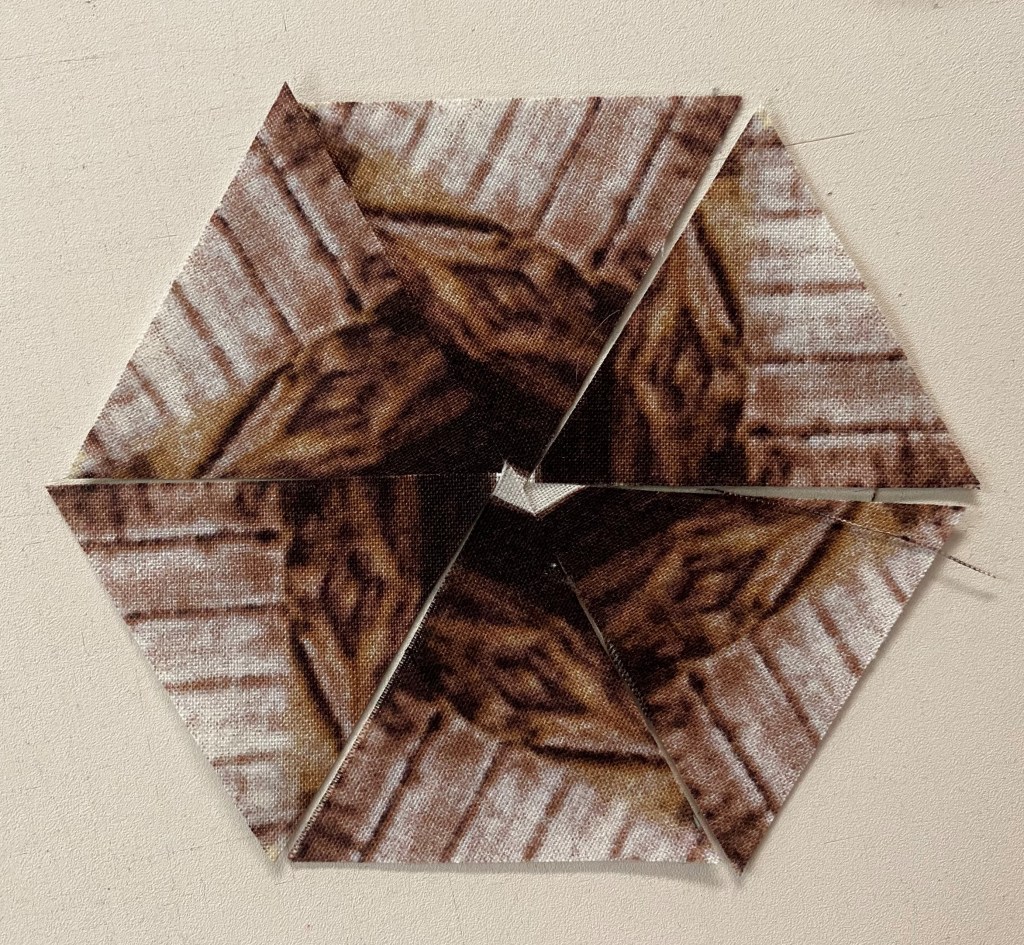
Stitch 3 triangles together, and then the other 3 together, press seams open as you would a regular hexagon.

I began designing around my panel. I had great fabric “Canvas” from Northcott. This rich colors worked so well with panel.

I have stitched my hexie’s into four sections to add to my panel. My hexies were cut from 3 3/4″ strips, which means they will finish as a 6″ hexagon. For 6″ hexies to fit evenly across the width this panel should measure 18″ or 24″ wide. This panel is less than 24″ wide.

I did not want to trim my panel to 18″ so I added enough fabric to the panel to bring it up to 24″ wide and would be evenly divisible by 6″. Now to hide the strip.

There are 9 & a 1/2 Star 60 hexie’s in this quilt. The Star 60 tool also made it easy to cut half & whole hexagons. I’ve just barley scratched the surface of cool 60 degree design’s that can be added to a One Block Wonder. You can download my hints for using panels in a OBW below: